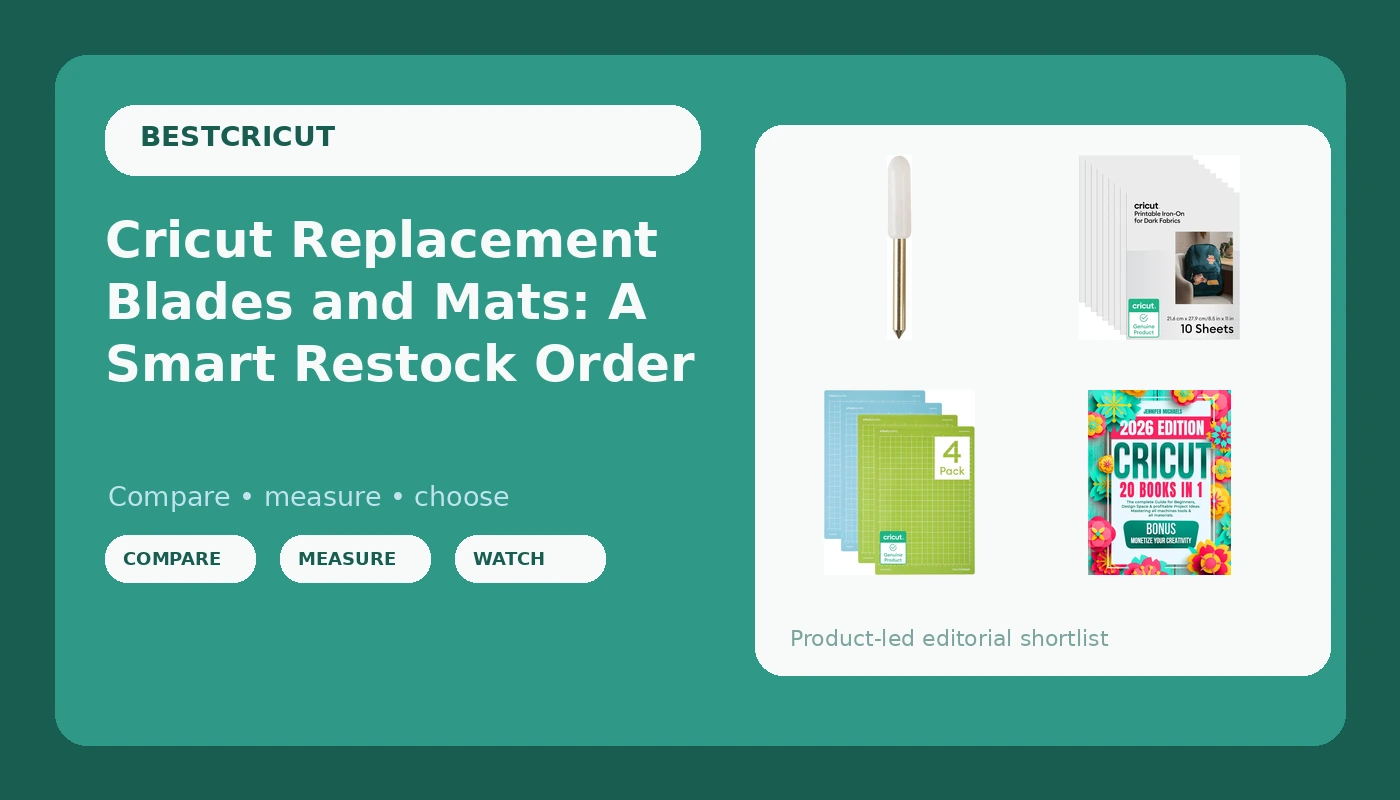
Your machine is probably fine. That is the least popular sentence in Cricut ownership, and it is usually true. When a cut comes out ragged, when vinyl tears instead of lifting cleanly, when a design shifts halfway through and the rest of the sheet is wasted, the culprit is almost never the hardware you already paid for. It is the blade that has been cutting for months longer than it should have, or the mat that quietly lost its grip several projects ago.
This guide is a restock list, not a machine shopping trip. It leads with Cricut replacement blades and mats because those are the two parts that wear out on a schedule no matter how carefully you cut. From there it covers the supplies worth keeping in the drawer: printable iron-on for dark fabrics, a card-making set with foil transfer inserts, a multi-pack of third-party blades for the Joy family, and one reference book for the software side of things. Everything here is a consumable, a supply, or a reference. Nothing here is a new machine, and nothing here requires a paid subscription to use.
Related: Cricut Blade Types and When to Swap Them
Quick answer
The Cricut Replacement Cutting Blades for Cutting Machines is the strongest fit for restoring cut quality on a machine that has started dragging, tearing, or leaving fuzzy edges because the blade is the first variable to check when a cut goes bad. Choose the Cricut Mat Variety Pack (4 Count, 8.5in x 12in) instead when the cut itself is still clean but the material keeps lifting, sliding, or shifting off the mat mid-project.
Cricut blades, mats, and materials worth comparing

Cricut Replacement Cutting Blades for Cutting Machines
Check current Amazon price
Brand-name replacement cutting blades sold for Cricut cutting machines. This is the simplest first swap when a machine that used to cut cleanly starts dragging, tearing, or leaving ragged edges on material that has not changed.
Visit on Amazon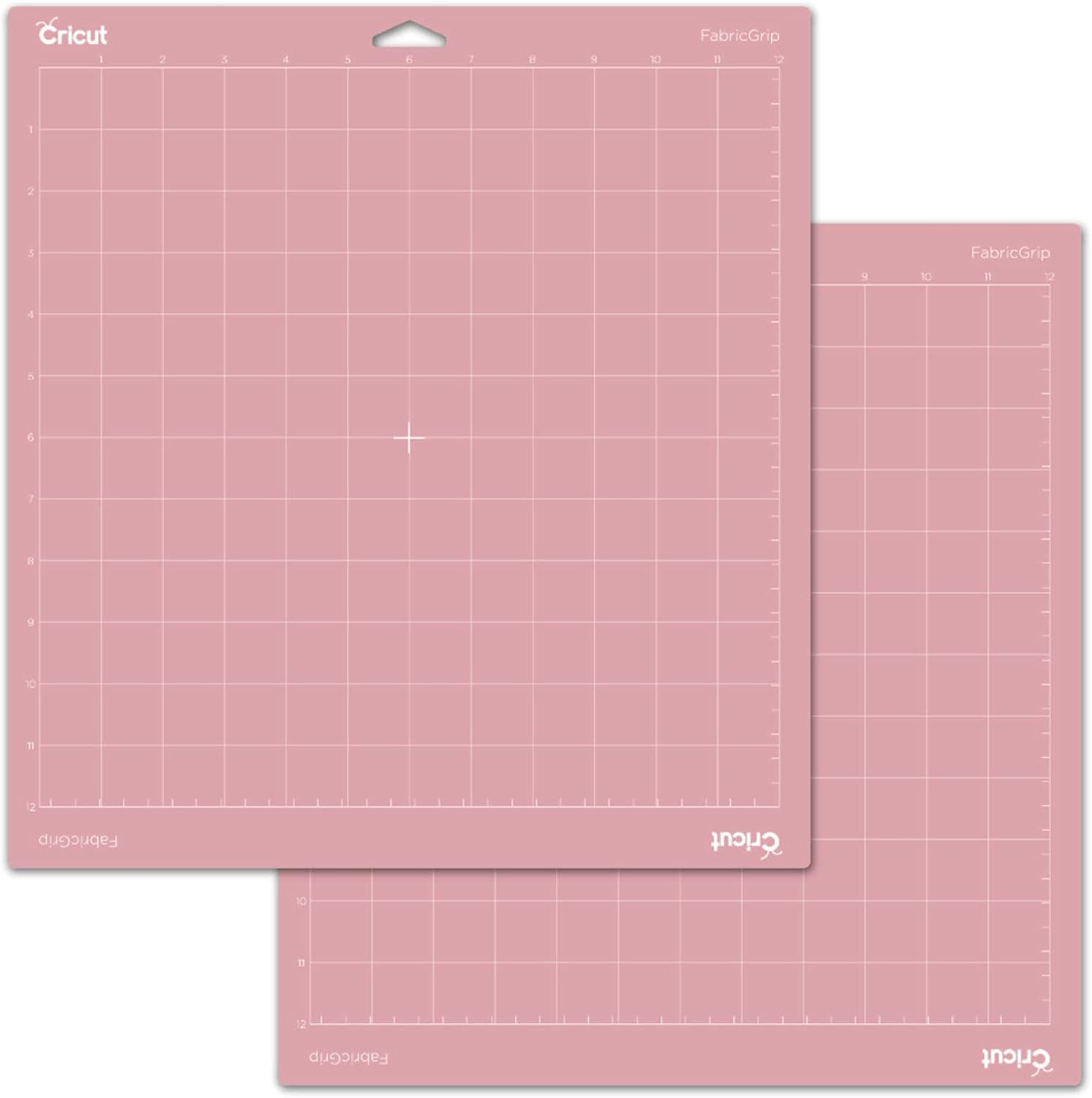
Cricut Printable Iron-On for Dark Fabrics, 10 sheets (8.5" x 11") - Print HTV Compatible with Inkjet Printers - For Joy Xtra, Explore, & Maker Machines
A 10-sheet pack of printable iron-on made for dark fabrics, in 8.5 by 11 inch sheets. It is designed to run through an inkjet printer and is listed for the Joy Xtra, Explore, and Maker machines, which makes it the print-then-cut option for full-color apparel and tote designs.
Visit on Amazon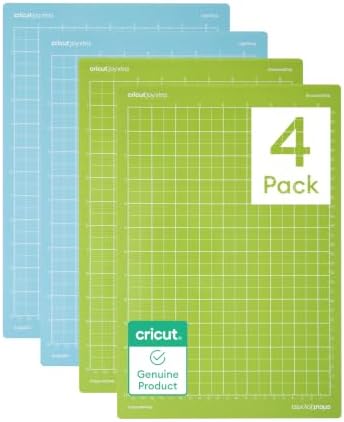
Cricut Mat Variety Pack (4 Count, 8.5in x 12in)
A four-count variety pack of 8.5 by 12 inch mats. Buying mats as a set instead of one at a time keeps more than one grip level on hand, so you can move between delicate paper and heavier material without scrubbing a single mat between every project.
Visit on Amazon
CRICUT: 20 books in 1: The complete Guide for Beginners, Design Space & profitable Project Ideas. Mastering all machines, tools & all materials. All you need really to know + "Wow" Bonuses & Tricks
A 20-in-1 reference for beginners that covers Design Space, the machine lineup, tools, and materials, with project ideas aimed at people who want to sell what they make. Useful when the software is the part slowing you down rather than the blade.
Visit on Amazon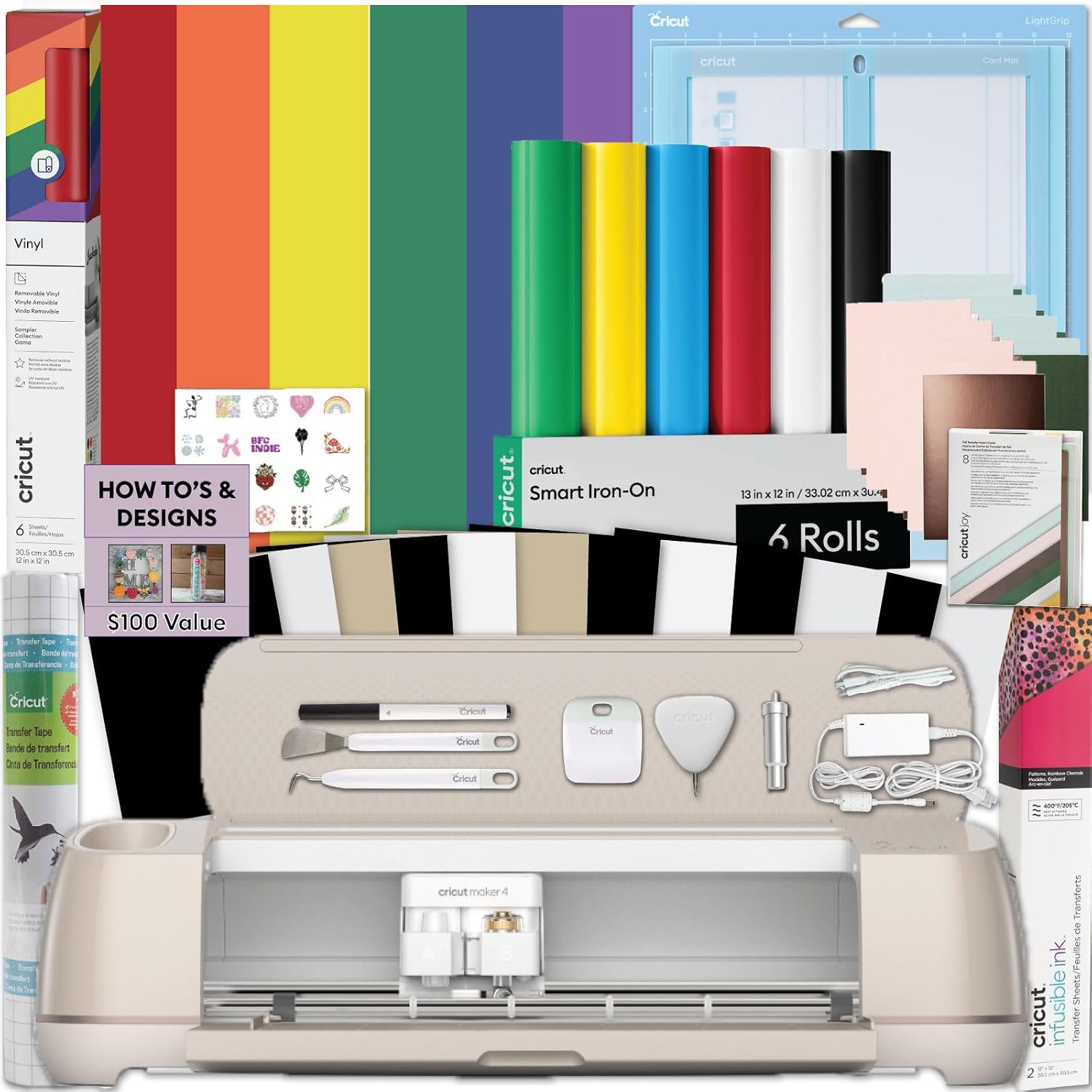
Cricut® Card Mat Cards, Inserts, Foil Transfer Inserts 2x2 (2ct)
A card-making set that bundles card mat cards, inserts, and foil transfer inserts in a 2x2 format, sold as a 2-count pack. It is the accessory-heavy side of the hobby, aimed at crafters who already own a card mat and want the inserts and foil pieces without buying each component separately.
Visit on Amazon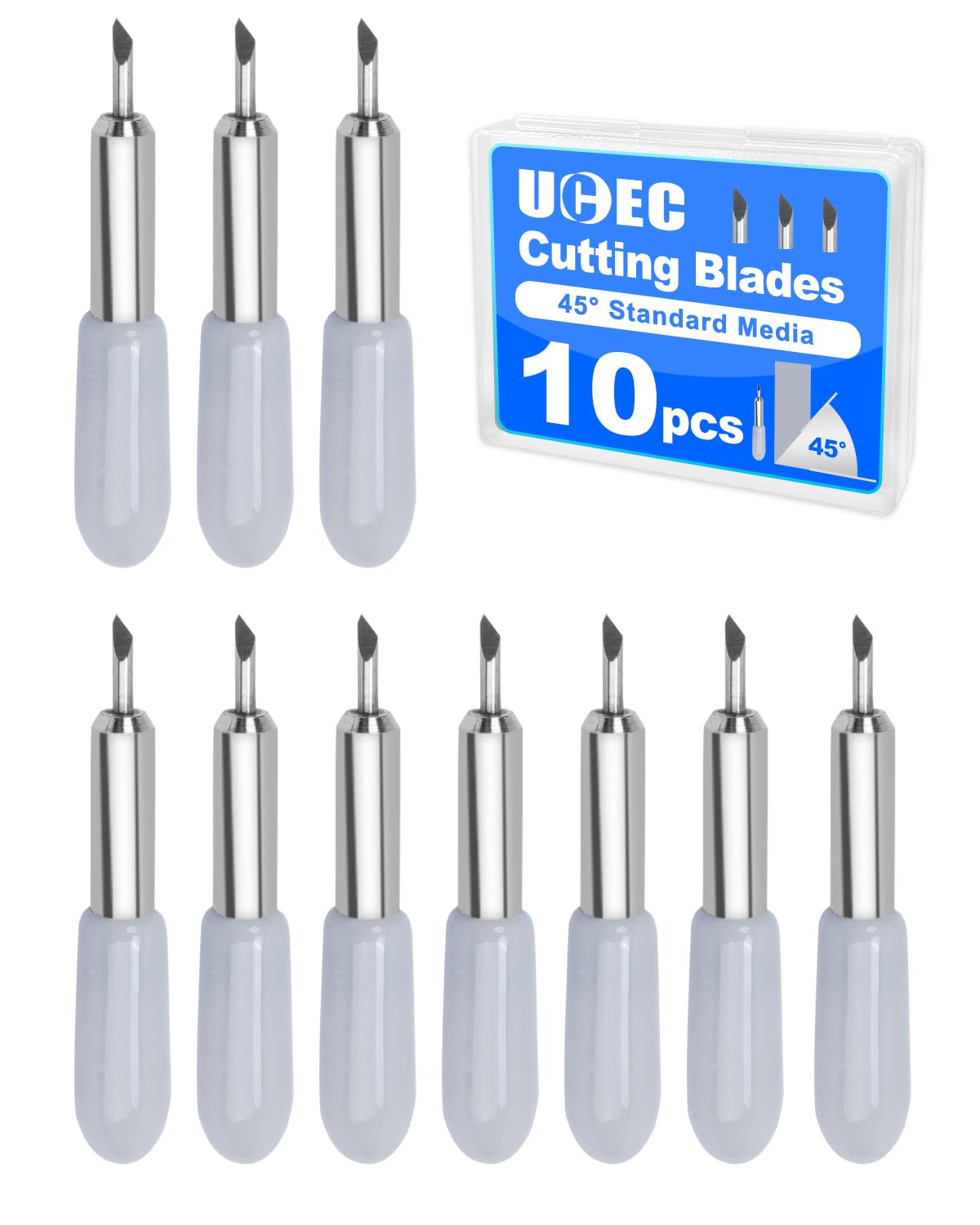
UCEC 10 PCS Cutter Blades Compatible with Cricut Joy/Joy 2/Joy Xtra for DIY
A 10-piece set of third-party cutter blades listed as compatible with the Cricut Joy, Joy 2, and Joy Xtra. This is the multi-pack route: more blades in one purchase, aimed at crafters who go through blades quickly on a Joy-family machine.
Visit on AmazonPrices and availability may change. Check the retailer for current details.
How these products were compared
This guide compares machine compatibility as stated in each listing, the material or format each item is built for, what you actually receive in the pack, whether the part is brand-name or third-party, and how often the item is likely to need replacing in normal use. Product names, images, and retailer links are matched by ASIN so that every card points to the product shown.
Nothing here is presented as instrumented lab testing. The distinctions come from product listings and from ordinary Cricut workflow: blades dull, mats lose tack, iron-on gets used up sheet by sheet. This article also does not print a current price anywhere, because accessory pricing moves constantly. Use the retailer link on any card to confirm current price, availability, and return terms before you buy.
How to choose the right Cricut consumable
Start with a diagnosis, not a purchase. If the cut itself is the problem, meaning the blade drags, tears, or leaves a fuzzy edge on material it used to handle cleanly, the blade is the variable to change first. If the cut is crisp but the design has shifted, or the material curled up and got chewed, the mat is the variable. Buying both at once is common, but only one of them is usually the actual fix, and knowing which saves you from a drawer full of half-used parts.
The second question is compatibility, and this is where most wasted money happens. The blade multi-pack in this roundup is listed for the Joy, Joy 2, and Joy Xtra, which is a different family of machines from the Explore and Maker line. The replacement cutting blades and the printable iron-on are the broader-fit items here, and the iron-on is specifically listed for the Joy Xtra, Explore, and Maker machines. Check the exact machine you own before you assume a part carries over, because a great deal on blades you cannot use is not a deal. If you are unsure which housing you are holding, the blade breakdown linked above walks through the common types before you spend anything.
Third, decide how you feel about brand-name versus third-party. Brand-name replacement blades are the convenience purchase: one listing, known fit, no guessing. Third-party multi-packs trade that certainty for quantity, and for a high-volume cutter that trade is often worth it. For materials, the calculus is the same. Cricut-brand iron-on, vinyl, and mats are priced for convenience rather than performance, and the printable iron-on here is the one place where staying in-brand genuinely simplifies things, because print-then-cut settings are tuned around it.
Finally, be honest about whether you are solving a problem or buying an accessory. A card-making set with foil transfer inserts is a lovely thing, and it is also useless if you do not own the card mat it is designed around. The reference book is the same category of decision: it solves a knowledge gap, not a hardware gap, and it is worth it only if Design Space is genuinely the part holding you back. Consumables you will use. Accessories you might not.
Cricut Replacement Cutting Blades for Cutting Machines
The Cricut Replacement Cutting Blades for Cutting Machines is the top pick here for a boring reason: it addresses the single most common cause of bad cuts, and it does so with the least guesswork. These are brand-name replacement blades sold for Cricut cutting machines, which means the fit is the one the machine was designed around and you are not cross-referencing a compatibility chart before you can finish a project. If your machine has been cutting well and has recently started misbehaving on the same material and the same settings, this is the part to change before you blame the machine, the file, or the software.
The trade-off is quantity and cost per blade. Brand-name blades sold in small replacement packs are the convenience option, and convenience is priced accordingly. Crafters who cut daily will go through them faster than the packaging implies, and that is exactly when a multi-pack starts to look smarter, provided the blades fit your machine family. For occasional cutters, the opposite is true: buying a large quantity of blades that sit in a drawer for two years is not savings, it is inventory.
One more honest caveat. A new blade will not fix a mat problem, a pressure setting that is wrong for the material, or a design that is simply too intricate for the size you are cutting. Swap the blade, run the same project again, and if the result is unchanged, the blade was not the issue and you now have a spare for when it is.
Alternatives to consider
The Cricut Mat Variety Pack (4 Count, 8.5in x 12in) is better suited to the crafter whose cuts are clean but whose material keeps lifting, sliding, or curling off the mat mid-pass. Mats are the consumable people replace least often and complain about most, and a four-count variety pack means you are not stuck scrubbing one mat between a delicate paper project and a heavier material. The UCEC 10 PCS Cutter Blades Compatible with Cricut Joy/Joy 2/Joy Xtra for DIY is a stronger fit when you own a Joy-family machine, cut often, and would rather buy blades in bulk than one small pack at a time. Check that compatibility line carefully, because those blades are not the same fit as the top pick.
The Cricut Printable Iron-On for Dark Fabrics, the Cricut Card Mat Cards, Inserts, Foil Transfer Inserts 2x2 (2ct), and the CRICUT: 20 books in 1 guide cover the other three gaps: full-color print-then-cut apparel and tote projects, card making with foil accents for crafters who already own a card mat, and software and project knowledge for beginners who want to sell what they make. None of them are replacements for blades or mats. They are the next layer once the machine is cutting reliably again.
Day-to-day use and maintenance
Blades are the part most people neglect and the part that most rewards attention. Keep spare housings on hand so you can swap rather than push a dull blade through one more sheet, and store blades with their caps on, both for edge protection and because they are genuinely sharp. If you cut a lot of one material, keep a blade dedicated to it rather than dragging the same edge through adhesive-backed vinyl and then through paper.
Mats need more care than the instructions suggest. Keep them covered when not in use so dust and lint do not settle into the adhesive, scrape residue off with a plastic scraper rather than your fingernail, and accept that a mat is a consumable with a finite life rather than a permanent tool. When a mat stops holding material through a full cut, replace it instead of increasing pressure to compensate, because extra pressure plus a slipping mat is how you get a torn project and a scored mat in the same pass.
For printable iron-on, the workflow matters more than the storage. Print on the correct side for the printer you own, let the ink set, and follow the material's own pressing guidance rather than improvising with an iron you have not checked. For foil transfer inserts and card-making components, keep the pieces in their original packaging so you can tell inserts apart at a glance. Blades and foil are the two things in this list that are easy to damage through careless handling, so treat both as sharp, small, and worth keeping away from children and pets.
Buying checklist
- Confirm your exact machine model, because Joy-family blades and Explore or Maker blades are not interchangeable.
- Choose the blade format based on how often you cut, not on the largest pack available.
- Confirm the pack contents before buying, especially on sets that bundle cards, inserts, and foil pieces.
- Match the material to the project: printable iron-on for dark fabrics is a different product from standard HTV.
- Read the care and storage guidance for mats and blades, since both degrade faster when stored badly.
- Verify the current retailer price, availability, and return terms through the product link rather than trusting an older listing.
Final recommendation
Choose the Cricut Replacement Cutting Blades for Cutting Machines when your machine has started cutting badly on material and settings that used to work, because the blade is the first thing to rule out and this is the least complicated way to rule it out. Choose the Cricut Mat Variety Pack (4 Count, 8.5in x 12in) when the cut is clean but the material will not stay put, and choose the third-party Joy-family blade multi-pack when you cut often on a Joy, Joy 2, or Joy Xtra and want blades in quantity.
Everything else on this list is optional, and that is the point. Printable iron-on, a card-making set, and a beginner's reference guide are worth buying when they match a project you have already planned, not because they were on sale. Restock the blades and the mats, keep the machine cutting the way it did on day one, and let the accessories earn their place in the drawer.