If you are shopping for a first cutting machine, the wall of Cricut listings gets confusing fast. Two different machines carry the Joy name, one of them ships with sticker paper and a card kit, the other ships with writable vinyl, and several vinyl and iron-on packs land in the same search results as if they were machines. Toss in a budget competitor and the question stops being which Cricut and becomes what do I actually need to cut. This guide sorts through the Cricut Joy cutting machine lineup, the Joy Xtra sticker bundle, and one compact alternative, then pairs each one with the material it was built to handle so you can buy once instead of buying twice.
Related: How to Pick Vinyl for Small Cutting Machines
Quick answer
The Cricut Joy Xtra Machine with Printable Sticker Paper and Card Kit Bundle is the strongest fit for sticker and card makers who want one box to cover the machine and the first several projects, because the bundle includes printable sticker paper, a card kit with pens and envelopes, cutting mats, tools, and materials. Choose the Cricut Joy Smart Cutting Machine Writable Vinyl Starter Kit instead when your main goal is writable vinyl labels and you would rather start with a tighter, more focused kit.
Cricut machines and vinyl cutters worth comparing
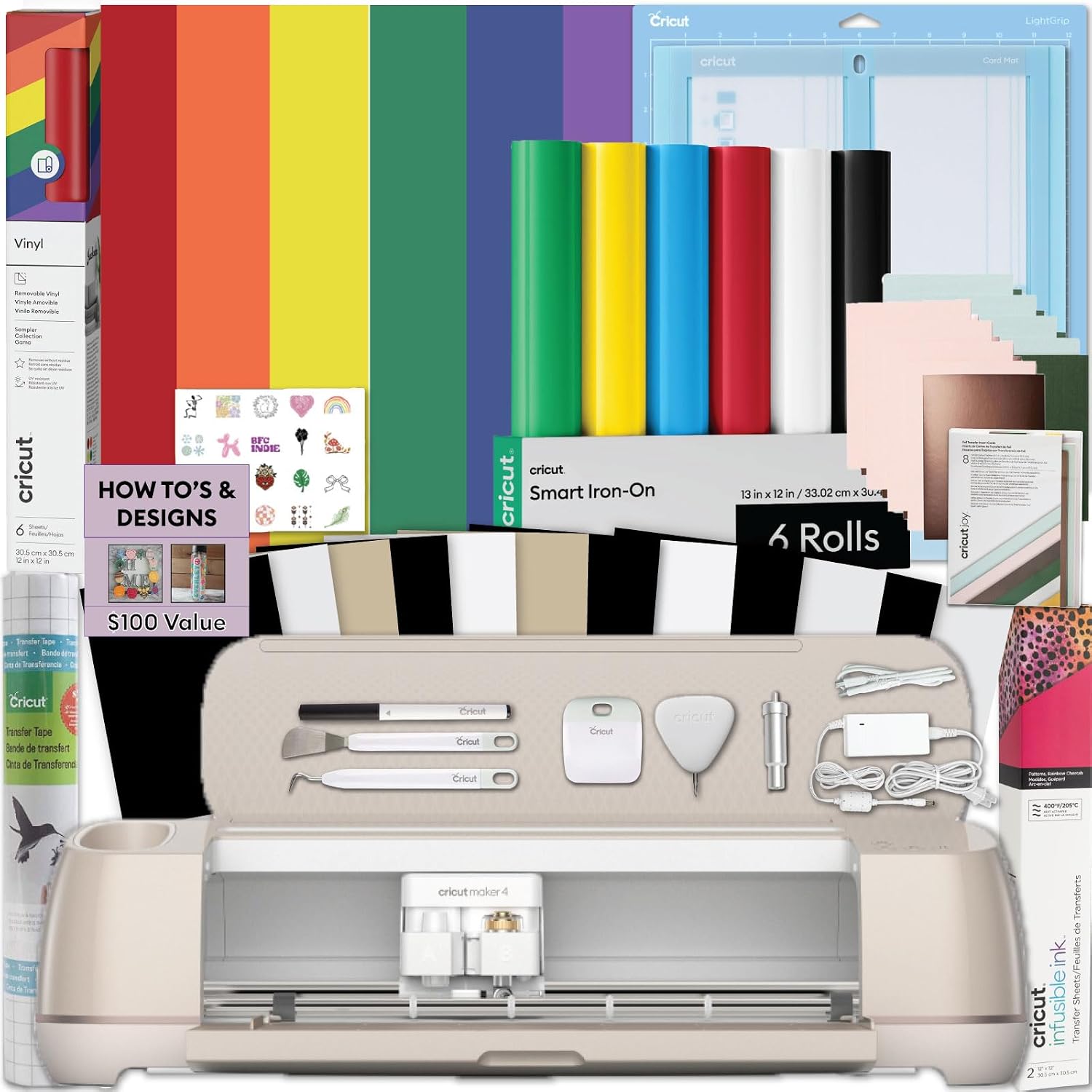
Cricut Joy Xtra Machine with Printable Sticker Paper and Card Kit Bundle - Sticker Making Set with Cutting Machine, DIY Greeting Cards with Pens and Envelopes, Craft Cutting Mats, Tools and Materials
A sticker and card making bundle built around the Joy Xtra cutting machine. The listing includes printable sticker paper, a card kit with pens and envelopes, cutting mats, tools, and materials, which makes it the most complete starting point in this group.
Visit on Amazon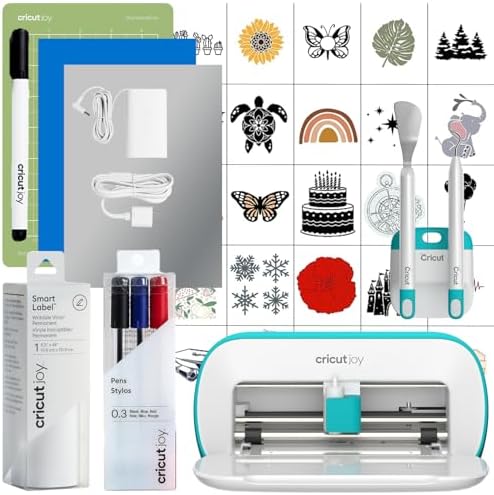
Cricut Joy Smart Cutting Machine | Writable Vinyl Starter Kit
The Joy smart cutting machine paired with a writable vinyl starter kit. Aimed at labels, simple decals, and projects where you want the machine to write as well as cut.
Visit on Amazon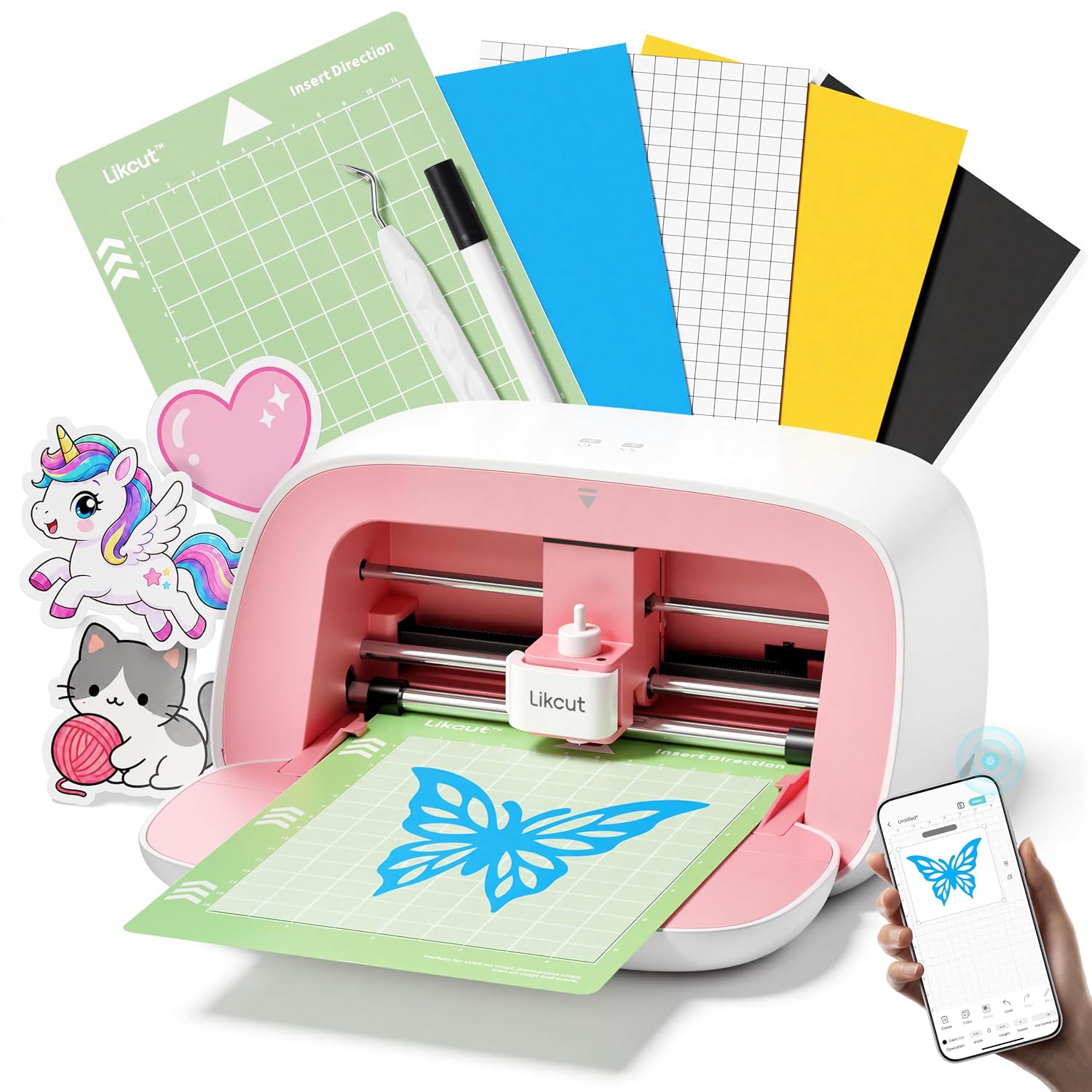
Likcut S501 Vinyl Cutter Machine, 4.5" Sticker & Cardstock Cutting, Pink
A compact pink vinyl cutter listed for 4.5 inch sticker and cardstock cutting. It is the budget alternative here, and it is a standalone machine rather than part of the Cricut ecosystem, so check the product page for its own software and material requirements.
Visit on Amazon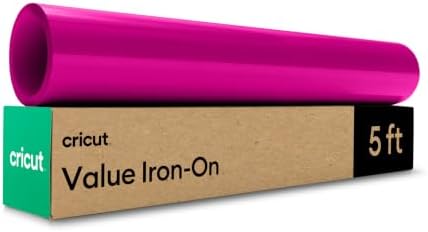
Cricut® Value Iron-On, White (12 in x 5 ft)
Cricut Value iron-on in white, sold as a 12 inch by 5 foot roll. This is the heat transfer material for fabric and apparel projects, not an adhesive vinyl.
Visit on Amazon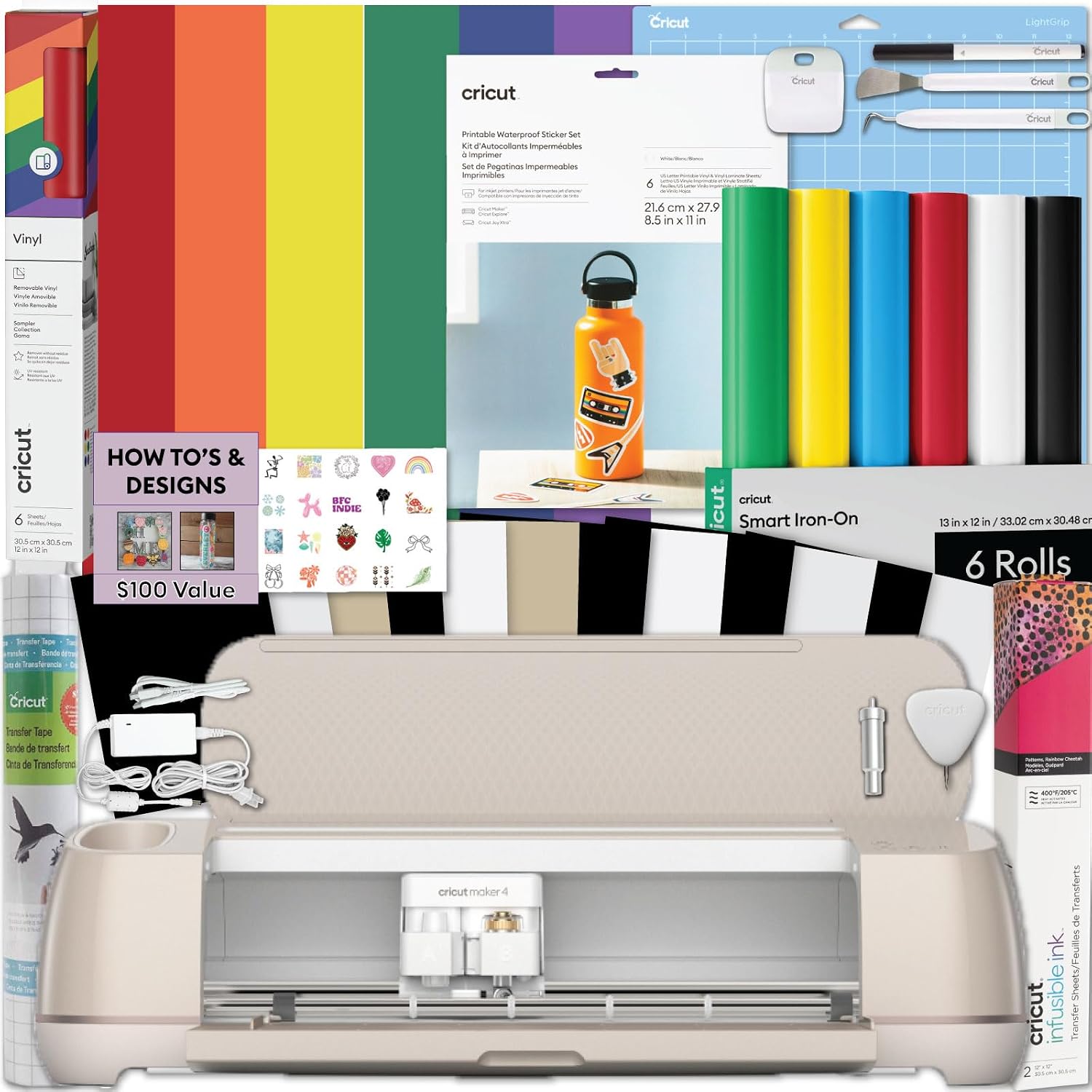
Cricut® Value Permanent Vinyl, White (12 in x 10 ft)
Cricut Value permanent vinyl in white, sold as a 12 inch by 10 foot roll. The everyday workhorse for decals, labels, and flat adhesive projects.
Visit on Amazon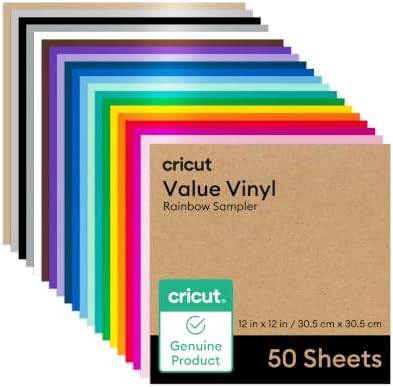
Cricut Value Permanent Vinyl-Rainbow Sampler (12in x 12in Sheets)
A rainbow sampler of Cricut Value permanent vinyl in 12 inch by 12 inch sheets. Useful when you want several colors to test with before committing to full rolls of one shade.
Visit on AmazonPrices and availability may change. Check the retailer for current details.
How these products were compared
This guide compares what each listing actually contains, which material each consumable is built for, the size and format stated in each product name, whether the item is reusable hardware or a supply you will keep replacing, and how the pieces would function together in a first setup.
The five criteria, in order. First, kit contents: a bare machine, a machine plus accessories, or a pack of materials. Second, material type: permanent adhesive vinyl, iron-on for fabric, or printable sticker paper and card stock. Third, the stated size and format, since a 12 inch by 12 inch sheet, a 12 inch by 10 foot roll, and a 4.5 inch cutting width are three very different jobs. Fourth, the role the item plays over time, because machines are bought once while vinyl, iron-on, and sticker paper get consumed. Fifth, the intended surface, meaning flat adhesive projects versus fabric versus paper crafts.
Product names, images, and retailer links are matched to the same product record so that every card points to the product shown. Nothing here is presented as hands-on testing, and no measurement or performance figure is claimed beyond what the listings state. Prices move constantly, so use the link in each card to confirm current price and availability.
How to choose the right cutting machine
Start with the project, not the machine. Most first-time buyers fall into one of three lanes. Flat adhesive work means decals, labels, mugs, tumblers, and wall signs, which points you toward permanent vinyl. Fabric work means shirts, tote bags, and aprons, which points you toward iron-on. Paper work means stickers, cards, and small paper crafts, which points you toward printable sticker paper and card stock. The machine is the same across all three lanes in most cases. The material is what changes, and the material is where your money keeps going.
Then decide whether you want a bundle or a bare machine. The Joy Xtra bundle throws in printable sticker paper, a card kit with pens and envelopes, cutting mats, tools, and materials, which means you can start cutting the day it arrives. The Joy Smart Cutting Machine Writable Vinyl Starter Kit pairs the machine with writable vinyl instead, which suits labels and handwriting-style projects. Buying a machine alone and sourcing materials separately is a legitimate path too, since the two Cricut Value rolls and the rainbow sampler in this roundup stand on their own. If you are still deciding what to feed the machine, this vinyl selection walkthrough covers the difference between adhesive vinyl and iron-on in more detail.
One cost that does not show up in any product listing is software. Cricut machines run through Design Space, and the paid subscription tier is a separate, ongoing expense that has nothing to do with how many cuts you make. Treat it as part of the purchase math rather than an afterthought. If you cut a small number of projects a year, the free tier and a handful of materials will carry you a long way, and you can revisit the subscription later once you know your actual volume.
Finally, be honest about width. A compact machine handles most labels, small decals, and card panels. If you already know you want to cut large shirt designs or wide signs, that preference should drive the machine choice, not the bundle discount.
Cricut Joy Xtra Machine with Printable Sticker Paper and Card Kit Bundle
This is the most heavily loaded listing in the group. It centers on the Joy Xtra cutting machine and adds printable sticker paper, a card kit with pens and envelopes, cutting mats, tools, and materials. In practical terms, that covers the two project types beginners most often start with: die cut stickers and handmade greeting cards. The pens and envelopes matter more than they look, because card making is one of the few crafts where the writing function earns its place rather than sitting unused in a drawer.
The reason it takes the top spot here is scope. A machine alone leaves you shopping for mats, blades, and material before you can make anything, and that second shopping trip is where a lot of first machines stall. This bundle collapses that step. You get a cutting machine, the sticky surface it needs, the tools for weeding, and two different paper-based project kits in one order.
The trade-off is focus. If your plan is shirts and tumblers, you are paying for sticker paper and card supplies you may never open, and you will still need to buy iron-on or permanent vinyl separately. It is also the largest upfront commitment in this roundup, and bundles like this are worth checking carefully at purchase time because the names are long and similar listings exist. Confirm the exact bundle contents on the product page before you order.
Alternatives to consider
The Cricut Joy Smart Cutting Machine Writable Vinyl Starter Kit is better suited to label makers and anyone who wants the machine to write on the material as well as cut it, while the Likcut S501 Vinyl Cutter Machine is a stronger fit when budget is the deciding factor and 4.5 inch sticker and cardstock cutting covers the size of your projects.
The Cricut® Value Permanent Vinyl, White (12 in x 10 ft), the Cricut® Value Iron-On, White (12 in x 5 ft), and the Cricut Value Permanent Vinyl-Rainbow Sampler (12in x 12in Sheets) cover the material side of the decision. The white permanent roll is the everyday option for decals and labels. The white iron-on is the fabric counterpart, meant for heat transfer rather than sticking to a smooth surface. The rainbow sampler is the low-commitment way to test colors on 12 inch by 12 inch sheets before you buy a full roll of any single shade.
There is a real argument for starting with a bare machine and one roll of material rather than a bundle. If you already know you only cut one thing, shirts or decals, the bundle extras are dead weight. The bundle wins when you are still figuring out what you enjoy making.
Day-to-day use and maintenance
Most cutting problems trace back to two consumables: the blade and the mat. Blades dull gradually, and a blade that is slightly past its best produces ragged edges and incomplete cuts that look like a machine fault. Keep a spare on hand and swap it when cuts start needing a second pass. Mats lose their grip over time, and a mat that no longer holds material flat will ruin an otherwise fine cut. Clean the mat when it picks up fuzz, keep the clear protective sheet on it between sessions, and accept that mats are a recurring cost rather than a one-time purchase.
Vinyl and iron-on storage matters more than most people expect. Rolls stored in heat or direct sun can misbehave when you unroll them, so keep them somewhere cool and flat. For iron-on, follow the temperature, pressure, and peel instructions that come with the specific product, and test on a scrap of the same fabric before you commit to a finished garment. Care instructions for the finished item, especially wash temperature and drying, come from the material manufacturer, so read those before the first wash.
A few habits keep a small cutter running smoothly. Cut a test shape when you switch to a new material rather than burning a full design on an unknown setting. Weed on a well lit surface, since small negative spaces are where beginners lose patience. Keep your designs organized somewhere you can find them, because rebuilding a file you already made is the most annoying way to spend an evening.
Buying checklist
- Measure the widest design you realistically expect to cut before choosing a machine format.
- Decide between a bundled kit and a bare machine plus separately purchased materials.
- Confirm the material type you need: permanent vinyl for flat surfaces, iron-on for fabric, sticker paper for paper crafts.
- Check that the listing you are buying is the exact bundle you want, since the product names are long and similar.
- Read the cleaning and maintenance instructions for the machine, the mat, and the material before first use.
- Verify current retailer price, availability, and return terms before ordering.
Final recommendation
Choose the Cricut Joy Xtra Machine with Printable Sticker Paper and Card Kit Bundle when you want one order that gets you cutting stickers and cards immediately, with mats, tools, and materials included. Choose the Cricut Joy Smart Cutting Machine Writable Vinyl Starter Kit when writable vinyl labels are the main event and you would rather not pay for paper craft supplies you will not use. Consider the Likcut S501 Vinyl Cutter Machine when a compact 4.5 inch cutter matches your project sizes and budget is the priority, keeping in mind that it is a separate ecosystem with its own software and material requirements to verify.
On the material side, the white permanent vinyl roll and the white iron-on roll are the two safest first purchases, one for flat surfaces and one for fabric. Add the rainbow sampler if you want to experiment with color without committing to full rolls. Whatever you pick, confirm the current price and what the bundle actually contains on the product page, because the difference between a good starter setup and a shelf full of unused supplies usually comes down to that one detail.