Buying a cutting machine is the easy part. Figuring out which one matches the work you actually do is where most people lose a weekend and a few hundred dollars. Someone cutting a couple dozen stickers a month does not need the same hardware as someone pressing HTV onto shirts, cutting cardstock for invitations, and running vinyl for a market booth sign. The best Cricut cutting machines sit in different places on that ladder, and the accessories around them matter just as much as the machine itself.
This guide covers the current Cricut lineup alongside the supporting gear that makes any of them usable: a wide-format plotter for long runs, a bulk vinyl pack that keeps the cost per cut down, and a scraper set for the bench. Everything below is compared on material range, cutting width, bundled content, and how much of the ecosystem you are realistically going to buy. If you only cut paper and vinyl, that changes the answer, and it is worth saying so up front.
Related: Cricut Maker 3 vs Maker 4: Which One Earns Its Price
Quick answer
The Cricut Maker 3 & Digital Content Library Bundle is the strongest fit for crafters who cut both vinyl and thicker materials because it is listed as cutting 300+ materials with 10X cutting force and 2X faster cutting, and the bundle adds 30 images in the Design Space app. Choose the Cricut Joy Machine & Digital Content Library Bundle instead when you want a compact machine for small, quick cuts and do not need the wider material range.
Cricut machines and cutting tools worth comparing
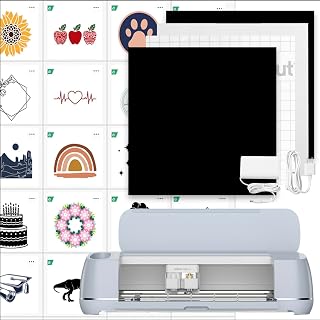
Cricut Maker 3 & Digital Content Library Bundle - Includes 30 Images in Design Space App - Smart Cutting Machine, 2X Faster & 10X Cutting Force, Cuts 300+ Materials, Blue, Leather,Vinyl
Check current Amazon price
The broadest machine in this roundup. It is listed as cutting 300+ materials, including leather and vinyl, with 2X faster cutting and 10X cutting force, and the bundle includes 30 images in the Design Space app. This is the one to buy if your project list keeps growing.
Visit on Amazon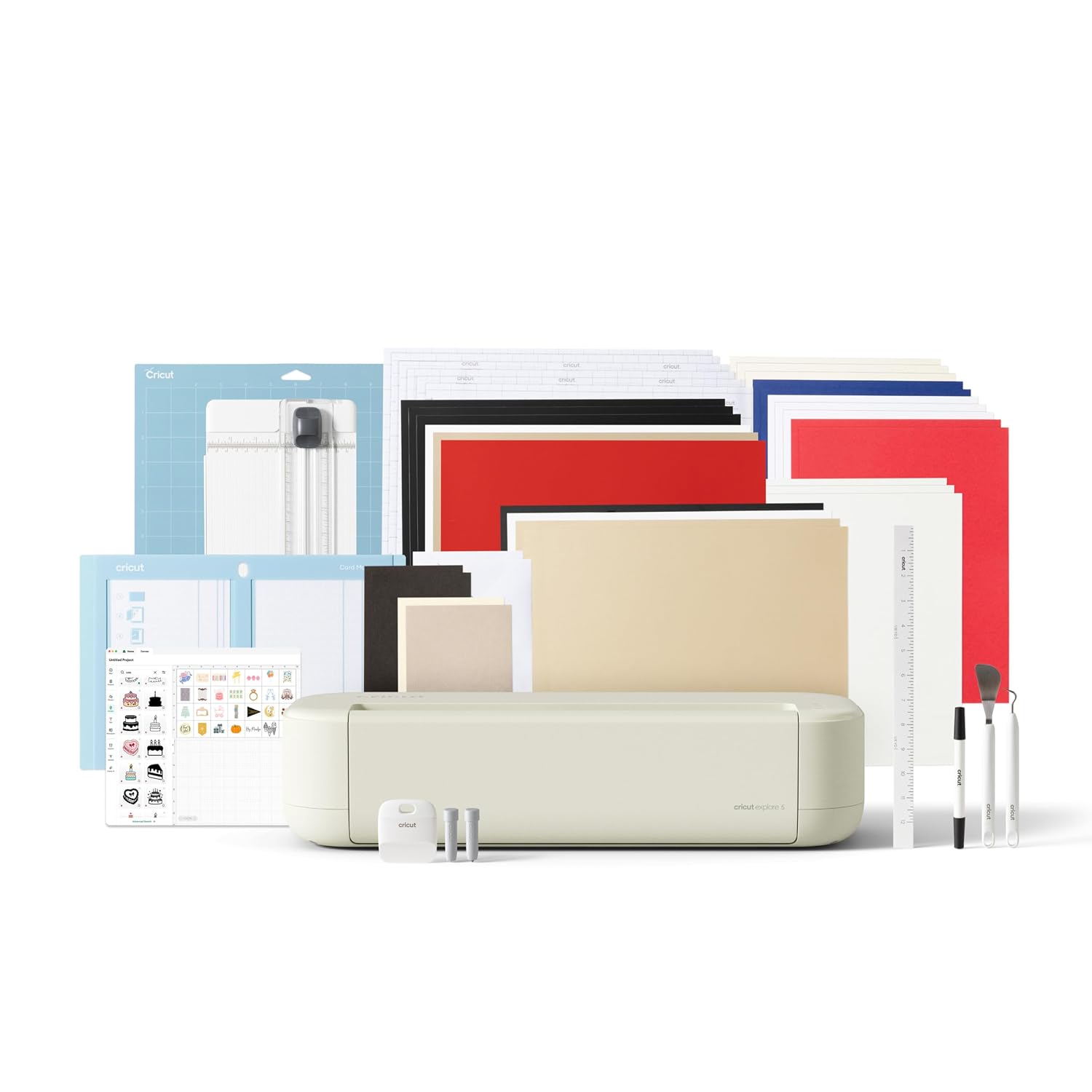
Cricut Joy Machine & Digital Content Library Bundle
The compact option here, sold with a digital content library bundle. Best for quick labels, cards, and short vinyl cuts where a full-size setup is more machine than the job needs.
Visit on Amazon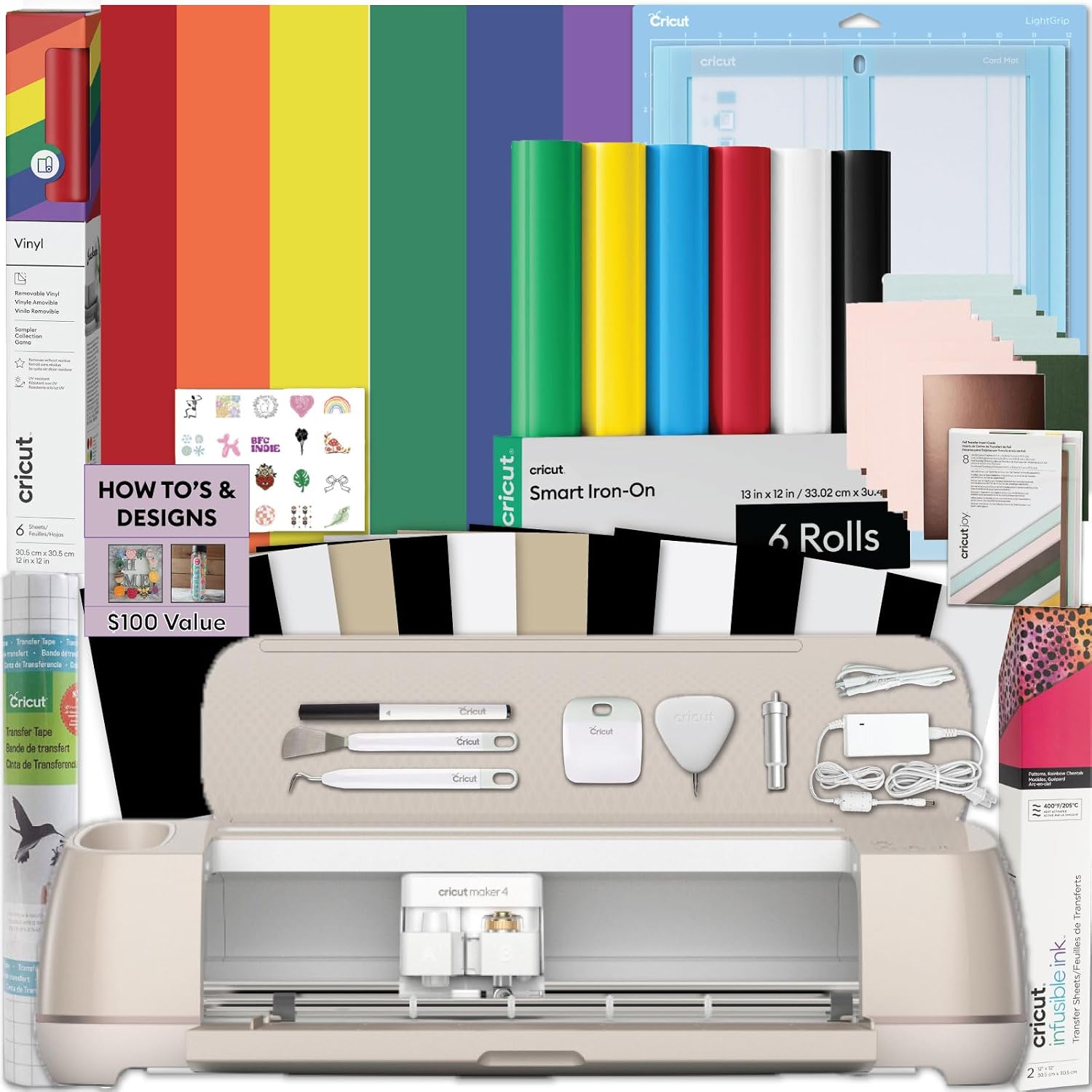
Cricut Maker 4 Card Making Bundle - Smart Cutting Machine with Card Mat, Card Inserts & Materials for Greeting Cards, Invitations & Paper Crafts
A paper-focused bundle built around cards. It ships with a card mat, card inserts, and materials aimed at greeting cards, invitations, and paper crafts, which means less add-on shopping if cards are your main product.
Visit on Amazon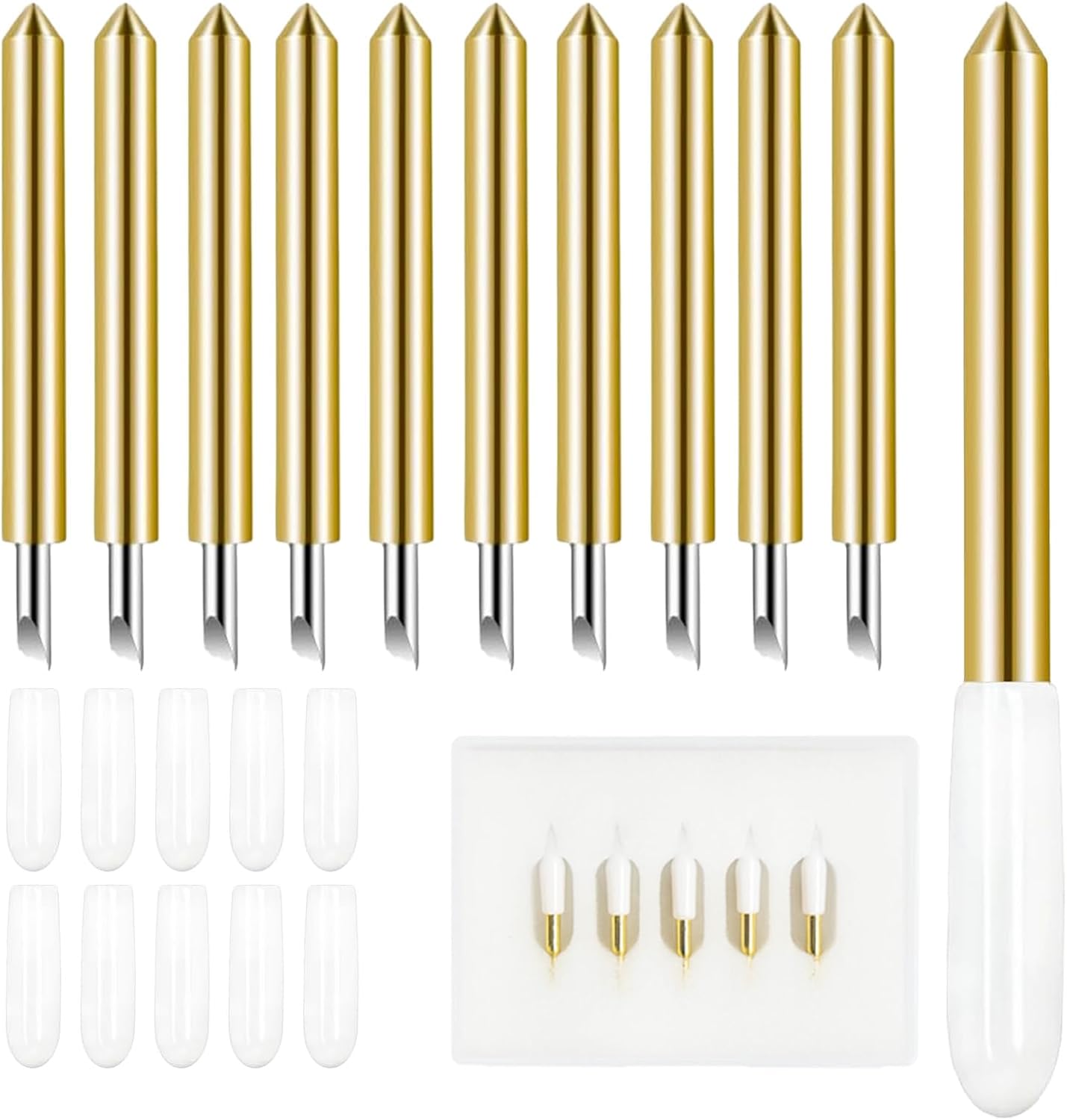
VEVOR Vinyl Cutter Machine Upgraded 28" Paper Feed Cutting Plotter Bundle
A 28 inch paper feed cutting plotter bundle. It takes wider stock than a desktop craft cutter, which is the reason to look at it: long runs, banners, and signage work rather than one-off craft pieces.
Visit on Amazon
HTVRONT Permanent Vinyl, 100 Pack, 12"x12", Compatible with Cricut Machine
One hundred 12 by 12 inch sheets of permanent vinyl, listed as compatible with Cricut machines. Bulk vinyl is how you stop treating every cut like it costs something, which matters when you are still dialing in pressure settings.
Visit on Amazon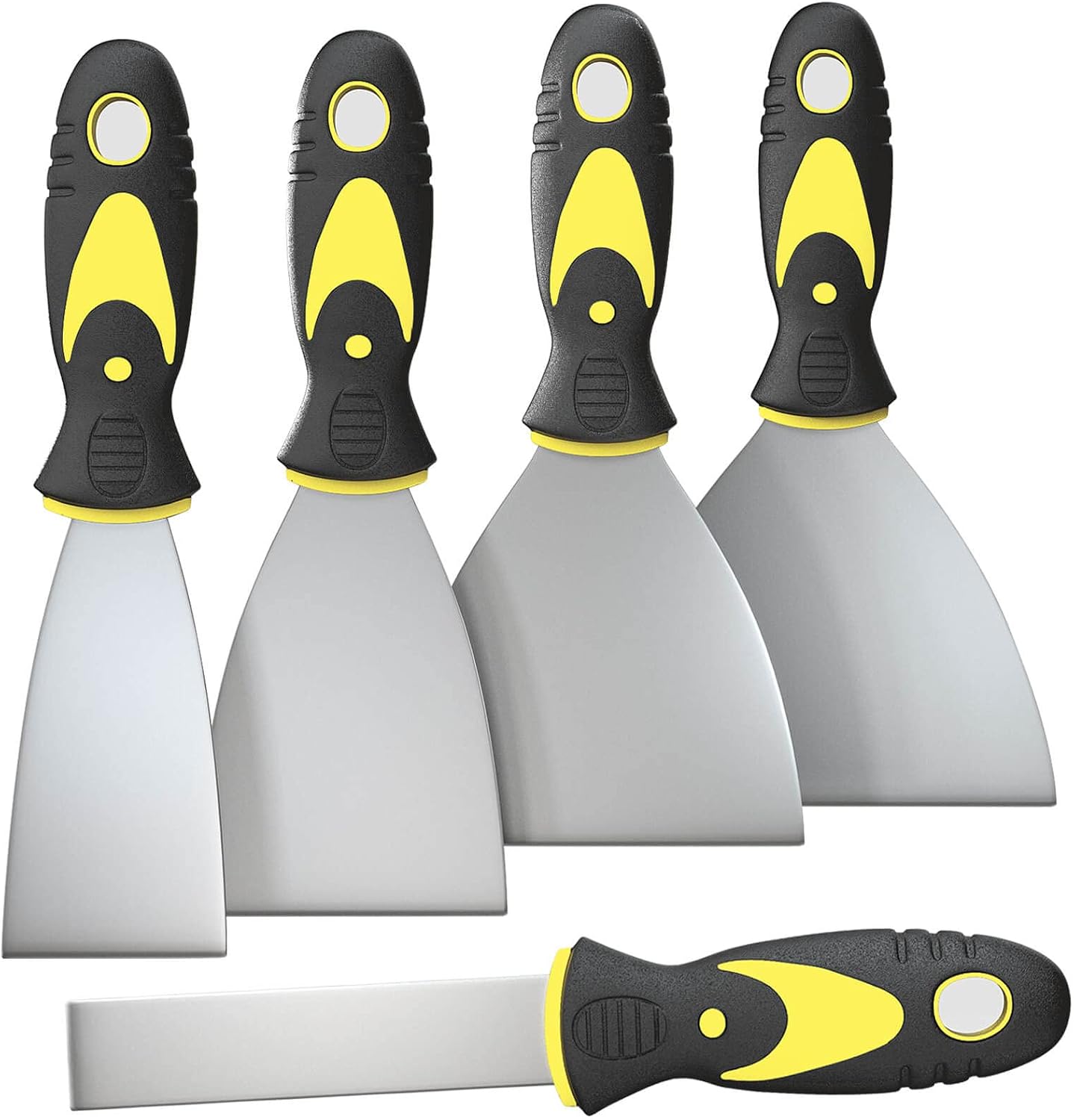
Rerdeim 5Pcs Putty Knife, Set, 1" 2" 3" 4" 5" Scraper, Spackle Knife, Paint Scraper, Scraper Tool, No Rusting, Perfect For Repairing Drywall, Removing Wallpaper, Mud, Plaster Scraping
A five-piece scraper set in 1, 2, 3, 4, and 5 inch sizes, listed for drywall repair, wallpaper removal, and scraping mud and plaster. Around a craft bench it covers scraping, spreading, and cleanup rather than cutting, and the narrow sizes get into tight spots.
Visit on AmazonPrices and availability may change. Check the retailer for current details.
How these products were compared
This guide compares material range, cutting width, bundled content and software, the tool ecosystem each machine belongs to, and how each item fits a working craft bench rather than a display shelf. Product names, images, and retailer links are matched by ASIN so that every card points to the product shown.
Nothing here is presented as a lab measurement or a long-term durability test. The comparisons come from the manufacturer descriptions and from the way these categories get used in a home studio: what you feed the machine, how wide that material can be, what comes in the box, and what you will still have to buy afterward. That last point is the one most buying guides skip, and it is usually the difference between a purchase you are happy with in month two and one you resent by month six.
How to choose the right cutting machine
Start with your material list, not with the machine. Vinyl and HTV are thin and forgiving, and almost anything with a blade will cut them. Cardstock, chipboard, leather, and balsa are a different job, and they need more cutting force and more passes. If your list is 90 percent vinyl and paper, you are paying for capacity you will never use by moving up the ladder. If you sell leather earrings or cut chipboard shapes, the extra force is the whole reason to spend more.
Width is the second question and the one people get wrong most often. A 12 inch mat is the standard craft size, which is why the bulk vinyl pack here is 12 by 12 inch sheets. If your work is banners, vehicle decals, or long runs of the same cut, a 28 inch paper feed plotter solves a problem no desktop craft cutter can, because you stop splicing and start feeding rolls. Two machines for two jobs is a real answer, not a cop-out, and it is usually cheaper than buying the biggest craft cutter and still coming up short.
The third question is what comes in the box. A bundle that includes a card mat, inserts, and paper is genuinely useful if cards are your product, because those are items you would have bought anyway. A digital content library is useful too, but read it carefully: bundled images are a one-time set, not a subscription. The subscription is a separate thing, it is where the ongoing money goes, and you should decide before purchase whether you want it. If you want a deeper look at how the two flagship machines compare, the linked breakdown goes through it model by model.
Cricut Maker 3 & Digital Content Library Bundle
The Maker 3 bundle earns the top spot because it is the machine that stops limiting your project list. It is listed as cutting 300+ materials, including leather and vinyl, with 2X faster cutting and 10X cutting force, and the bundle adds 30 images in the Design Space app. In practice that means the same machine handles a vinyl decal, a cardstock invitation, and a heavier material without you switching equipment or talking yourself out of a project because the cutter cannot handle it.
The trade-off is honest: this is the most expensive path in the roundup, and if you only ever cut vinyl, a large part of what you paid for sits unused. The force and material range are the justification, and if your list does not include anything thicker than vinyl or paper, that justification is thin. Consumables are the other part of the math. Blades dull, mats lose stickiness, and neither is included forever. Budget for replacements from the start rather than treating them as a surprise, and buy them third-party where you can.
Alternatives to consider
The Cricut Joy Machine & Digital Content Library Bundle is better suited to small, quick work, labels, cards, and short vinyl cuts, and it takes up far less bench space. The Cricut Maker 4 Card Making Bundle is a stronger fit when cards and paper crafts are the main event, since the card mat, inserts, and paper materials come with it and you are not assembling that kit piece by piece.
The VEVOR Vinyl Cutter Machine, the HTVRONT Permanent Vinyl pack, and the Rerdeim Putty Knife set cover the rest of a working bench. The plotter handles wide stock and long runs. The vinyl pack keeps your cost per cut low enough that you can test settings without flinching. The scraper set is not a cutting tool at all, and it is worth saying plainly: it is listed for scraping, spreading, and removal tasks, which makes it bench utility rather than craft hardware. Buy it for cleanup, not for cutting.
Day-to-day use and maintenance
Most problems people blame on the machine are blade or mat problems. A blade that has cut a few hundred feet of vinyl stops cutting cleanly, and the fix is a new blade, not a new machine. Keep a spare blade housing on hand so a dull blade does not end a work session. Mats are consumables too, and once stickiness drops off, the material shifts and your cuts wander. Wash a mat gently when it gets fuzzy, retire it when it stops holding, and do not pay full retail for replacements if a cheaper equivalent works.
Vinyl storage matters more than it sounds. Rolls and sheets that pick up dust or get crushed cut badly, and a flat storage bin for 12 by 12 sheets saves a lot of wasted material. Keep the plotter's feed area clean if you go the wide-format route, since grit on the roller shows up in the cut line. Software is the other maintenance item. Design Space updates can change how a saved project behaves, so export or screenshot settings you rely on for repeat products rather than trusting memory.
On safety, the basics are worth repeating. Blades are sharp, including the ones sitting loose in a drawer, so store them capped and keep fingers clear of the housing when you swap them. Scrapers and putty knives have edges too, and they should be stored so nobody grabs one by the blade.
Buying checklist
- Measure your bench and the widest material you plan to feed, then match the machine to that number.
- Choose cutting force and material range based on normal use rather than an occasional edge case.
- Confirm the exact bundle includes the mat, blade, card supplies, or digital content you are expecting.
- Read the cleaning and maintenance instructions for the machine and the mats before first use.
- Verify the current retailer price, availability, and return terms through the product link.
Final recommendation
Choose the Cricut Maker 3 & Digital Content Library Bundle when you cut a mix of vinyl, paper, and thicker materials and want one machine that covers all of it. Choose the Cricut Joy Machine & Digital Content Library Bundle when your work is small, quick, and mostly labels, cards, and short vinyl cuts, and you would rather keep the bench clear and the budget intact. If cards are the product, the card-focused bundle is the more sensible starting point. If width is the constraint, no craft cutter solves it and the plotter does. Buy the machine that matches the material you cut most, keep the consumables cheap, and skip everything else until a project actually demands it.