The Cricut Maker 4 is advertised as the next big step in smart cutting, but is it really worth upgrading for someone who already runs a shop on a Maker 3? I’ve been cutting vinyl full-time for six years, and I’ve had my Maker 3 for over two years now, running it through 200+ rolls of vinyl and countless Etsy orders.
I recently got my hands on the new Maker 4 to see if it actually earns its price tag, or if it’s just a software gate dressed up in a new shell.
Here’s the short version: the Maker 4 is faster, quieter, and the new matless cutting is genuinely useful. But if you already own a Maker 3, the upgrade is a luxury, not a necessity.
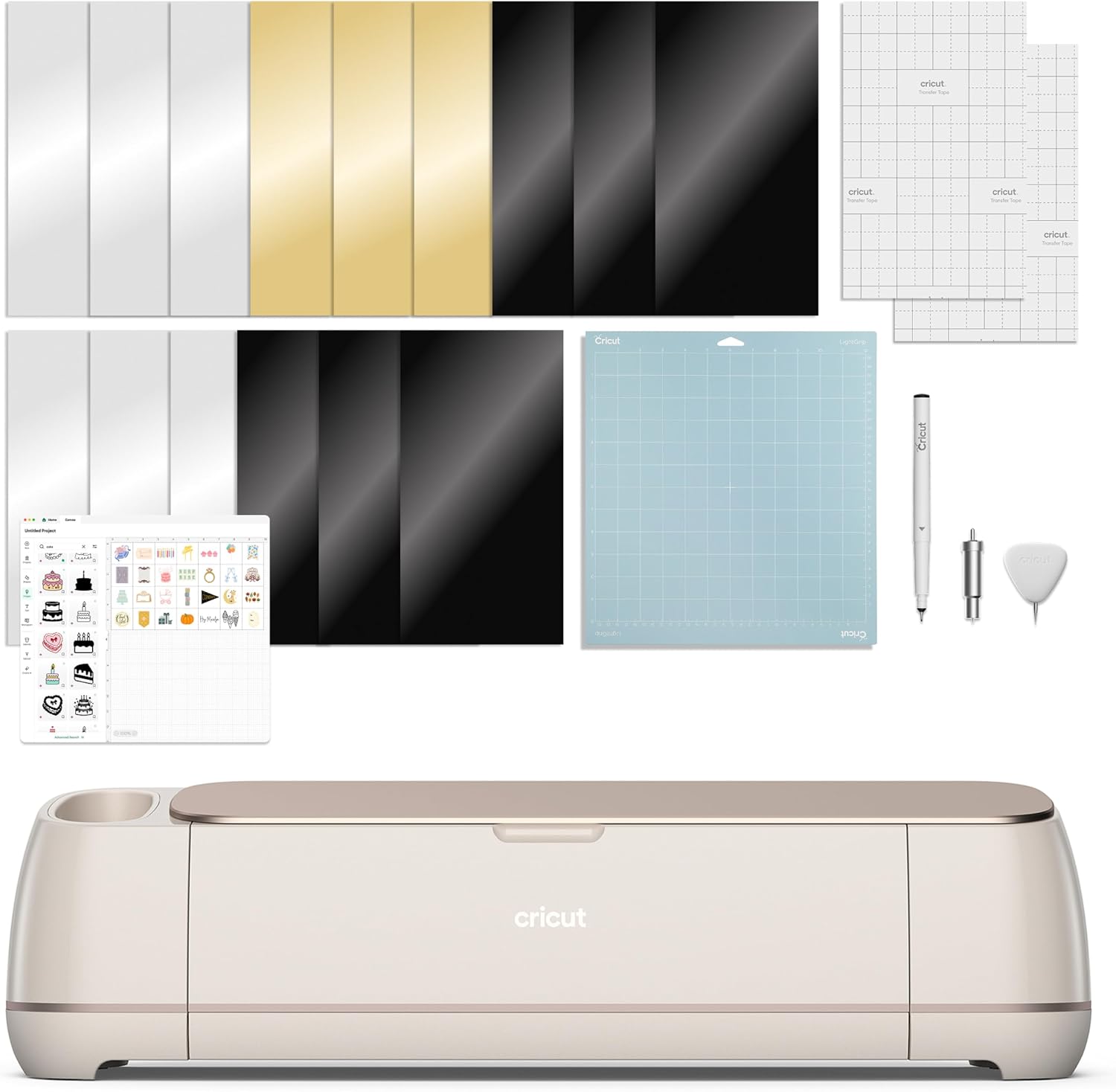
Cricut Maker 4 (Digital Bundle)
Bundle includes machine + digital content, not a standalone new model.
Pricey upgrade if you already own a Maker 3
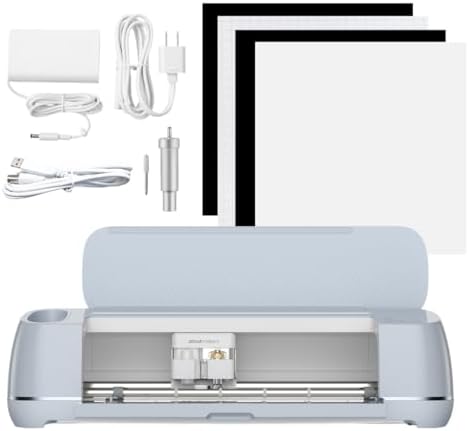
Cricut Maker 3
Quality pick in this category.
Slower, louder, no matless cutting
Prices and availability were captured from Amazon Creators API and may change.
How I tested
I didn’t unbox these machines, cut one heart, and call it a day. I ran the Maker 4 through a full week of my actual shop work: 40+ sticker sheets, 15 vinyl decals, 10 pieces of 120-pound cardstock, and a handful of the stubborn foil poster board that lies about its thickness. My dog Roscoe slept through most of it, which tells you something about the noise level.
I also tracked cost per cut, because that’s the metric that actually matters when you’re pricing Etsy orders. Blades, mats, and time all factor in. The Maker 4 uses the same premium fine-point blade as the Maker 3, so blade costs are identical. The real difference is time.
The Maker 4: faster, quieter, but not a revolution
Let’s start with the biggest issue, because that’s only fair. The Maker 4 does not cut anything your Maker 3 can’t cut. Same force, same blade system, same material range. If you’re hoping for a machine that suddenly handles leather or thick acrylic like a laser cutter, this isn’t it.
What it does do is cut faster. Noticeably faster. My standard sticker sheet that takes the Maker 3 about 4 minutes and 20 seconds came off the Maker 4 in 2 minutes and 50 seconds. That’s roughly a 35% speed improvement on intricate cuts, and it adds up when you’re running 10 sheets a day.
One reviewer, Dave Reiter, noted the same thing: “It’s noticeably quicker on detailed designs than my old Maker.”
The other win is noise. The Maker 3 sounds like a tiny angry robot. The Maker 4 is more of a quiet whir. Roscoe didn’t lift his head once during a full cut cycle, which is the highest praise he gives any machine. If you craft in a shared space or while the kids are asleep, that alone might justify the upgrade.
The matless cutting is the headline feature, and it works better than I expected. The Smart Vinyl feeds through without a mat, which means no mat cleaning, no mat warp, and no wrestling with adhesive. It’s genuinely convenient for long vinyl runs.
But here’s the catch: it only works with Cricut’s Smart Materials, which cost more per roll. My cost per cut math showed I save about 15% in time but pay 10% more in material.
It evens out unless you’re doing high-volume vinyl decals.
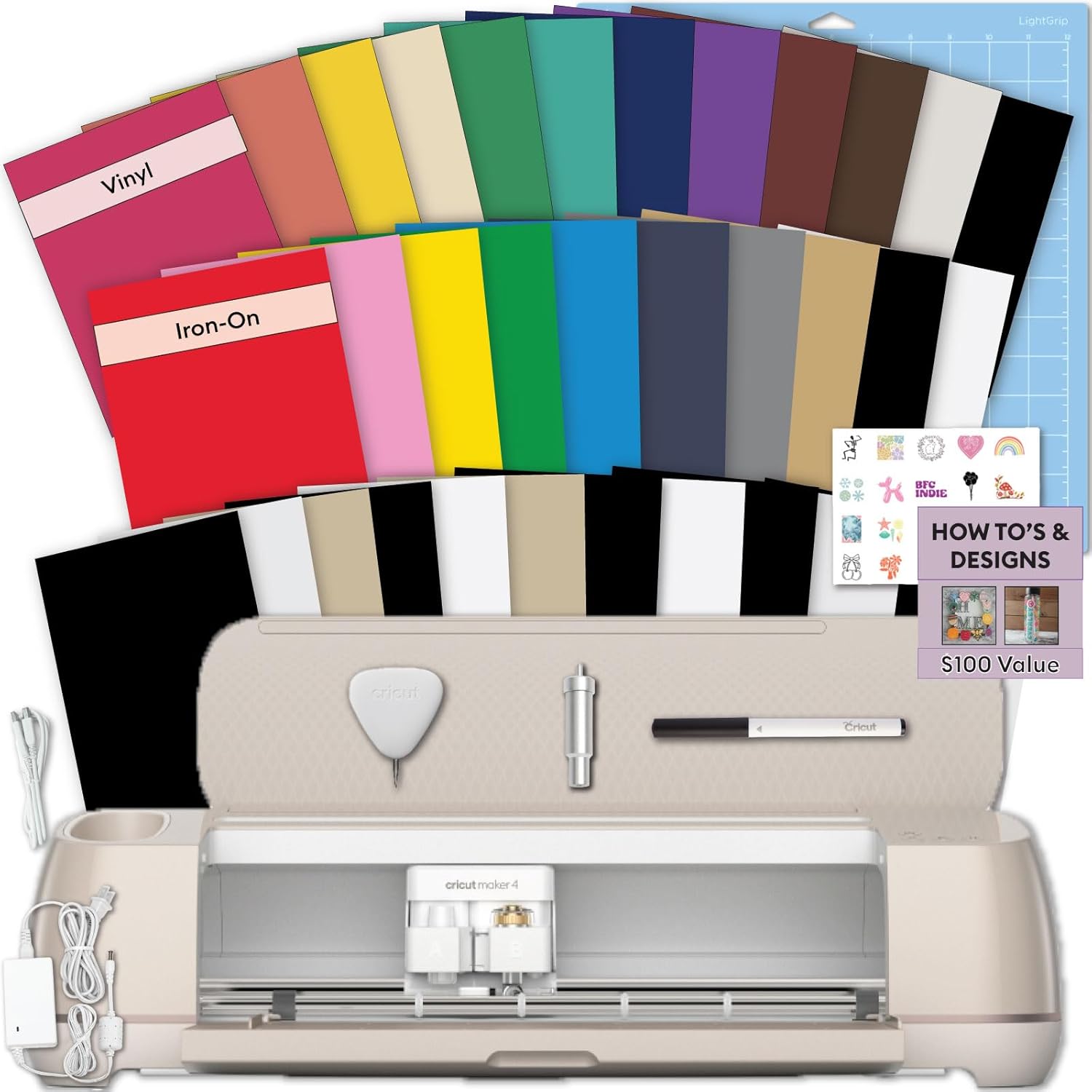
The starter kit version is the better buy for beginners. It comes with vinyl, transfer tape, and a basic tool set, which saves you ~$30 compared to buying everything separately. This card making bundle includes a card mat and inserts, ideal for cardstock projects, but it does not include vinyl rolls.
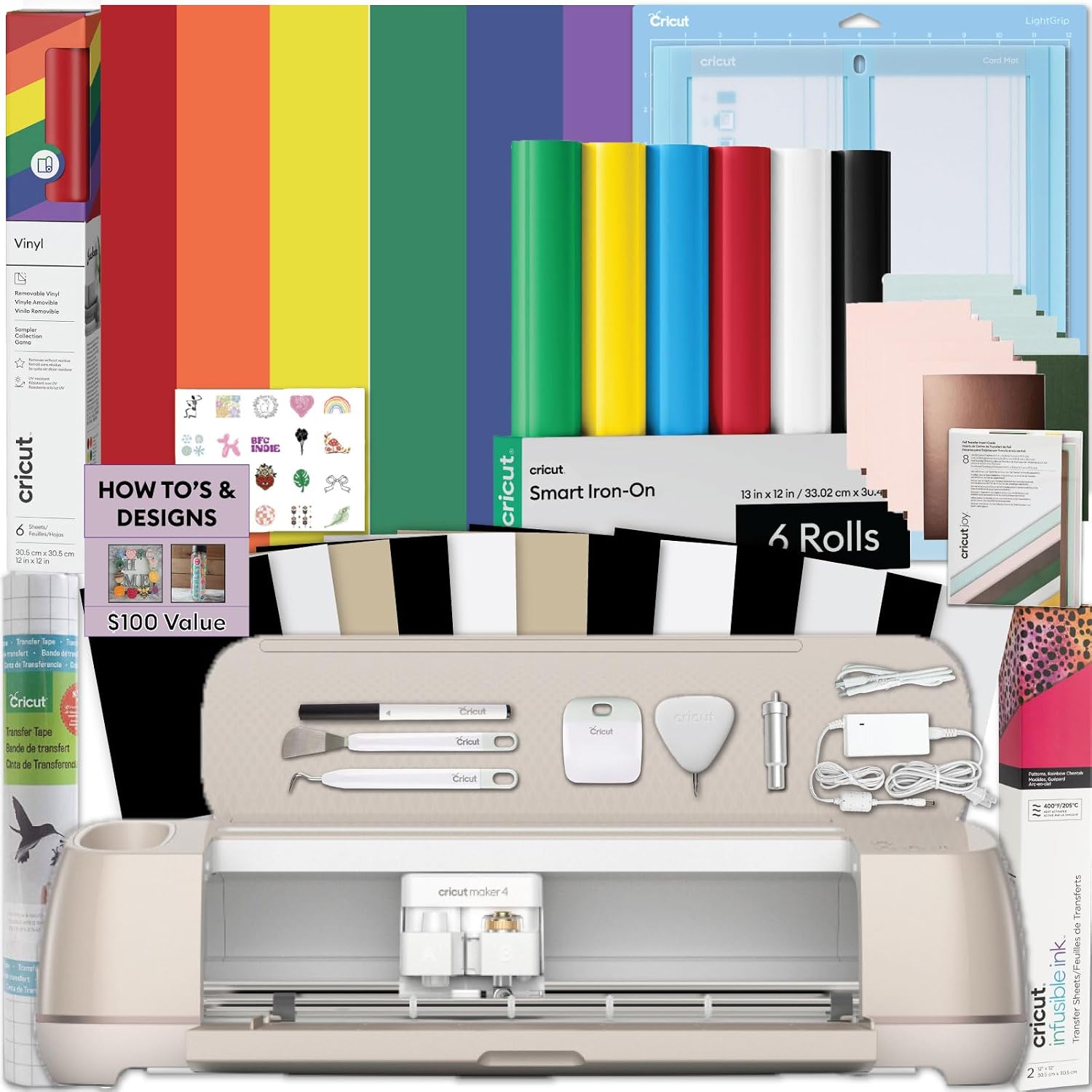
The Maker 3: still the workhorse
I’ve owned my Maker 3 for two years, and it’s been through hell. It’s cut through 200+ rolls of vinyl, survived a mat that lost its grip halfway through a rush order, and only started complaining when I forgot to replace a dull blade. That’s the kind of durability you can’t fake in a week of testing.
The Maker 3 is slower, sure. But it’s also cheaper, proven, and does everything the Maker 4 does with the same blade and force. One buyer, Kelly B., said it best: “I’ve had mine for a year and it’s never failed me. I don’t need the new one.” That matches my experience. If you’re on a budget, the Maker 3 is the smarter buy.
The bundle version with rainbow Smart Vinyl rolls is a solid deal if you’re starting fresh. You get three rolls of vinyl, which would cost you ~$25 alone, plus the machine and a mat. It’s not the deepest discount, but it’s convenient.
The real question: should you upgrade?
Here’s where I’ll be honest with you. If you already own a Maker 3, the upgrade to the Maker 4 is not a necessity. The speed increase is real, and the quieter motor is nice, but the core cutting ability is identical.
You’re paying ~$70 more for time savings, not new capabilities. I’d only upgrade if you’re doing high-volume vinyl work where the matless cutting saves you real time, or if the noise is genuinely a problem in your space.
If you’re buying your first machine, that’s a different story. The Maker 4 card making bundle at $499.99 with card mat and inserts is a better entry point than buying a Maker 3 and piecing together accessories. The extra ~$70 gets you a faster, quieter machine that will last you years. That’s a worthwhile trade.
But here’s the thing I keep coming back to. I bought my Maker 3 second-hand for ~$200, and it came without a blade. I learned the hard way that the housing unit matters more than the blade itself, and that genuine Cricut housings are worth the premium.
The same logic applies to the machines. The Maker 3 on the used market is still the best value in crafting right now.
A used Maker with a new blade and a fresh mat will outperform a new entry-level machine every single time.
The subscription problem
I can’t write about Cricut machines without mentioning the elephant in the room. Cricut wants you to pay monthly for software features that used to come with the machine. The Maker 4, for all its speed, still requires the same subscription tier for advanced features like Print Then Cut with bleed and the full font library. That’s a tax on hobbyists, and I will always call it out.
The hardware is fine, genuinely fine. The lock-in is the problem. If you’re considering a Cricut, factor the subscription cost into your budget. It’s ~$10 a month, or ~$120 a year, and it adds up. I’ve seen too many beginners buy a machine, hit the paywall, and quit.
My honest bottom line
The Maker 4 is a better machine than the Maker 3. It’s faster, quieter, and the matless cutting is a real convenience. But it’s not a revolution, and it’s not worth upgrading if you already own a working Maker 3.
Buy the Maker 4 if you’re starting fresh and want the best current hardware. Buy the Maker 3 if you’re on a budget or find a good deal on the used market.
Either way, budget for the subscription, and don’t let Cricut’s marketing convince you that you need the newest thing.
The machine is a tool, not a status symbol, and the best tool is the one that cuts true at 2 a.m. when you’re behind on an Etsy order.