Related: Cricut Blade Types Explained: Which Blade Cuts Which Material
I ran an Etsy sticker and vinyl shop for six years before I turned craft classes into the full-time job, and somewhere in there I cut through more than 200 rolls of vinyl. So when people ask me for a Cricut Maker 4 vs Cameo 5 answer, I know what they are actually asking: which machine will still be earning money on my desk in three years, and which one locks me into a subscription I did not budget for.
The four machines here cover the real spread of what a hobbyist or a small seller faces. Two are Cricut Maker 4 bundles that differ mainly in what comes in the box. One is the smallest machine in the Cricut lineup. One is the competitor that keeps showing up in the same search results. I own Cricut machines, I have cut on a borrowed competitor unit, and I keep a notebook of blade life, pressure settings, and which materials lie about their thickness. That notebook is the reason this article exists.
Here is the short version before the details: the machine is the cheap part. Blades, mats, and materials are the recurring bill, and Design Space is the subscription that never ends. Read every section with that in mind.
Best Overall: Cricut Maker 4 Smart Cutting Machine (Seashell) Engagement Bundle
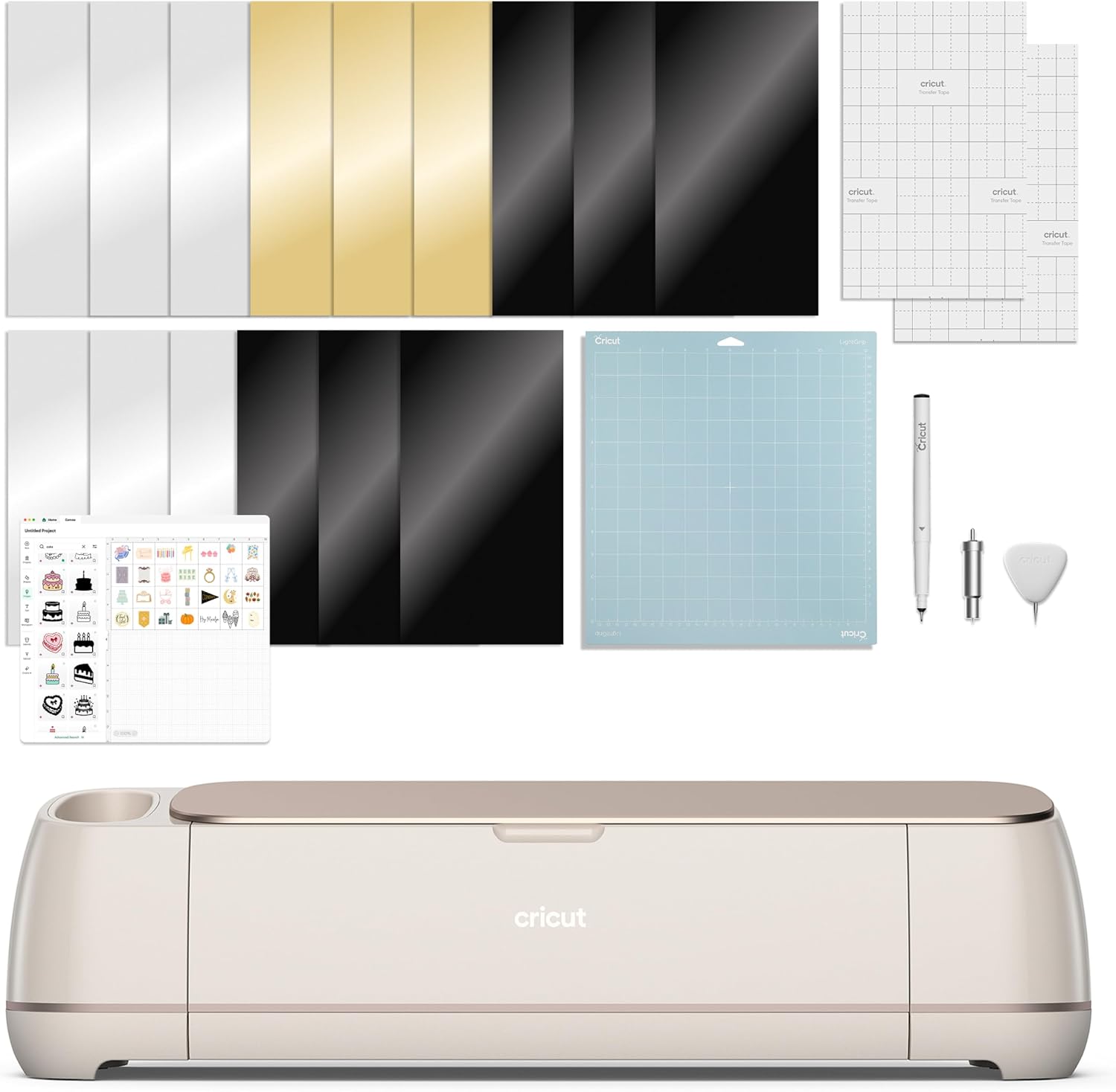
The Maker is genuinely good. I say that as someone who rolls her eyes at most of the Cricut catalog. The extra tool ecosystem is what separates it from everything below it in the lineup, and if you are the kind of crafter who already knows why you want a rotary blade or a scoring wheel, this is the machine you were going to buy anyway.
The honest caveat is the word "bundle." Cricut sells a machine once and then sells you materials forever, and bundles are where that second business gets a head start. The Engagement Bundle makes sense if you are buying for a couple, buying for a wedding-adjacent project, or you simply want the Seashell colorway and the extras that come with it. If none of that describes you, price the machine-only listing next to this one before you decide. Check current Amazon price, then ask yourself whether the extras are things you would have bought on purpose.
Who this is for: someone moving up from an older Explore, someone who cuts fabric or heavier materials, someone who wants the tool options available even if they only use two of them. Who it is not for: the person making 40 stickers a month who will never touch a specialty blade housing.
Best for Beginners: Cricut Joy Xtra Smart Cutting Machine Ultimate Starter Bundle
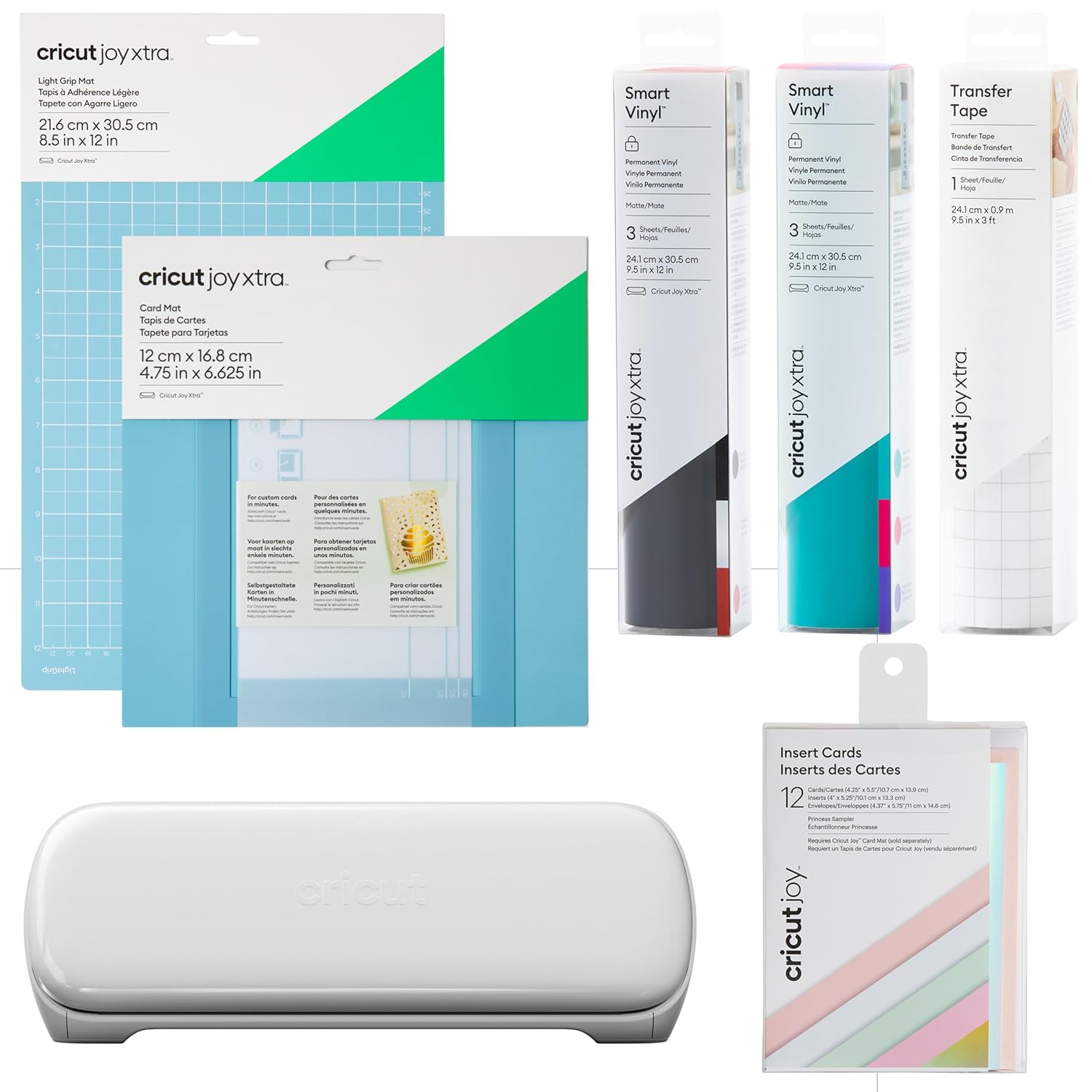
If you only want to cut 50 stickers a year, buy the cheapest machine that fits your project size and never open Design Space's paid tier. For a lot of people, that machine is the Joy Xtra.
It is the smallest footprint in this group, which matters more than beginners expect. Cutting machines live on a desk, and a machine that fits on the desk gets used. A machine that needs a dedicated table gets covered in mail. The Joy Xtra handles the everyday work: stickers, cards, labels, small decals, the stuff that actually gets made in a normal week.
The tradeoff is range. It is not built for the heavier end of the material spectrum, so if your plan involves fabric, leather, or thick chipboard, this is the wrong shelf. The Starter Bundle softens the entry cost by putting the first tools and materials in the box, which is exactly what a beginner needs on day one and exactly what a beginner stops needing by month three. That is fine. You are buying your way past the first confusing week.
One more thing for beginners: the mat is a consumable. It will lose stickiness. That is not a defect, it is the design. Budget for replacements and buy third-party mats, because I have never noticed a difference worth the brand markup.
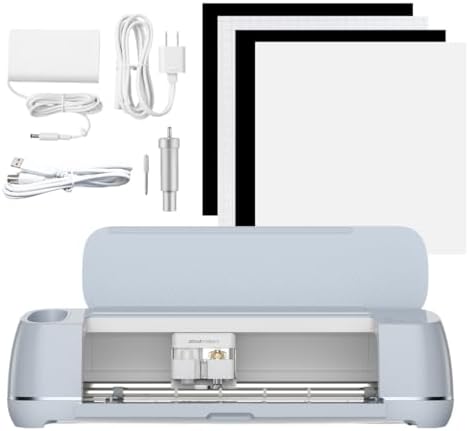
Best for Sticker Sellers: Cricut Maker 4 Ultimate Beginner Sticker Making Bundle
This is the bundle I would point at someone who says the words "small business" out loud. It pairs the Maker 4 with waterproof sticker paper and vinyl, which tells you the whole intended workflow: print then cut sticker sheets, kiss cut them, weed them, bag them, ship them.
The kiss cut versus die cut distinction is the thing that trips up every new sticker seller. A kiss cut goes through the sticker paper and leaves the backing intact so the sheet stays together. A die cut goes all the way through. You need both in your life, and you need a machine that holds registration well enough that the cut lines land where the printed lines are. Print then cut accuracy is the single most important spec for a sticker shop, and it is also the one nobody puts in the listing. Calibrate it, then calibrate it again, then write down what worked.
The waterproof part matters if you are selling to people who put stickers on water bottles and laptops, which is to say all of them. Waterproof sticker paper and a decent laminate are the difference between a five-star review and a message about a smeared sticker three weeks later.
If you already own a Maker and just want the sticker supplies, buy the supplies. The bundle value depends entirely on how much of the included material you will actually run through the machine.
Best Non-Cricut Pick: Silhouette America Cameo 5 Alpha
I am not here to start a brand war. Hardware-wise, the other brands caught up a long time ago, and the Cameo 5 Alpha is a real machine with real advantages. It is quiet, the AutoBlade handles blade depth without you swapping housings, and it lists vinyl, paper, and fabric compatibility right in the name. If you want print and cut without living inside Cricut's software, this is the machine that does it.
The reason I still hand beginners a Cricut is not the hardware. It is the community. Cricut's tutorial ecosystem is the moat. When something goes wrong at 11 p.m. and your cut is drifting two millimeters, there are four hundred videos of someone solving your exact problem on a Cricut, and maybe a handful for anything else. That is worth more than a spec sheet when you are learning.
The software model is the other half of the decision. Design Space is slow, cloud-dependent, and the subscription is the real product, and I say that as someone who uses it daily. Silhouette Studio gives you a different relationship with your own files. If that independence is worth more to you than the tutorial library, the Cameo earns its place. Check current Amazon price on both and decide with your eyes open about which ecosystem you are joining.
How I judge a cutting machine
I do not run a lab. I run a shop, and my criteria come from what breaks, what annoys me, and what costs money every month.
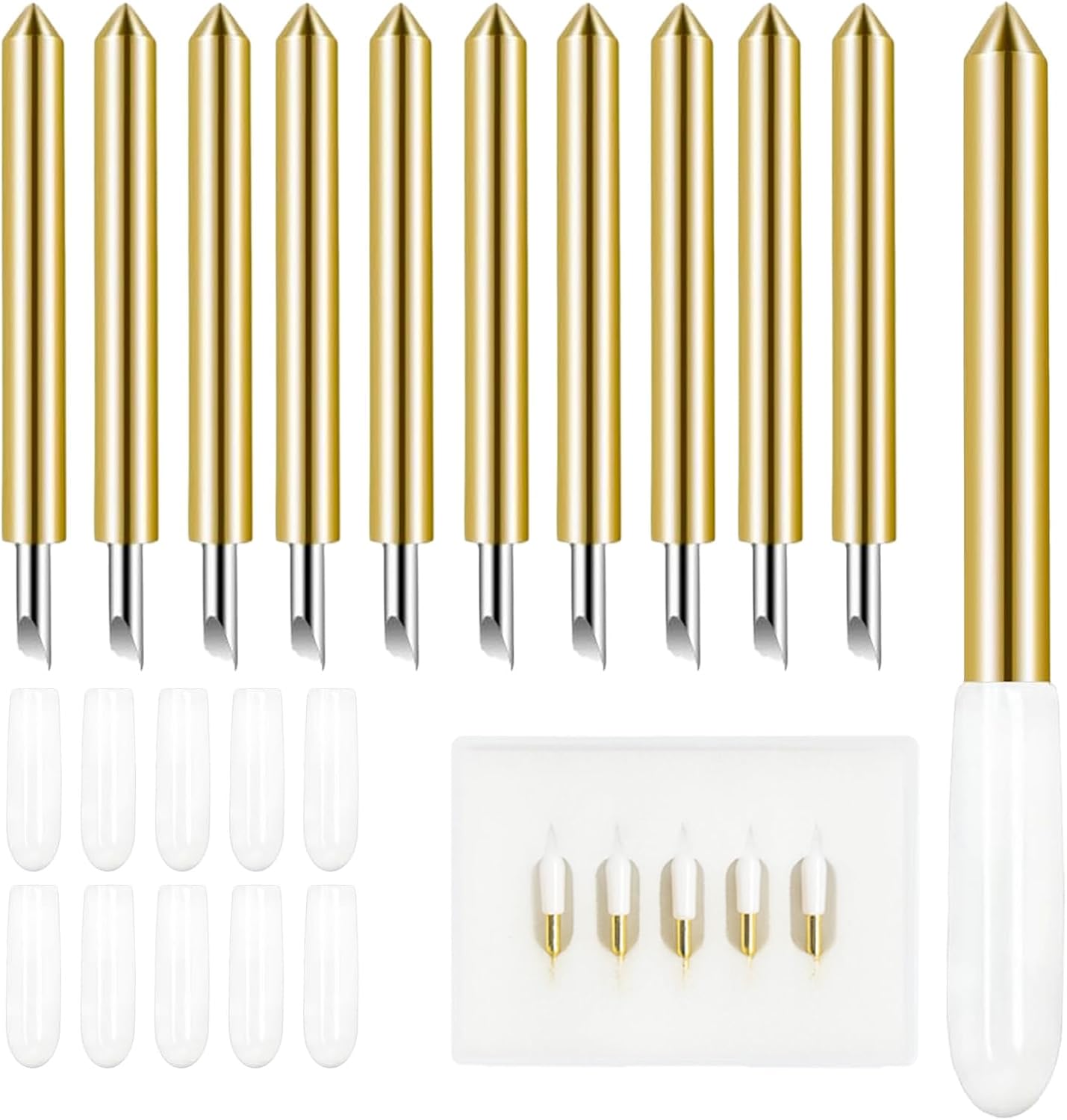
Blade life, measured in cuts. Not in weeks, not in "premium steel" marketing copy. I track how many sheets I get before the edges start fraying and I have to slow the machine down to compensate. Blades dull faster than the packaging admits, and most "machine problems" I get asked about are blade problems wearing a disguise.
Mat stickiness over time. A new mat is a joy. A mat on cut 20 is a liability that drops your material mid-pass. I buy third-party mats and I have not noticed a meaningful difference.
Print then cut registration. For sticker work this is everything. If the cut drifts off the printed line, the machine is a paperweight with a nice color.
Software friction. How many clicks to open a file, how often the software updates and breaks a saved project, how aggressively it pushes a subscription mid-project. That last one is a real cost even when it is not a line item.
Cost per cut. Materials plus blade wear plus mat wear plus subscription, divided by finished pieces. This is the number that tells you whether your hobby is a hobby or a business with bad margins.
Analysis: the math the bundle listings leave out
Every machine here cuts vinyl and paper. That is not the differentiator. The differentiator is what you pay after the box arrives.
Subscription. Design Space works without the paid tier, but the paid tier is where the good fonts and the full image library live, and the pop-ups will remind you constantly. If you are selling, treat it as a cost of goods. If you are crafting for yourself, try to stay on the free tier for three months and see if you actually miss it. Most hobbyists do not.
Blades and housings. This is where the Maker's tool ecosystem is either an investment or a trap, depending on whether you know why you need each one. Buy the blade for the material you actually cut. Not the material you plan to cut someday.
Mats. Consumable. Buy them in packs, buy them third-party, replace them when material starts sliding. A dull blade and a tired mat together will convince you your machine is broken when it is not.
Materials. Cricut-brand vinyl, HTV, and sticker paper are fine and priced for convenience. They are not magic. This is the single easiest place to cut your cost per cut, and the place where brand loyalty costs the most.
The pattern I would bet on: the subscription gets pushed harder every year, the hardware updates get smaller, and the third-party accessory market keeps improving until someone tries to lock it out. Buy the machine for the hardware, not for the promise of the software.
Cutting machine comparison table
| Machine | Best for | Materials it targets | Software | Price |
|---|---|---|---|---|
| <img src="/images/products/B0DTQ8BGM9.jpg" alt="Cricut Maker 4 - Smart Cutting Machine (Seashell) | Engagement Bundle" width="340" style="border-radius:8px;max-width:340px;width:340px;height:auto;max-height:420px;object-fit:contain"> Cricut Maker 4 (Seashell) Engagement Bundle |
Crafters who want the full tool ecosystem | Vinyl, paper, fabric, and heavier materials via the Maker tool line | Design Space |
| <img src="/images/products/B0CYNX6489.jpg" alt="Cricut Joy Xtra Smart Cutting Machine | Ultimate Starter Bundle" width="340" style="border-radius:8px;max-width:340px;width:340px;height:auto;max-height:420px;object-fit:contain"> Cricut Joy Xtra Ultimate Starter Bundle |
Beginners, cards, labels, small decals | Vinyl, paper, cardstock, sticker sheets | Design Space |
 Visit on Amazon → Visit on Amazon →Cricut Maker 4 Ultimate Beginner Sticker Making Bundle |
Sticker sellers and small print then cut shops | Waterproof sticker paper, vinyl, standard craft materials | Design Space | $399.99 |
 Visit on Amazon → Visit on Amazon →Silhouette America Cameo 5 Alpha |
Crafters who want out of the subscription model | Vinyl, paper, and fabric | Silhouette Studio | $299.00 |
Should you buy the Cricut Maker 4 Engagement Bundle?
Yes, if you want the tool ecosystem and you are buying for an occasion where the extras make sense. The Maker is the machine I recommend to people who already know what they want to make. Check current Amazon price against the machine-only listing first, because bundles are where the margin lives and you should only pay for the parts you will open.
Should you buy the Cricut Joy Xtra Ultimate Starter Bundle?
Yes, for most beginners and most small-project crafters. It fits on a desk, it handles stickers and cards and labels without drama, and the Starter Bundle gets you past the first confusing week. If your ambition runs to fabric and thick materials, skip it and save for a Maker instead.
Should you buy the Silhouette America Cameo 5 Alpha?
Buy it if you want a quiet machine, an AutoBlade that removes one whole category of fiddling, and a software relationship that does not feel like a rental. Do not buy it if you learn by watching tutorials, because the Cricut community is genuinely deeper. Check current Amazon price and make the call with the ecosystem in mind, not just the hardware.
Whichever one you pick, buy the machine for the work you actually do this month. The materials, the mats, and the subscription will still be there when you are ready for them.