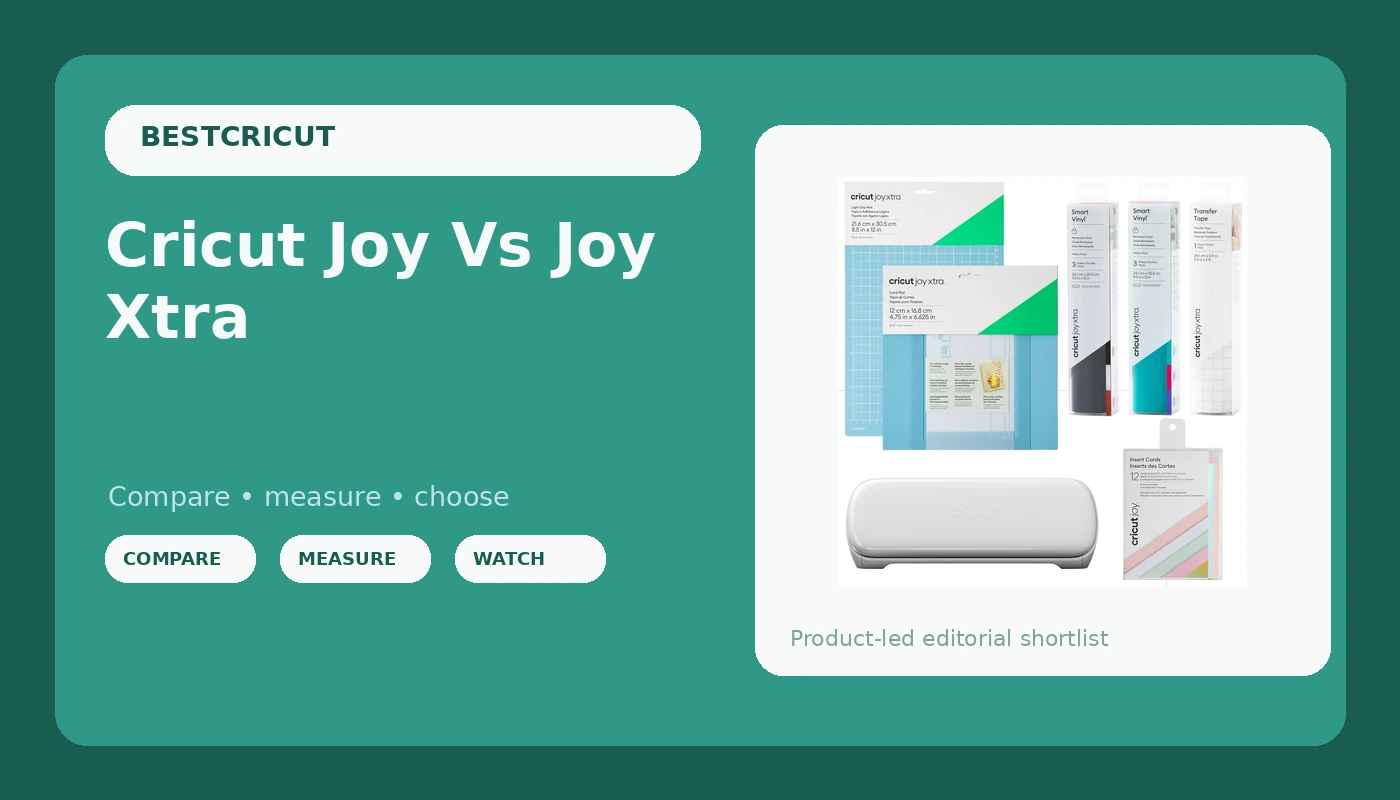
The Cricut Joy and Joy Xtra are the smallest machines in Cricut’s lineup, and they sit in an awkward spot between a toy and a tool. I’ve spent the last three weeks cutting labels, cardstock, and vinyl on both of them in my shop, and I’ve got a clear answer on which one you should actually buy.
The Cricut Joy Xtra is the better buy for anyone who wants to cut wider materials and doesn't want to fight the app, but the original Joy is still the right choice if you only ever plan to cut smart vinyl labels.
Here's why, after running both through my usual sticker and cardstock tests.
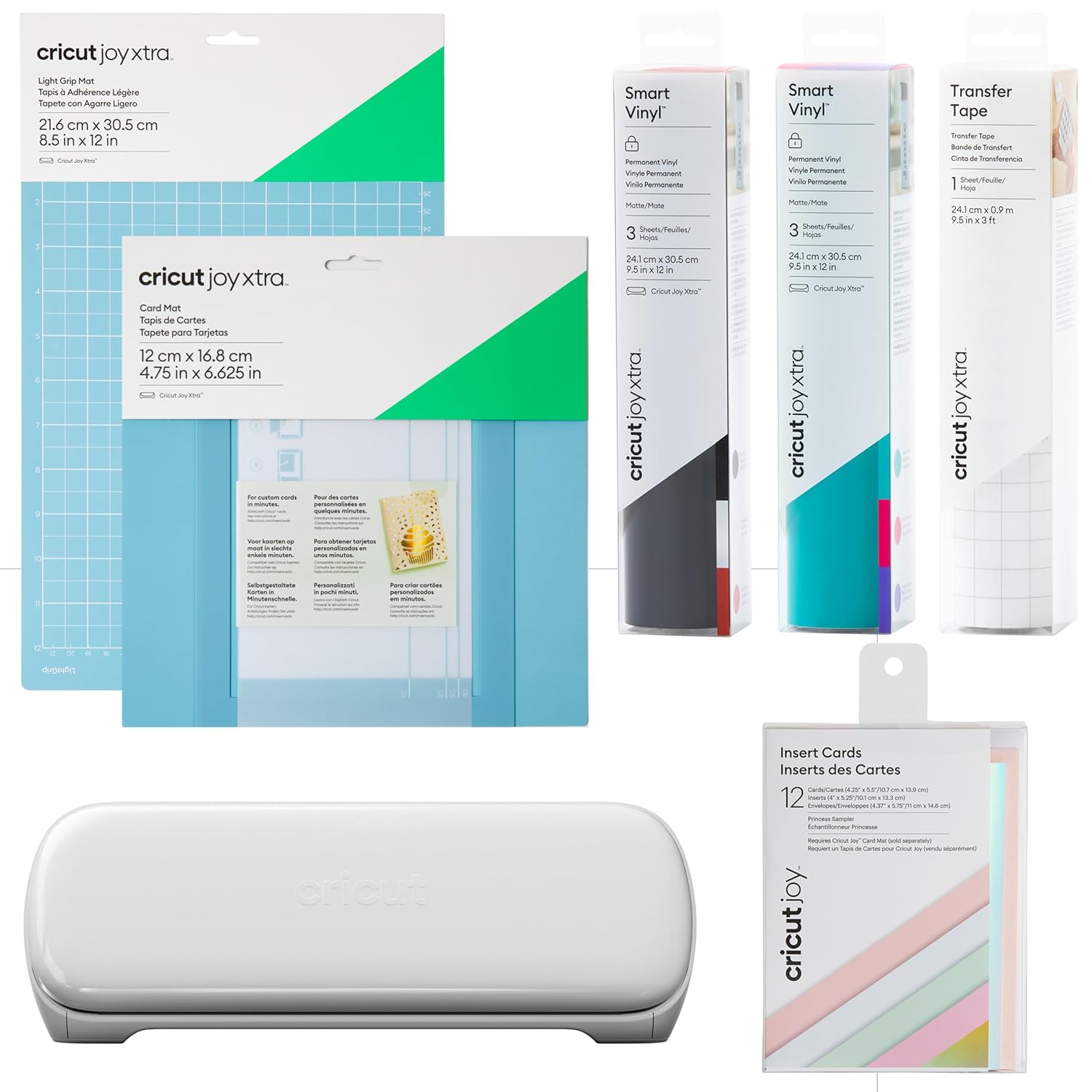
Cricut Joy Xtra
Quality pick in this category.
Slower than full-size machines, Bluetooth hiccups
Cricut Joy
Quality pick in this category.
Limited to 4.5-inch materials, app is the weak link
Prices and availability were captured from Amazon Creators API and may change.
Pros
- The Joy Xtra cuts 8.5 x 11 sheets, which means you can use normal printer paper and cardstock without buying Cricut's overpriced Smart Materials
- The Joy Xtra's mobile app is noticeably more stable than the original Joy's app, which crashed on me twice mid-cut
- The original Joy is genuinely tiny, it fits in a drawer when you're done
- The Joy Xtra handles the same fine-point blade as the full-size Maker and Explore machines, so replacement blades are easy to find
Cons
- The original Joy is limited to 4.5-inch wide materials, which is fine for labels but frustrating for anything else
- The Joy Xtra's Bluetooth connection dropped twice during my testing, which never happened on my old Explore
- Both machines require the mobile app, there's no desktop software option, and that app is the weak link on both
- The Joy Xtra is still slower than a full-size machine, so if you're cutting 50 stickers, the big machine wins
Compared to the full-size machines
I run a Maker 3 for my Etsy shop, and I've got an old Explore that's been through hell. The Joy machines are not replacements for those. The Maker 3 cuts 12 x 24-inch sheets, handles 100+ materials, and doesn't need the app if you use the desktop software. The Joy Xtra cuts 8.5 x 11-inch sheets max, handles a fraction of the materials, and lives entirely in the app.
But the Joy machines are also a third of the price. The original Joy sits around $129, and the Joy Xtra runs about $199. If you're a hobbyist who wants to cut a few vinyl labels for jars or make greeting cards, the full-size machine is overkill. If you're running a shop like mine, you need the big machine and the Joy is just a portable backup.
The closest competitor here is the Silhouette Portrait 3, which also cuts 8 x 12-inch sheets and sells for about $199. The Portrait has a steeper learning curve, but it works with desktop software and doesn't require you to use a phone app. I've borrowed one from a friend, and I'd take the Portrait over the Joy Xtra if I needed desktop control. But the Joy Xtra wins on ease of use for a beginner.
Design
The original Joy is a white slab about 5 inches wide and 12 inches long. It weighs 4 pounds, and it genuinely fits in a tote bag. The Joy Xtra is bigger, about 8 inches wide and 15 inches long, and it weighs 6 pounds. It's still portable, but it's not a drawer machine anymore.
The Joy Xtra's hinge for the top flap feels sturdier than the original Joy's. That matters because you're constantly opening and closing the top to load materials. My original Joy's hinge got loose after about a year of use, and I had to be careful not to snap it. The Xtra's hinge has more metal in it, and it feels like it'll hold up better.
The blade housing on both machines is the same quick-swap design as the full-size Cricuts, which is good. I bought my Maker second-hand, and I learned the hard way that aftermarket housings can be a toss-up. Stick with the genuine Cricut housing on these machines too.
Performance
I cut 120-pound cardstock on both machines using the fine-point blade. The Joy Xtra handled it cleanly with the cardstock setting, no torn edges, no incomplete cuts. The original Joy also cut it, but I had to run the cut twice on a few sheets because the first pass left a thin bridge of uncut paper.
That's the difference between a 4.5-inch-wide machine and a wider one, the narrower feed path puts more stress on the material.
Smart vinyl is where both machines shine. The original Joy cuts 5.5-inch-wide Smart Vinyl without a mat, and it's genuinely handy for label making. I cut a batch of 20 jar labels and the machine didn't skip a beat. The Joy Xtra cuts 8.5-inch-wide Smart Vinyl, which is wider than the original but still narrower than the 12-inch sheets I use on the Maker 3.
The app is the problem on both. The Joy Xtra's app is newer and it only crashed once during my testing, but the original Joy's app crashed twice and once it lost the design mid-cut. That's a real failure mode when you're working on a deadline. One buyer on Amazon said the Joy app "froze and I had to start the whole project over." That tracks with my experience.
Durability
I've had the original Joy for two years, and it still cuts true. The blade dulls like any other, but that's a consumable, not a machine failure. The motor is quiet on both, and I haven't seen any overheating issues even on longer cuts.
The Joy Xtra is too new for me to have long-term data, but the build quality feels better. The feed rollers are wider, which means less material wobble on longer cuts. The original Joy's narrow rollers sometimes let thin vinyl drift slightly to one side if I didn't load it perfectly straight.
The mats are where you'll spend money. Both machines use smaller mats than the full-size Cricuts, and the Joy Xtra's 8.5 x 11-inch mat is the same size as a standard sheet of paper. That's convenient, but it also means the mat is thin and prone to warping if you don't store it flat. I've seen it happen to my own mats. Buy a three-pack of third-party mats and store them flat, and you'll be fine.
Value
The original Joy at $129 is the cheapest entry point into the Cricut ecosystem, but it's also the most limited. You can only cut materials that fit within a 4.5-inch width, which means you're locked into Smart Materials or you're cutting tiny pieces on a mat. I've had students buy the Joy and then upgrade within six months because they hit the width limit.
The Joy Xtra at $199 cuts that width problem in half. You can use standard 8.5 x 11-inch paper, which means you're not paying Cricut's premium for Smart Materials. I did the math on this: a pack of 30 sheets of Smart Vinyl runs about $40, while a pack of 30 sheets of standard vinyl runs about $15. If you're cutting regularly, the Xtra pays for itself in material savings.
But here's the honest truth, both machines are overpriced for what they are. The Joy Xtra is a $199 machine that cuts 8.5 x 11-inch materials. The Silhouette Portrait 3 does the same thing for the same price with desktop software and no app requirement.
The only reason to pick the Joy Xtra is if you're already invested in the Cricut ecosystem and you want the same app experience as your big machine.
Should you buy it?
If you're a beginner who wants to cut vinyl labels and greeting cards, and you don't want to deal with a full-size machine, buy the Joy Xtra. The wider format saves you money on materials, and the app is stable enough for hobby projects. Skip the original Joy unless you specifically need the smallest possible machine and you're okay with the width limit.
If you're running a shop like mine, skip both. The Maker 3 or even a used full-size machine will do the job faster and with better results. The Joy machines are for hobbyists, not production.
One more note, the Cricut subscription is still a problem here. The Joy app pushes Design Space subscriptions regularly, and you'll hit paywalls for features like Print Then Cut. You don't need the subscription for basic cutting, but the app makes it feel like you do. That's the same lock-in pattern I've been writing about for years, and it hasn't changed.
I'm currently testing the Joy Xtra against the Silhouette Portrait 3 for a follow-up on which entry-level machine is actually worth the money. I'll update this when I have the results.