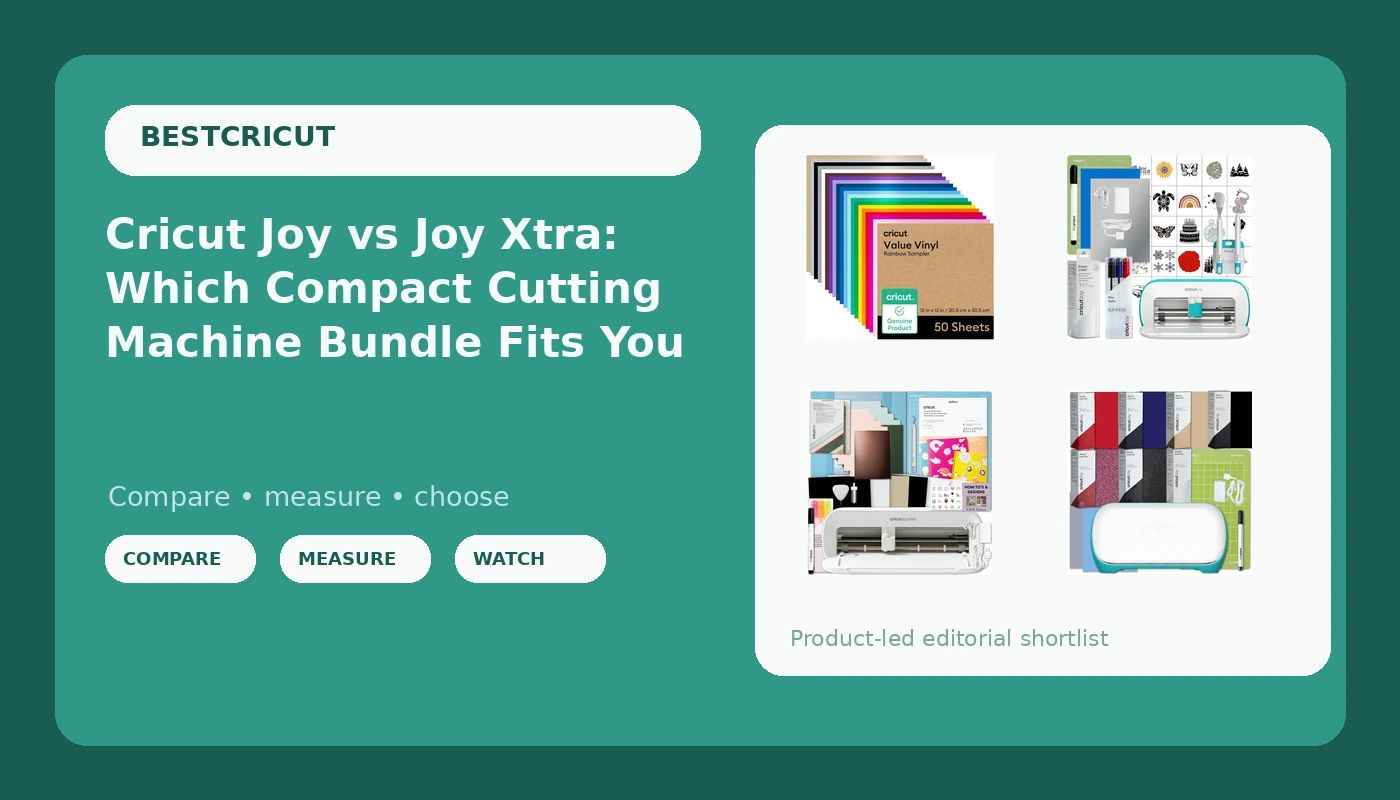
Cricut Joy machine bundles are the hardest part of the lineup to shop, because the differences are not in the photos. Every box looks like a small, friendly cutting machine with a few rolls of material tucked beside it, and the listing copy tends to describe the machine and the bundle in the same breath. The real question is narrower: which kit gets you through your first twenty projects without a second order, and which one quietly assumes you already own things you do not.
This explainer covers four current options: two versions of the original Joy bundle, one Joy Xtra bundle built around stickers and cards, and a permanent vinyl sampler that is not a machine at all but shows up in the same search results. If you are trying to match a Cricut Joy machine bundle to the projects you actually make, the sections below are ordered by what each kit is built to do.
Related: Cricut Joy vs Joy Xtra: What Changes When You Size Up →
Quick answer
Pick the Cricut Joy Xtra Machine with Printable Sticker Paper and Card Kit Bundle if stickers, cards, and wider flat projects are the goal, since the Xtra takes wider material than the original Joy and that bundle ships with sticker paper, pens, envelopes, plus the mats and tools to use them. Pick the Cricut Joy Machine Bundle with 7 Smart Iron-On Rolls if apparel and HTV are the plan, because the material in that box is what you would buy first anyway. Pick the Cricut Joy Smart Cutting Machine with Writable Vinyl Starter Kit if labels and handwriting-style projects are the point. The Cricut Value Permanent Vinyl Rainbow Sampler is a restock rather than a machine: useful once you own something that can use twelve-by-twelve sheets, and awkward on a Joy without trimming.
4 useful options
| Model | Best fit | What stands out |
|---|---|---|
| Cricut Joy Machine Bundle with 7 Smart Iron-On Rolls | Shirts, hats, and small HTV projects | Pairs the compact Joy with seven Smart Iron-On rolls |
| Cricut Joy Xtra Machine with Printable Sticker Paper and Card Kit Bundle | Stickers, greeting cards, and wider flat projects | Pairs the wider Joy Xtra with sticker paper, a card kit, pens, envelopes, mats, tools, and materials |
| Cricut Joy Smart Cutting Machine with Writable Vinyl Starter Kit | Labels, writable vinyl, and handwriting-style projects | Pairs the Joy with a writable vinyl starter kit |
| Cricut Value Permanent Vinyl Rainbow Sampler (12in x 12in Sheets) | Restocking permanent vinyl in a range of colors | Twelve-by-twelve sheets in a rainbow assortment |
Iron-on and apparel: Cricut Joy Machine Bundle with 7 Smart Iron-On Rolls
The trade-off with an iron-on bundle is that it commits you to apparel. Seven rolls of Smart Iron-On is a genuine head start on shirts, hats, and tote bags, and cutting without a mat removes the step where most beginners lose a project to a curled edge. What it does not include is a mat for other materials, a weeding tool, or a spare blade. If your interest drifts toward paper or stickers, you have paid for material you will not open. The Joy itself also cuts small by design, so think logos, names, and pocket-sized designs rather than a full back print.
Stickers and cards: Cricut Joy Xtra Machine with Printable Sticker Paper and Card Kit Bundle
This is the bundle to look at when flat, printed projects are the point. Printable sticker paper turns the machine into a sticker maker, and the card kit with pens and envelopes turns it into a greeting card setup, which is a different hobby from cutting vinyl decals. The cost is upfront: this is the most expensive of the machine options here, and it leans on consumables such as sticker paper, cardstock, and pens that run out faster than a roll of vinyl does. The wider cut area matters more than it sounds, because a narrow machine forces you to design around the machine instead of the other way around.
Labels and writable vinyl: Cricut Joy Smart Cutting Machine | Writable Vinyl Starter Kit
The writable vinyl starter kit is a narrower purchase than the name suggests, and that is the point. Writable vinyl takes pen work, so this bundle suits pantry labels, jar lids, planner tabs, and small signage rather than decorative decals. If you already know your projects are organizational, this kit keeps you from paying for iron-on rolls you would never open. If you are not sure yet, the iron-on or sticker bundles give you a wider range of first projects, and writable vinyl can be added later for roughly the cost of a roll.
Permanent vinyl restock: Cricut Value Permanent Vinyl-Rainbow Sampler (12in x 12in Sheets)
This is the one item here that is not a machine, and it earns its place for a practical reason: material is where the money goes after the box arrives. A rainbow permanent vinyl sampler gives you color range without buying twelve single rolls, and permanent vinyl is the workhorse for mugs, tumblers, signs, and decals that need to stay put. The catch is sheet size. Twelve-by-twelve sheets are sized for the larger machines in the family, so on a Joy or Joy Xtra you will be trimming to fit, which is painless with a trimmer and irritating without one. Treat it as a restock, not a starter kit.
Prices and availability may change. Product images, names, and retailer links are matched to verified listings. No current price, rating, stock status, or measured result is stated here without current evidence.
How the Joy family actually differs
The Joy machines sit below the Explore and Maker lines, and the differences between the models in this article come down to three things.
Cut width. The original Joy is the smaller of the two machines here, and the Joy Xtra takes wider material. That single difference decides whether you can cut a full sticker sheet or a card panel in one pass, or whether you tile the design and line it up by hand. For labels and small decals, the narrower machine is not a limitation you will notice. For sticker sheets and cards, it is the whole ballgame.
Material handling. Smart Materials are cut without a mat, which is faster and cheaper because mats are consumables that wear out. Anything that is not a Smart Material needs a mat, and mat stickiness fades with use, so a mat is a recurring cost rather than a one-time purchase. This is why bundles that include mats are worth more than their sticker price suggests, and why bundles that include only Smart Materials leave you shopping for a mat on day two.
Ecosystem. Both machines run through Design Space and share the same blade housing family, pens, and cardstock handling. Moving from a Joy to a Joy Xtra does not orphan your tools. It changes how wide you can go, which is the only upgrade that matters until you outgrow the format entirely.
What a bundle is really worth
A bundle saves you a shopping trip, not necessarily money. The value depends entirely on whether the included items are things you would have bought anyway. Seven rolls of iron-on for someone who wants to make stickers is a discount on the wrong hobby.
The bigger cost sits outside the box. Design Space is free to use, with a paid tier that unlocks more of the image library and extra features, and that subscription recurs monthly or yearly no matter which machine you buy. Blades dull and get replaced. Mats lose stickiness. Vinyl, sticker paper, and cardstock get consumed. The machine is a one-time purchase; everything around it is a subscription to the hobby.
That is why the honest way to compare these four options is cost per finished project rather than cost per box. A cheaper machine that fights you on every cut is not cheaper.
- Write down the three projects you want to finish in your first month, in plain language.
- Check what each bundle actually includes against that list, item by item.
- Match machine width to your widest planned project, not your average one.
- Price the consumables you will rebuy: mats, blades, vinyl, sticker paper, pens.
- Decide whether the paid software tier matters for the images and features you need, then budget for it separately.
What to skip on your first order
- Skip the mega accessory kit. Buy the two tools you use every session and add the rest when a project demands it.
- Treat mats as consumables. Budget for replacements from the start, and do not assume the branded mat is the only one that works.
- Keep a spare blade on hand. A dull blade reads as a machine problem far more often than it should.
- Buy material by the project, not by the pallet. A rainbow sampler is great for range, less great if you only cut black and white.
- Hold off on the paid software tier until the free version actually blocks something you are trying to make.
Which option should you choose?
Choose the Cricut Joy Machine Bundle with 7 Smart Iron-On Rolls when shirts, hats, and small heat-transfer designs are your first projects and you want the material included. Choose the Cricut Joy Xtra Machine with Printable Sticker Paper and Card Kit Bundle when sticker sheets, greeting cards, and wider flat projects are the plan. Choose the Cricut Joy Smart Cutting Machine with Writable Vinyl Starter Kit when labels and pen-drawn lettering are the whole point. Choose the Cricut Value Permanent Vinyl-Rainbow Sampler when you already own a machine and simply need color range in permanent vinyl.
One caveat: Cricut revises bundles and machine lineups regularly, and two listings with similar names can ship with different contents. Confirm what is in the box on the current listing before you buy, rather than relying on a description from last season. Software tiers and feature gates also change, so treat any subscription detail as something to verify today.
The bottom line
The machine is the cheap part. Between the Joy, the Joy Xtra, and the bundles built around them, the decision comes down to cut width and what is already in the box: iron-on for apparel, sticker paper and cards for flat printed projects, writable vinyl for labels. Buy the bundle whose included materials match your first month of projects, expect to replace mats and blades as they wear, and treat the software subscription as a separate line item. Do that and any of these kits will earn its place on the desk.