Craft cutting machine shopping tends to go wrong in the same way. You choose a machine, then discover that the parts which actually make it useful, such as blades, mats, and specialty tools, are sold separately, and the accessory stack quietly costs more than the machine did. This guide sorts through six products that turn up in the same search results: three cutting machines and three support items. It explains which combinations make sense for a hobbyist, which suit someone selling finished goods, and which pieces are worth buying only once you know your material list.
Everything below comes from the product listings themselves, and every card links to the exact model it describes. Prices and availability move constantly, so use the retailer link on a card to check the current details before you commit.
Related: Cricut Blades Explained: 45, 30, and 60 Degree Tips and When to Swap Them
Quick answer
The Silhouette America Cameo 5 Alpha (α) - Smart Cutting Machine for Print & Cut - Quiet Operation with AutoBlade, Studio Software, Cutting Mat- Matte Black (Deluxe Bundle) is the strongest fit for crafters who want one desktop machine that handles print and cut work, because the deluxe bundle ships with an AutoBlade, Studio Software, and a cutting mat in a single package. Choose the VEVOR Vinyl Cutter Machine 34 inches Bundle Manual Vinyl Plotter Cutter instead when your work is wide-format vinyl production rather than mat-sized projects.
Cutting machines and accessories worth comparing
These six items fall into three groups, and mixing up the groups is where most buyers lose money.
The first group is complete desktop machines. The Cameo 5 Alpha and the Cricut 29-0001 both belong here, and they are aimed at different budgets and different levels of ambition.
The second group is a wide-format plotter. The VEVOR 34 inch machine is a manual vinyl cutter, which means it works from a roll of vinyl and is built around longer runs rather than papercraft.
The third group is support gear: a foil transfer kit, a pack of fine point replacement blades, and a beginner's book. None of these will cut anything on their own, and two of the three only work with specific machine families.
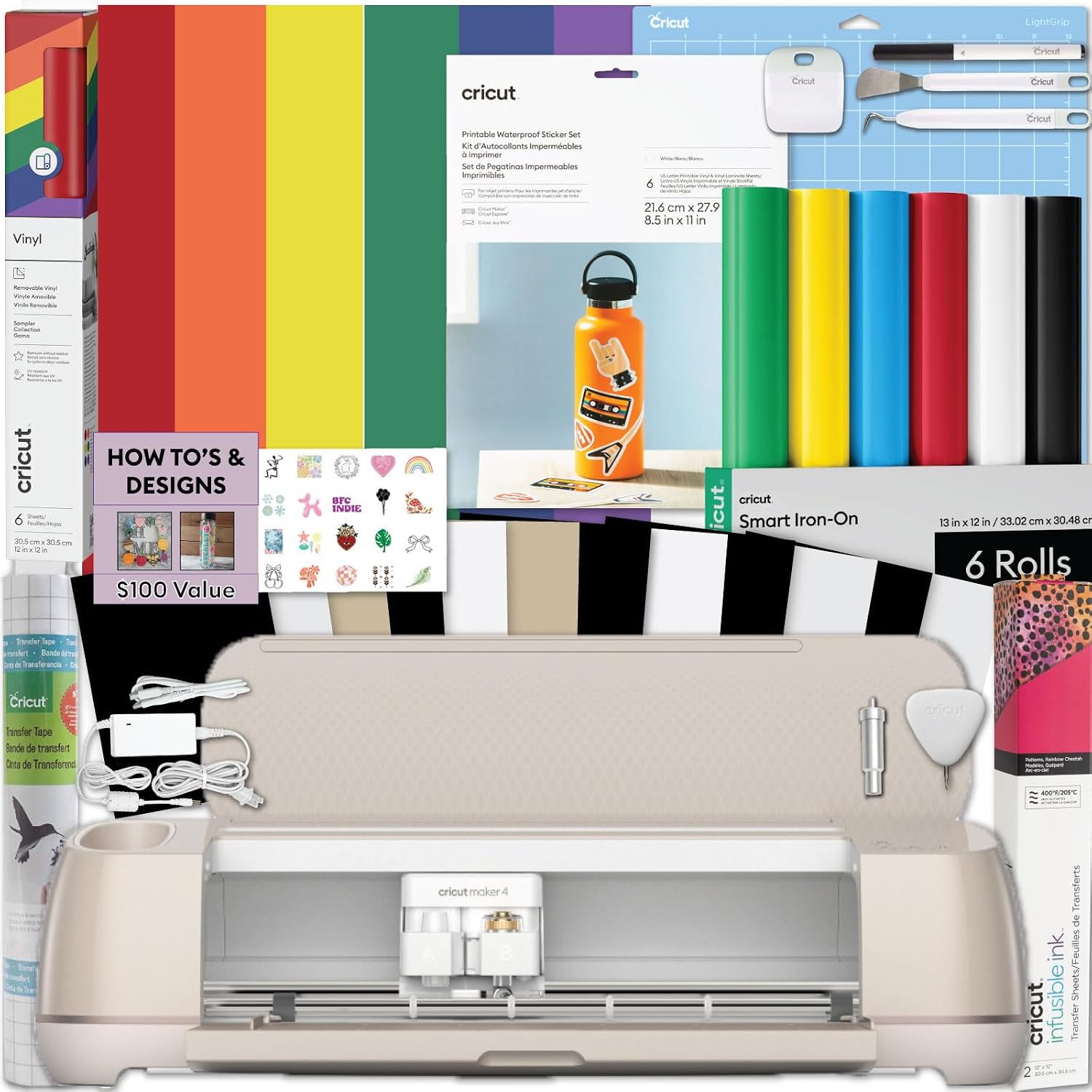
Silhouette America Cameo 5 Alpha (α) - Smart Cutting Machine for Print & Cut - Quiet Operation with AutoBlade, Studio Software, Cutting Mat- Matte Black (Deluxe Bundle)
A deluxe bundle built around print and cut work. The listing names an AutoBlade, Silhouette Studio software, and a cutting mat as part of the package, and describes quiet operation as a design goal. It is the most complete single-machine option in this group.
Visit on Amazon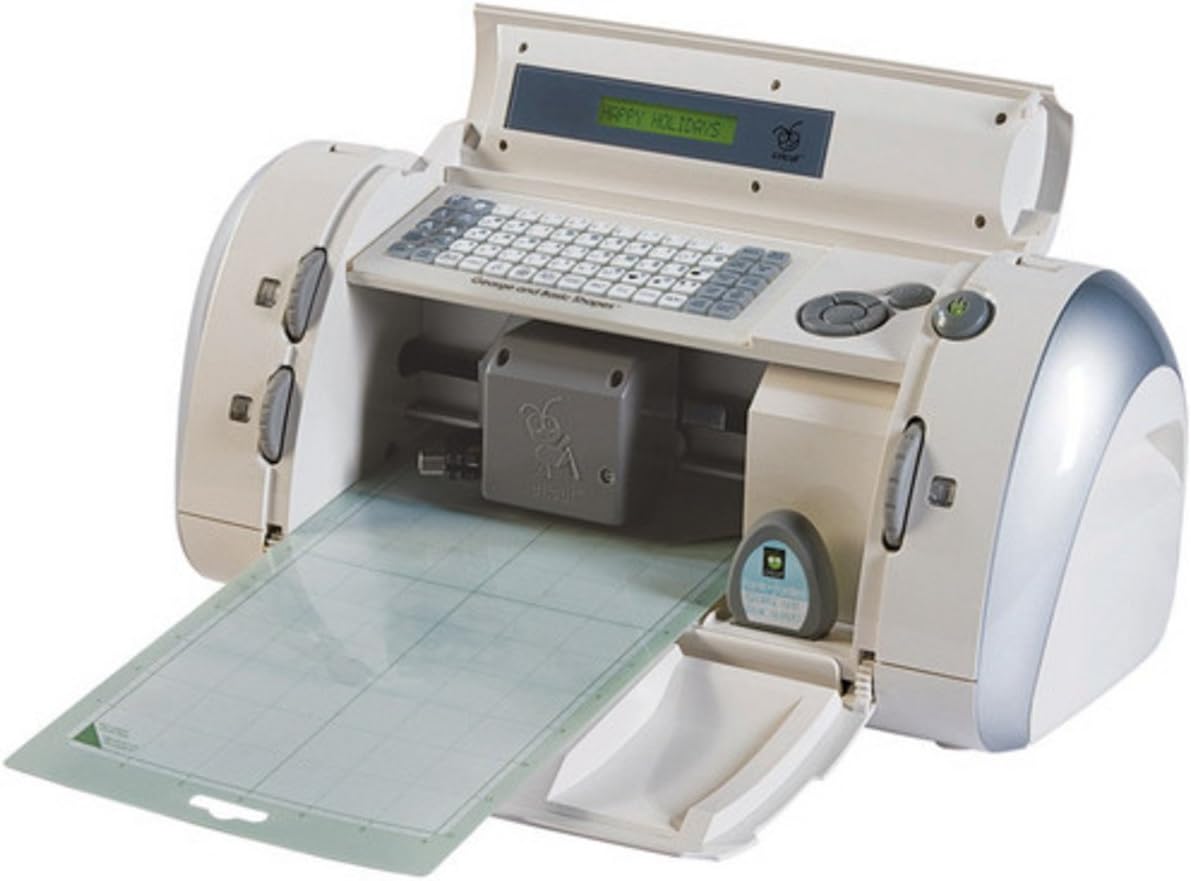
Cricut 29-0001 Personal Electronic Cutting Machine
The Cricut-brand personal cutter in this group, named as a personal electronic cutting machine. It sits at the simple end of the range, so confirm the included accessories, material compatibility, and blade type in the listing before buying.
Visit on Amazon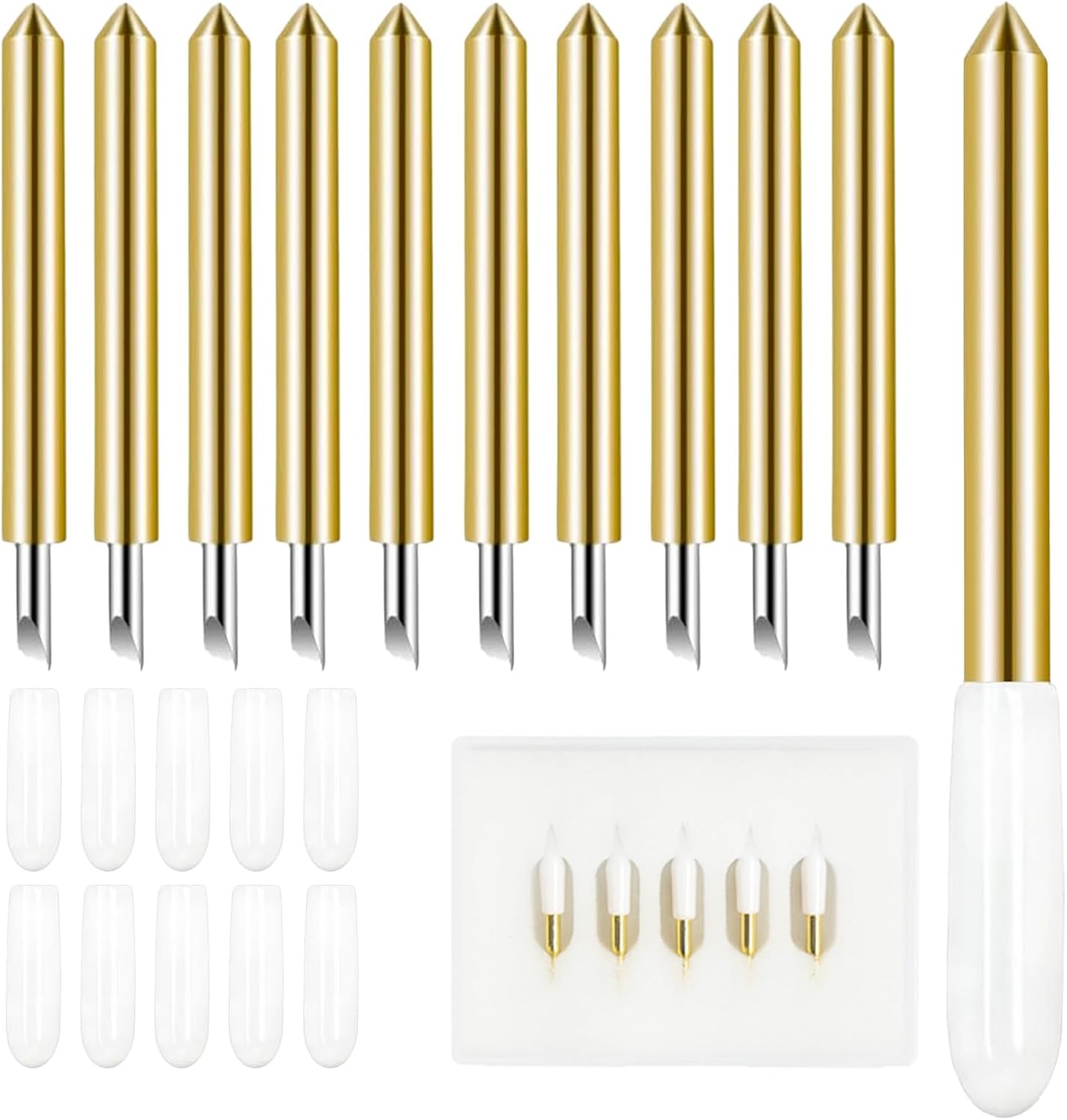
VEVOR Vinyl Cutter Machine 34 inches Bundle Manual Vinyl Plotter Cutter
A 34 inch manual vinyl plotter sold as a bundle. It is aimed at cutting from a roll rather than working on a mat, and it is not a print and cut machine, so sticker and label makers should start with the desktop options.
Visit on Amazon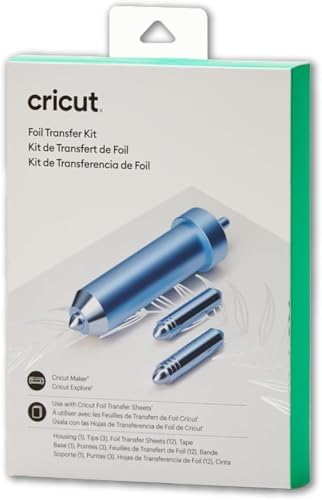
Cricut Foil Transfer Kit - for Cricut Maker & Explore Machines
An accessory rather than a machine. It is made for Cricut Maker and Explore machines, which makes it a straightforward addition for those owners and an incompatible purchase for everyone else.
Visit on Amazon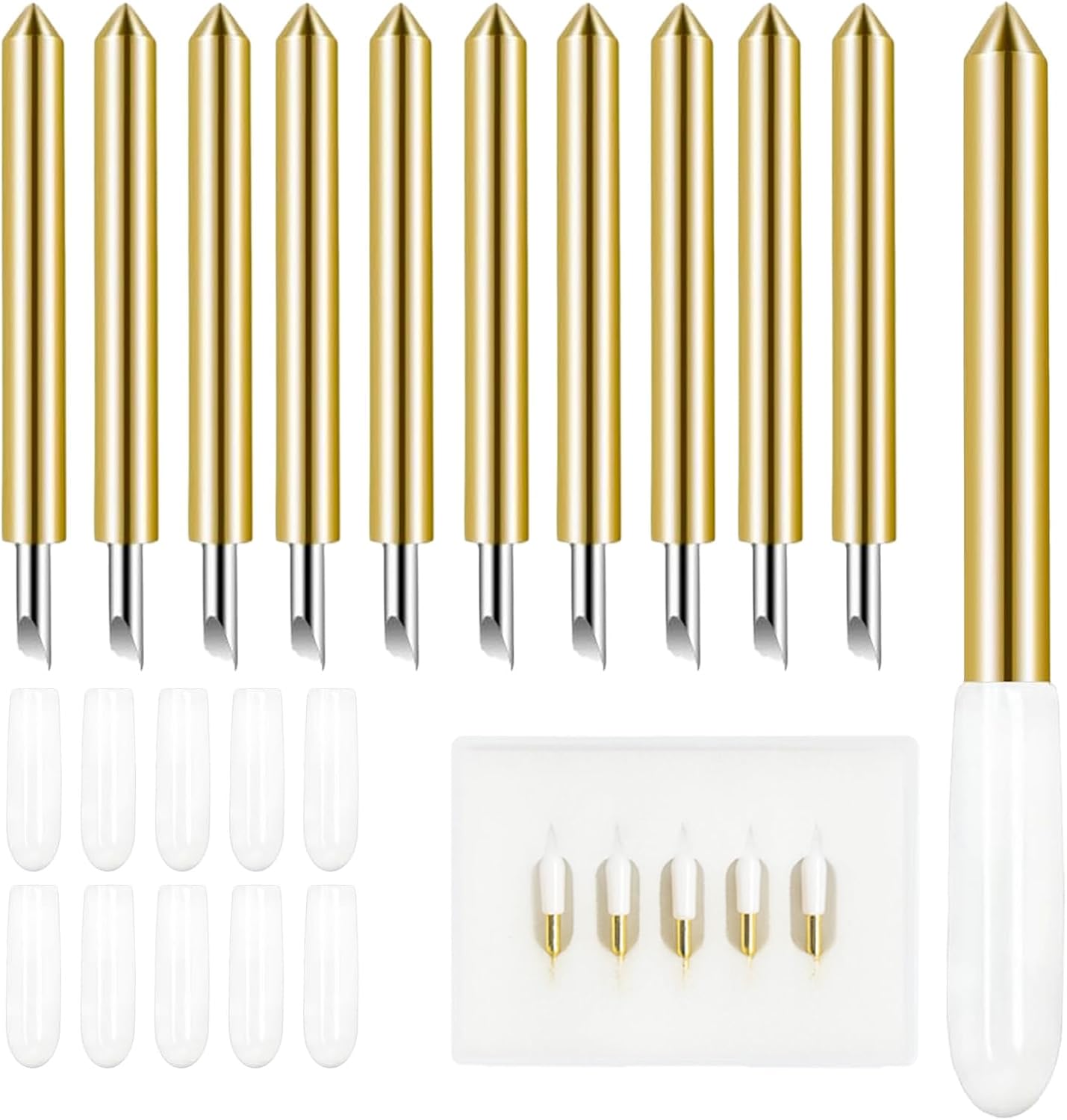
15 pcs Replacement Cutting Blades for Joy/ joy2 and Joy Xtra Machine,Fine Point Blades Include 45° Standard,30° Shallow and 60° Deep Cutting Vinyl Fabric
Fifteen fine point replacement blades sized for Joy, Joy2, and Joy Xtra machines, covering 45 degree standard, 30 degree shallow, and 60 degree deep cutting for vinyl and fabric. A restock item rather than a one-off.
Visit on Amazon
Cricut for Beginners: All-in-One Book: Design Space + Project Ideas + How to Make Money With a Cricut Machine. Simple Step-by-Step Guide to Get You ... Machine. Detailed Practical Examples Included
A beginner-oriented book covering Design Space, project ideas, and the money side of running a machine, with step-by-step guidance and practical examples. It pairs well with a first machine rather than replacing one.
Visit on AmazonPrices and availability may change. Check the retailer for current details.
How these products were compared
This guide compares machine format, what the bundle includes, blade and tool compatibility, software dependency, and whether a purchase is a machine or a consumable. Product names, images, and retailer links are matched by ASIN, so every card points to the product shown.
Format matters most. A desktop cutter and a 34 inch plotter solve different problems, and neither one replaces the other. Include-lists come next, because "bundle" means something different on every listing, and a box with a blade and a mat in it changes the real starting cost. Compatibility decides whether an accessory is useful to you at all: a foil transfer kit built for Cricut Maker and Explore machines will not mount on a Silhouette or a VEVOR plotter, and a blade pack sized for the Joy family will not fit an Explore or a Maker.
Software dependency is the criterion people forget. Some machines expect you to work inside the maker's own application, which can carry a subscription, and some ship with bundled design software. Neither path is automatically better, but the ongoing cost belongs in the decision.
Finally, some of these products are consumables. Blades dull and mats lose their stickiness, so their cost continues after the first purchase. Budgeting for that is part of choosing a machine, not an afterthought.
How to choose the right cutting machine
Start by deciding whether you are buying a machine or feeding one. If you already own a cutter, the useful purchases here are the ones that match your model: the blade pack for Joy family machines, the foil kit for Maker and Explore owners, the book for anyone still learning the software. If you do not own a cutter yet, everything else on this list is secondary to the machine decision.
Second, match the machine to the size of the material you cut most. A desktop cutter handles paper, cardstock, vinyl sheets, and heat transfer vinyl for apparel. The VEVOR plotter is a 34 inch machine, so it exists for people who buy vinyl by the roll and cut long runs. If your projects fit on a mat, that footprint is wasted space in a small craft room.
Third, decide how much you care about print and cut. Some machines, including the Cameo 5 Alpha in this group, are described as print and cut machines, which means a printed design can be cut around its own outline. For sticker sellers and people making labels, that single capability often settles the purchase. For someone cutting single color vinyl, it does not.
Fourth, think about the software you are willing to learn. Cricut machines run through Cricut Design Space, and the tutorial ecosystem built around them is enormous, which is genuinely useful when a project goes sideways at 11pm. A machine with bundled Studio Software and an AutoBlade takes a different path, and the tutorials you find will be different too.
Fifth, count the consumables before you commit. Replacement blades, mats, and specialty tools are the ongoing cost of cutting, and they are where a cheap machine stops being cheap. If you want to spend less over a year, look at third-party blades and mats that match your machine family instead of brand-name versions of the same steel. For blade angles and what each one is for, the guide linked above walks through the differences.
Silhouette America Cameo 5 Alpha (α) - Smart Cutting Machine for Print & Cut - Quiet Operation with AutoBlade, Studio Software, Cutting Mat- Matte Black (Deluxe Bundle)
This is the most complete single-machine package in the group. The listing describes a smart cutting machine built for print and cut work, with quiet operation, an AutoBlade, Studio Software, and a cutting mat included in the deluxe bundle. In practical terms that means fewer add-on purchases on day one: the blade and the mat are part of the box, and the design software is named in the listing rather than assumed.
The trade-off is ecosystem. If you have spent years inside Design Space, and plenty of Cricut owners have, your saved projects and the tutorials you rely on do not carry over to a different application. The machine also sits above the simplest cutters on this list, so a hobbyist who only cuts paper shapes is paying for capability that may never get used. That is a fair trade for sticker and label work and a poor one for cutting rectangles out of cardstock.
One compatibility note in the other direction: the foil transfer kit in this group does not fit this machine, because it is made for Cricut Maker and Explore models.
Alternatives to consider
The Cricut 29-0001 Personal Electronic Cutting Machine is better suited to buyers who want a Cricut-brand machine with a simple, self-contained design. The name says what it is: a personal electronic cutting machine. Because it sits at the compact end of the range rather than the flagship end, confirm the included accessories, the material compatibility, and the blade type in the listing before you buy, since details on older models shift over time.
The VEVOR Vinyl Cutter Machine 34 inches Bundle Manual Vinyl Plotter Cutter is a stronger fit when your projects are wide-format vinyl rather than mat-sized. It is a manual plotter sold as a bundle, and it is the only machine here aimed at cutting long runs from a roll. It is not a print and cut device, so sticker makers should look at the desktop machines first and treat this one as a production tool.
The Cricut Foil Transfer Kit - for Cricut Maker & Explore Machines, the 15 pcs Replacement Cutting Blades for Joy/ joy2 and Joy Xtra Machine,Fine Point Blades Include 45° Standard,30° Shallow and 60° Deep Cutting Vinyl Fabric, and the Cricut for Beginners: All-in-One Book cover the supporting roles. The foil kit adds a decorative metallic finish, but only for Maker and Explore owners. The blade pack is a consumable restock for the Joy family at three cutting angles. The book handles the software and business side, with Design Space project ideas and step-by-step examples for anyone who has just unboxed a machine.
Day-to-day use and maintenance
Most of what feels like a machine fault is a worn blade. Fine point blades dull by design after a certain amount of cutting, and the three angles handle different jobs: a shallow angle for thin material like vinyl, a standard angle for everyday work, and a deep angle for thicker fabric and dense material. The Joy family blade pack in this guide covers all three, which makes it a sensible restock rather than a one-off purchase. Swapping in a fresh blade is usually faster than raising pressure and hoping the cut goes through.
Mats are the other recurring cost. They lose their stickiness as paper dust and fiber build up on the surface, and washing only buys a few extra sessions. Treating mats as consumables instead of treasured accessories is what keeps a cutting habit affordable.
For the foil transfer kit, the compatibility note is the whole story: it is built for Cricut Maker and Explore machines, so it is a useful addition for those owners and useless for anyone else in this group. Foil work is also a finishing step rather than a production method, so buy it when a project actually calls for it.
A manual plotter like the VEVOR takes a different routine. Because it is operated manually and works from a roll, setup and material handling are the daily work, and it is not a machine you pull out for a single greeting card. If your cutting is mostly small and occasional, the desktop machines are the better fit.
Buying checklist
- Decide whether you need a machine or a refill for one you already own.
- Measure the largest material you realistically cut, then match the machine format to it.
- Choose a blade angle for your normal material rather than an occasional edge case.
- Confirm the exact model supports the tool you want, since the foil kit fits Maker and Explore machines only.
- Check whether the bundle includes a blade, a mat, and design software, or whether you will buy them separately.
- Budget for blades and mats as ongoing costs, not one-time purchases.
- Verify current price, availability, and return terms with the retailer linked on each card.
Final recommendation
Choose the Silhouette America Cameo 5 Alpha (α) - Smart Cutting Machine for Print & Cut - Quiet Operation with AutoBlade, Studio Software, Cutting Mat- Matte Black (Deluxe Bundle) when you want a single desktop machine for print and cut projects and you would rather have the blade, the mat, and the design software included from the start. Choose the VEVOR Vinyl Cutter Machine 34 inches Bundle Manual Vinyl Plotter Cutter when your work is wide-format vinyl and volume matters more than mat-sized convenience. Choose the Cricut 29-0001 Personal Electronic Cutting Machine when you want the simplest Cricut-brand option, and add the foil kit or the Joy blade pack only if they match the machine already sitting on your bench.