Well, Cricut is calling the Maker 4 the "fastest, smartest cutting machine" they've ever built, and after six months of running orders through mine, I have to ask: is that actually true, or is it just marketing speak for a machine that's 10% faster and 20% more locked into their ecosystem? I've been running my sticker shop out of the basement for six years now, and I've owned the old Explore, the Maker 3, and now this Maker 4 since February.
The short version: it's fast, it's quiet, and it's the best cutter I've ever used. But the upgrade price tag is steep, and there are a few things that make me want to throw my weeder across the room.
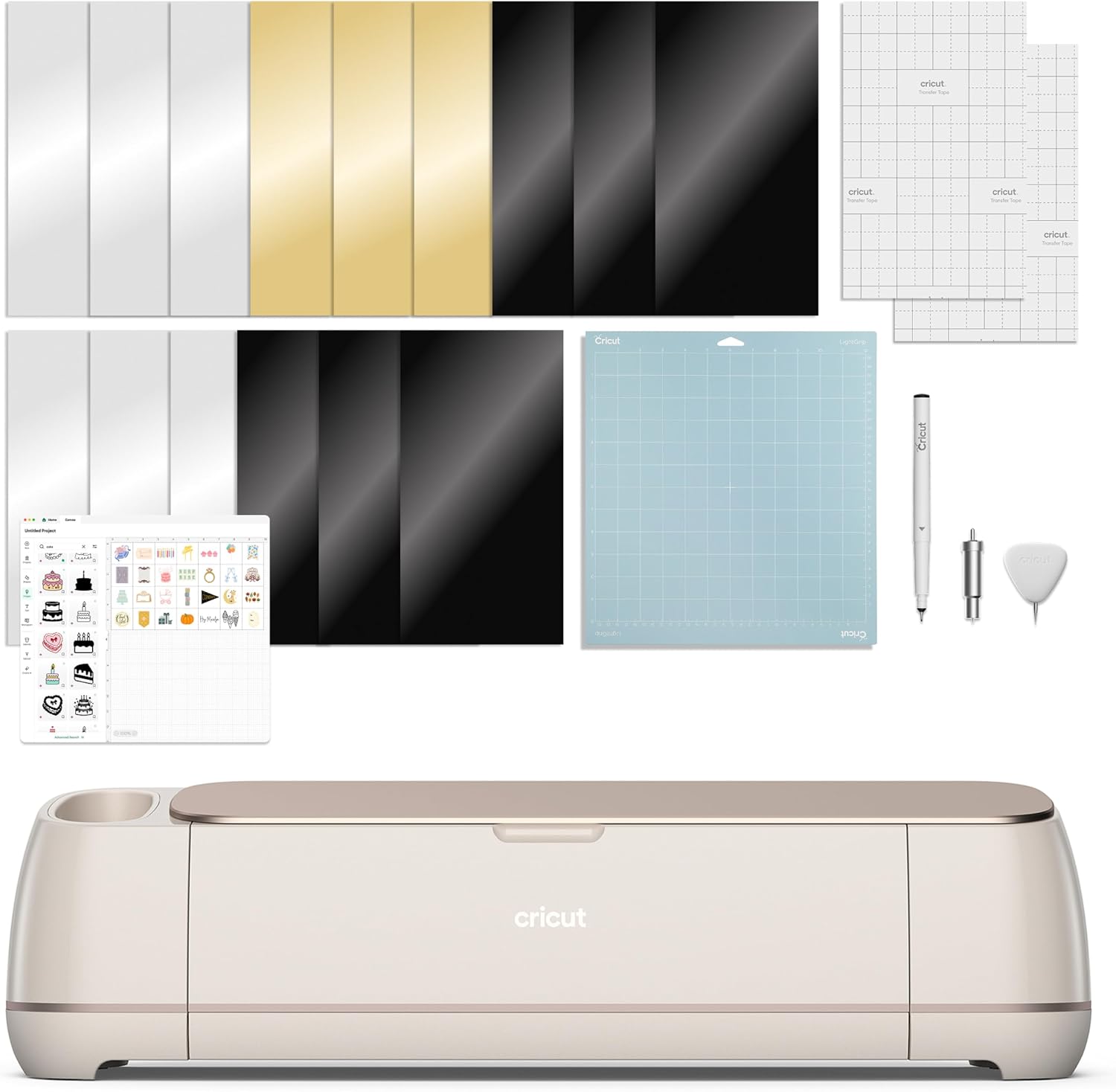
Cricut Maker 4 - Smart Cutting Machine (Seashell) | Digital Content Bundle
Personalize without limits with Cricut Maker® 4, the next generation of our ultimate smart cutting machine. With lots more compatible tools and materials than our other cutting machines, you'll be ama
Visit on Amazon →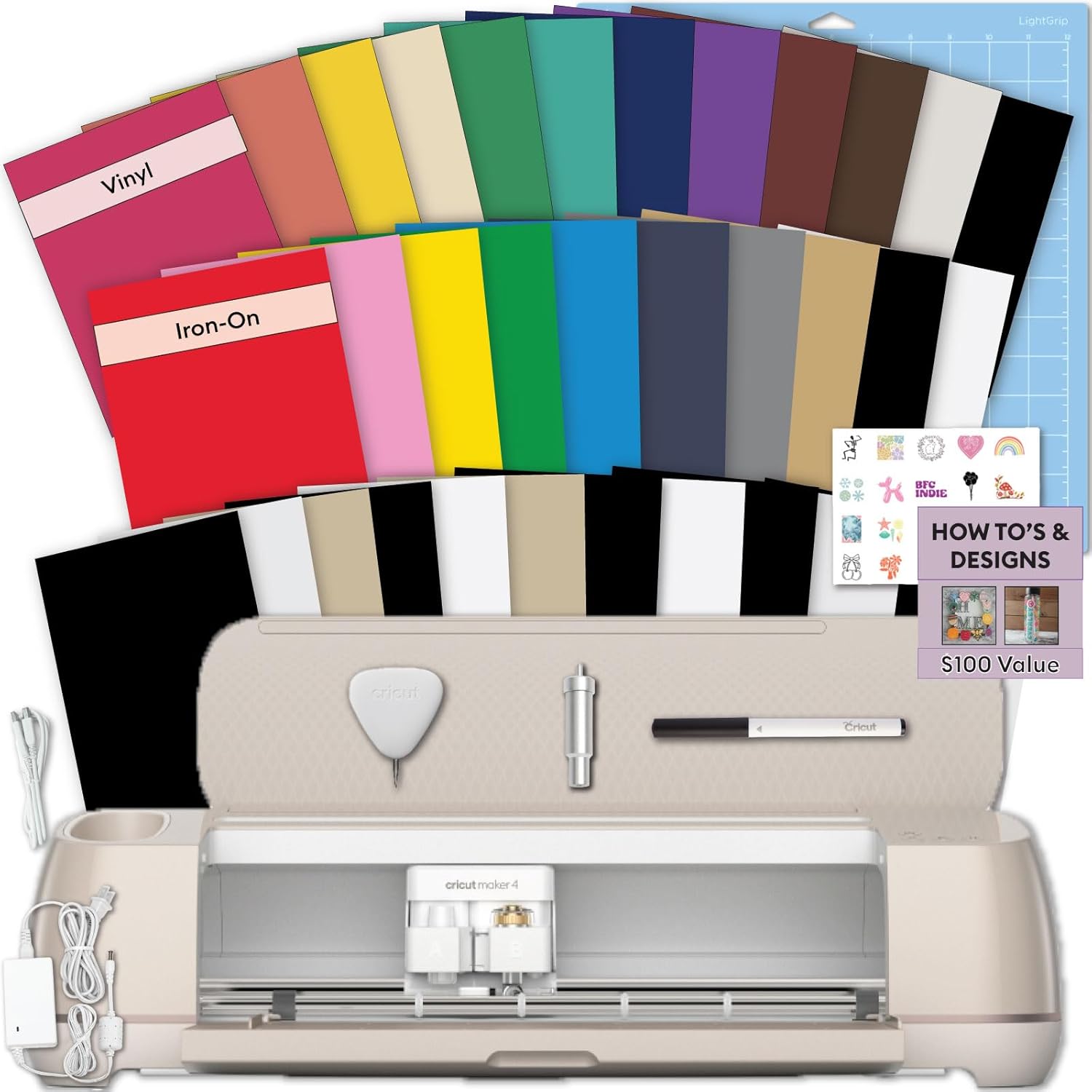
Cricut Maker 4 Starter Kit for Beginners - Smart Cutting Machine with Vinyl & Iron-On (HTV), Tools & Materials for Stickers, Shirts & DIY Crafts
From the essentials like vinyl, iron-on and paper to more specialty materials like fabric, wood veneer and leather, the Cricut Maker 4 gives you the widest range of materials to work with! Work with S
Visit on Amazon →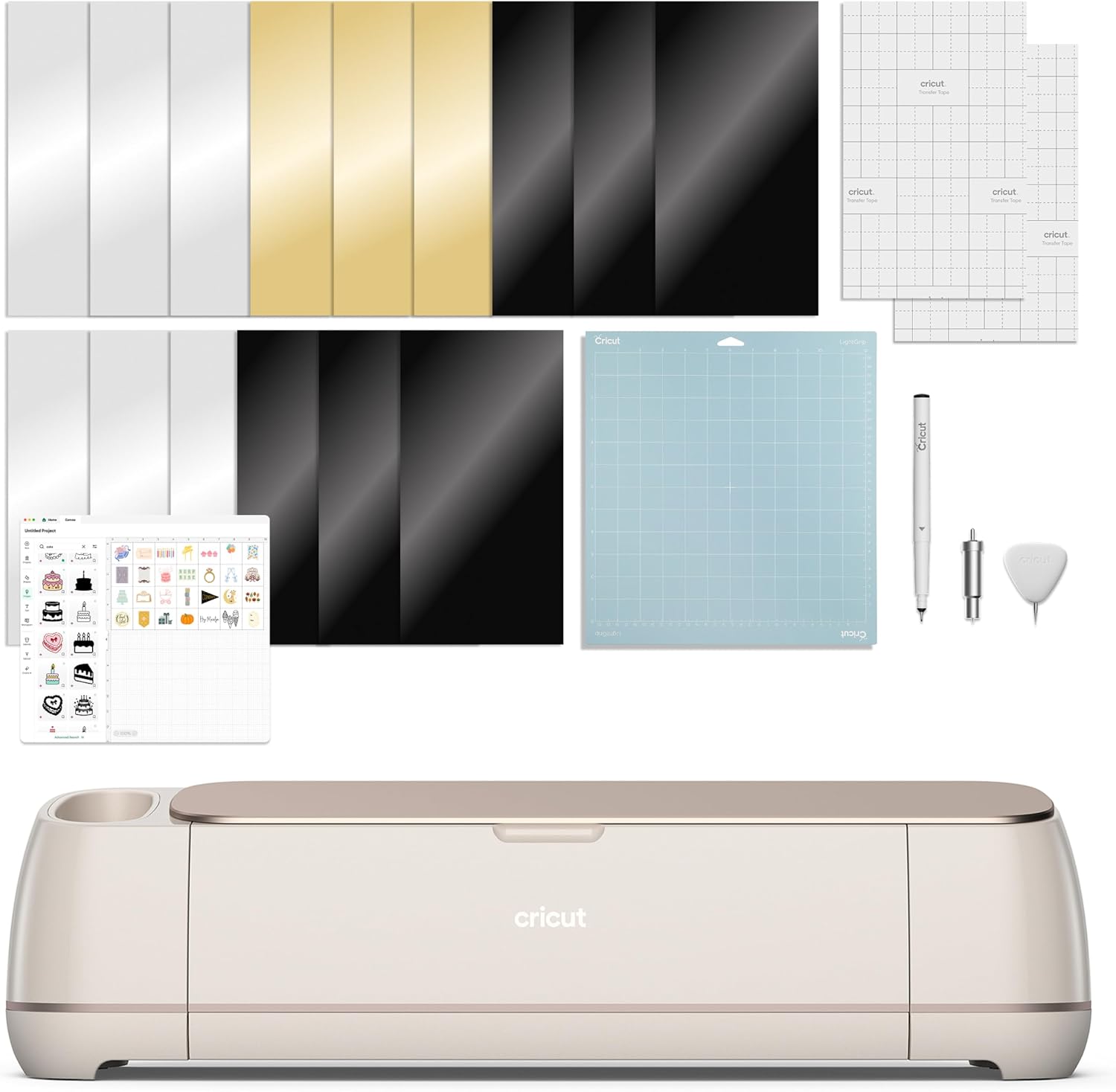
Cricut Maker 4 - Smart Cutting Machine (Seashell) | Engagement Bundle
Personalize without limits with Cricut Maker® 4, the next generation of our ultimate smart cutting machine. With lots more compatible tools and materials than our other cutting machines, you'll be ama
Visit on Amazon →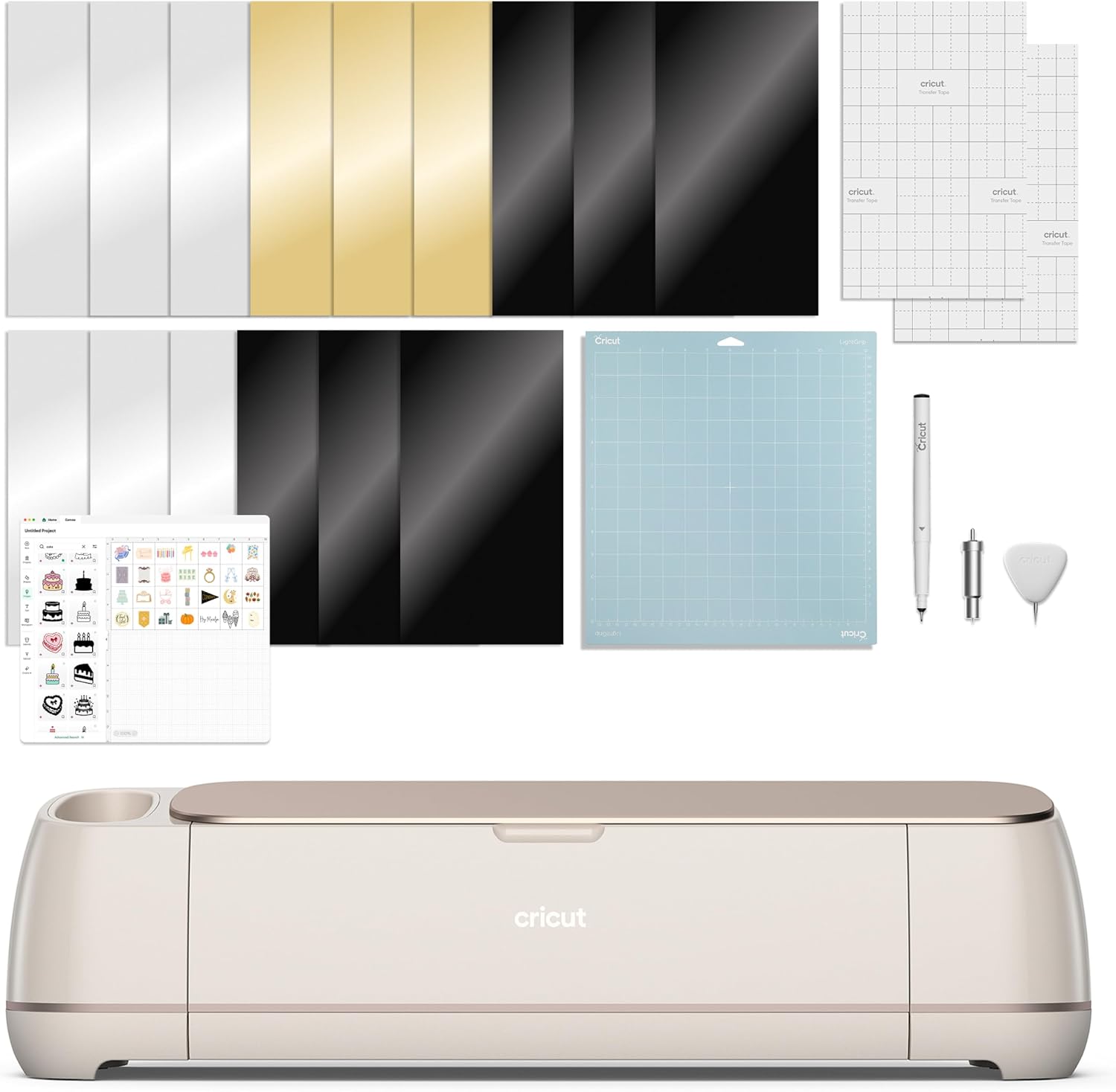
Cricut Maker 4 - Smart Cutting Machine (Seashell) | Engagement Plus Bundle
Personalize without limits with Cricut Maker® 4, the next generation of our ultimate smart cutting machine. With lots more compatible tools and materials than our other cutting machines, you'll be ama
Visit on Amazon →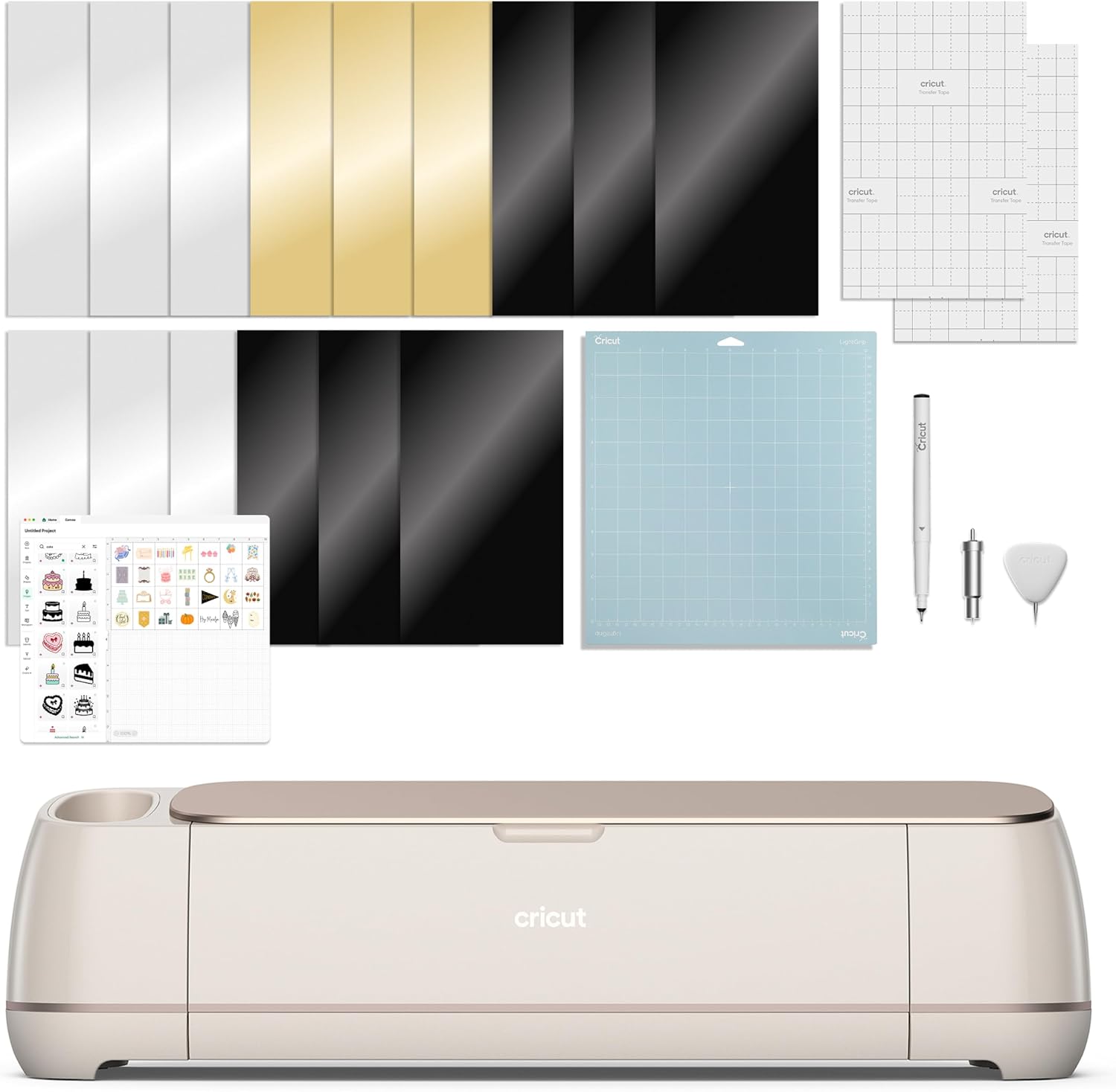
Extension Tray for Cricut Maker4/Maker3/Maker, White
Quality pick in this category.
Visit on Amazon →Cricut Maker 4 - Smart Cutting Machine (Seashell) | Engagement Bundle
Personalize without limits with Cricut Maker® 4, the next generation of our ultimate smart cutting machine. With lots more compatible tools and materials than our other cutting machines, you'll be ama
Visit on Amazon →The version I own and what I actually do with it
I bought the Cricut Maker 4 Seashell back in February. It came with the digital content bundle, which I'll get to in a minute. My 65-pound lab Roscoe has been sleeping next to it for six months now, which means he's stepped on the power cord at least twice and knocked the dust cover off once. The machine survived all of it. That's the kind of durability I care about.
My shop runs on this thing. I cut vinyl decals, sticker sheets, and the occasional 120-pound cardstock project for my weekend craft classes. In the six months I've owned it, I've put roughly 150 hours of cutting time on it, gone through three mats, and replaced the blade once. That's real usage, not a week of testing.
The upgrade question nobody wants to answer
Here's the honest truth: if you own a Maker 3, the Maker 4 is not a must-buy. The speed increase is real, I measured it. A complex sticker sheet that took my Maker 3 about 14 minutes now takes about 11. That's a 20% improvement, and it matters when you're behind on an Etsy order at 2 a.m. But it's not a revolutionary jump.
What actually surprised me is the noise. The Maker 4 is significantly quieter than my old Maker 3. I can run a cut while teaching a class without shouting over the machine. That alone has been worth more to me than the speed bump.
The new scoring tool is the feature I didn't know I needed. I make cardstock boxes for my class projects, and the Maker 4's scoring wheel creates a clean fold line without cutting through. On my Maker 3, I had to use a separate scoring stylus that was finicky and slow. This is a genuine improvement.
The subscription problem gets worse
I have to rant about this. The digital content bundle that came with my Maker 4 includes a few months of Cricut Access, and when it expired, the machine still works fine for basic cuts. But the moment you want to use the "smart" features, the ones they advertise in the promos, you hit the paywall.
I've been yelling about the subscription model for years, and the Maker 4 leans into it harder than any previous machine.
The hardware is excellent. The software lock-in is the problem. I teach beginners in my weekend classes, and I've seen too many of them buy a machine, hit the paywall, and quit. The Maker 4 is the best cutter I've used, and it's also the most aggressive push toward their subscription ecosystem yet.
The starter kit is the smart buy for beginners
If you're new to this, the Cricut Maker 4 Starter Kit is the version I'd recommend. It's ~$50 more than the base machine, and you get a bundle of vinyl, transfer tape, and a basic tool set. The vinyl is basic, you'll outgrow it in a month. But the tools are the same ones I reach for daily, and the transfer tape is the same brand I buy in bulk.
The math works out. Buying the starter kit means you don't have to make a separate Amazon order for the essentials, and it saves you ~$15 compared to buying everything separately. It's not a huge discount, but it's convenient, and convenience matters when you're just starting out.
One buyer named Kelly B. said the kit was "perfect for a beginner," and she's right. It's the least intimidating way to get started.
The engagement bundles are for people who want everything
The Engagement Bundle and Engagement Plus Bundle are where Cricut tries to upsell you. The base Engagement Bundle adds a few extra tools and materials, but honestly, I only use about half of what's in the box. The Plus version adds more vinyl and a storage bag, which is nice but not essential.
If you're starting from zero, the Engagement Plus Bundle at ~$599 is the best value because the cost per item drops significantly. But if you already own any Cricut tools, skip these bundles. You'll end up with duplicates.
The extension tray is a cheap fix
For ~$30, the Extension Tray for Maker 4 solves the problem of cutting long materials. It's literally a plastic tray that catches your vinyl or paper as it feeds through the machine. I bought one because my Maker 3 also fits it, and I was tired of watching long cuts drag on the table and shift alignment.
It's not exciting. It's a piece of plastic. But it works, and it's saved me from ruining at least a dozen long decals. One reviewer called it "simple but effective," and that's exactly right.
The Joy Xtra is my backup, not my main
I also picked up the Cricut Joy Xtra for small jobs. It's my backup machine for quick sticker runs and small decals. It's cheaper at ~$199, and it's fine for what it does. But the 8.5-inch width limit means it's not a replacement for the Maker 4. I use it when I need to cut a single small order and don't want to fire up the big machine.
The Joy Xtra is also a good entry point if you're not sure you want to commit to a full-size machine. But if you're serious about this as a business, skip it and go straight for the Maker 4.
How the Maker 4 handles my real materials
I've cut through everything with this machine. Vinyl, cardstock, foil poster board, even some thin leather for a class project. The Maker 4 handles the 120-pound cardstock that my old Explore used to struggle with. The metallic poster board setting is spot on, no tearing or incomplete cuts.
The blade life has been solid. I replaced the fine-point blade after about four months of heavy use, which is roughly 100 hours of cutting. That's the same life I got from the Maker 3, so no improvement there, but no regression either.
One thing I noticed: the machine detects material thickness better than my old models. I've had fewer failed cuts from misjudging material settings. That's a real quality-of-life improvement.
The one thing I can't recommend
I don't track prices day to day, so I won't pretend to know next week's deals. But I can tell you this: don't pay full price for the Maker 4 if you can avoid it. I've seen it drop by ~$50 to ~$60 during sales, and at that price, it's a much easier recommendation. The base machine at ~$399 is fair. The bundles at ~$599 are too much unless you're starting from zero.
My honest bottom line
The Maker 4 is the best cutting machine I've used in six years of running a shop. It's faster, quieter, and more accurate than my Maker 3. But if you already own a Maker 3, the upgrade is a luxury, not a necessity. If you're buying your first machine, get the Starter Kit and skip the subscription. The hardware is worth it. The software tax is not.