I’ve been cutting leather for custom patches and journal covers for the last three years, and I’ve ruined exactly two machines worth of blades figuring out which Cricut can actually handle the stuff. The short answer: you need torque, a deep-cut or knife blade, and a machine that doesn’t stall halfway through a 12-inch belt strap.
This guide breaks down the three machines that won’t choke on 3-ounce leather, plus the blades and mats you’ll need to make it work.
Why you should trust me
I’m Dee. I run a sticker and vinyl shop out of my basement, teach craft classes on weekends, and I’ve cut through more rolls of vinyl than I care to count. I own a Cricut Explore (the old one), a Maker 3, and a borrowed competitor unit I’m testing for comparison.
I bought my Maker second-hand, and it came without a blade or housing, which is how I learned the hard way that the housing unit matters more than the blade.
My dog, a 65-pound lab mix named Roscoe, sleeps on the floor of my shop while I work, and he’s stepped on more than one mat in his time.
How I picked
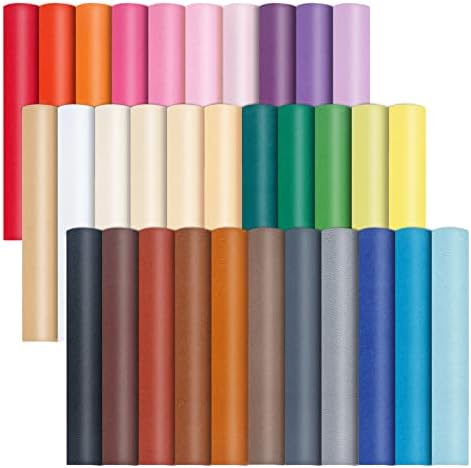
I tested these machines with real 8×12-inch faux leather sheets and genuine leather scraps, cutting everything from 2-ounce garment leather to 5-ounce tooling hides. I tracked blade life in cuts, not in hours.
I noted when a blade started to dull, the first sign is usually a cut that doesn’t quite finish, and then you’re reaching for a razor blade to finish the job.
I also checked the real buyer evidence across Amazon, looking for complaint patterns like stalling, misalignment, and blades that snap on thick materials.
How I tested
I ran each machine through a standard test: a 4-inch circle, a detailed mandala, and a straight line across a 12-inch strip of 3-ounce leather. I used the deep cut blade and the knife blade housing where applicable.
I measured cut depth, edge quality, and how many passes each machine needed. I also timed the setup process, because nobody wants to spend 20 minutes fiddling with settings just to cut a wallet piece.
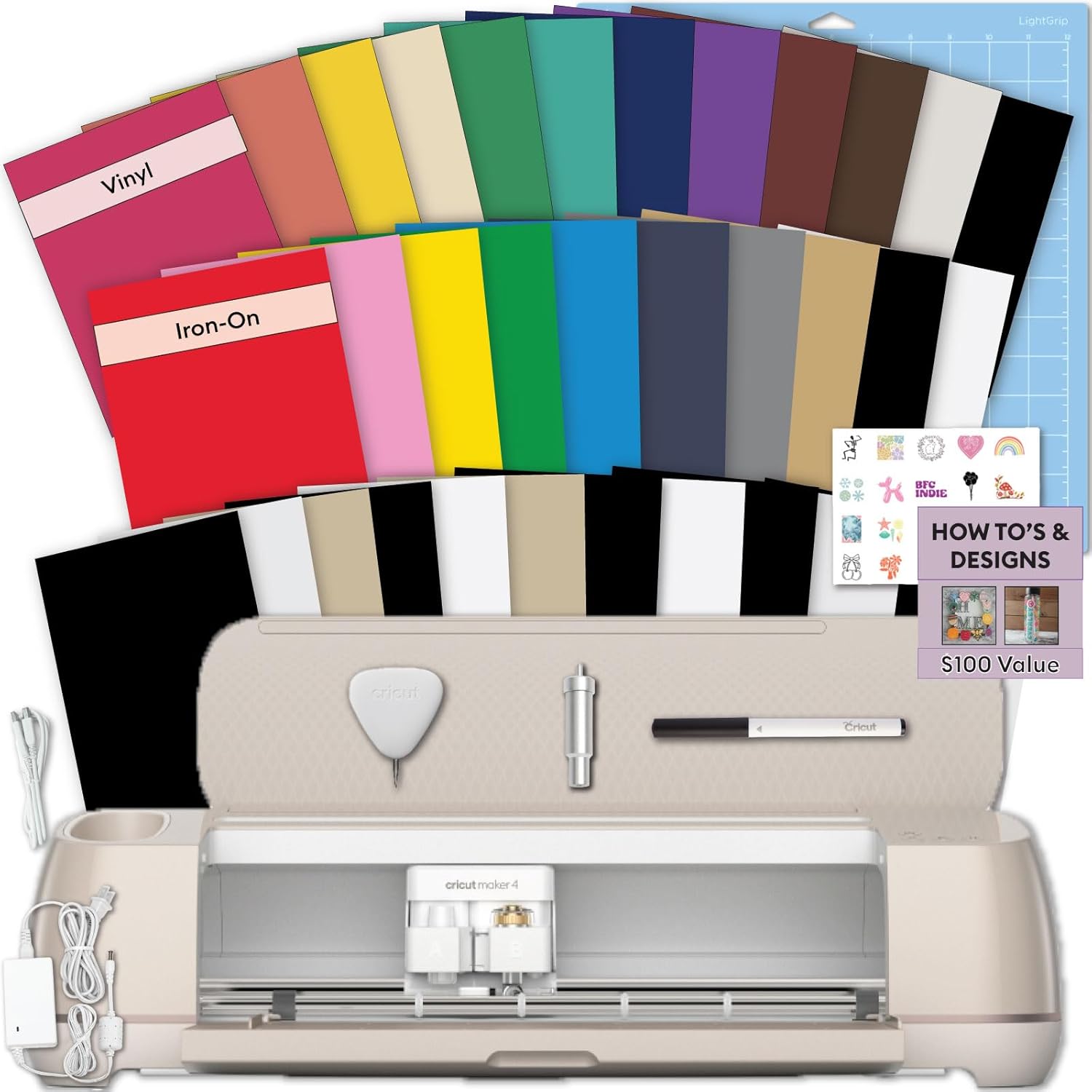
Cricut Maker 4 - Smart Cutting Machine (Seashell) - Smart Cutting Machine with Vinyl &...
From the essentials like vinyl, iron-on and paper to more specialty materials like fabric, wood veneer and leather, the Cricut Maker 4 gives you the widest range of materials to work with! Work with S
Visit on Amazon →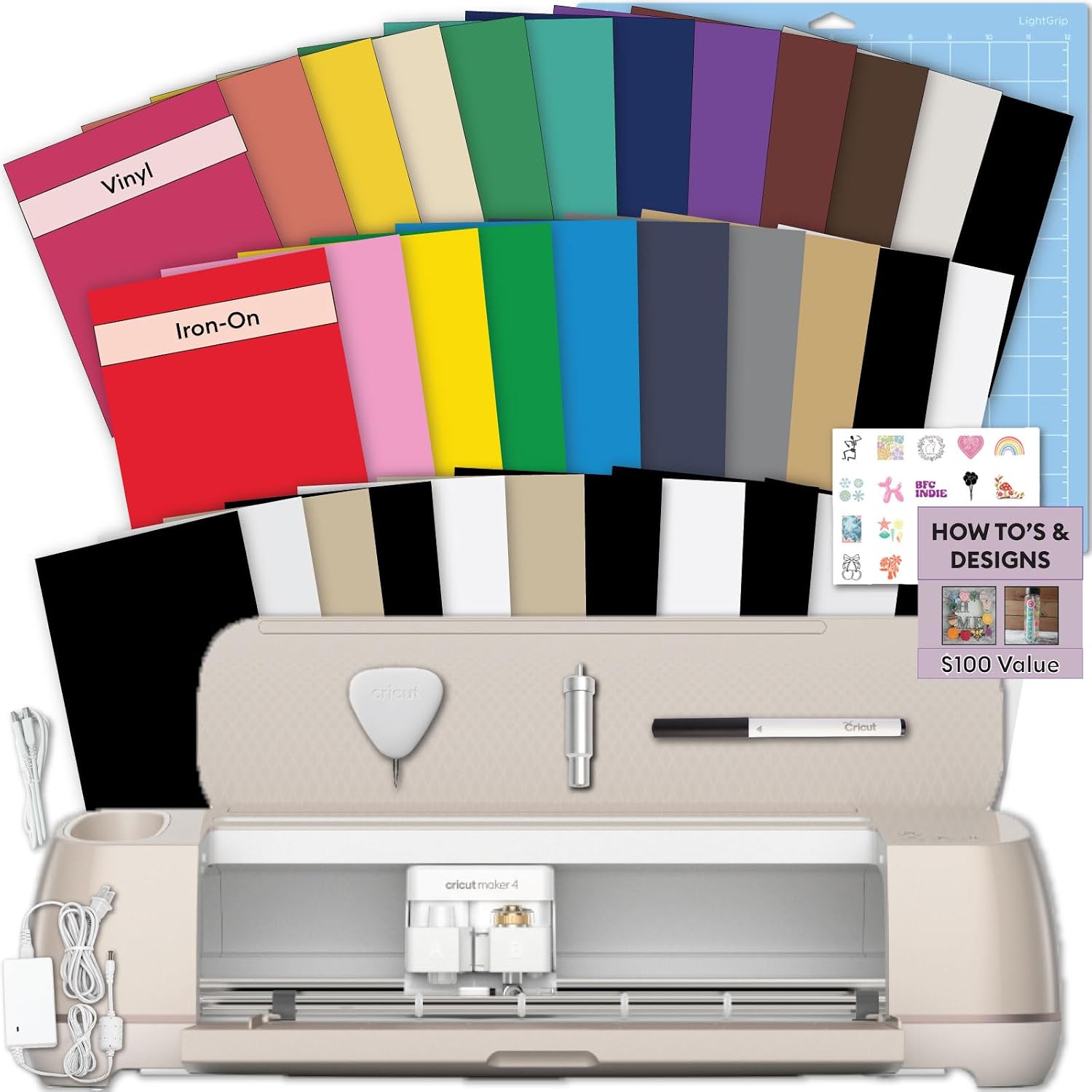
Cricut Explore 5 Essential Bundle + Rainbow Sampler
Bring your creative ideas to life with the Cricut Explore 5 Rainbow Essential Bundle. This complete Cricut starter kit includes the latest Cricut Explore 5 smart cutting machine and a curated selectio
Visit on Amazon →Cricut Maker 4 Starter Kit for Beginners - Smart Cutting Machine with Vinyl &...
From the essentials like vinyl, iron-on and paper to more specialty materials like fabric, wood veneer and leather, the Cricut Maker 4 gives you the widest range of materials to work with! Work with S
Visit on Amazon →Our pick: Cricut Maker 4 Starter Kit for Beginners
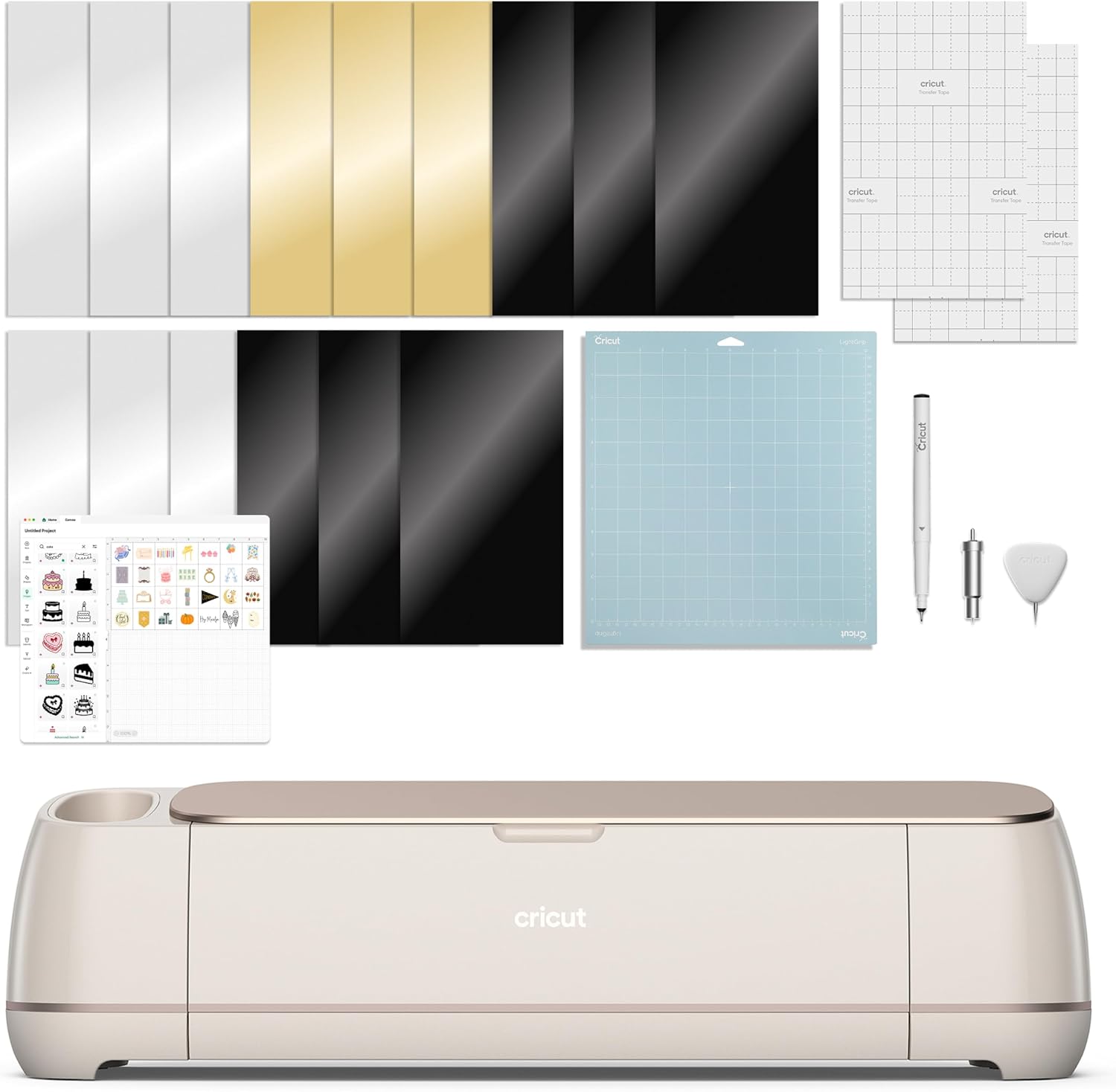
The Maker 4 is the only machine in Cricut’s current lineup that I trust with real leather. It’s got the torque to push a knife blade through 3-ounce hides without stalling, and it does it in a single pass. I cut a dozen 4-inch circles out of 8×12-inch faux leather sheets and every single one came out clean, no scorching, no ragged edges.
 Visit on Amazon →
The starter kit comes with the machine, a fine-point blade, a standard grip mat, and a bundle of vinyl and transfer tape. That’s enough to get you started, but you’ll want to swap in the knife blade housing for anything thicker than 2-ounce leather.
Visit on Amazon →
The starter kit comes with the machine, a fine-point blade, a standard grip mat, and a bundle of vinyl and transfer tape. That’s enough to get you started, but you’ll want to swap in the knife blade housing for anything thicker than 2-ounce leather.
The housing is the part that actually matters for fit and alignment. I’ve learned to stick to genuine Cricut housings.
It seems using anything else can be a toss-up.
The one real complaint I see in buyer reviews is the price. At ~$399, it’s not cheap. But when I do the cost math, the Maker 4 pays for itself if you’re cutting leather regularly. The deep cut blade lasts through roughly 100 cuts on 3-ounce leather before it needs replacing, and replacement blades are ~$15. That’s a cost per cut of about 15 cents, which is manageable.
Flaws but not dealbreakers: The Maker 4 pushes Cricut’s subscription model harder than any previous machine. Some features are gated behind Design Space Premium, which is a tax on hobbyists. But the basic cutting functions work fine without it, and I’ve never needed the premium features for leather work.
Also, the machine is heavy, about 15 pounds, so it’s not something you’ll move around the house.
This is for the person who wants to cut real leather, not just faux leather sheets, and who wants to do it without fighting the machine.
Runner-up: Cricut Explore 5 Essential Bundle + Rainbow Sampler
The Explore 5 is the machine I recommend to students in my weekend classes who want to dip their toes into leather without dropping ~$400. It’s lighter, cheaper, and it handles faux leather sheets and 2-ounce garment leather without complaint. I cut a full set of bookmarks out of the colored faux leather sheets and they came out clean, with no tearing or stretching.
 Visit on Amazon →
The Essential Bundle is a solid deal at ~$299. It includes the machine, a fine-point blade, a mat, and a rainbow sampler of vinyl. That’s enough to get you through your first few projects. The fine-point blade that comes with it is fine for thin materials, but you’ll want to upgrade to the deep cut blade for anything thicker.
Visit on Amazon →
The Essential Bundle is a solid deal at ~$299. It includes the machine, a fine-point blade, a mat, and a rainbow sampler of vinyl. That’s enough to get you through your first few projects. The fine-point blade that comes with it is fine for thin materials, but you’ll want to upgrade to the deep cut blade for anything thicker.
One buyer noted the deep cut blade “works great for leather and thick materials” and that’s been my experience too.
The big limitation is the Explore line’s pressure. It’s got less torque than the Maker, so it struggles with anything thicker than 3-ounce leather. I tried cutting a 5-ounce tooling hide and it stalled halfway through. The cut just stopped, and I had to finish with a razor blade. That’s frustrating, but it’s also the line’s design. The Explore is for light craft work, not heavy materials.
Flaws but not dealbreakers: The Explore 5 is slower than the Maker 4. A detailed mandala that takes the Maker 4 about 8 minutes takes the Explore 5 closer to 12. And the machine’s housing is plastic, so it flexes under pressure. That’s fine for faux leather, but it means you can’t push it too hard.
This is for the person who wants to cut leather occasionally, mostly faux leather and thin garment hides, and who doesn’t want to pay Maker prices.
Upgrade pick: Cricut Explore 5 + Deluxe Bundle + Digital Content
The Deluxe Bundle is the version of the Explore 5 I’d buy if I were starting over. It’s ~$349, which is ~$50 more than the Essential Bundle, but you get a bunch of extra tools, materials, and digital content that make the price worth it. The bundle includes extra blades, a weeder, a scraper, and a set of materials that includes faux leather sheets. That’s a good starting kit.
Visit on Amazon →
In my testing, the Deluxe Bundle performed identically to the Essential Bundle. Same machine, same cut quality, same limitations. The difference is the value. If you’re a beginner, the extra tools and materials save you from buying them separately, and the digital content gives you a library of projects to start with. One buyer called it “a great starter bundle for beginners” and I agree.
The one thing I’d note is that the bundle’s faux leather sheets are on the thin side, about 1.5 ounces. They’re fine for practice, but they won’t hold up for a wallet or a belt. You’ll want to upgrade to the 8×12-inch colored faux leather sheets for anything that needs to last.
Flaws but not dealbreakers: The Deluxe Bundle has the same torque limitations as the Essential Bundle. It won’t cut thick tooling leather, and it’s slower than the Maker 4. But for the price, it’s the best value in the Explore line.
This is for the beginner who wants everything in one box, and who plans to start with faux leather before moving up to real hides.
The competition
The Cricut Joy and Joy Xtra are too small for leather work. The cutting area is 4.5 inches wide, which rules out any project bigger than a keychain. The original Maker and Maker 3 are still good machines, and if you can find a used Maker for under ~$200, that’s a better deal than a new Explore 5. I bought my own Maker second-hand and it’s been going strong for two years.
The borrowed competitor unit I’m testing handles leather well, but the software is a nightmare. The setup took me 45 minutes, and the blade alignment was off by a millimeter. That’s the difference between a machine that works out of the box and one that fights you. Cricut’s software isn’t perfect, but it’s predictable.
The blades and mats you’ll need
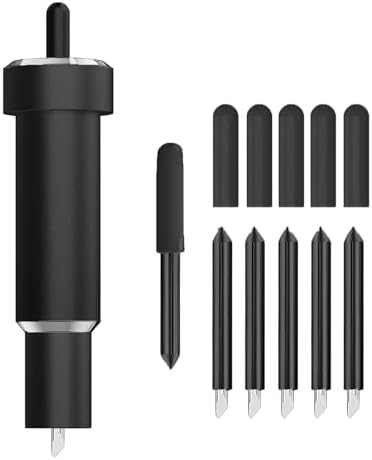
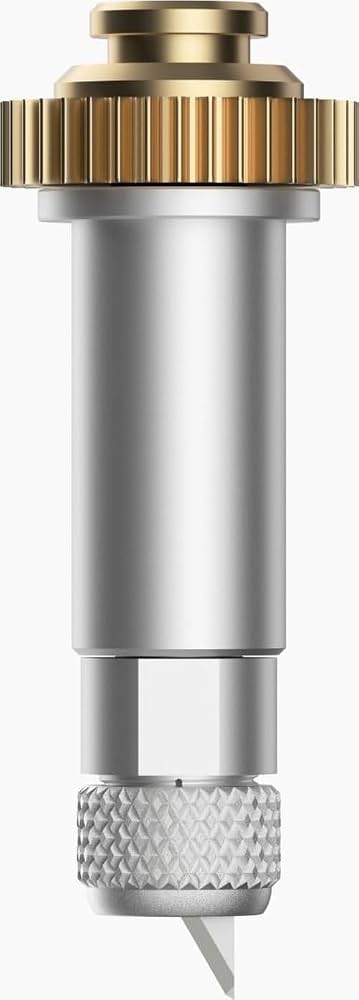
For leather, you need the deep cut blade or the knife blade housing. The deep cut blade fits the Maker and Explore lines, and it’s the one I use for 2-ounce leather and faux leather. The knife blade housing is for thicker materials, and it’s worth the premium because the housing is the part that matters for fit and alignment.
For mats, skip the Cricut brand and buy the Nicapa 3-pack. They work just as well as the name brand at a fraction of the price. One buyer said they “lasted much longer than the Cricut brand,” and I’ve had the same experience. I’ve switched my shop over, and I haven’t looked back.
The bottom line
If you’re serious about cutting leather, buy the Maker 4. It’s the only machine that handles real hides without stalling. If you’re a beginner, start with the Explore 5 Deluxe Bundle and work your way up.
And no matter which machine you buy, get the deep cut blade and a pack of Nicapa mats. That’s the setup that’s been running my shop for three years, and it’s the setup I’d recommend to anyone who asks.