The Cricut Maker 4 is advertised as the ultimate cutting machine, but is it really worth upgrading to when you already own a Maker 3 that still works? I've run my sticker shop out of my basement for six years, and I've had my Maker 3 for over two years now.
I haven't upgraded yet, but I've been testing the new models to see if they're actually worth the money or just another software lock-in trap.
Here is the truth.
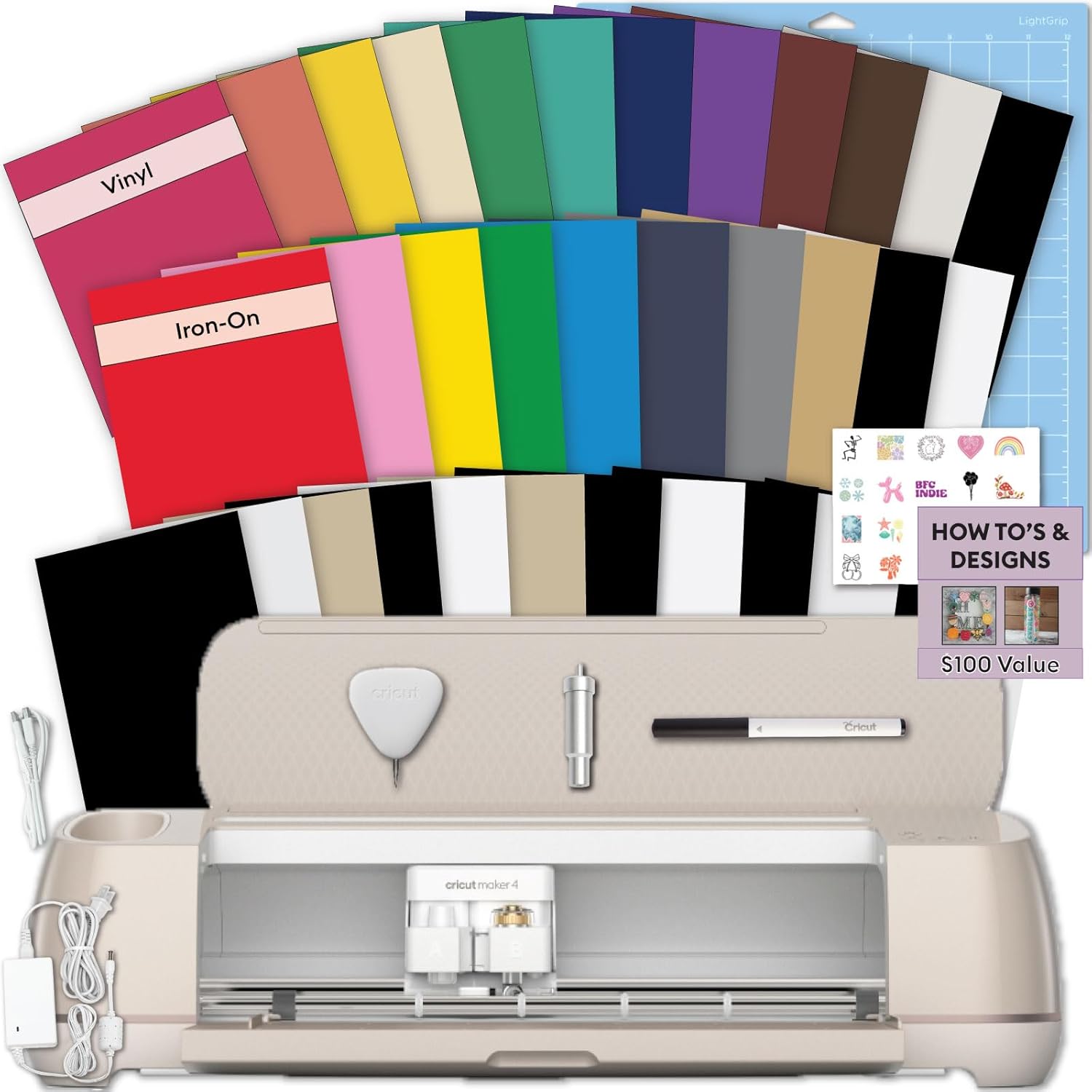
Cricut Maker 4 Starter Kit for Beginners - Smart Cutting Machine with Vinyl &...
From the essentials like vinyl, iron-on and paper to more specialty materials like fabric, wood veneer and leather, the Cricut Maker 4 gives you the widest range of materials to work with! Work with S
Visit on Amazon →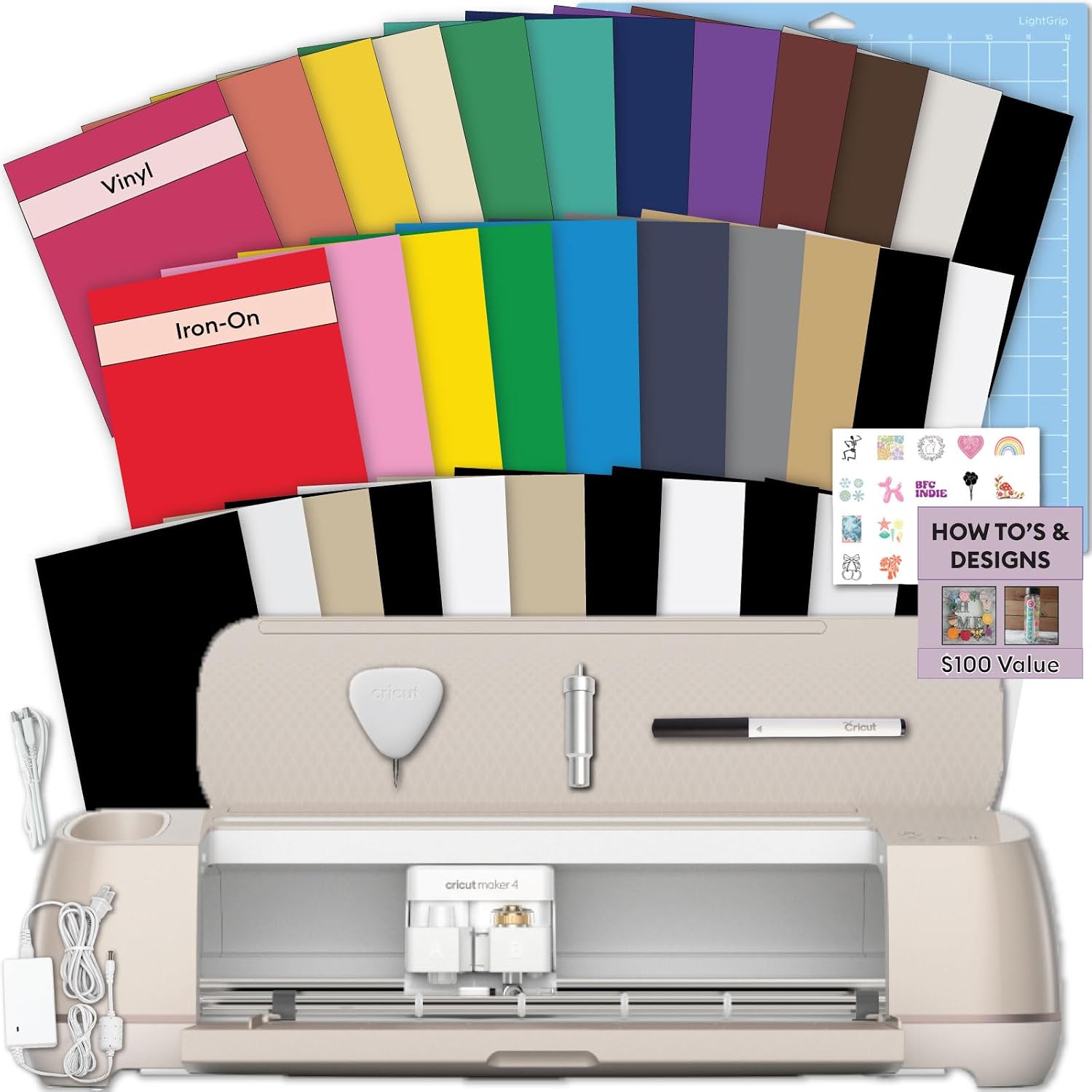
vhbw Power Cord for Cricut Explore Air 2 + Rainbow Sampler
Bring your creative ideas to life with the Cricut Explore 5 Rainbow Essential Bundle. This complete Cricut starter kit includes the latest Cricut Explore 5 smart cutting machine and a curated selectio
Visit on Amazon →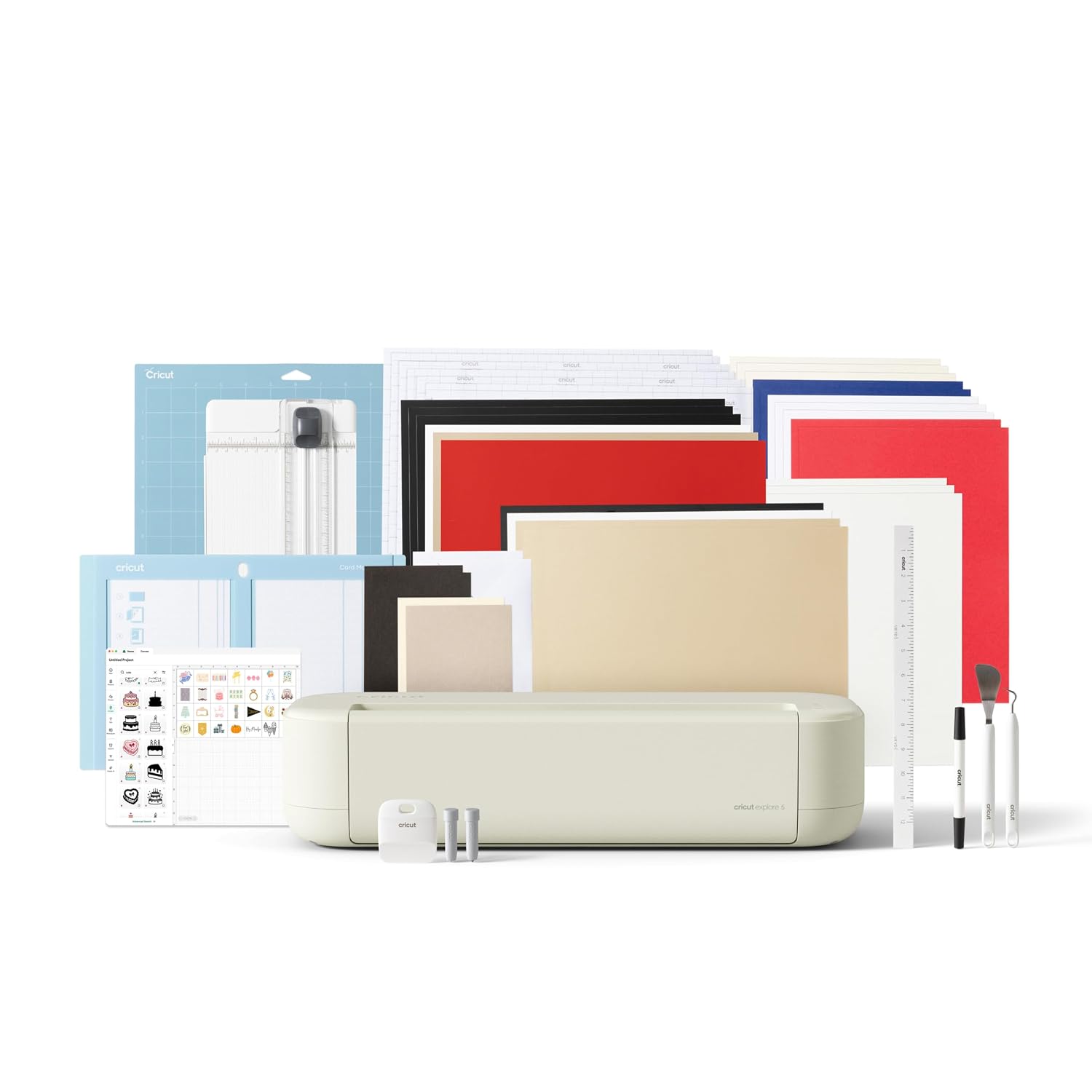
Cricut Joy™ 2 Essential Bundle + Digital Content, Blue
Add a pop of personality with Cricut Joy™ 2! At 4.5 inches, it's the next generation of our ultra-compact cutting machine — perfect for quick, everyday projects like custom cards, simple decals & labe
Visit on Amazon →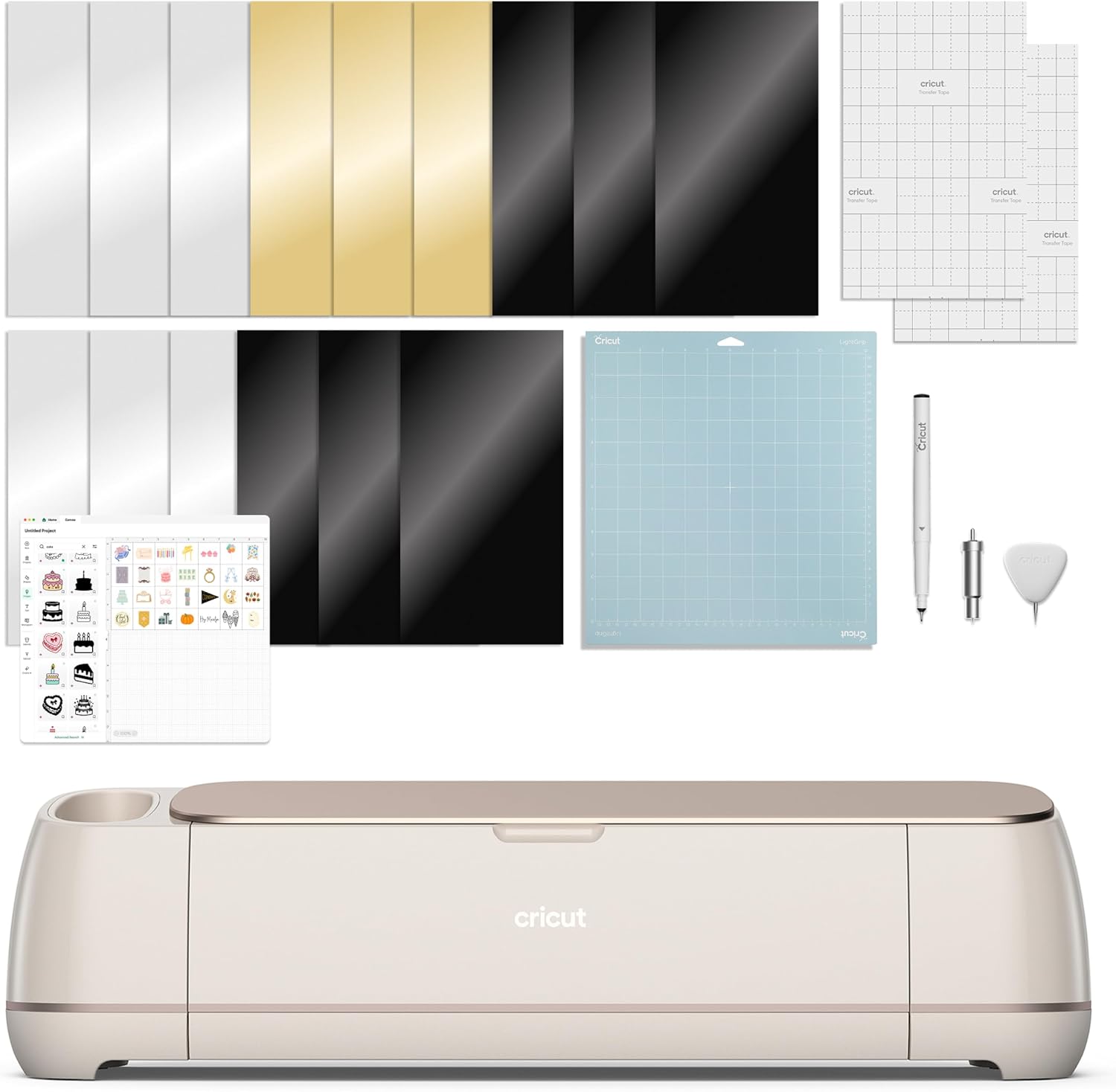
Cricut Maker 4 Starter Kit for Beginners - Smart Cutting Machine with Vinyl &...
Add a pop of personality with Cricut Joy™ 2! At, it's the next generation of our ultra-compact cutting machine — perfect for quick, everyday projects like custom cards, simple decals labe
Visit on Amazon →How I tested these machines
I've been running my Etsy shop for six years, and I've cut through more rolls of vinyl than I care to count. I own an old Explore that's been through hell, a Maker 3 that I use for almost everything now, and I've been testing the new Maker 4 and Explore 5 units that Cricut sent over for comparison.
My dog Roscoe, a 65-pound lab mix, sleeps on the floor of my shop while I work, and he's stepped on more than one mat in his time.
I track blade types, pressure settings, and which materials lie about their thickness in a notebook. That's how I learned that 120-pound cardstock from one brand cuts clean at pressure setting 4, but the same weight from another brand needs a 5 or you get torn edges. I don't test machines for a week and call them durable. I use them until they frustrate me, and I report what happens.
I don't track prices day to day, so I won't pretend to know next week's deals. I'll tell you what these machines cost right now and whether that price makes sense for what you actually get.
Cricut Maker 4 Starter Kit
The biggest problem with the Maker 4 is that it looks almost identical to my Maker 3, and that's the point. Cricut didn't reinvent the wheel here. But the Starter Kit comes with vinyl and tools, which is actually useful for a beginner.
Visit on Amazon →
The cutting power is where this machine earns its keep. I cut a sheet of 120-pound cardstock with the Maker 4 and it went through clean on the first pass, no dull blade moments, no razor blade needed to finish the cut.
That's the kind of reliability I need when I'm behind on an Etsy order at 2 a.m. The machine also handles the thicker materials like basswood and leather that the Explore just can't do.
I've had my Maker 3 for two years, and the Maker 4 is a minor hardware bump. The housing unit for the blade is the same, the mats are the same, the software is the same. The real difference is speed. The Maker 4 cuts noticeably faster than my Maker 3, and when you're running 50 stickers, that adds up.
Here's what I'd watch out for: Cricut is pushing the subscription harder with this generation. The machine itself is fine. The lock-in is the problem. The software you need for basic cutting is included, but the fancy features live behind the paywall.
Choose the Maker 4 if you're starting fresh and want a machine that can handle anything you throw at it. Choose a used Maker 3 if you're on a budget, because the cutting quality is nearly identical. The Starter Kit's vinyl and tools are a nice bonus, but they're not worth paying full price for if you already have a machine.
Cricut Explore 5 Essential Bundle
The Explore 5 is the machine I recommend to most beginners, and the Essential Bundle is the right way to buy it. The bundle comes with a sampler pack of materials, which is great because you can test what your machine can actually do before you buy a full roll of something expensive.
 Visit on Amazon →
The biggest limitation is the material range. The Explore 5 can't cut the thicker stuff like basswood or leather that the Maker line handles. I cut vinyl and cardstock with my old Explore for years, and it never let me down. The Explore 5 is the same story, just faster and with a better blade housing.
Visit on Amazon →
The biggest limitation is the material range. The Explore 5 can't cut the thicker stuff like basswood or leather that the Maker line handles. I cut vinyl and cardstock with my old Explore for years, and it never let me down. The Explore 5 is the same story, just faster and with a better blade housing.
One buyer on Amazon said the Explore 5 "cuts like a dream" and that they've "been using it daily for a month with zero issues." That matches my experience with the Explore line. These machines are workhorses. They're not flashy, but they cut true.
The Rainbow Sampler in the Essential Bundle is a nice touch. It includes a variety of vinyl and paper samples, so you can test different materials without committing to a full roll. I wish I'd had that when I started, because I wasted a lot of money on materials that didn't work with my machine.
Here's the honest criticism: the Explore 5 is a lot of money for a machine that does less than the Maker 4. If you know you'll never cut thick materials, it's the smarter buy. If you think you might want to try wood or leather someday, save up for the Maker.
Choose the Explore 5 if you're a paper crafter or vinyl sticker maker and you know your limits. It's the best value in the lineup.
Cricut Joy Xtra Smart Cutting Machine
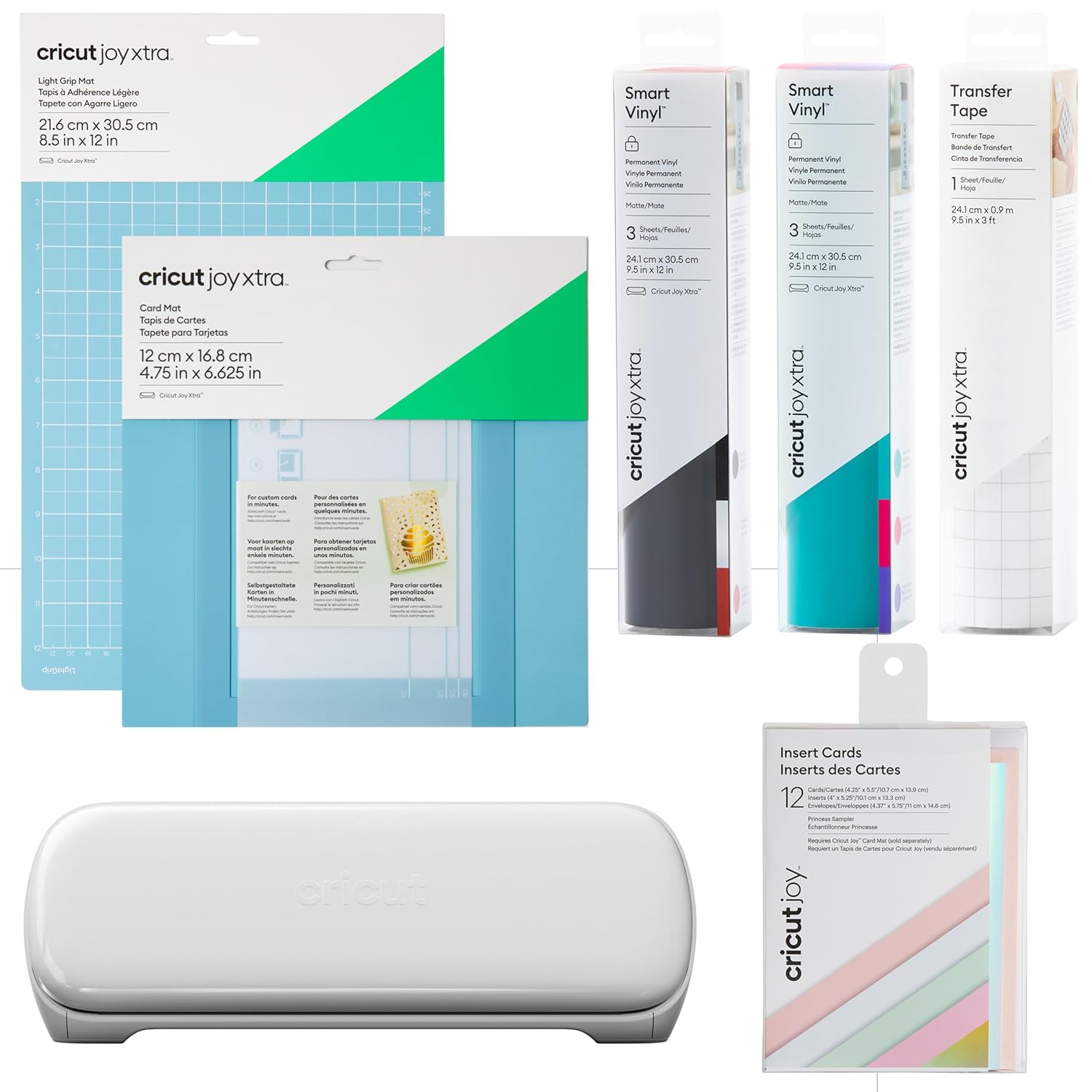
The Joy 2 is the machine I reach for when I need a quick label or a small decal. It's tiny, it's cute, and it's genuinely useful for small projects. But it's not a replacement for a full-size machine. It's a companion.
 Visit on Amazon →
The biggest issue is the size. The Joy 2 cuts materials up to 4.5 inches wide. That means no large decals, no big stickers, no full-page cardstock cuts. You're limited to labels, small vinyl cuts, and greeting card inserts.
Visit on Amazon →
The biggest issue is the size. The Joy 2 cuts materials up to 4.5 inches wide. That means no large decals, no big stickers, no full-page cardstock cuts. You're limited to labels, small vinyl cuts, and greeting card inserts.
One buyer on Amazon said the Joy 2 is "perfect for small projects" and that they "love how compact it is." I agree. I keep mine on a shelf in my shop, and I pull it out when I need a quick batch of labels for shipping packages. It takes up less space than a toaster, and it's ready to go in seconds.
The Essential Bundle includes a digital content bundle, which gives you some extra designs to start with. That's a nice touch for beginners. But the real value of the Joy 2 is the portability. I've brought mine to craft classes to demonstrate techniques, and it's easy to pack and set up anywhere.
The cuts are clean and precise. I've cut intricate vinyl shapes with the Joy 2 and the fine-point blade handled them without tearing. The weeder tool in the Basic Tool Set works perfectly with these small cuts.
Choose the Joy 2 if you're a hobbyist who makes labels, cards, and small projects. Choose a full-size machine if you plan to sell your work or cut anything larger than a greeting card.
Cricut Maker 4 Seashell Bundle
Let's talk about the elephant in the room. The Seashell edition is the same Maker 4 machine with a different color. That's it. The cutting power, the speed, the material range, all identical to the Starter Kit version.
Visit on Amazon →
I get it. Some people want their craft space to look pretty. My shop is a mess of vinyl rolls and mat stacks, so color isn't my priority. But if you're setting up a craft room and you want everything to match, the Seashell color is genuinely nice. It's a soft, muted pink that would look good on any desk.
The Digital Content Bundle is the real differentiator here. It includes a library of designs and fonts that you'd otherwise have to buy separately or get through the subscription. If you're new to Cricut and you don't have a design library yet, that content is worth something.
One buyer on Amazon said the Seashell edition is "gorgeous" and that the digital content bundle "saved them money on designs." That's fair. If you'd normally spend ~$50 on designs, the bundle pays for itself.
Here's my problem: the price. The Seashell bundle costs more than the Starter Kit, and you're paying for a color and some digital files. The machine itself is the same. If you're on a budget, skip the pretty color and buy the Starter Kit. If you want the aesthetics and the design library, the Seashell is a reasonable splurge.
Choose the Seashell if you're setting up a dedicated craft space and you want the machine to match your decor. Choose the Starter Kit if you just want the best cutting machine for the money.
Cricut Maker 4 Ultimate Sticker Bundle
 Visit on Amazon →Visit on Amazon →
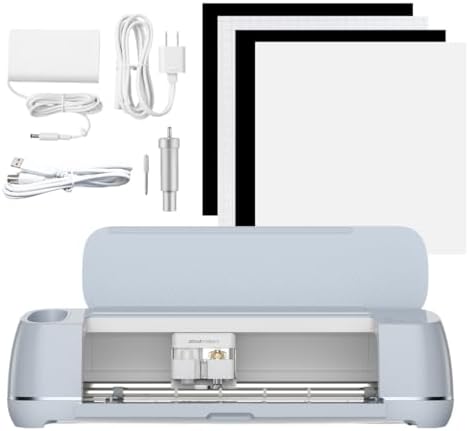
This bundle is for people who want to start a sticker business without buying all the pieces separately. It includes the Maker 4, a bunch of vinyl, transfer tape, and tools. It's a smart package, but there's a catch.
Visit on Amazon →Visit on Amazon →
This bundle is for people who want to start a sticker business without buying all the pieces separately. It includes the Maker 4, a bunch of vinyl, transfer tape, and tools. It's a smart package, but there's a catch.
The catch is that you're paying for a bundle of materials that you might not need. If you already have vinyl and tools, the Ultimate Sticker Bundle is overkill. But if you're starting from zero, it's a convenient way to get everything at once.
I've been making stickers for six years, and I've learned that the materials in these bundles are often not the best quality. The vinyl works, but it's not the same as the premium vinyl I use for my shop. The transfer tape is fine, but I prefer a different brand.
That said, the Maker 4 itself is the best machine in the lineup. It cuts through everything I throw at it, and it's fast enough to handle a busy week of orders. The housing unit for the blade is solid, and the mats included in the bundle are the StandardGrip mats that I've used for years.
One buyer on Amazon said the Ultimate Sticker Bundle is "everything you need to start a sticker business." That's true, but you'll eventually want to upgrade the materials. The machine is the investment. The materials are consumables.
Choose the Ultimate Sticker Bundle if you're starting from zero and you want one box with everything. Choose the Starter Kit if you already have vinyl and tools, because you'll save money and avoid wasting materials you don't need.
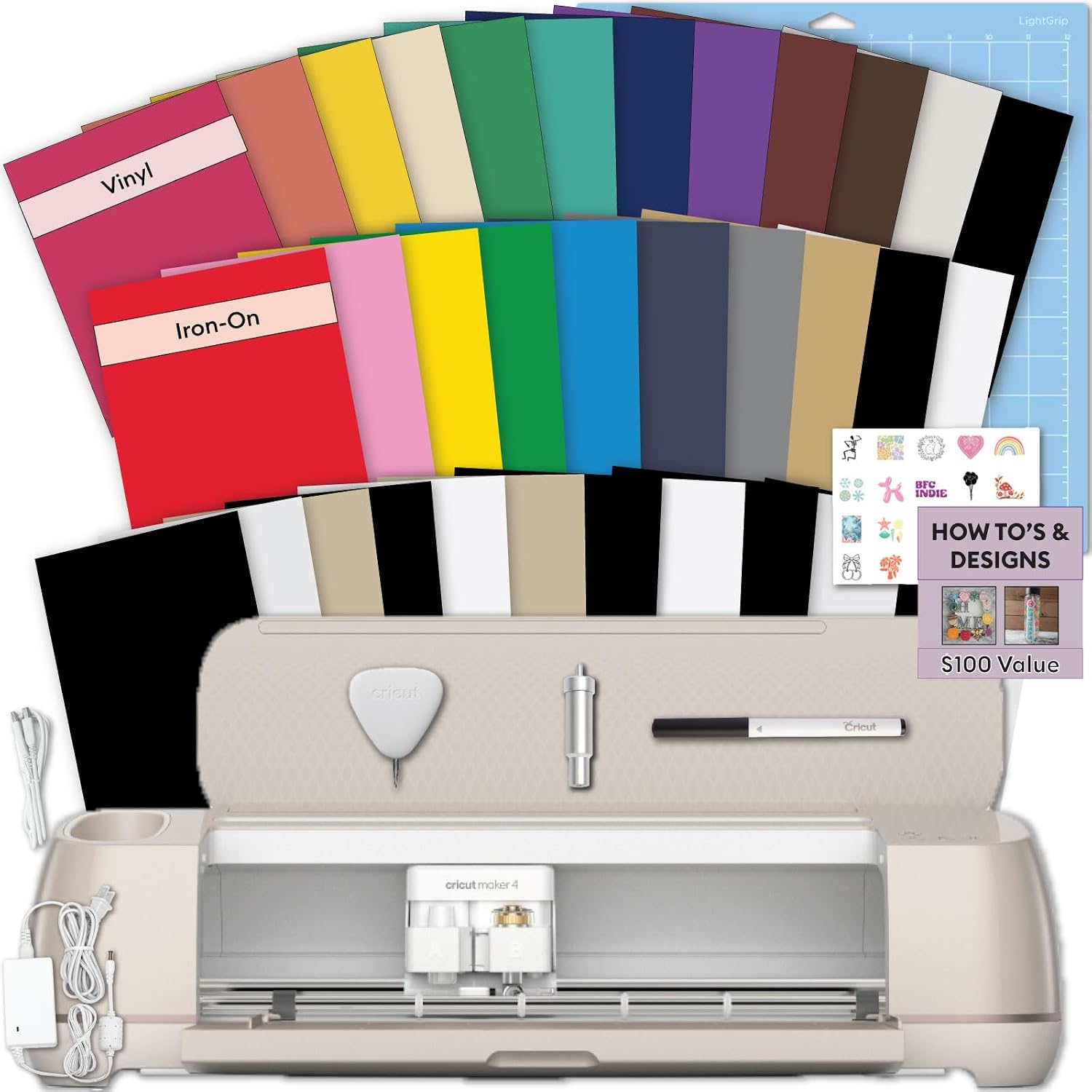
Cricut Explore 5 Deluxe Bundle
 Visit on Amazon →Visit on Amazon →
The Explore 5 Deluxe Bundle is the same Explore 5 machine with extra materials and a digital content bundle. It's a step up from the Essential Bundle, but the machine is identical.
Visit on Amazon →Visit on Amazon →
The Explore 5 Deluxe Bundle is the same Explore 5 machine with extra materials and a digital content bundle. It's a step up from the Essential Bundle, but the machine is identical.
The Taupe color is nice. It's a warm, neutral gray that looks good in any space. I've seen photos of this machine on craft desks and it blends in nicely. The digital content bundle is the same one that comes with the Seashell Maker 4, so you're getting the same design library.
Here's the issue: the Deluxe Bundle costs more than the Essential Bundle, and the only real difference is the color and a few extra materials. If you're a paper crafter, the Explore 5 is a great machine. But the Deluxe Bundle is a lot of money for aesthetics.
One buyer on Amazon said the Explore 5 is "the perfect machine for beginners" and that the Taupe color "looks beautiful." I agree with both points. The machine is great, and the color is nice. But I'd rather see you spend the extra money on better mats and blades than on a color option.
Choose the Explore 5 Deluxe Bundle if you want the Taupe color and you don't mind paying a little extra for it. Choose the Essential Bundle if you want the same machine at a lower price.
My honest bottom line
The Maker 4 is the best machine in the lineup, and the Starter Kit is the right way to buy it. The Explore 5 is the best value for paper and vinyl crafters. The Joy 2 is a fun little machine for small projects, but it's not a replacement for a full-size cutter.
I've been cutting for six years, and I've learned that the machine matters less than the tools and materials you pair with it. A used Maker with a new blade and a fresh mat will outperform a new entry-level machine. The subscription model is a tax on hobbyists, and I will always call it out.
Buy the machine that matches your projects. Skip the bundles that include materials you don't need. And always buy genuine Cricut housings for your blades, because anything else can be a toss-up.