The Cricut lineup looks simple from the outside and confusing from the inside. The machines in this roundup overlap in what they claim to do, and the bundles attached to them add accessories you may or may not want. If you are shopping for Cricut cutting machine bundles, the useful question is not which machine wins in the abstract. It is which machine matches the materials you actually cut and the size of the projects you actually make. This guide covers four machines and two fine point blade kits, with the differences that matter to a hobbyist or a small shop owner: material range, cut width, what each bundle adds, and how blades and other consumables get replaced over time. Prices move constantly, so every card links to the current listing instead of quoting a number that will be stale by next week.
Related: Cricut Maker 3 vs Maker 4: Which One Earns the Counter Space
Quick answer
The Cricut Maker 3 & Digital Content Library Bundle is the strongest fit for crafters who want one machine that handles vinyl, HTV, cardstock, and heavier materials, because its listing states it cuts 300+ materials and includes a 30-image digital content library. Choose the Cricut Joy Xtra - Smart Cutting Machine | Digital Content Bundle instead when your projects are small and simple and you would rather spend less and keep the footprint down.
Cricut machines and blade kits worth comparing
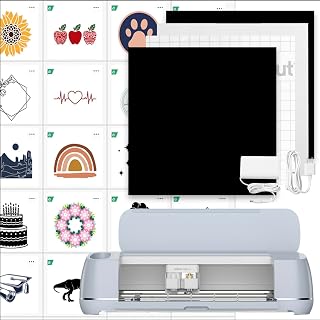
Cricut Maker 3 & Digital Content Library Bundle - Includes 30 Images in Design Space App - Smart Cutting Machine, 2X Faster & 10X Cutting Force, Cuts 300+ Materials, Blue, Leather,Vinyl
Check current Amazon price
A smart cutting machine listed as 2X faster with 10X cutting force, rated for 300+ materials including leather and vinyl, bundled with a 30-image digital content library for the Design Space app.
Visit on Amazon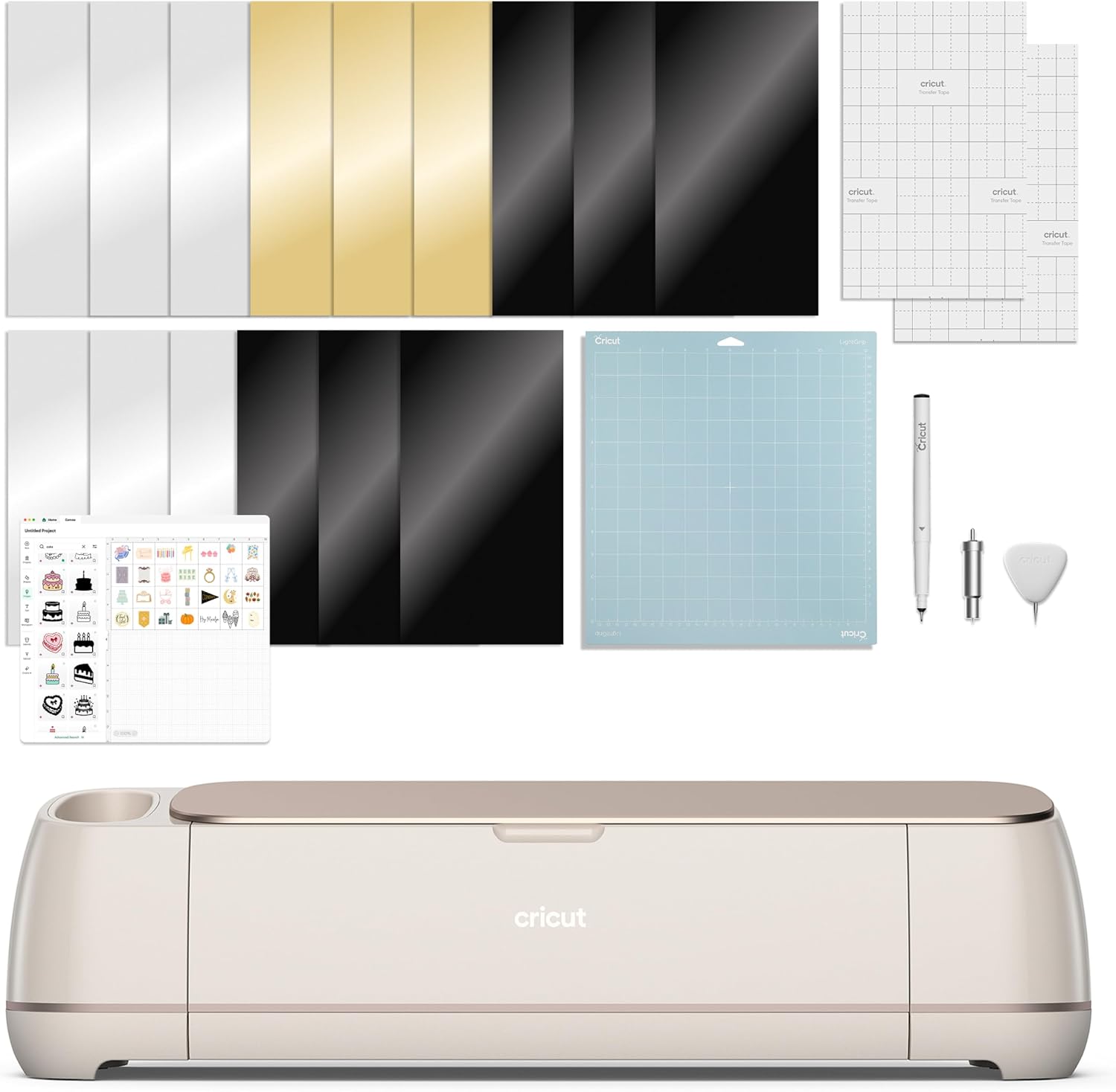
Cricut Maker 4 - Smart Cutting Machine (Seashell) | Engagement Bundle
The Maker 4 sold as an Engagement Bundle in the Seashell colorway, pairing the smart cutting machine with the extras Cricut packages into that bundle.
Visit on Amazon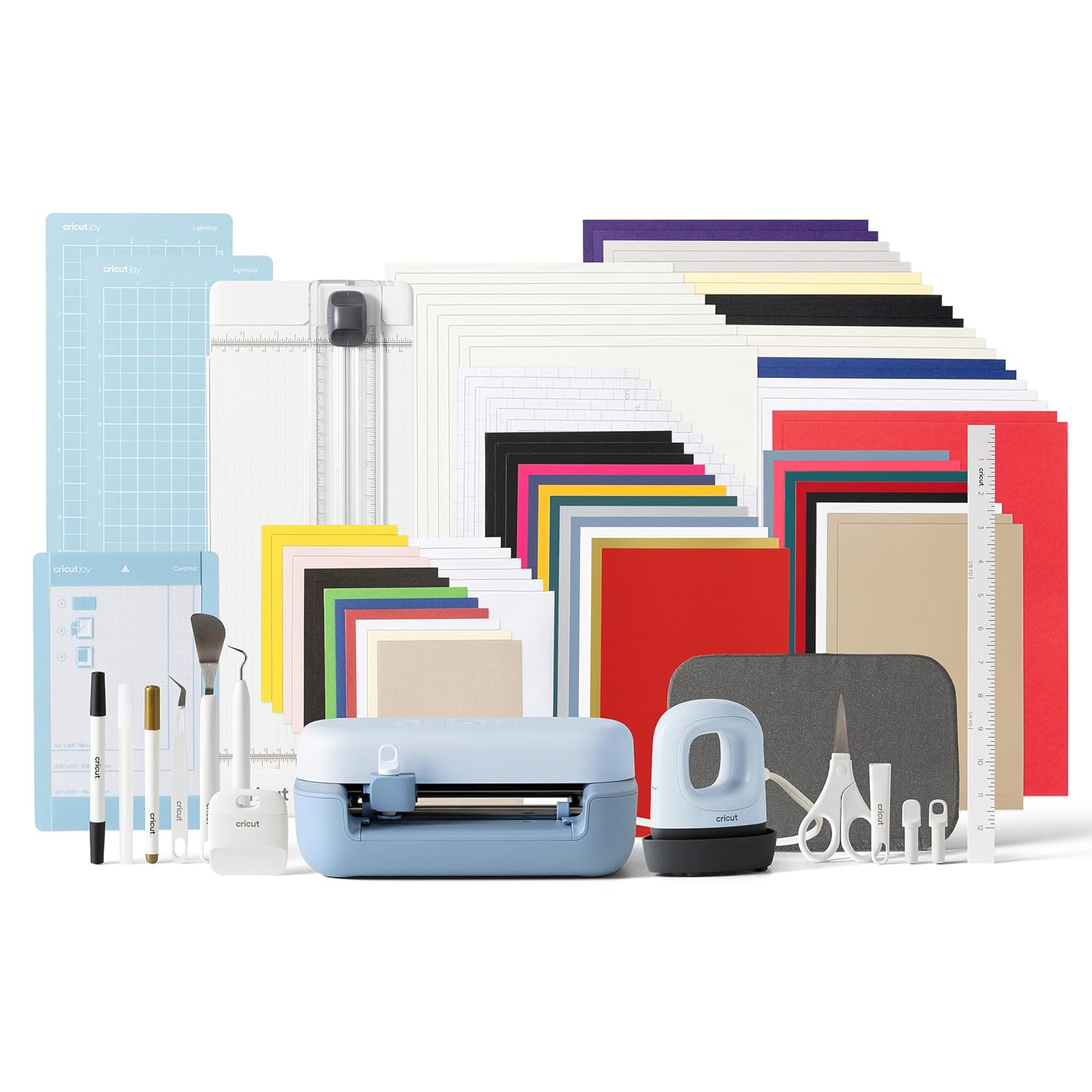
Cricut Joy™ 2 + Ultimate Bundle, Blue
The Joy 2 in Blue, packaged as the Ultimate Bundle, which is the version to look at if you want the machine and a set of starter extras in one purchase rather than buying them separately.
Visit on Amazon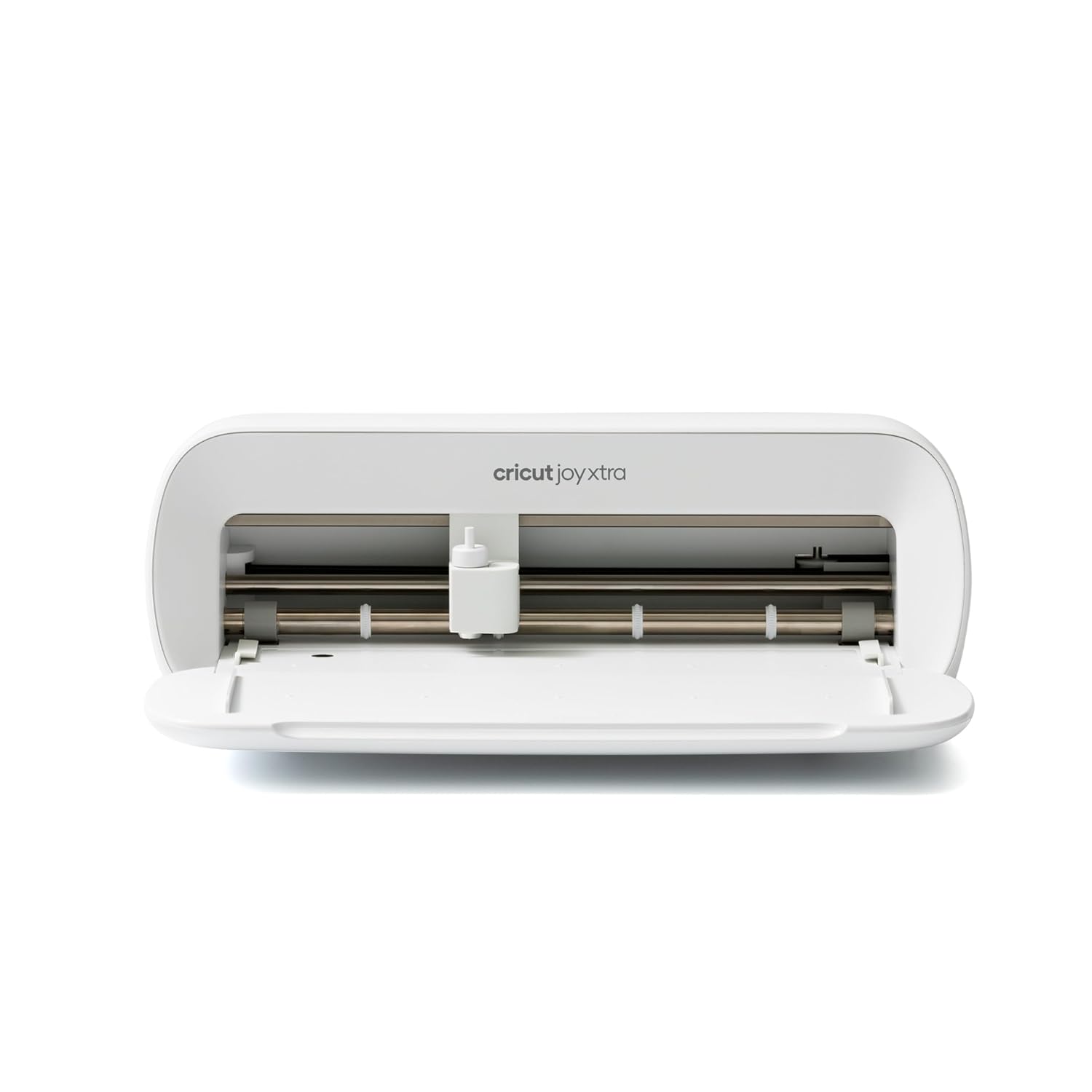
Cricut Joy Xtra - Smart Cutting Machine | Digital Content Bundle
A smart cutting machine sold with a digital content bundle, aimed at the smaller end of the Joy family and at buyers who want images included with the hardware.
Visit on Amazon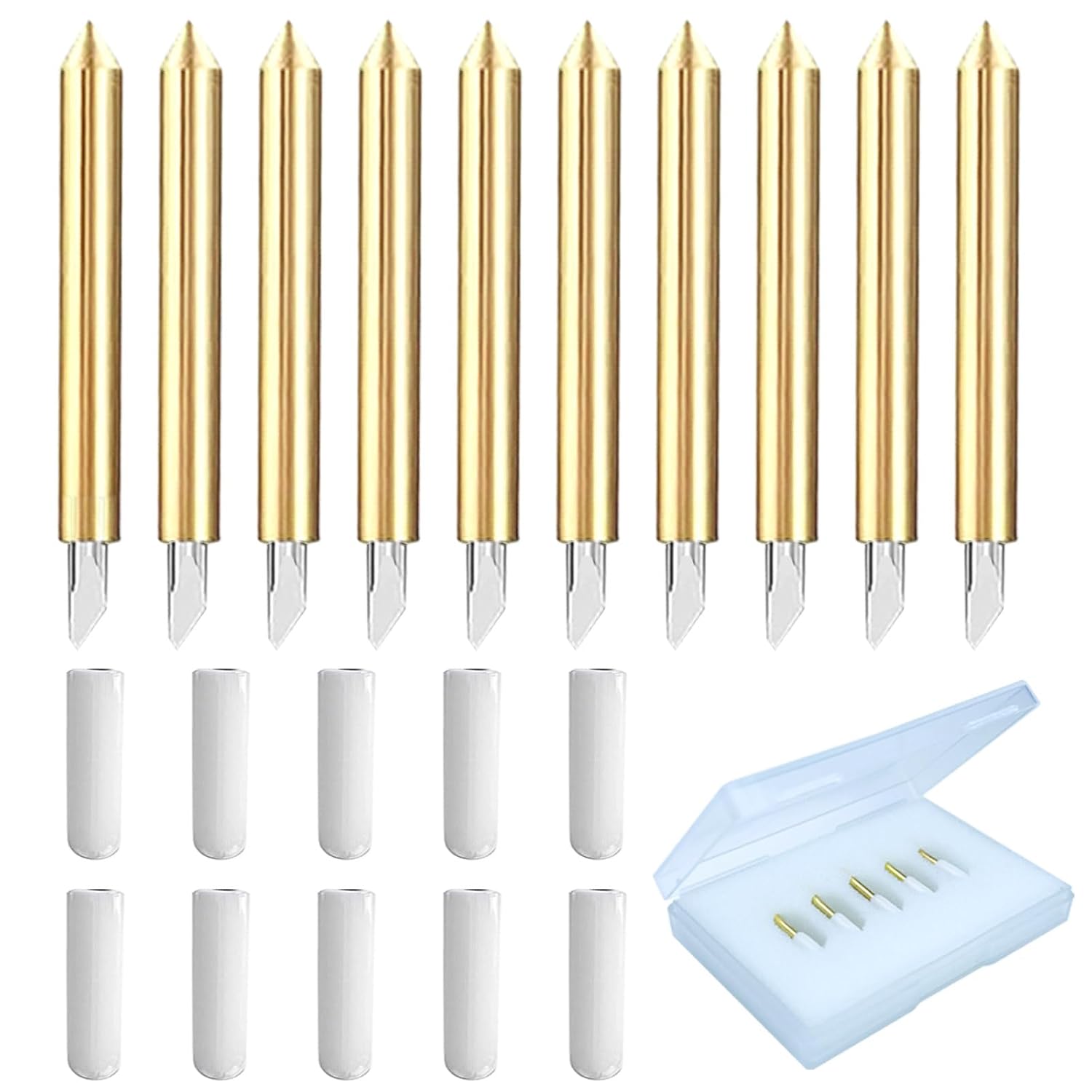
Viemior 20PCS Premium Fine Point Blades Compatible with Cricut Maker 3/4/Maker/Explore 3/4/Explore Air 2/Air/One/Venture, Perfect for Slicing Cuts Glitter Vinyl, Cardstock, Faux, Adhesive Foil, Vellum
A 20-piece fine point blade set listed as compatible with Maker 3, Maker 4, Maker, Explore 3, Explore 4, Explore Air 2, Air, One, and Venture, and described for cuts through glitter vinyl, cardstock, faux, adhesive foil, and vellum.
Visit on Amazon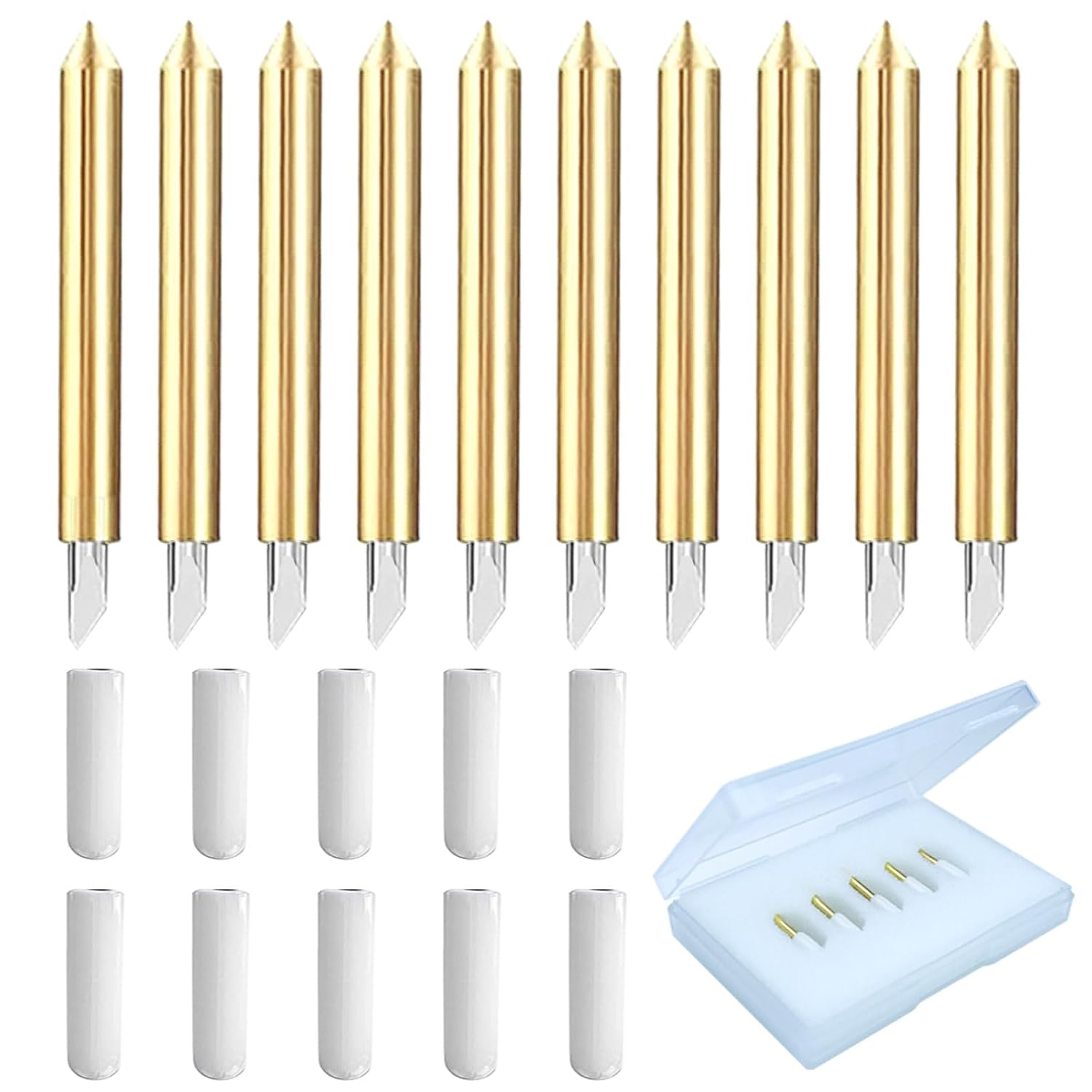
Premium Fine Point Blade Compatible for Cricut Explore Air 2/Air 3/Maker
A single fine point blade replacement listed as compatible with Explore Air 2, Explore Air 3, and Maker, the simple option when you need one blade rather than a bulk pack.
Visit on AmazonPrices and availability may change. Check the retailer for current details.
How these products were compared
This guide compares material compatibility, machine size and where the machine will live, bundle contents, blade compatibility across machine families, and the replacement path for consumables. Product names, images, and retailer links are matched to the same verified listing so that every card points to the product shown.
Nothing here is presented as hands-on lab testing. The comparisons rest on the specifications and bundle contents published with each listing, plus general guidance on how these machines and blades are normally used and maintained. Where a listing does not state a detail, this guide does not fill the gap with a guess. That is why you will see fewer absolutes here than in a typical roundup, and why the checklist at the end asks you to confirm the exact model and what ships in the box before you buy.
How to choose the right Cricut machine
Start with the material, not the machine. If your projects are vinyl decals, HTV for shirts, cardstock, and stickers, you are working in the range that every machine in this roundup is built around, and the deciding factors become cut width, footprint, and how often you cut. If you want to work with leather, thicker vinyl, or heavier specialty materials, the Maker class is the tier to look at, and the Maker 3 listing makes that explicit with its 300+ material claim. Buying more machine than your materials require is the most common way beginners overspend, and it is a mistake you only notice a year later when the extra tools have never left the box.
Then look at what each bundle actually adds, because the bundle is where these listings differ most. A digital content library or content bundle only has value if you will use the included images, and those images live inside the Design Space app. If you design your own files or buy SVGs elsewhere, a content bundle is close to worthless to you, and you should compare the same machine without it. This is also the moment to think about the software side of the purchase rather than a month later, which is worth reading about in our breakdown of what the Design Space subscription really adds. The machine is a one-time cost. The software relationship is not.
Width matters more than people expect. A narrow machine handles most sticker and small decal work fine, but a wide layout for a shirt back or a poster-sized cut needs a machine that can take the material. If you are unsure, cut a few test layouts on paper at the size you imagine selling, then measure. That five-minute exercise tells you more about which tier you need than any spec sheet.
Finally, decide whether you are buying a machine or a system. The machines accept different tool sets, and the blades are where the ongoing cost sits. A cheap machine with expensive proprietary blades can cost more over two years than a mid-tier machine with widely available replacements, which is exactly why the two blade kits in this roundup are included alongside the hardware.
Cricut Maker 3 & Digital Content Library Bundle
This is the top pick because it is the only machine here whose listing states a material range broad enough to cover nearly everything a hobby crafter or a small vinyl shop will attempt. The listing describes a smart cutting machine that is 2X faster with 10X cutting force, rated for 300+ materials, with leather and vinyl named specifically. It also includes a 30-image digital content library inside the Design Space app, which gives a new owner something to cut on day one without designing anything first. That combination of material range and a starting library is what makes it the default recommendation for a first serious machine.
The trade-off is honest and simple. It is the larger, more expensive end of this group, and if your work is stickers, small decals, and simple HTV, you are paying for capability you may never use. The 30-image library is also a starter set, not a design collection, so treat it as a small head start rather than a reason to buy. And the bundle does not solve consumables: mats, vinyl, and blades are separate purchases, and the fine point blade in the box will dull like any other. Buy this machine because you want the material range and the tool ecosystem, not because the bundle math looks generous.
Alternatives to consider
The Cricut Maker 4 - Smart Cutting Machine (Seashell) | Engagement Bundle is better suited to a buyer who wants the newest Maker generation and prefers the Seashell finish, with the Engagement Bundle adding the extras Cricut groups into that package. The Cricut Joy™ 2 + Ultimate Bundle, Blue is a stronger fit when you want a smaller machine and a bundle that covers starter accessories in one order, and you would rather not assemble a kit piece by piece.
The Cricut Joy Xtra - Smart Cutting Machine | Digital Content Bundle and the Viemior 20PCS Premium Fine Point Blades cover two different ends of the same decision. The Joy Xtra is the lower-cost machine route with images included, and the Viemior set is the bulk consumable route: 20 fine point blades listed as compatible with Maker 3, Maker 4, Maker, Explore 3, Explore 4, Explore Air 2, Air, One, and Venture, and described for glitter vinyl, cardstock, faux, adhesive foil, and vellum. The Premium Fine Point Blade Compatible for Cricut Explore Air 2/Air 3/Maker is the single-blade version, compatible with the Explore Air 2, Explore Air 3, and Maker, and it makes sense when you own one of those machines and need one replacement rather than twenty.
Day-to-day use and maintenance
Most of what gets blamed on a machine is a blade or a mat. Fine point blades are consumables, and when cuts start tearing instead of separating cleanly, replacing the blade is the first thing to try before you touch settings or assume the machine is failing. That is the practical reason to keep a spare or two on hand, and the reason a bulk blade set is often a smarter purchase than a single replacement if you cut regularly.
Mats are the second consumable, and they are the one people under-budget for. Stickiness fades with use, and a mat that has stopped holding material will ruin cuts regardless of blade condition. Keep mats clean, store them covered, and expect to replace them periodically. Cricut-brand materials are convenient and priced accordingly, so many regulars buy vinyl, HTV, and mats elsewhere once they know what they like.
For the machines themselves, the care routine is short. Keep the cutting area free of debris, wipe the blade housing and the area around the carriage, and store blades so the tips are protected. Follow the cleaning guidance that ships with your machine rather than improvising with solvents, and keep the machine on a stable surface where it will not be bumped mid-cut. Software is the other maintenance item: Design Space updates arrive whether or not you want them, so save and back up your projects rather than trusting the cloud alone.
Buying checklist
- Measure the widest and longest cut you realistically plan to make, then match the machine to that number.
- Choose the material range based on normal use rather than an occasional edge case.
- Confirm that the exact model and colorway you are ordering includes the bundle contents you want.
- Check the stated blade compatibility against the machine you own before buying replacements.
- Read the cleaning and maintenance instructions, and budget for mats and blades as ongoing costs.
- Verify the current retailer price, availability, and return terms through the listing before you commit.
Final recommendation
Choose the Cricut Maker 3 & Digital Content Library Bundle when you want one machine that covers vinyl, HTV, cardstock, and heavier materials, and you would rather buy the wider capability once than upgrade in a year. Choose the Cricut Joy Xtra - Smart Cutting Machine | Digital Content Bundle when your projects are small, simple, and mostly flat, and you want to keep both the footprint and the upfront cost down. If you already own a machine and your cuts are tearing, skip the hardware entirely and start with the blade kits, because a fresh blade fixes more problems than a new machine does.