Well, is Cricut Access actually worth the monthly fee, or is Cricut just charging you rent on a machine you already bought? I've been running my sticker shop for six years, and I've owned the old Explore, the Maker 3, and I just got my hands on the new Maker 4 to test against my borrowed competitor unit. I've done the math on what Access actually saves me, and the answer surprised me.
Here's the short version: if you cut vinyl or cardstock more than a few times a month, the tier with Print Then Cut and the image library pays for itself. If you're a hobbyist who cuts once a month, you're throwing money away.
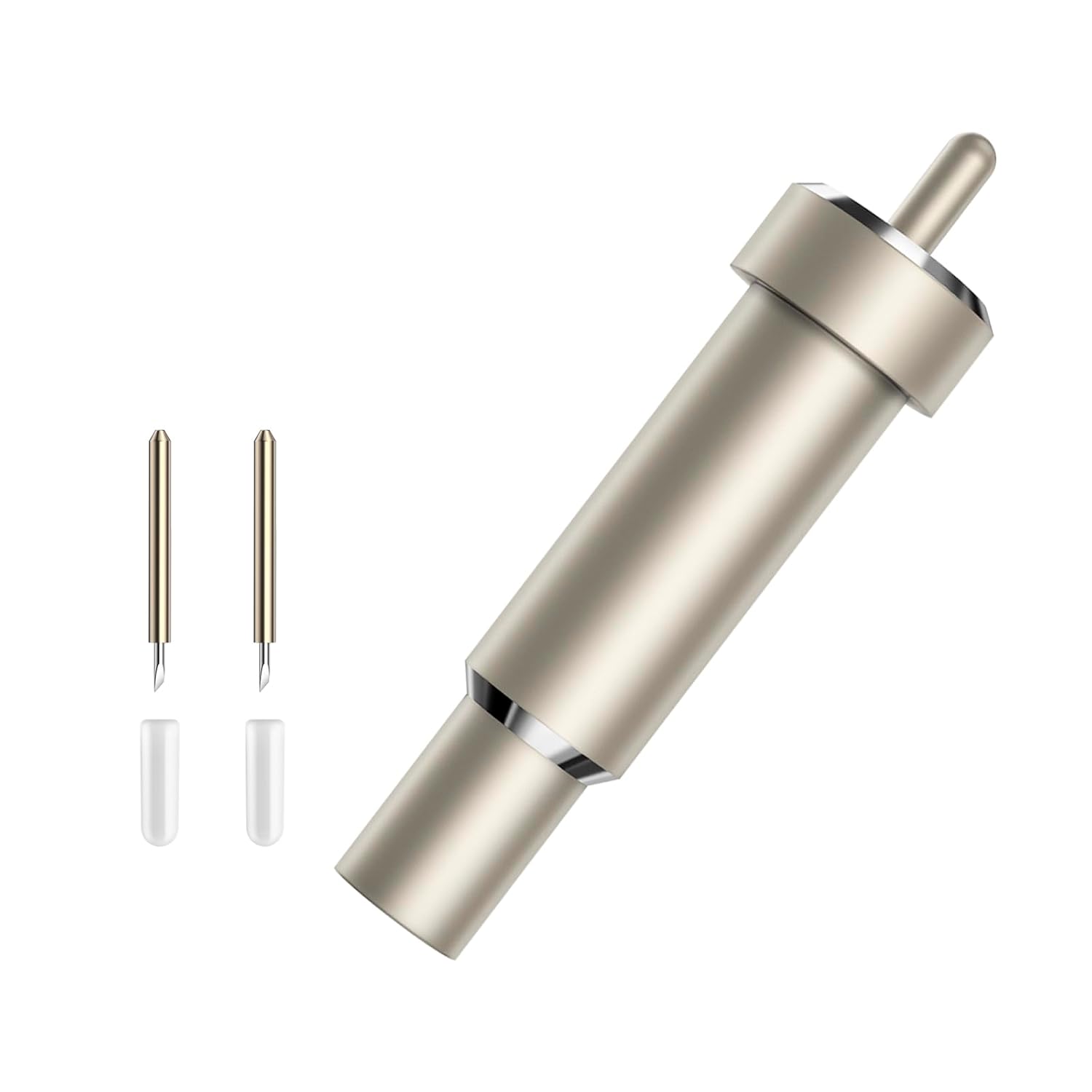
Premium Fine Point Blade for Cricut Maker 3/Maker/Venture/Cricut Explore 3/Air 2/Air/One, 2 pcs Premium Fine Point Blades and 1pc Housing for Cutting Paper/Vinyl/HTV/Cardstock/Vellum/Kraft Board etc
Quality pick in this category.
Visit on Amazon →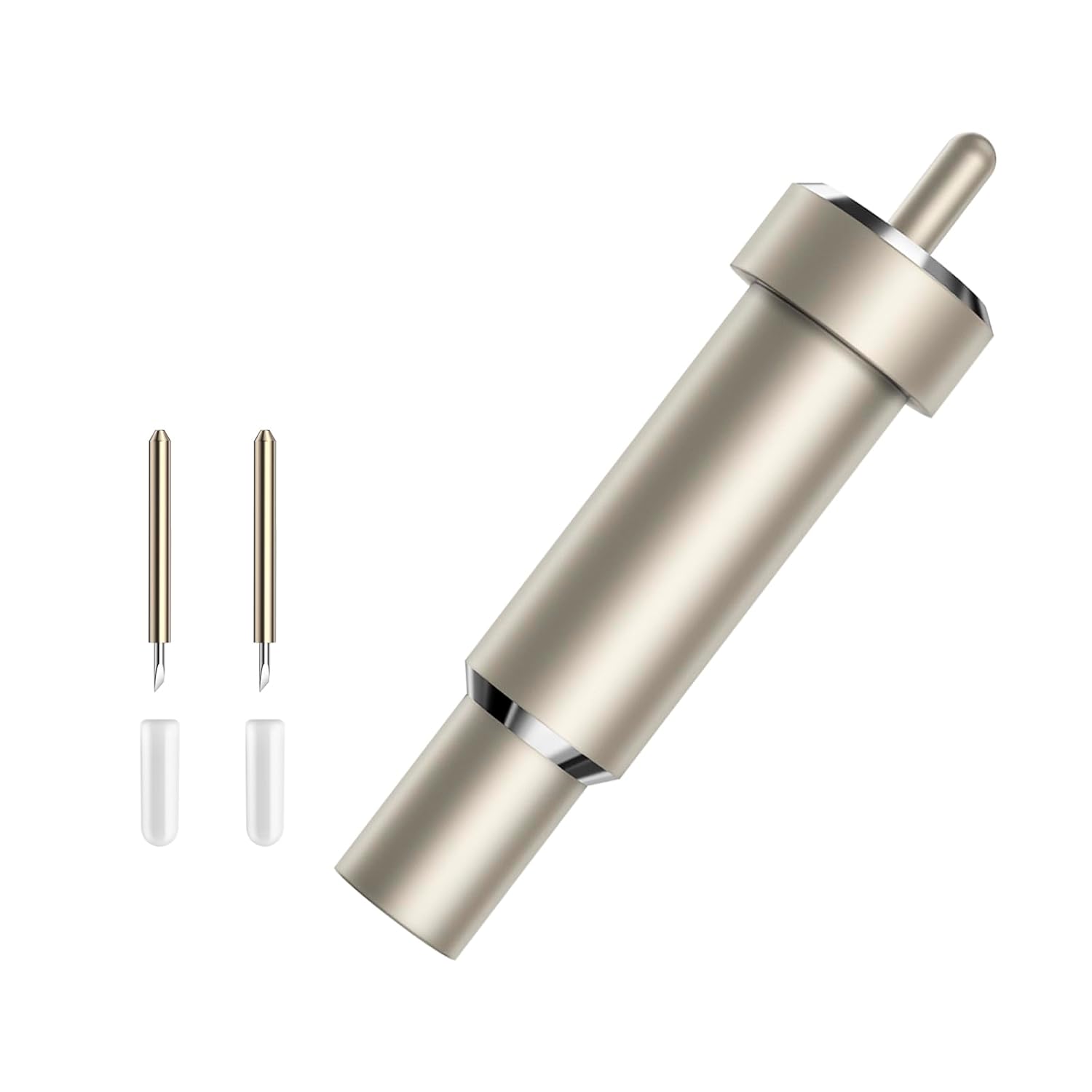
LOPASA Tool Organizer Compatible with Cricut Maker 4,3 (Blade Mod)
Quality pick in this category.
Visit on Amazon →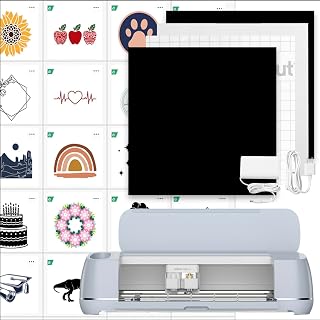
Cricut Maker 3 & Digital Content Library Bundle - Includes 30 Images in Design Space App - Smart Cutting Machine, 2X Faster & 10X Cutting Force, Cuts 300+ Materials, Blue, Leather,Vinyl
Quality pick in this category.
Visit on Amazon →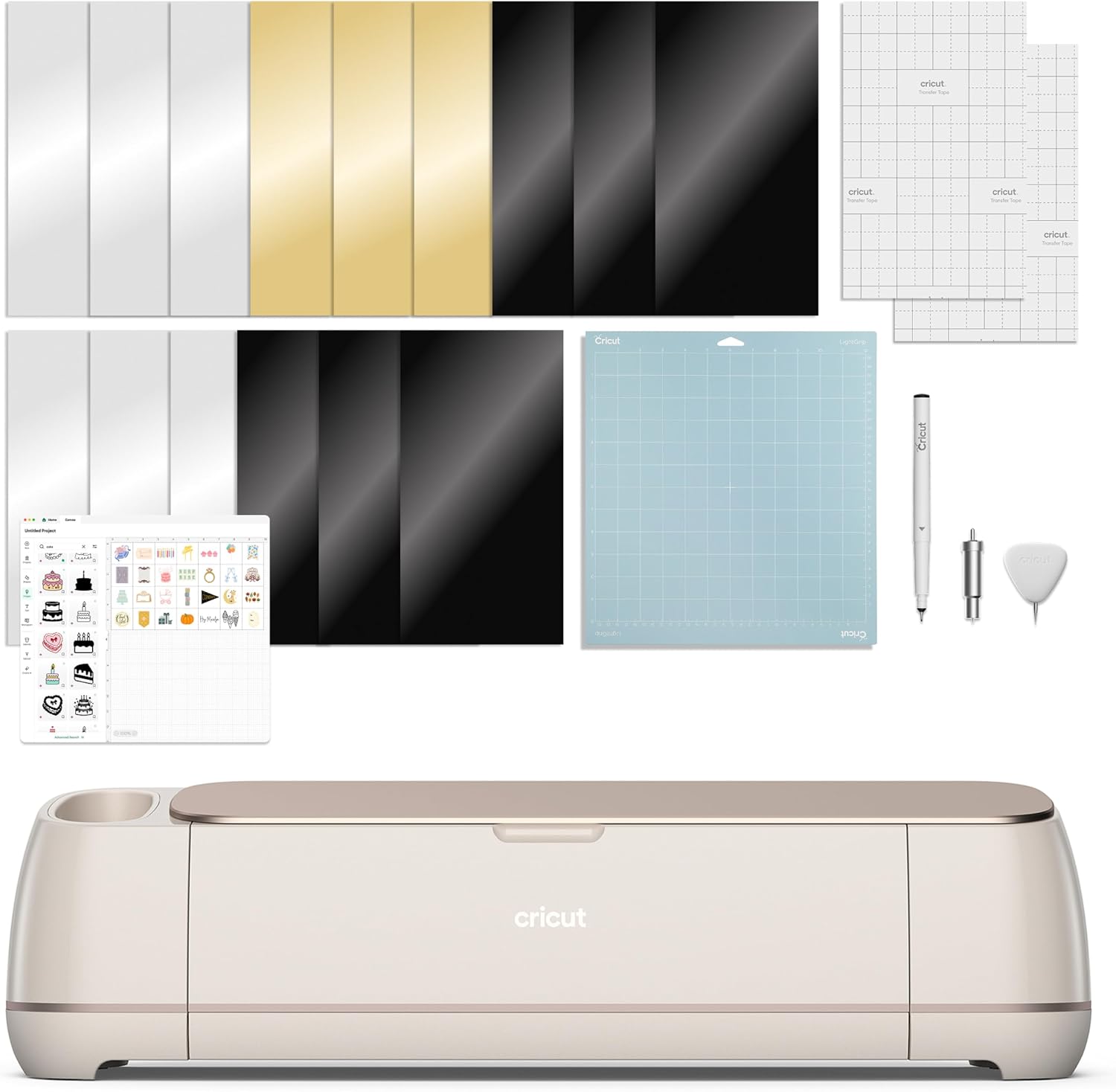 Visit on Amazon → Maker 4 + Access bundle | Check price | Machine discount if you need a new cutter | Still locks you into the subscription model |## How I tested this
I don't track prices day to day, so I won't pretend to know next week's sale. What I do track is cost per cut. I went through my Etsy order history from the last 12 months and counted how many projects used Print Then Cut, how many used fonts from the Access library, and how many would have worked fine on the free tier.
My shop does stickers, vinyl decals, and the occasional cardstock order for local teachers. That's about 15 to 20 projects a month, and roughly half of them need Print Then Cut for detailed sticker designs.
The free tier is more capable than Cricut wants you to think
Here's what surprised me. The free tier in Design Space handles basic cuts, uploads your own SVG files, and lets you use any font already on your computer. For simple vinyl decals, which is what a lot of beginners start with, you don't need Access at all.
I taught a class last weekend with six beginners, and four of them started on the free tier. They cut names for tumblers, monograms for tote bags, and basic shapes for cardmaking. None of them hit a paywall.
The paywall shows up when you want Print Then Cut. That's the feature that lets you print a design on your home printer and then have the machine cut around it. For stickers, that's non-negotiable. For most other projects, you can work around it.
The other thing the free tier locks is the image library. Cricut has tens of thousands of images, but the free ones are mostly basic shapes and generic designs. The good stuff, the licensed characters and the trending designs, sits behind the paywall.
Cricut Access Standard: the middle child
Standard tier runs ~$9.99 a month or ~$79.99 a year. It unlocks the full image library and gives you unlimited cuts. You get access to the fonts, which is genuinely useful because Cricut's font collection is better than what most people have on their computers.
But here's the catch. Standard does not include Print Then Cut. That's the feature that makes stickers possible, and Cricut knows exactly what they're doing by gating it behind the higher tier.
If you're a vinyl cutter who does mostly single-color decals, Standard is a solid deal. The font library alone is worth a few dollars a month. But if you're making stickers, you're going to hit the Print Then Cut wall immediately, and you'll need to upgrade.
Cricut Access Premium: where the math changes
Premium runs ~$12.99 a month or ~$119.88 a year. It adds Print Then Cut, which unlocks sticker making, plus a 10 to 20 percent discount on Cricut materials.
Here's the math that made me keep my subscription. My shop cuts roughly 40 sheets of sticker paper a month. At ~$12 per sheet of Cricut brand printable vinyl, the 20 percent discount saves me ~$96 a month. That's before I count the image library or the fonts.
If you're running a shop, even a small one, Premium pays for itself on the material discount alone. The subscription becomes a volume discount with extra features attached.
For a hobbyist who cuts once a week, the math gets tighter. Say you use two sheets of vinyl a month and buy a few blades a year. Your material savings might be ~$20 a year. The image library and fonts are nice, but you're paying ~$120 for features you could work around.
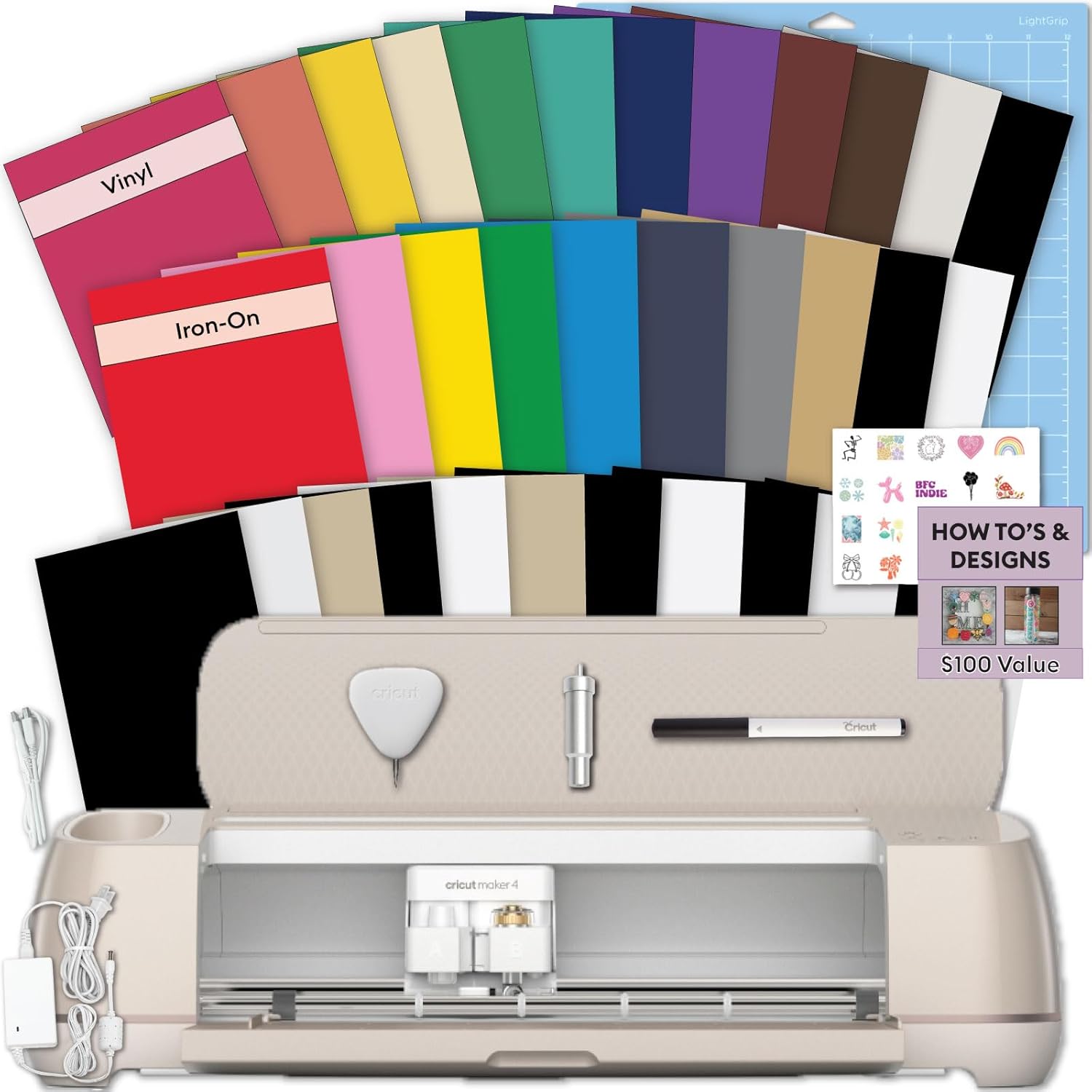
The version I own, the Maker 4 Starter Kit for Beginners, came with a free trial of Premium. I let it lapse after the trial and went back to the free tier for a month. The difference was painful. I lost Print Then Cut, which meant no stickers, and I lost access to fonts I had used in previous projects. Existing projects kept working, but new designs locked me out of the features.
That's the real cost of the subscription. It's not the monthly fee. It's the moment you realize your machine is capable of more than the software lets you do.
The new machines and the bundle trap
Cricut has gotten smarter about bundling. The Maker 4 Starter Kit includes a free trial, and the Explore 5 Essential Bundle does the same. The digital content bundles like the Maker 4 Seashell and the Explore 5 with Rainbow Sampler lean hard on the Access library as a selling point.
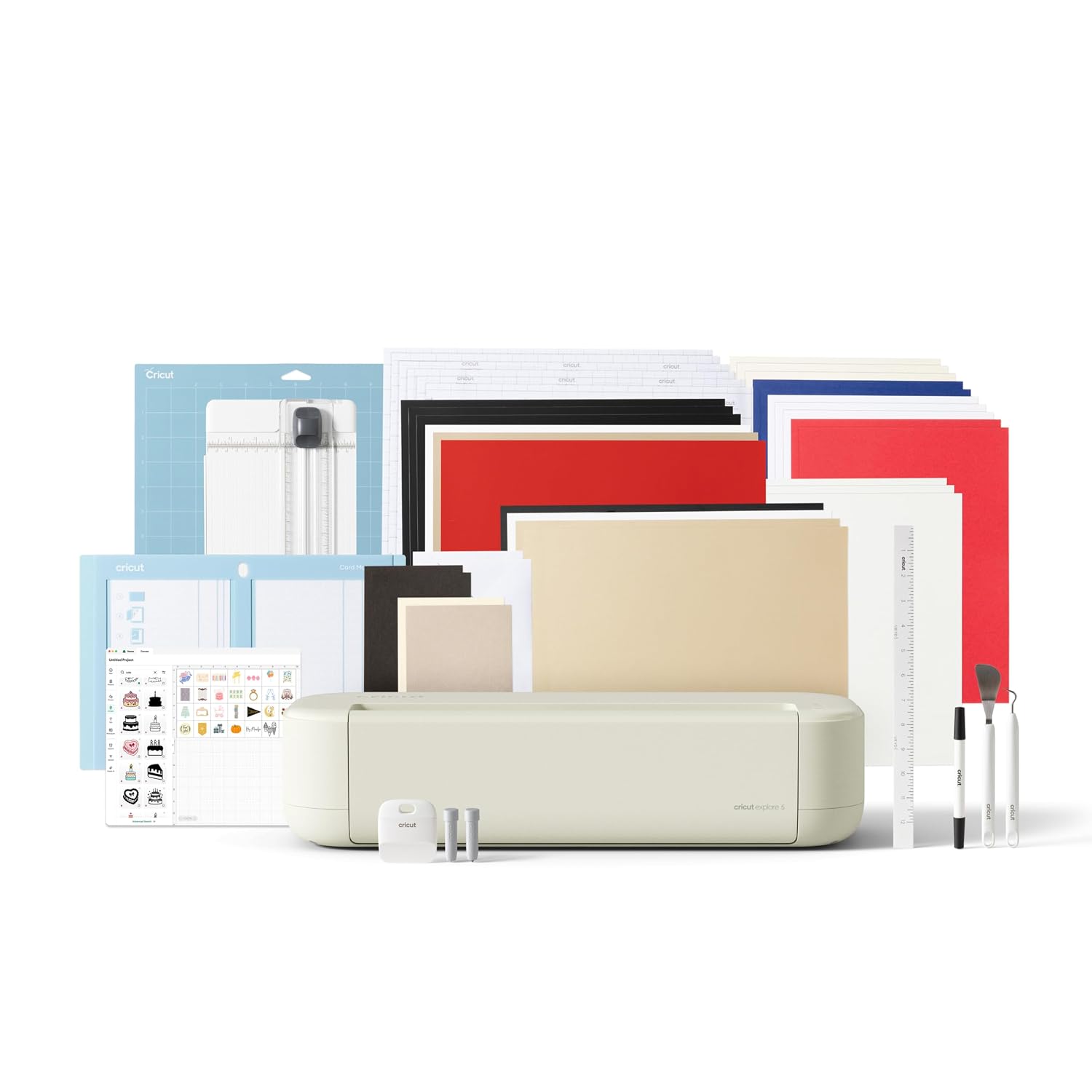
Here's what I noticed. The hardware is genuinely better. My Maker 4 cuts faster than my old Maker 3, and the new tools are nice. But the bundles are designed to make the subscription feel like part of the purchase.
The sticker making bundle is the most obvious example. It comes with everything you need to make stickers, but you can't actually do Print Then Cut without Access Premium.
The machine is a paperweight for sticker makers without the subscription.
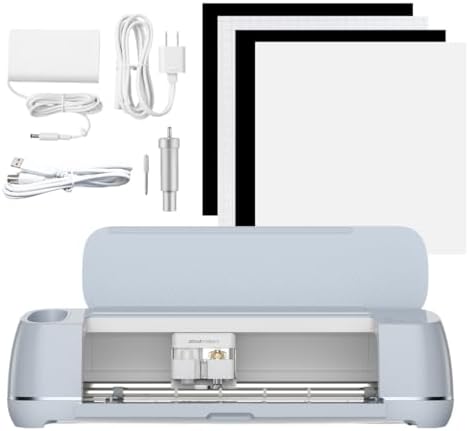
That feels like a trap. You buy a machine that's marketed for stickers, and then you discover the software paywall. I've had three students in the last year buy a Cricut specifically for stickers, and all three hit the same wall.
Where the subscription actually makes sense
If you cut weekly, if you use Print Then Cut for stickers or paper crafts, or if you buy Cricut brand materials in bulk, Premium pays for itself. The material discount alone covers the annual fee for anyone who cuts more than a few sheets a month.
The Ultimate Beginner Sticker Making Bundle is actually a decent deal if you know you're going to need Premium. You get the machine, the tools, the materials, and the subscription trial. But go in with your eyes open. The bundle price is attractive because the subscription revenue is baked in.
The free tier plus targeted purchases
Here's my honest recommendation for hobbyists. Skip the subscription. Use the free tier for basic cuts and your own uploaded designs. Buy the Basic Tool Set, which has carried me through three years of projects, and buy third-party mats like the Nicapa 3-pack because they work as well as the Cricut brand at half the price.
When you need a specific image or font, buy it individually. Most images are a few dollars, and you own them forever instead of renting them.
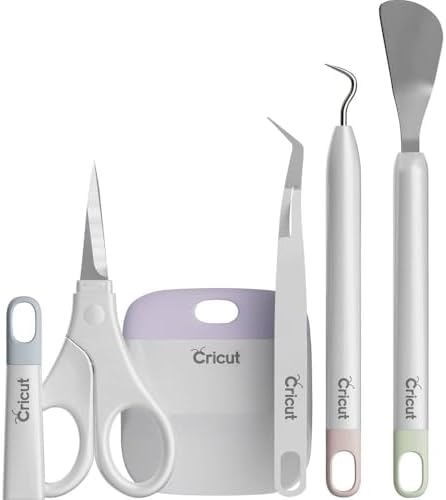
The one thing you can't work around is Print Then Cut. If you're making stickers, you need Premium. There's no free workaround that isn't frustrating.
Choose the subscription if you're running a shop or cutting weekly. Choose the free tier plus individual purchases if you're a hobbyist who cuts when inspiration strikes. And if you're buying a new machine, the Maker 4 Starter Kit is the one I'd pick, but only because the hardware is genuinely better than my old Maker 3.
My bottom line is this. The subscription is a volume discount, not a necessity. Cricut wants you to think you need it, but I ran my shop on the free tier for a month and only missed it when I wanted to make stickers. If you're not making stickers weekly, save your money and buy the tools you actually need. The machine cuts fine without the subscription. It just cuts better with it.