Related: Cricut Maker 4 vs the Older Makers: What Actually Changed
I have watched Cricut turn a cutting machine into a subscription funnel, and the bundle is the newest layer of that funnel. So when readers ask me which of the Cricut Maker 4 bundles is worth it, I answer the way I answer every bundle question in my classes: name what you will cut in the first 90 days, then buy the smallest box that covers it. Comparing the Cricut Maker 4 bundles is really comparing three levels of the same machine plus one materials add-on, and the differences matter less than the listing pages want you to think.
I ran an Etsy sticker and vinyl shop for six years before I started teaching craft classes on weekends. I have cut through more than 200 rolls of vinyl, killed more blades than I want to count, and I keep a notebook of pressure settings and blade life per material. That notebook is why I am suspicious of bundles. A bundle is a pricing decision dressed up as a convenience, and your job is to figure out which parts you would have bought anyway.
Here is how I think about all four of these, in the order I would hand them to a student.
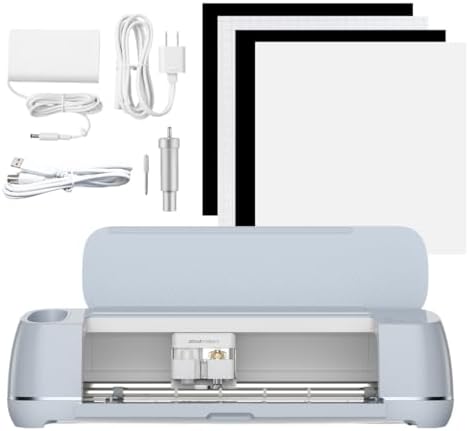
Cricut Maker 4 Ultimate Beginner Sticker Making Bundle
This is the one I would point a new sticker seller toward, and it is the only bundle here whose name tells you what you are actually getting. You get the Maker 4 in Seashell, waterproof sticker paper, and vinyl, and the whole thing is built around Print Then Cut. That matters because sticker making is a two step job. You print on the paper, then the machine reads the registration marks and cuts around your artwork.
Sticker work lives and dies on the kiss cut versus die cut distinction. A kiss cut goes through the sticker layer and leaves the backing intact, so a sheet peels one sticker at a time. A die cut goes all the way through and gives you a loose sticker. Getting a clean kiss cut on glossy waterproof paper is the single hardest thing to dial in on any cutter, and it is the test I run first on a new machine. Blade depth, pressure, and mat stickiness all have to line up.
The waterproof sticker paper in this bundle is the part that saves you a week of trial and error, because paper thickness varies wildly between brands and every new paper means a new test sheet. Cricut brand paper is priced for convenience, the same as everything else Cricut sells, and once you know your settings you can absolutely buy third party paper for less. But for the first month, having paper that behaves predictably while you learn is worth something.
Two honest cautions. First, Print Then Cut runs inside Design Space, and Cricut will keep nudging you toward the paid tier while you work. That nudge is the real business model. Second, if stickers are not your plan, this bundle is the wrong shape for you, because the vinyl and the paper are a sticker stack, not a t-shirt stack.
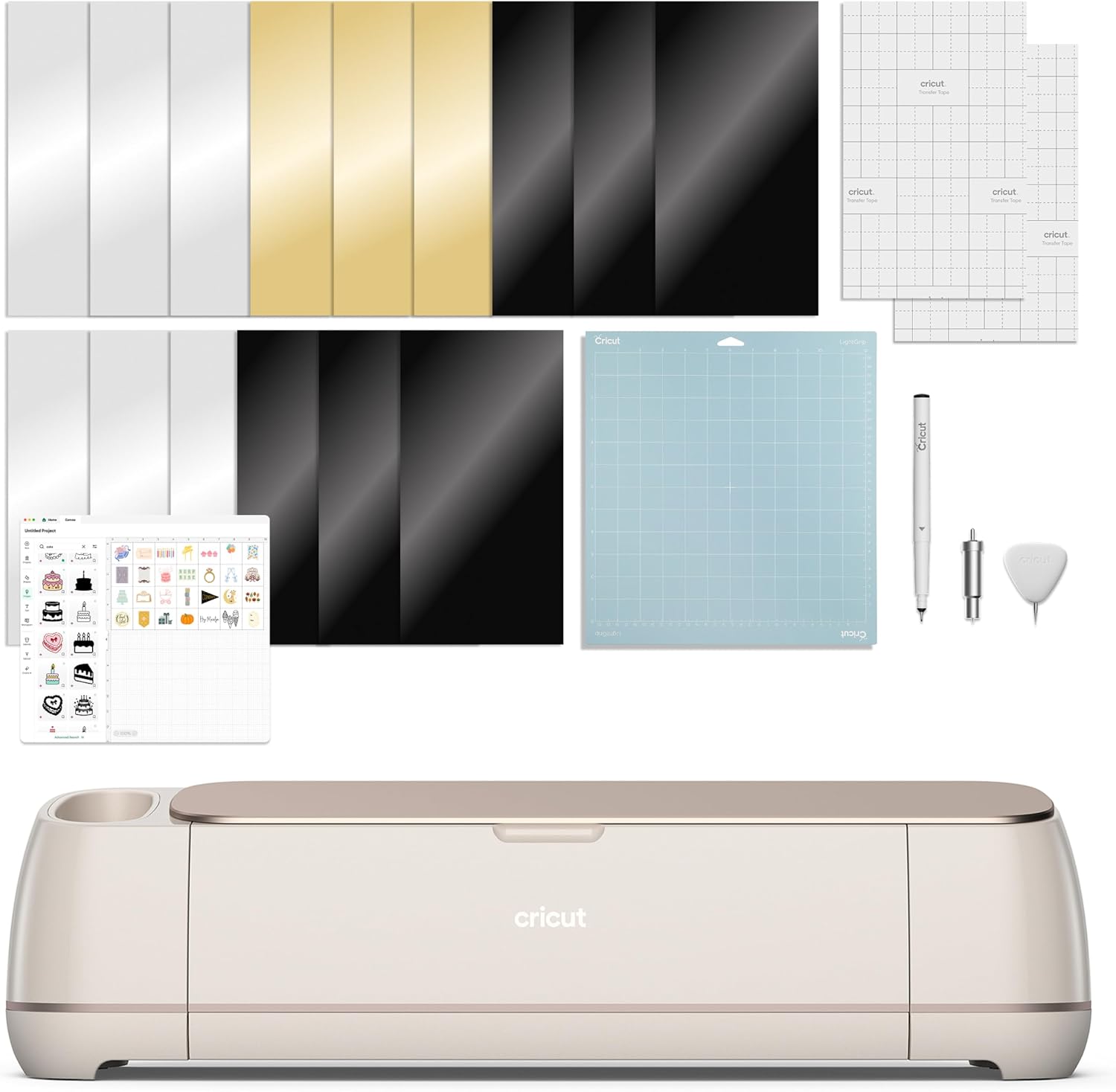
Cricut Maker 4 Engagement Bundle
Same machine, different box. The Maker 4 in Seashell is the core of every bundle on this page, so if you already know the machine is right for you, the only question left is whether the contents of this box beat the contents of the sticker box for your projects.
I will be straight with you about something most roundups will not admit: the listing name for the Engagement Bundle does not spell out every item the way the sticker bundle does. I am not going to invent a contents list to make this section look thorough. What I can tell you is what the machine side gets you. The Maker line is Cricut's top tier, and the extra tool ecosystem is the reason to pay for it. In my own shop, the tools beyond the fine point blade are what separate "I cut vinyl" from "I cut leather, chipboard, and fabric." If you cannot name a project that needs those tools, you are paying for headroom you will not use.
The other thing to weigh is the name on the box. Engagement suggests personalized gifts, which means small batch, high margin work: tumblers, signs, wedding signage, monogrammed everything. That kind of work is mostly vinyl and adhesive work, and it is the work I did for years on an old Explore before I ever needed a Maker.
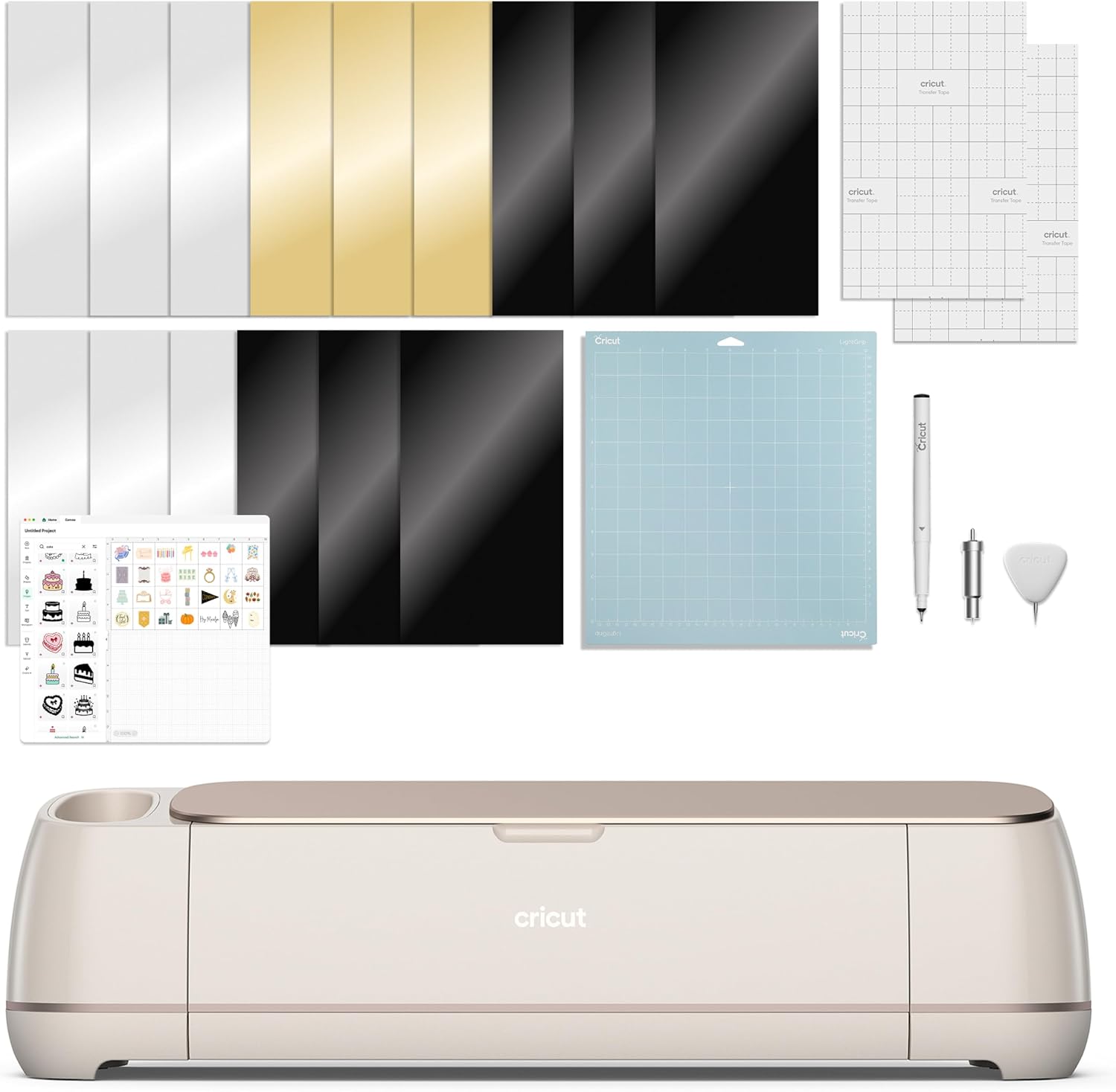
Cricut Maker 4 Engagement Plus Bundle
This is the top of the ladder, and the ladder is the point. Cricut sells a machine once and a subscription forever, and the bundles are built to move you up the price steps while your attention is on the machine. The Plus tier is the step above the plain Engagement Bundle, and the difference between the two is a contents question, not a hardware question. Same cutter, same Seashell finish, same software.
So the decision rule is simple. Open both listings side by side, list every item that differs, and put a real project next to each one. If you cannot attach a project to an item, it is not value, it is packaging. I have watched students buy the top bundle, use two of the extras, and then buy a third party mat and blade set within two months anyway, because the consumables are where the money actually goes.
One more thing about tiers. The higher you climb, the more the bundle becomes a bet that you will keep crafting. That bet is fine if you already sell. It is a bad bet if you are curious, because the resale market for used Makers stays strong and you can always buy a machine used, then buy only the materials you actually burn through.
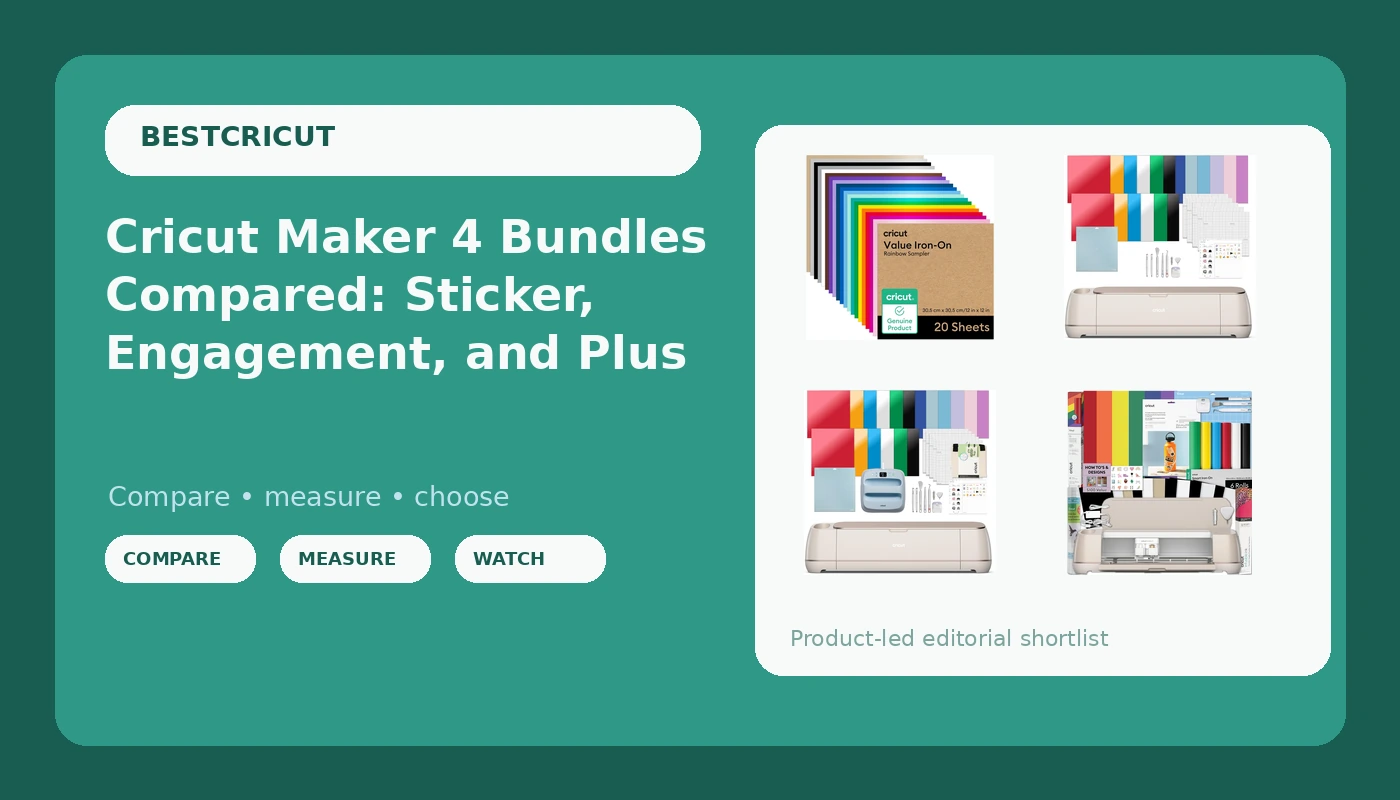
Cricut Value Iron-On, Rainbow Sampler
This is the add-on I would put in the cart alongside any of the three bundles above, and it is the one product here that is not a machine. It is a rainbow sampler of iron-on vinyl, 12 inches by 12 inches, which means HTV in a spread of colors rather than one big roll of a single shade.
For apparel work, a sampler beats a roll almost every time. Most of my HTV projects use small amounts of several colors, a name here, a number there, a two color design that would leave me with 90 percent of a roll sitting in a drawer. A sampler lets you test how a color weeds before you commit to a full roll of it.
HTV is where weeding separates the patient from the frustrated. Small letters in a stiff iron-on are miserable. My rule is to cut a test strip first and weed it before I cut the real design, because blade life matters here more than anywhere. A dulling blade tears HTV instead of cutting it cleanly, and a torn cut means you are re-cutting the whole sheet. If your weeding suddenly gets hard, change the blade before you change the settings.
Cricut brand iron-on is fine material priced for convenience, the same as their vinyl and their mats. Once you know what you like, buy HTV elsewhere and buy it in rolls.
How I judge a bundle
I run every machine through the same three checks, and I apply them to bundles by asking what the bundle does to each one.
The cut test. A sheet of small circles and thin letters, cut at the settings the material claims, then inspected for clean edges and no drag marks. Then the same sheet again at the end of a long session, because heat and blade wear change results. Blade life is measured in cuts in my notebook, not in months, and every material lies a little about its own thickness.
The weeding test. If a cut weeds cleanly, the blade and pressure were right. If it tears or leaves residue, something is off, and nine times out of ten it is the blade, not the machine. Most "machine problems" I get asked about in class are blade problems.
The consumables test. How fast does the mat stop sticking? In my experience a mat starts losing grip well before the packaging admits, and the mat is a consumable money pit, so I buy third party mats and have not noticed a difference. The same logic applies to everything a bundle includes. Ask yourself how quickly you will burn through it, and what it costs to replace.
That last test is why I tell hobbyists to buy the cheapest machine that covers their material list and never open the paid Design Space tier until a paid feature is blocking a project they are already selling. The subscription is the real product. The machine is the bait.
The bundle comparison table
This is the table I would hand out in class. Same machine in every bundle row, so the differences are all about what comes in the box and who it fits. Materials and contents are listed as the listings describe them.
| Product | Machine | What the listing covers | Best for | Price |
|---|---|---|---|---|
 Visit on Amazon → Visit on Amazon →Cricut Maker 4 Ultimate Beginner Sticker Making Bundle |
Maker 4, Seashell | Cutter plus waterproof sticker paper and vinyl, built around Print Then Cut | First sticker shop, print then cut work, small business starters | $499.99 |
 Visit on Amazon → Visit on Amazon →Cricut Maker 4 Engagement Bundle |
Maker 4, Seashell | Cutter plus the Engagement tier contents, which the listing name does not itemize | Gift and personalized project work, buyers who want the Maker tool ecosystem | $399.00 |
 Visit on Amazon → Visit on Amazon →Cricut Maker 4 Engagement Plus Bundle |
Maker 4, Seashell | Cutter plus the top tier contents, above the plain Engagement Bundle | Crafters who already sell and will use the extras | $579.00 |
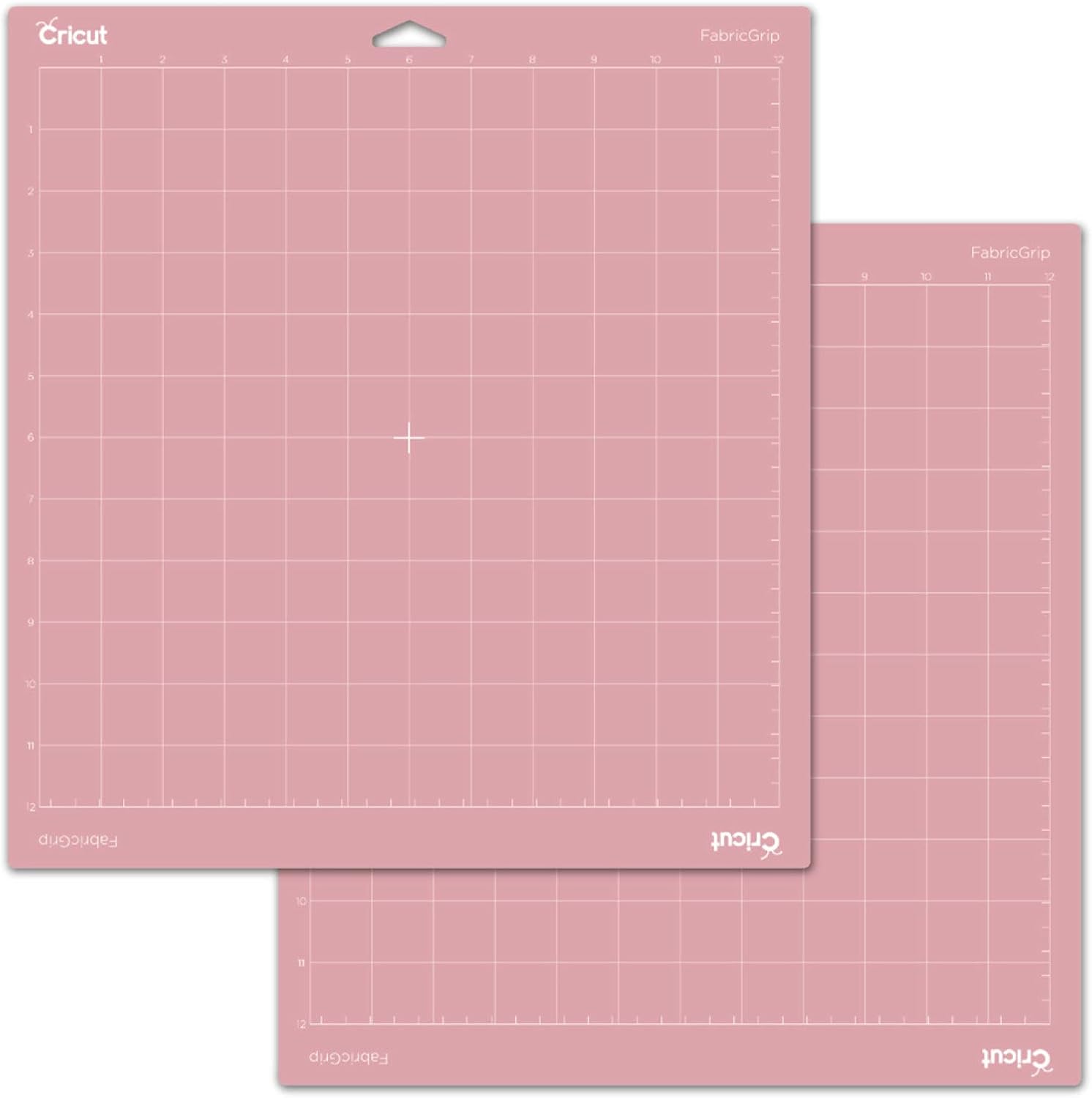 Visit on Amazon → Visit on Amazon →Cricut Value Iron-On, Rainbow Sampler |
Not a machine, it is HTV | Rainbow sampler of iron-on vinyl, 12 inches by 12 inches | Apparel and HTV projects, color testing before buying full rolls | $22.99 |
Should you buy the Ultimate Beginner Sticker Making Bundle?
Yes, if stickers are the plan. It is the only bundle here that tells you plainly what is inside, and the contents match the job: a Maker 4, waterproof sticker paper, and vinyl, all aimed at Print Then Cut. If you are starting a sticker shop, this is the box that gets you to your first sale with the least guessing.
If you want to cut HTV for shirts and nothing else, skip it. You would be paying for a sticker stack you will not touch.
Should you buy the Engagement Bundle or the Engagement Plus Bundle?
Buy the plain Engagement Bundle if you want the Maker tool ecosystem and a bundle that stops short of the top of the ladder. Buy the Plus only if you can name the extra projects the step up covers, because the listing name does not itemize the contents and I am not going to guess on your behalf. Open both listings, compare the item lists, and attach a real project to every difference.
My honest advice for most readers: buy the lowest bundle that covers your material list, add the iron-on sampler for apparel work, and spend the savings on blades, mats, and third party materials. Those are the things you will actually run out of. The subscription can wait until it is blocking paid work, and if you are a hobbyist cutting 50 stickers a year, it never needs to arrive at all.