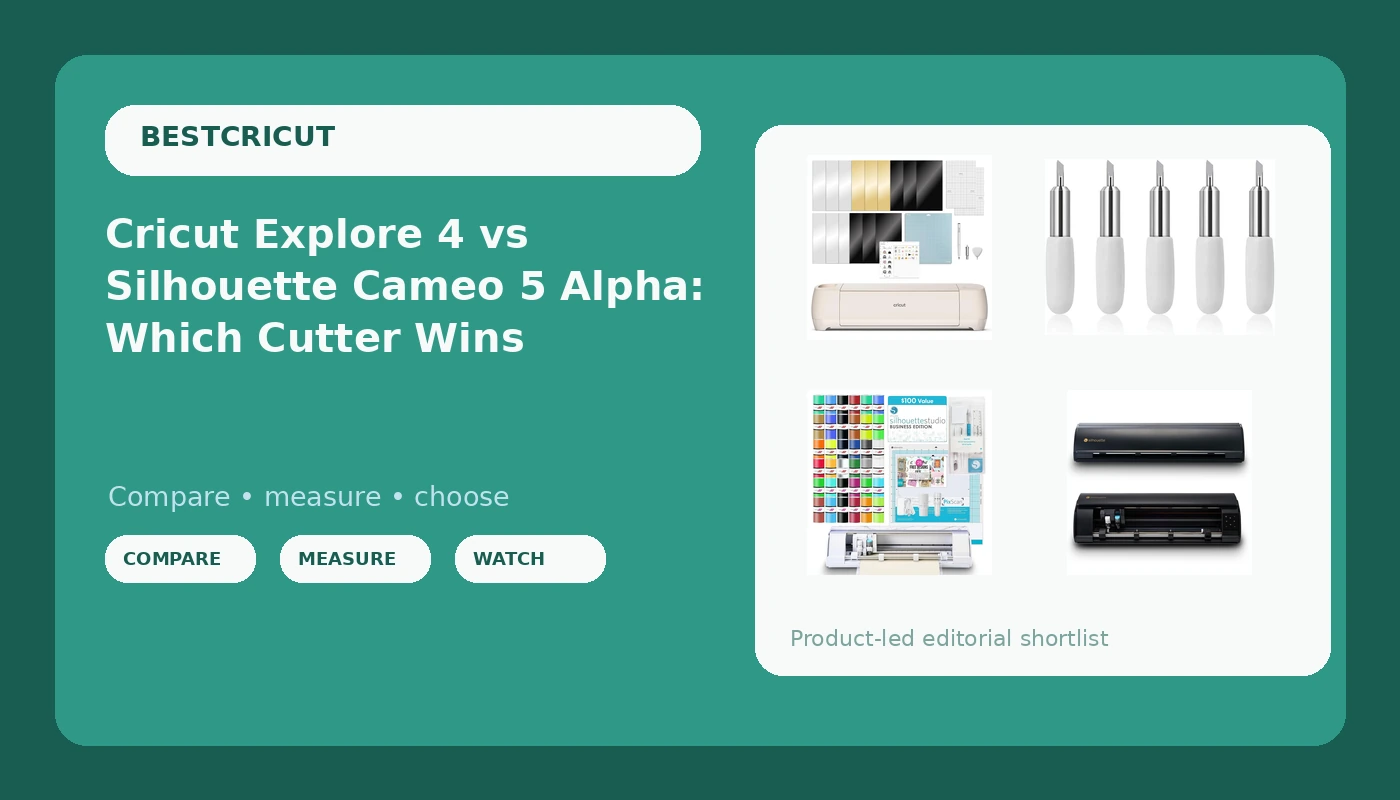
I have run a sticker and vinyl shop for six years, and in that time I have cut through more rolls of HTV than I care to add up. The question I get most often at craft classes is not which machine is best. It is whether someone should stay in the Cricut world or jump to Silhouette. So when I look at the Cricut Explore 4 vs Silhouette Cameo 5 Alpha decision, I do not start with the hardware spec sheet. I start with what you will still be paying for three months after the box arrives.
The four products below are what shoppers actually put in the cart together: two complete machines, a wider Silhouette, and a five-pack of replacement blades that a lot of people add without checking whether it fits the machine they just bought. Usually it does not. That mistake alone is worth the price of reading this page.
My pick for most readers is the Cricut Explore 4 bundle if you are new and want the tutorial ecosystem, and the Silhouette Cameo 5 Alpha deluxe bundle if you already know you resent subscription software. The Alpha Plus is for crafters who genuinely need 15 inches of cutting width, and the blade five-pack is only for Joy and Joy Xtra owners.
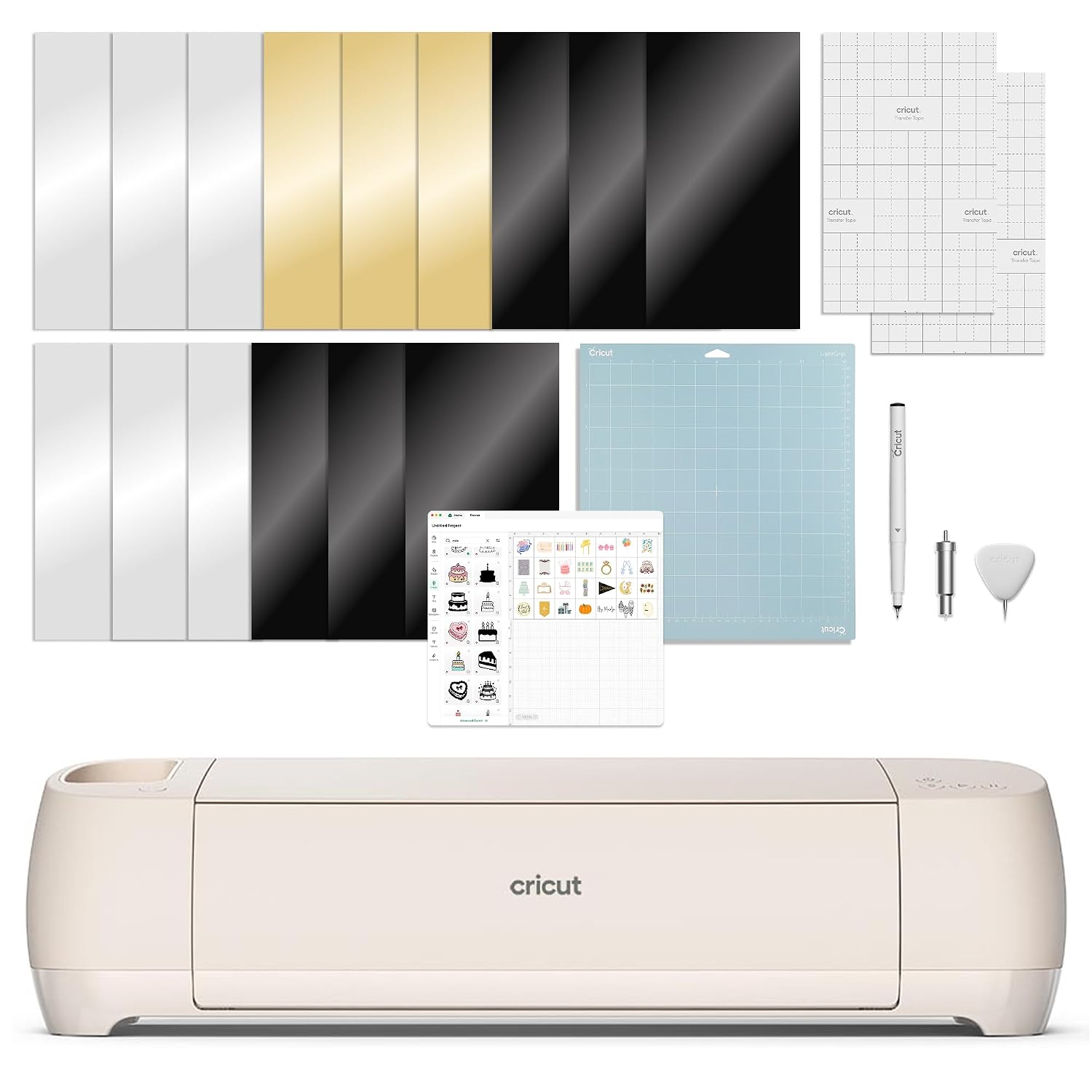
Cricut Explore 4 - Smart Cutting Machine (Seashell) Digital Content Bundle
Easiest first month of any machine here, huge tutorial library, enough cutter for 90% of hobby work
Design Space is cloud-dependent and pushes its paid tier hard, and the digital bundle only matters if you stay in that app
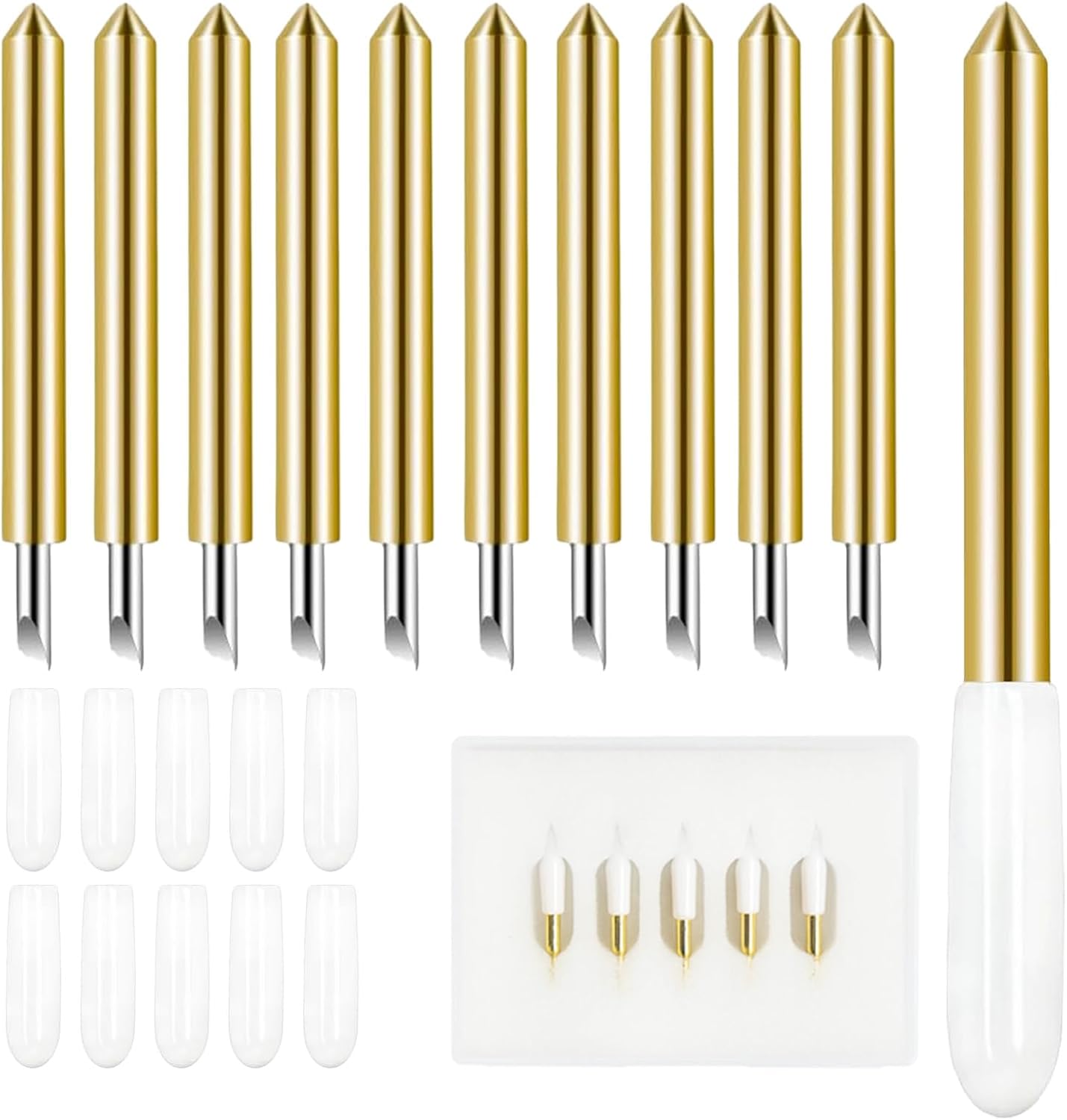
5PCS Replacement Cutting Blades, Cut Vinyl Fabric Carbide Standard Blade Compatible with Joy/Joy Xtra Machine
Cheapest way to fix a "broken" machine that is only dull, carbide edge holds up on vinyl and fabric
Fits Joy and Joy Xtra only, so it does nothing for the three big machines on this list
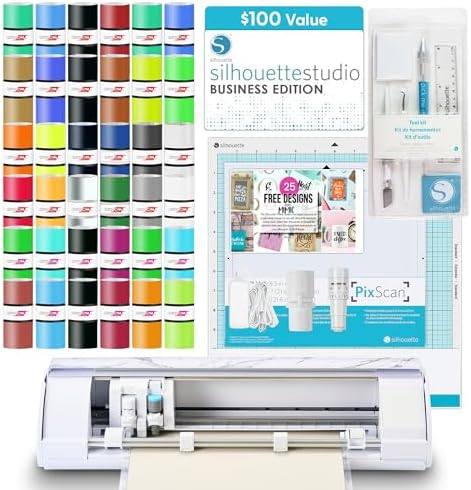
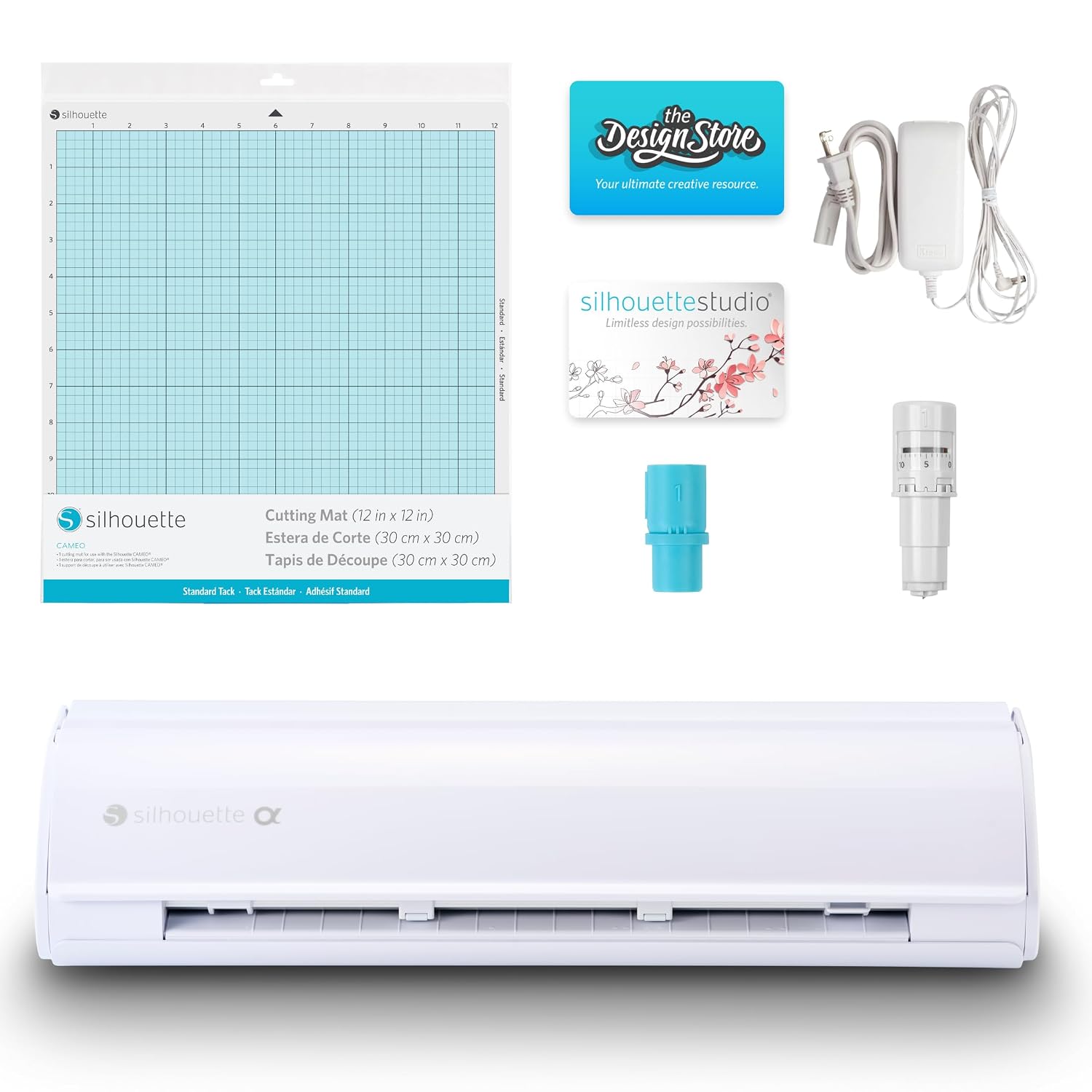
Silhouette America Cameo 5 Alpha (α) Smart Cutting Machine, Bianco Carrara (Deluxe Bundle) - Includes Studio Software, 36 Vinyl Sheets, PixScan Mat, Tool Kit & 25 Free Designs for DIY
Desktop software with no forced cloud, generous bundle of vinyl and tools, strong print-then-cut registration
Smaller tutorial community than Cricut, steeper first week, bundle value only counts if you use the included tools
Silhouette Cameo 5 Alpha Plus - 15" Craft & Vinyl Cutter Machine with Automatic Blade, Fast Sketch Mode & 4-Point Registration - Includes Studio Software & 100 Designs, 1-Month Subscription - Black
Widest machine here, automatic blade removes guesswork, fast sketch mode is a real time saver on big jobs
Widest price and biggest footprint, and most sticker and HTV sellers never use the extra width
Prices and availability were captured from Amazon Creators API and may change.
How I judge a cutting machine
I score every machine on five things, and none of them are printed on the box.
Cost per cut. A cheap machine with expensive consumables costs more by year two than a mid machine with third-party mats and blades. This is the number that decides whether your hobby pays for itself.
Blade life. Most "machine problems" are blade problems. When cuts start skipping or tearing instead of kissing the vinyl, the fix is usually a new blade, not a new machine.
Mat consumption. Mats are a consumable and a money pit. Anything that keeps you off a fresh Cricut-brand mat is a feature in my book.
Software lock-in. This is the whole ballgame. One of these machines assumes you will pay for design software forever. The others let you work offline.
Community. Cricut's tutorial ecosystem is the moat. When you are stuck at 11 p.m. with a weeding problem, that matters more than any spec.
Cricut Explore 4 bundle: the ecosystem pick
The Explore 4 is the machine I recommend to beginners, and I say that with my eyes open about the software. It cuts vinyl, HTV, cardstock, and sticker sheets without fuss, and it is the machine every craft class assumes you own. If you follow along with a video, you will be cutting within the hour.
The Seashell finish is cosmetic, but the digital content bundle is not. You get a pile of ready-made projects that only work inside Cricut's software. That is either a fast start or a leash, depending on your patience.
Here is the honest downside. Design Space is slow, it wants a connection, and it will interrupt a project to sell you the paid tier. I use it daily and I still find the subscription pop-ups maddening. If you only cut fifty stickers a year, buy this machine and never open the paid tier. The Explore is enough for 90% of crafters, and the Maker's extra tools are for people who already know exactly why they need them.
Silhouette Cameo 5 Alpha deluxe bundle: the freedom pick
This is the machine for the crafter who has already decided that renting software is not for them. Silhouette Studio runs on your computer, and the free tier is genuinely usable. The paid upgrade is a purchase, not a subscription, which is a different relationship with your wallet.
The Bianco Carrara deluxe bundle does a lot of the shopping for you: 36 vinyl sheets, a PixScan mat, a tool kit, and 25 designs. If you were going to buy those anyway, the bundle is the version to get. If you already own a drawer full of weeding tools, you are paying for duplicates.
The trade-off is the first week. Silhouette's interface assumes you understand cut settings, and the tutorial ecosystem is thinner than Cricut's. My students who switch tend to have one frustrating evening and then never look back. Print-then-cut registration is a strong point here, and the PixScan mat is the part people underrate until they need to cut around a printed shape.
Silhouette Cameo 5 Alpha Plus: 15 inches of machine
Everything the Alpha does, wider. The Alpha Plus takes 15-inch material, adds an automatic blade so you stop guessing at pressure settings, and includes fast sketch mode plus 4-point registration. It also ships with 100 designs and a one-month software subscription.
Who is this for? People cutting large decals, long HTV runs for apparel, or full sheets of patterned material without tiling. If that is your work, the width pays for itself in saved time and wasted vinyl.
Who is it not for? Anyone cutting stickers, greeting cards, or small HTV logos. You would be buying a foot of unused capacity and giving up a foot of desk. The automatic blade is the one feature I would want on every machine, and it is genuinely the reason to look at this tier even if you never cut wide. But if your projects fit inside 12 inches, the Alpha bundle is the smarter buy and the money stays in your pocket.
The five-pack of blades: cheap, useful, and probably not for your machine
Now the part that trips people up. These five carbide standard blades fit the Joy and the Joy Xtra. They do not fit the Explore 4, and they do not fit either Cameo. If you are shopping this page while buying one of the three machines above, adding this pack does nothing for you.
If you own a Joy or a Joy Xtra, this is one of the best small purchases in the craft aisle. Five blades for the price of a coffee means you stop rationing a dull blade and blaming the machine. Blades dull faster than the packaging admits, and a fresh edge is the difference between clean weeding and a sheet of torn vinyl.
Two habits worth building: keep a dated note of when you install a blade, and swap it the moment cuts start dragging instead of slicing. Blades labeled premium are usually the same steel with better packaging.
Software and the subscription math
This is where the real comparison lives, so let me be blunt. Cricut sells a machine once and software forever. The machine is the bait. If you buy the Explore 4, budget for the possibility that you will want the paid tier within a year, and decide now whether you are willing to say no.
Silhouette flips that. You buy the software upgrade once if you need the pro features, and your machine keeps working if you never pay again. For a hobbyist cutting a few projects a month, that is the difference between a machine that costs what it cost and a machine that keeps billing you.
The counterargument is fair: Cricut's ecosystem includes fonts, images, and a library that beginners lean on hard. You are paying for convenience and hand-holding, not for hardware. Just know which one you are buying.
Trade-offs the spec sheet hides
Width versus footprint. The Alpha Plus cuts 15 inches and occupies a corresponding amount of table. Measure your space before you fall in love with the spec.
Bundle value is conditional. Digital content and starter vinyl only count if you use them. A bundle you ignore is a markup with a bow on it.
Consumables decide the winner. Third-party mats and blades have kept improving, and both ecosystems accept them. Buying off-brand mats and blades is the single biggest cost saver in this hobby, and it is why a cheap machine can beat an expensive one on cost per cut.
Resale. Cricut machines hold value well on the used market. If you upgrade in two years, that cushion is real money.
Learning curve. Cricut is easier to start. Silhouette is easier to live with once you are past week one.
Which one should you buy?
Complete beginner, wants the easiest path: Cricut Explore 4 bundle. The tutorials are worth more than the hardware gap.
Hobbyist who resents subscriptions: Silhouette Cameo 5 Alpha deluxe bundle. Desktop software, one-time upgrades, and a bundle that covers your first month of materials.
Small business cutting large decals or long HTV runs: Silhouette Cameo 5 Alpha Plus. The 15-inch bed and automatic blade earn their keep on volume.
Joy or Joy Xtra owner with skipping cuts: the five-pack of blades, and nothing else on this list.
The bottom line
Three of these four products are machines, and the decision between them comes down to one question: do you want to rent your software or own it? If owning it matters, the Silhouette Cameo 5 Alpha deluxe bundle is the pick, and the Alpha Plus is the same answer with a wider bed for people who cut big. If you want the smoothest first month and the biggest tutorial library, the Cricut Explore 4 bundle is still the machine I hand to beginners.
The blade five-pack is the outlier, and it is a good reminder that in this hobby the cheapest item on the page is often the one that decides whether you enjoy your machine. Buy the cutter that fits your projects, not the widest one you can afford, and put the difference into blades and mats.