Related: How to Keep a Cricut Mat Sticky Without Buying a New One
I have run a sticker and vinyl shop out of a spare bedroom for six years, and I now teach weekend craft classes, which means I get asked the same question in every single session: Cricut or Silhouette? My honest answer is that the Cricut Maker 4 vs Cameo 5 comparison is the wrong place to start. The machine is the cheap part. The mats, blades, materials, and the subscription are where your money actually goes.
I own an old Explore and a Maker 3, and I keep a borrowed competitor unit on the bench for comparison. I have cut through more rolls of vinyl than I want to count and I keep a notebook of blade pressure settings and which materials lie about their thickness. That notebook is the reason I do not get excited about hardware launches anymore.
So here is the guide I wish someone had handed me: four machines and bundles worth looking at, what each one is actually for, and the numbers behind the sticker price.
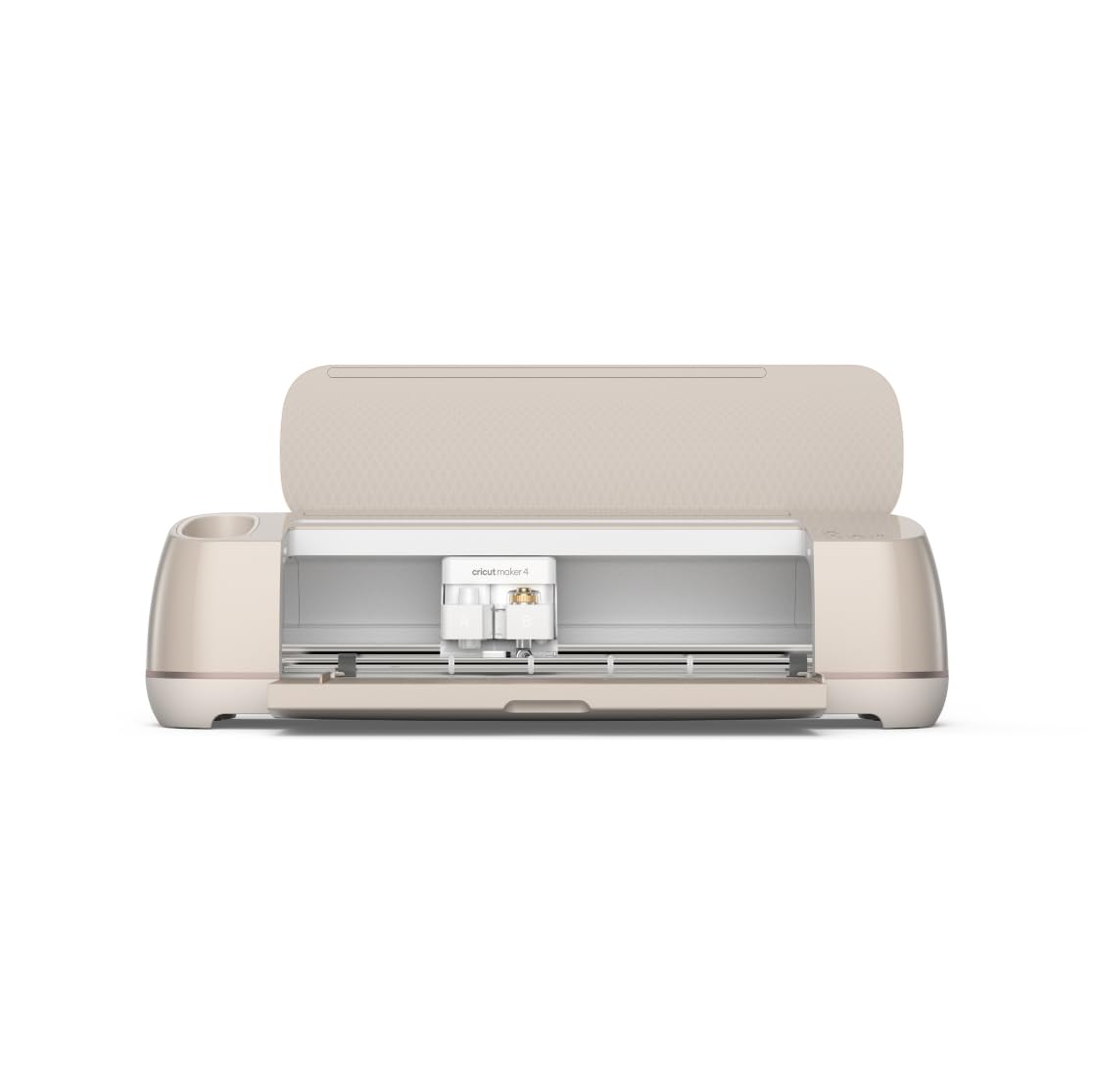
The Standalone Pick: Cricut Maker 4 in Seashell
If you already own a mat, a blade housing, and a heat press, this is the version to buy. The Cricut Maker 4 Smart Cutting Machine in Seashell is the machine by itself, which means you are not paying for a pile of accessories you will replace with third-party versions within a month anyway.
Here is my reasoning, and it comes from the Maker 3 sitting on my desk. The Maker line has always been the tool-heavy end of Cricut's range, which is great if you know exactly why you want a rotary blade or a scoring wheel, and expensive if you do not. A cutter is a blade holder on a gantry. Everything else is convenience.
The things that will actually shape your experience are the ones nobody puts in the marketing photos. Blade life, mat stickiness, and how long you sit waiting on Design Space to load a project. I buy third-party mats in packs and I have never noticed a difference worth the markup. Blades dull faster than the packaging admits, and most "my machine is broken" posts I see in class turn out to be a dull blade and a mat that has lost its grip.
Who is this for? The crafter who has been at this long enough to own supplies, or the beginner who is disciplined enough to buy the machine and then shop the accessories separately. If that is you, the standalone is the cleanest buy of the four.
The Apparel Pick: Cricut Maker 4 T-Shirt Making Bundle
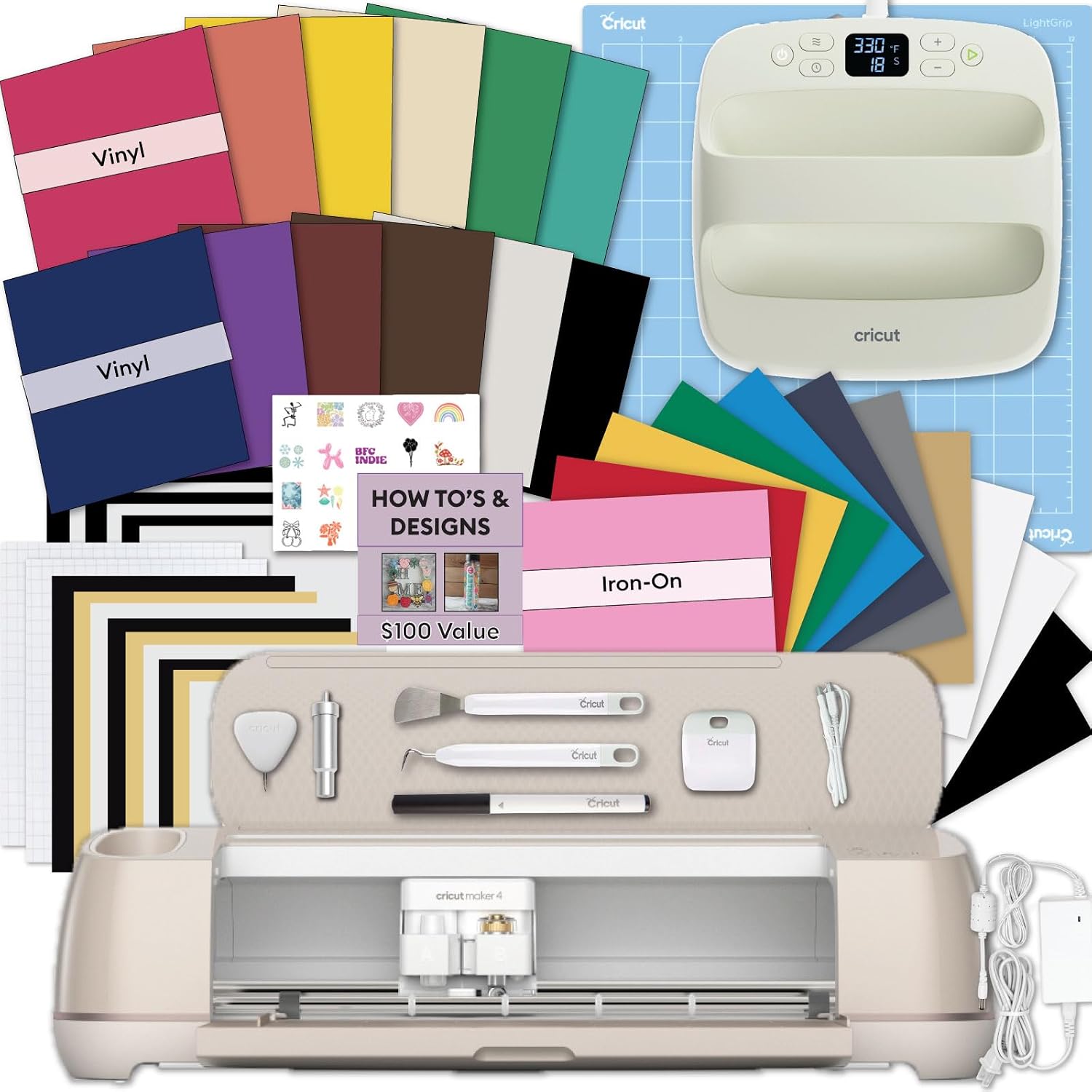
This is the bundle I would hand a beginner who wants to sell shirts. It pairs the Maker 4 with an EasyPress SE heat press, plus a vinyl and iron-on kit for custom apparel, tote bags, and the rest.
Let me explain why the press matters more than the cutter. Cutting HTV is easy. Weeding it is tedious but learnable. Pressing it correctly is the step where home projects fail, and they fail in ways that do not show up for a week. A shirt that looked perfect on day one starts peeling at the corner after four washes because the temperature was off or the pressure was uneven. If you are selling, that is a refund and a bad review.
The EasyPress SE is the compact end of Cricut's press lineup, so think about what you are pressing. Small logos, kids' shirts, totes, and gifts are all fine. If your plan is full-back prints on adult hoodies, you will spend a lot of time sliding the press around and hoping you did not miss a spot, and a larger platen will eventually be on your wish list.
One more note on cost per cut, because this is what separates a hobby from a business. A bundle feels like a deal because you pay once. But HTV is the consumable, and it is not cheap. Price out what a single three-color shirt costs you in material before you decide the bundle price is the real number.
The Everything Pick: Cricut Maker 4 Engagement Plus Bundle
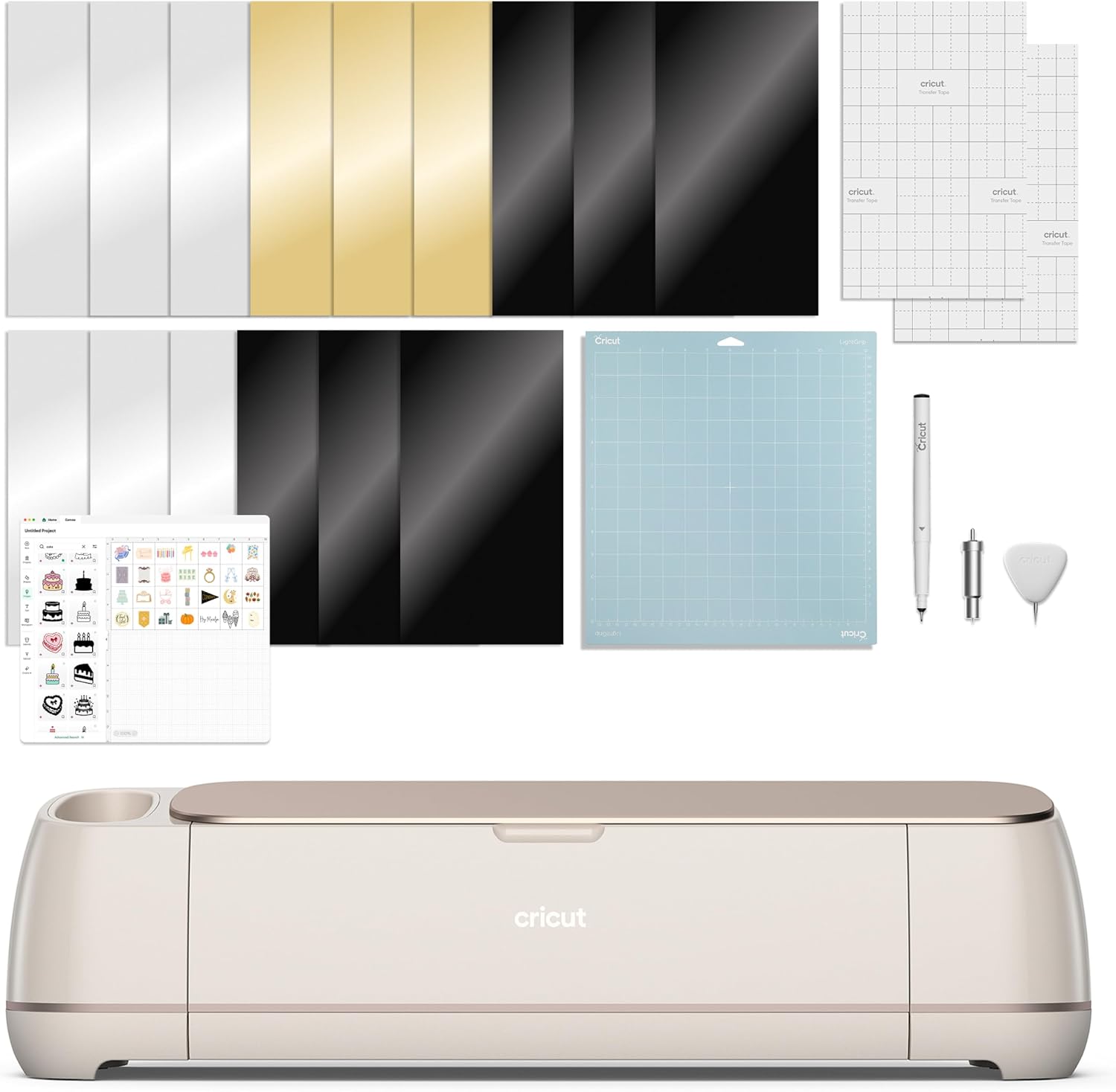
Same Seashell Maker 4, wrapped in Cricut's Engagement Plus bundle. I am not going to pretend I know exactly what lands in the box this month, because bundle contents move around and the listing is the only thing that tells the truth on any given day.
What I can tell you is how to evaluate it in about two minutes. Open the listing, write down every item included, then look up what each one costs on its own. If the bundle price is less than the machine plus the items you would genuinely have bought anyway, it is a good deal. If the bundle is mostly materials in colors you would never choose, you are paying to store someone else's inventory.
The pattern I have watched for years is that Cricut bundles are strongest for people starting from zero and weakest for people who already have a drawer full of vinyl. If you are starting from zero and you want one box that gets you cutting the same weekend, this is the most convenient path. Convenience has a price, and that is fine as long as you know you are paying it.
The Alternative: Silhouette America Cameo 5 Alpha
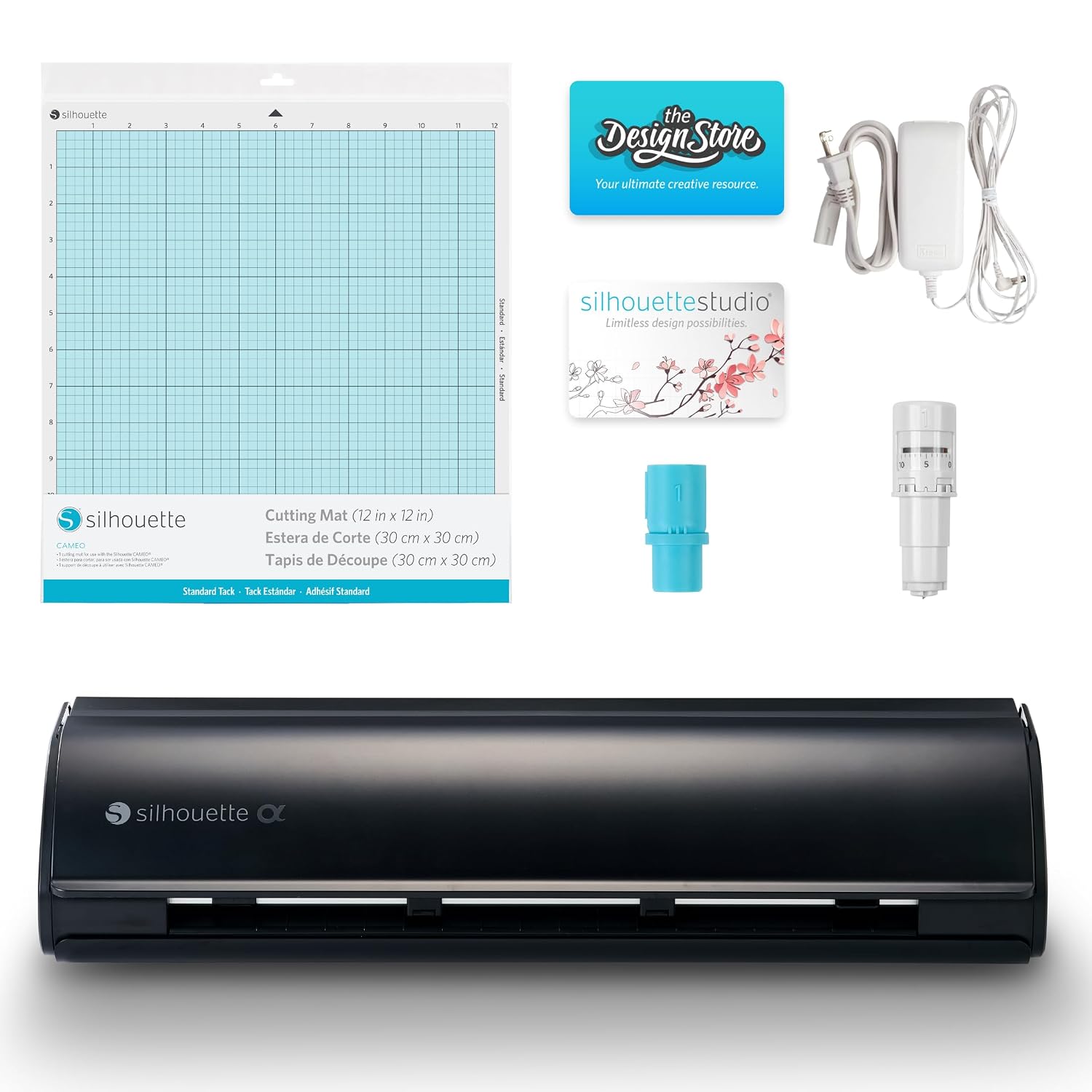
I review hardware, not tribes, so here is the case for the other side. The Silhouette America Cameo 5 Alpha ships as a machine with an AutoBlade, a cutting mat, and Silhouette Studio, and the listing calls out quiet operation. Quiet matters more than new buyers expect, because a cutter running at 11 p.m. in an apartment is a real constraint.
Print and cut is where the Cameo earns attention. If your products involve printed stickers, labels, or photo cards that need a contour cut, the workflow is worth studying closely before you default to Cricut.
The honest tradeoff is not hardware. The other brands caught up on hardware a while ago. What Cricut still owns is the tutorial ecosystem, and that is the moat. When you get stuck at 9 p.m. on a Tuesday, there are ten thousand videos that solve your exact problem with a Cricut. With a Cameo, you will find answers, but you will work harder for them.
My rule: if you are brand new and you learn by watching, buy the Cricut. If you already understand blade pressure, mat stickiness, and kiss cut versus die cut, the Cameo 5 Alpha is a serious machine and the software model is a legitimate reason to prefer it.
How I Evaluate a Cutting Machine
I do not score machines on the spec sheet. I score them on the four things that decide whether you keep using the thing in month six.
Blade pressure and blade life. Does the machine hold a consistent cut across a full mat, or does the far corner start tearing? Can you replace the blade without a tutorial? How many cuts before a standard cut starts leaving fuzzy edges?
Mat stickiness. The mat is a consumable and a money pit. A good machine does not fix a bad mat, and a bad mat will convince you the machine is broken. Budget for mats the way you budget for printer ink.
Software. Design Space is slow, cloud dependent, and the subscription is the real product. I say that as somebody who opens it daily. A cutting machine is only as good as the software you have to use with it, and this is the part of the decision people skip.
Cost per cut. Total material cost divided by usable cuts. This is the number that tells you whether a project is a business or a hobby, and it is the number that bundle marketing never mentions.
The Reference Table
This is the same table I keep taped inside my supply cabinet, updated for this round of machines and bundles.
| Machine or bundle | What it is | Best for | Watch out for |
|---|---|---|---|
 Visit on Amazon → Visit on Amazon →Cricut Maker 4 Smart Cutting Machine - Seashell |
The machine alone, no accessory bundle | Crafters who already own mats, blades, and a press | You buy the extras yourself, so budget for them |
 Visit on Amazon → Visit on Amazon →Cricut Maker 4 T-Shirt Making Bundle |
Maker 4 plus EasyPress SE heat press, vinyl and iron-on kit | HTV shirts, tote bags, gifts, small apparel sellers | Compact press platen limits large back prints |
 Visit on Amazon → Visit on Amazon →Cricut Maker 4 Engagement Plus Bundle |
Maker 4 with Cricut's larger starter bundle | Beginners starting from zero who want one box | Compare contents item by item before buying |
 Visit on Amazon → Visit on Amazon →Silhouette America Cameo 5 Alpha |
Machine, AutoBlade, Studio software, cutting mat | Print and cut work, quiet operation, subscription skeptics | Smaller tutorial ecosystem than Cricut |
The key column is the last one. Almost every disappointed purchase I see in class traces back to somebody buying a bundle for the wrong reason, or buying a machine that came with nothing and then being surprised that a mat costs money.
The Subscription Math Nobody Puts on the Box
Cricut sells a machine once and a subscription forever. That is the business model, and it is worth saying plainly because it changes the math on every option above.
You do not have to pay for Design Space to cut your own files. You can upload your own designs and cut them on the free tier. Where the paywall bites is access to the image library and the convenience features, and that is a recurring cost that stacks on top of the machine, the mats, the blades, and the material.
So do this before you buy anything. Estimate how many projects you will actually make in a year. If the answer is fifty stickers and a couple of shirts, skip the paid tier entirely and put that money into material. If you are designing something new every week and you lean on the library, the subscription is a tool, not a tax, and you should price it in from day one.
This is also the strongest argument for the Cameo 5 Alpha. If recurring software cost is the thing that makes you grind your teeth, you are allowed to buy the machine that does not push it as hard.
Should You Buy the Cricut Maker 4?
Yes, if you already own mats, blades, and a press. It is the cleanest way into the platform, and buying your consumables separately is how you keep cost per cut from creeping up on you. The machine will outlast a lot of the accessories that came bundled with somebody else's machine.
No, if you are starting from zero and you want to make your first shirt this weekend. You will spend the money you saved on a mat, a blade, and a heat press, and you will do it one panicked order at a time.
Should You Buy the T-Shirt Making Bundle?
If apparel is the plan, yes. Cutting is the easy half of HTV work and pressing is the half that decides whether your shirts survive a wash cycle. Having a real heat press in the box removes the step most beginners try to fake with an iron, and faking it with an iron is how you end up re-pressing a whole order.
The exception is volume. If you are pressing large adult garments all day, the compact press will frustrate you, and you should buy the machine alone and put the difference toward a bigger press.
Should You Buy the Cameo 5 Alpha?
Yes, if you already know what you are doing and you care about print and cut, quiet operation, or software that does not feel like a subscription funnel. The AutoBlade, the mat, and Studio software make it a complete kit on arrival.
No, if you learn by watching tutorials and you want the answer to every problem to already exist in ten different videos. Cricut's community is the moat, and it is worth more to a beginner than any hardware difference between these machines.
Either way, buy your mats from somebody other than the machine maker. That advice has never once been wrong.