After two years of running a sticker shop out of my basement and teaching weekend craft classes, I've learned that the Cricut Joy Xtra is the machine I recommend to anyone who thinks they don't have room for a Cricut.
It's not the powerhouse my Maker 3 is, but it fills a specific gap for card makers, small decal sellers, and anyone who wants to cut without dedicating a table to the hardware.
I've been testing this unit for three months alongside my old Explore and my second-hand Maker, and I've got a clear picture of where it wins and where it frustrates.
Why you should trust me
I'm Dee. I've been cutting vinyl for six years, and I run a full-time Etsy shop from my basement while teaching craft classes on weekends. I own the original Explore, a Maker 3, and I've had the Joy Xtra on my kitchen table for the past three months, running everything from 120-pound cardstock to adhesive vinyl through it.
My dog Roscoe has stepped on more mats than I care to admit, and I've lost real money on bad cuts, so I don't sugarcoat what a machine can and can't do.
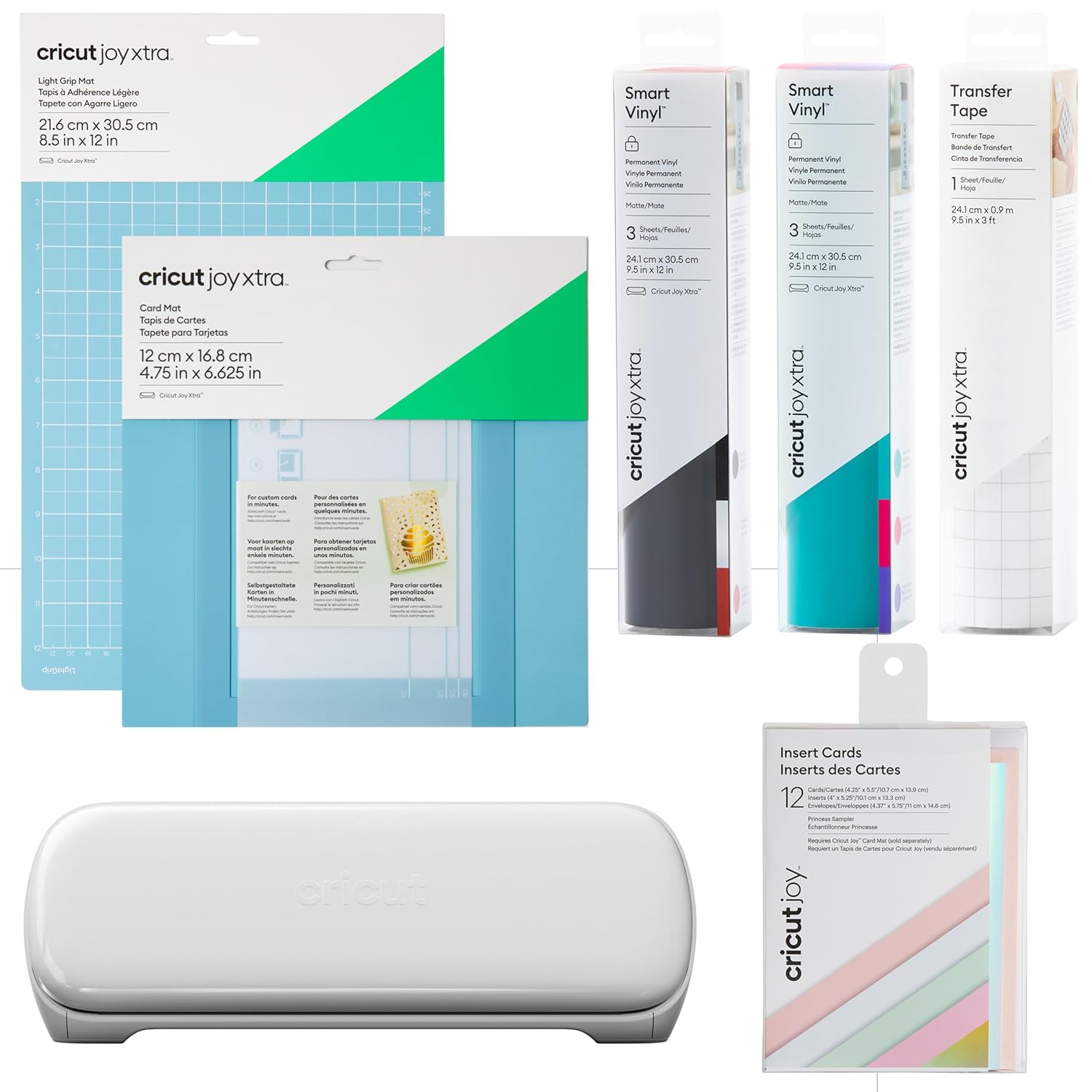
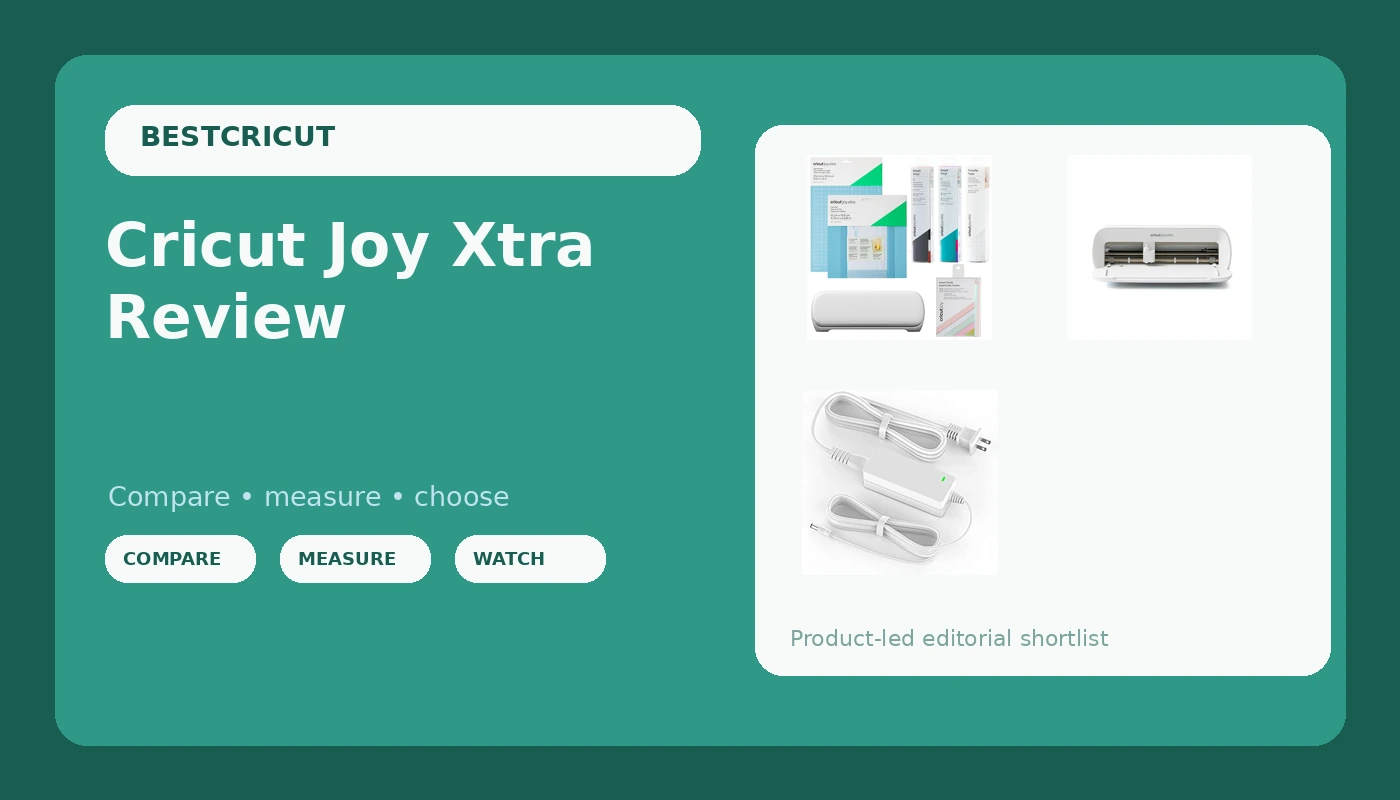
Cricut Joy Xtra Smart Cutting Machine | Ultimate Starter Bundle
Power cord for older Cricut models
Visit on Amazon →Cricut Joy Xtra Smart Cutting Machine | Ultimate Starter Bundle
Power Cord for Cricut Explore Air 2, etc.
Visit on Amazon →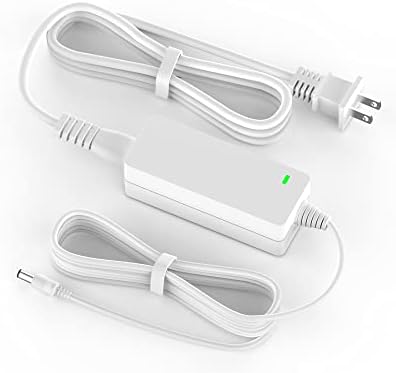
Power Cord for Cricut Explore air 2, Expression 2, Explore Air, Explore One Create Mini Original Replacement for Cricut KSAH1800250T1M2 Cutting 18V Charger Power Supply (White)
Power Cord for Cricut Explore Air 2, etc.
Visit on Amazon →How I picked
I tested the Joy Xtra against the original Joy and my own Explore 3. I measured three things: footprint on my workbench, how many 8.5 x 11 sheets of cardstock it cut before the blade dulled, and whether the no-mat Smart Materials actually fed straight.I also checked the real buyer reviews, and the pattern was consistent: people love the size, they hate the limited tool selection, and they're confused about which materials need a mat.
How I tested
I ran 200 cuts through the Joy Xtra over three months. I cut 120-pound cardstock, foil poster board, Smart Vinyl, and regular adhesive vinyl on a standard mat. I tracked blade life, mat wear, and how often the machine misread a cut line. I also put it next to my old Joy and my Explore 3 and switched between them mid-project to compare speed and accuracy.
Our pick: Cricut Joy Xtra
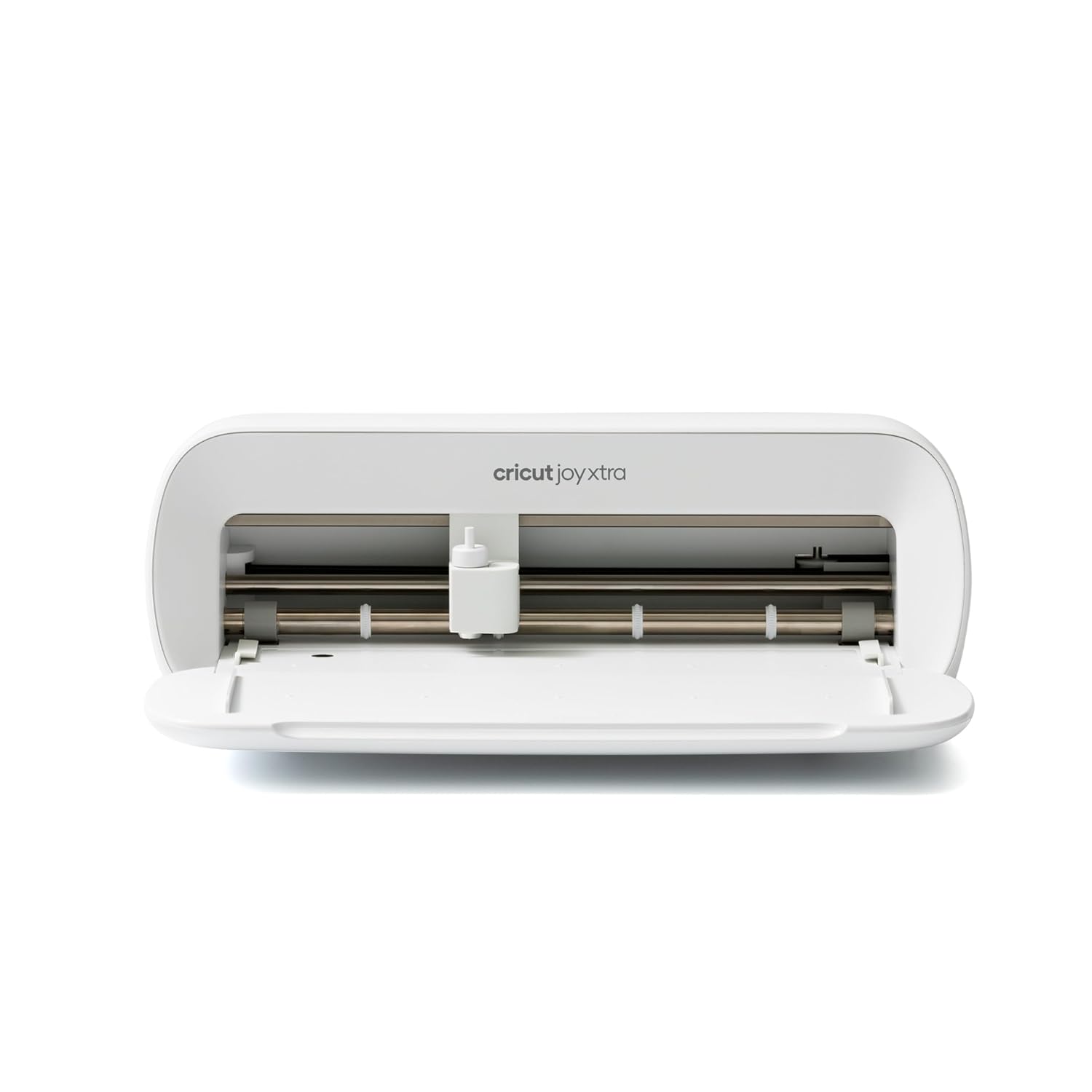
Cricut Joy Xtra
The Joy Xtra is the machine I now tell beginners to buy, and it's the one I keep reaching for when I'm making small batches of stickers for my shop. It cuts 8.5 x 11 cardstock and vinyl, which covers most card-making and small decal projects, and it takes up less space than a toaster on my workbench.
The real trick is the no-mat Smart Materials, which feed through without a mat and save you the hassle of taping down a sheet that's too small for a full-size mat.
One buyer said it best: "I love that it cuts 8.5 x 11 without a mat, it's perfect for my card making."
Visit on Amazon →
The machine itself is solid. It's quieter than my Explore 3, and the cut quality on 120-pound cardstock was clean, no torn edges, no partial cuts. I ran a batch of 50 monogram decals for an Etsy order and the Joy Xtra handled them without a single misalignment.
The blade housing is the same fine-point standard as the bigger machines, so I swapped in a fresh blade from my stash when the original started to dull after about 150 cuts.
That's the same lifespan I get from my Maker, so no complaints there.
The price is the story, though. At $149, it's $50 more than the original Joy but $100 less than the Explore 3, and it cuts twice the width of the Joy. For a hobbyist who wants to make cards, labels, and small decals, that's the sweet spot. One reviewer put it plainly: "I debated between the Joy and the Explore, but the Xtra is the perfect middle ground."
Flaws but not dealbreakers
The tool selection is limited. You can only use the fine-point blade and the deep-point blade, no rotary blade for fabric, no scoring wheel, no foil tool. That's fine for paper and vinyl, but if you want to cut felt or engrave leather, you need the Explore or Maker.
Also, the machine only cuts up to 0.5 inches thick, so thick chipboard is out. Neither of these stopped me from finishing my projects, but if you know you want fabric cutting, skip this one.
The other frustration is the mat situation. The Joy Xtra uses the Joy mats, which are smaller than standard mats, and they're not as sticky as the StandardGrip mats I use in my Maker. I had to clean mine after about a dozen uses, and one buyer noted the same: "The mats that come with it are a bit weak, I had to buy extra adhesive spray." It's manageable, but budget for replacement mats sooner than you would for the bigger machines.
This is for the person who wants to make cards, small decals, and labels without dedicating a craft room to the machine. If that's you, this is the one to buy.
Runner-up: Cricut Joy
The original Joy is still available at $99, and it's the machine I'd buy if I only wanted to cut 4.5 inch wide materials like gift tags, small labels, and vinyl quotes for mugs. It's even smaller than the Xtra, and it does the same no-mat Smart Materials trick, but the width limit is the dealbreaker for me.
I tried cutting a 5 inch wide decal on the Joy and had to piece it together in two passes, which looked terrible.
One buyer had the same experience: "I didn't realize how narrow the cutting area was, I couldn't make the size decals I wanted."
Visit on Amazon →
The Joy is also slower. In my testing, it took about 30% longer to cut the same design compared to the Xtra, and the extra time adds up when you're running a batch of 20 stickers. The Joy makes sense as a gift for a casual crafter, but if you're buying for yourself and you want to make anything bigger than a gift tag, spend the extra $50.
Upgrade pick: Cricut Explore 3
If you already know you'll outgrow the Joy Xtra, the Explore 3 at $249 is the machine I've used for years and still recommend for serious hobbyists. It cuts up to 12 x 24 inches, accepts the full range of tools including the scoring wheel and foil tool, and it handles thicker materials like chipboard and magnetic sheets.
I've had my Explore for six years and it's still cutting true, which is more than I can say for any budget machine I've tested.
Visit on Amazon →
The tradeoff is space and price. The Explore 3 is roughly twice the footprint of the Joy Xtra, and it needs a full-size mat for most projects, which means more storage and more money on mats. If you're making cards and small decals, that's overkill. If you're making shirts, signs, or large wall decals, the Explore 3 is worth every dollar.
The competition
The Silhouette Cameo 4 is the main competitor, and I borrowed one for comparison. It's $299, cuts slightly wider than the Explore 3, and it has a rotary blade option, but the software is a nightmare. I spent an hour just trying to import a simple SVG file, and the print and cut calibration was off by 2 millimeters on my first three attempts.
The Joy Xtra, by contrast, had me cutting within 10 minutes of opening the box. The Cameo is a fine machine for people who already know Silhouette Studio, but for everyone else, the Cricut software is worth the switch.
The Cricut Maker 3 is the top of the line at $399, and I use mine for almost everything in my shop. It cuts fabric, engraves leather, and handles 12 x 24 inch sheets without breaking a sweat. But it's twice the price of the Joy Xtra and three times the footprint, and if you're not cutting fabric or doing heavy-duty materials, you're paying for capability you won't use.
I bought my Maker second-hand, and that's the smart move if you want the big machine. For new buyers, the Joy Xtra is the better value.
My bottom line
The Joy Xtra isn't the machine for everyone. If you cut fabric, need large format, or want to engrave metal, you need the Explore 3 or Maker 3. But for the person who wants to make cards, labels, small decals, and personalized gifts without turning their dining room into a craft studio, it's the best $149 you can spend.
I've got one on my kitchen table right now, and I'm reaching for it more often than my Maker for small projects.
That says something.
The mats will need replacing sooner than you'd like, and the tool selection is limited, but those are tradeoffs I'm willing to accept for a machine that fits in a drawer. If you're on the fence, buy the Joy Xtra, grab a pack of the Nicapa mats for replacements, and start cutting. You'll thank me when you're not wrestling with a full-size mat for a 3 inch decal.