Related: How to Keep a Cricut Mat Sticky Without Buying a New One
The Cricut Maker 3 vs Explore 5 question is the one I answer most often, usually in a craft class parking lot, with someone holding a phone in one hand and a credit card in the other. I have run an Etsy sticker and vinyl shop for six years, I own an old Explore and a Maker 3, and I have cut through more than 200 rolls of vinyl. So here is the answer I give students: buy the machine that matches the cuts you will actually make, not the one with the longest spec sheet.
The lineup is a price ladder, and Cricut wants you to climb it. Each step up adds a tool, a claim, and a bigger box. The machine is the bait. Design Space is the hook, and the subscription is the real product. I say that as someone who opens Design Space every single day.
What follows is what a working seller would put on the bench, what a hobbyist should buy instead, and the one item on this page that is not a craft tool at all. Every link goes to the exact product, and none of it is sponsored copy.
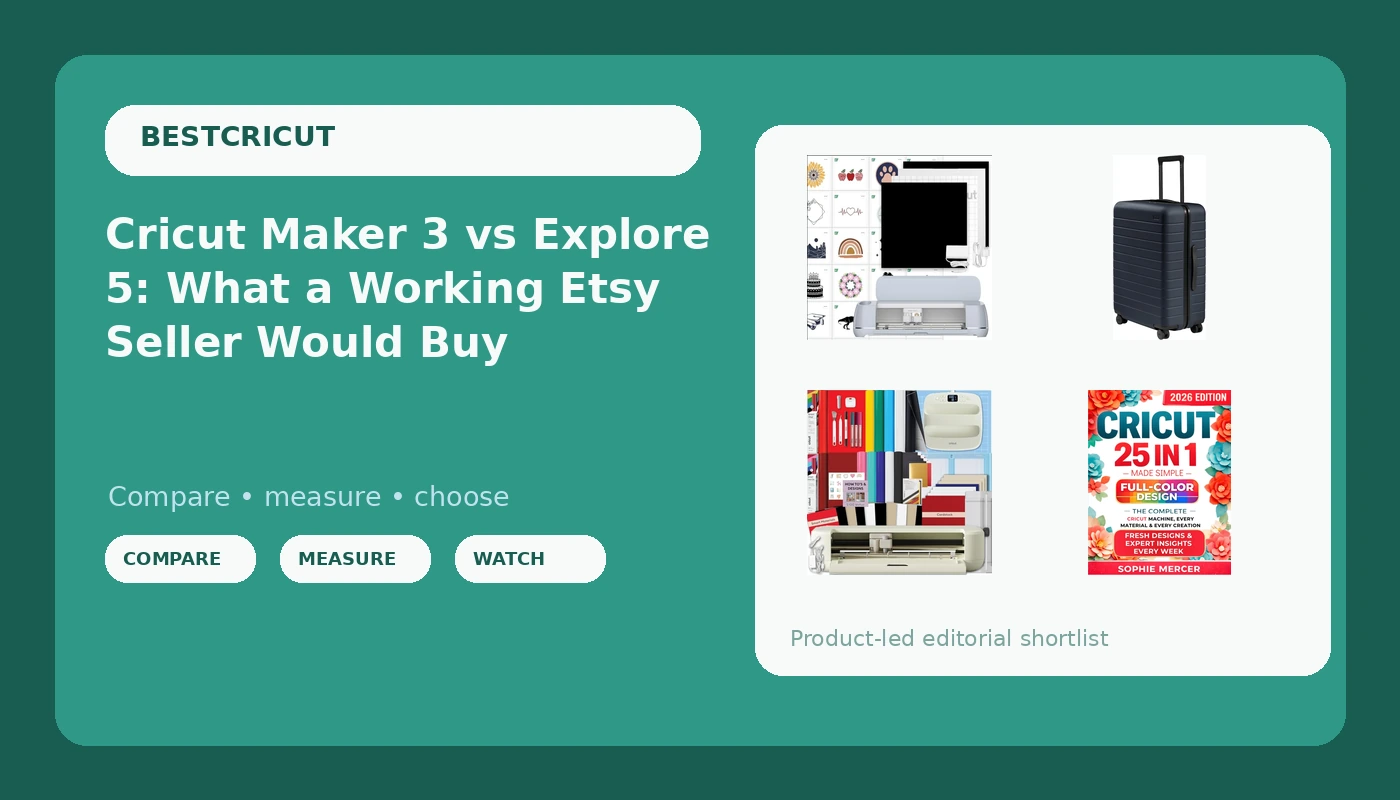
Cricut Maker 3 and Digital Content Library Bundle: the machine I would buy with my own money
The Maker 3 is genuinely good hardware. It is the one machine in the family I recommend without a caveat attached. The adaptive tool system means the blade housing swaps out instead of forcing you to fight a single fine point blade through everything, and the extra cutting force is the difference between a clean cut and a fuzzy edge on leather, thick felt, and heavy cardstock. The listed 2X faster and 10X cutting force numbers are marketing, but the direction they point is real: this machine cuts materials the Explore will chew up and spit out.
The bundle part matters more than people expect. You get 30 images in the Design Space app, which sounds generous until you realize it is a starter set, not a library. Thirty images is a nice first week. It is not a substitute for the paid tier, and it is definitely not a substitute for learning the software. Treat those 30 images as a sampler and plan accordingly.
Two honest notes from someone who runs one daily. First, blade life is the real cost of ownership. The blade dulls long before the packaging admits it, and most "my machine stopped cutting through" complaints are blade problems, not machine problems. Second, the mat is a consumable and a money pit. Buy third-party mats and spare blades, keep a notebook of pressure settings, and stop blaming the machine when a dull blade skips.
 Visit on Amazon → | Visit on Amazon →
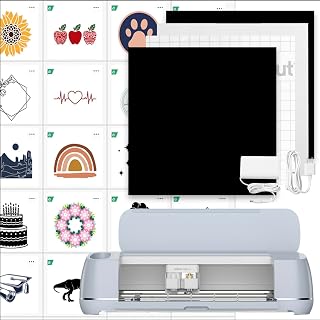
Cricut Explore 5 Essential Bundle with Multicolor Sampler and EasyPress 9x9: the honest beginner answer
The Explore is enough for 90 percent of crafters. I will keep saying that until it stops being true. If your projects are adhesive vinyl, HTV, sticker paper, and cardstock, the Explore cuts all of it cleanly, and the Maker's extra tools sit in a drawer for people who never needed them in the first place.
What makes this bundle the better first purchase is the pairing. The multicolor sampler gives you enough vinyl to ruin a few cuts while you learn, and the EasyPress 9x9 means you can press HTV the same week the box arrives instead of budgeting for a heat press later. A lot of beginners buy the machine, then stall for a month because they cannot press anything. This bundle removes that stall.
The tradeoff is capability, not quality. No rotary blade, no knife blade, less cutting force. If you already know you want to cut leather or balsa, skip this and go up the ladder. If you want to cut 50 stickers a year and make a few shirts for the family, this is the machine, and buying the Maker would be paying for tools you will never install.
 Visit on Amazon → | Visit on Amazon →
Cricut Made Simple: the cheapest upgrade you can make to any machine
If you take one thing from this page, take this: most wasted vinyl is a software problem. Design Space is slow, cloud dependent, and it hides the settings that matter behind menus that move with every update. People respond by buying more materials, which is exactly what the company hopes will happen.
A full color walkthrough of Design Space, with 15 real projects and the shortcuts that save you from the trial and error loop, will save you more material than any bundle upgrade on this page. It covers every machine, which matters because the settings logic is the same whether you own an Explore or a Maker. It is also the least expensive item here, by a wide margin, and it will outlast the vinyl it saves.
I am not a designer, so I do not send people to SVG shops. I send them to the settings screens. That is where the money leaks out, one ruined kiss cut at a time. Learn the software before you learn the accessory aisle.
 Visit on Amazon → | Visit on Amazon →
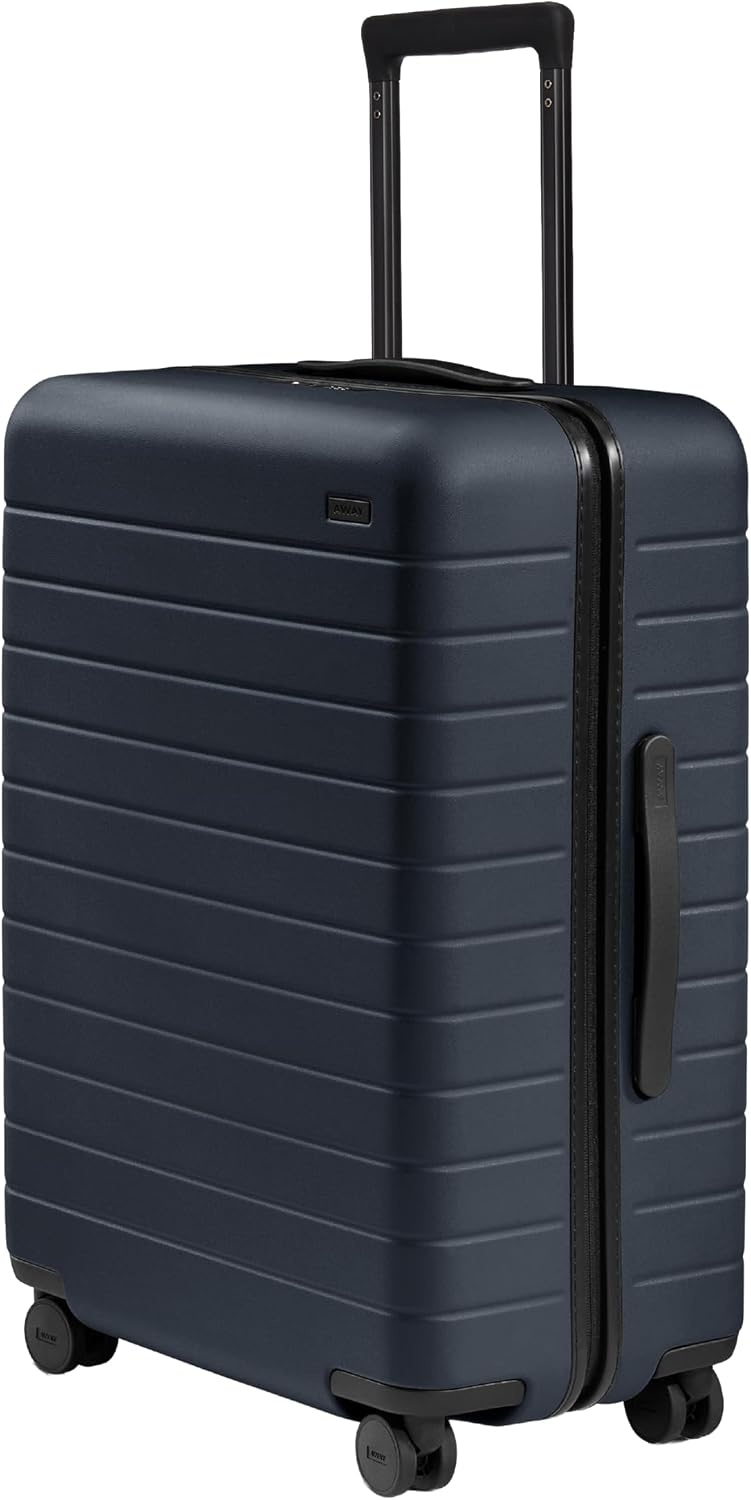
Away Medium Checked Luggage, 26-inch hardside spinner: why this is on a Cricut list
No, this is not a cutting tool. It is here because craft fairs are travel, and travel is the part of a craft business nobody budgets for. Weekend classes, vendor booths, market days, the drive to a show where you set up at 6 a.m. and pack up at 6 p.m. That is the real cost of turning a hobby into income, and a hardside spinner is what survives it.
The 26-inch Medium Checked is the size that works for a show kit: table cover, display stands, a small press, samples, and a change of clothes. Hardside matters because soft luggage flexes and crushes the things inside it. The spinner wheels matter because you are rolling it across a parking lot at dawn, not through an airport.
One warning, and I mean it. Do not check your Cricut in this or any suitcase. Carry the machine on. Blades, mats, and vinyl can travel. A cutting head that has been thrown by baggage handlers cannot.
 Visit on Amazon → | Visit on Amazon →
How I judge a machine
I do not run a lab. I run a shop, and I keep a notebook, which is a slower and more honest version of the same thing. Here is what I check before I recommend anything to a student.
The blade housing first. Does it swap cleanly, and does it hold pressure across a full mat? A machine that drifts mid cut is a machine that wastes material on every project. Then mat stickiness. If a mat gives up after a handful of cuts, that is a recurring cost, not a one time inconvenience, and I factor it in. Then the pressure range. Can it cut the material without double passing, because double passing is how you burn through blades.
Then the software gate. This is the part the spec sheet never mentions. How much of the machine works without a subscription, and how often does the app interrupt a project to sell you one? A cheaper machine that lets you cut quietly beats a better machine that nags you mid project.
What the spec numbers actually mean
Every claim on a Cricut box is true in the same way a highway speed limit is true. The number is real, the conditions are not. Two times faster means faster on a specific material at a specific setting, not twice as fast on the cardstock you are actually cutting. Ten times the cutting force means the tool can press harder, which matters for leather and balsa and means nothing for adhesive vinyl.
Here is the split that actually decides this purchase. A hobbyist cutting 50 stickers a year should buy the cheapest machine that handles the material and never open the paid tier of Design Space. A seller cutting every day should buy the machine with the tool system, because the extra capability pays for itself the first time a custom order calls for leather or thick felt.
The middle group, and this is most people reading this, should buy the Explore bundle and spend the difference on materials and a book. Capability you do not use is not value. It is a heavier box on the shelf.
The comparison table
This is the table I keep for students, with the products in the order I would consider them. Prices move, so check the listing instead of trusting a number from a blog post.
| Item | Who it is for | What actually matters | Where to get it |
|---|---|---|---|
| Visit on Amazon → Cricut Maker 3 and Digital Content Library Bundle |
Sellers and anyone cutting leather, felt, balsa, or fabric | Swap in tool housing, extra cutting force, 300+ material claim, 30 starter images | Visit on Amazon → |
| Visit on Amazon → Cricut Explore 5 Essential Bundle |
First machine, vinyl and HTV only | Sampler vinyl to learn on, EasyPress 9x9 so you can press the same week | Visit on Amazon → |
| Visit on Amazon → Cricut Made Simple |
Any machine owner, any skill level | Design Space settings, 15 real projects, shortcuts that stop wasted material | Visit on Amazon → |
| Visit on Amazon → Away Medium Checked, 26-inch |
Craft fair and class travel | Hardside shell, spinner wheels, room for a show kit | Visit on Amazon → |
| Design Space Access subscription | Anyone who cuts often enough to need the full image library | The free tier cuts fine. Subscribe when a specific project needs it, not before | Your call |
| Third party mats and blades | Every machine owner | Blade life and mat stickiness are the real recurring costs | Buy elsewhere |
The pattern in that table is the whole article. The machine you buy decides what you can cut. The blades, mats, and software decide what it costs you to keep cutting.
Should you buy the Cricut Maker 3?
If you cut thick materials or you sell custom work that calls for them, yes. The tool system and the cutting force are not marketing fluff at the top end, and the 30 image starter library is a fine first week. Just go in knowing that blades and mats will cost you more over two years than the difference between this and the Explore, and that the subscription will keep knocking.
If your work is adhesive vinyl and HTV, this is more machine than your projects need. That is not a knock on the Maker. It is a knock on buying tools to feel prepared.
Should you buy the Cricut Explore 5 Essential Bundle?
For a first machine, yes. It cuts what beginners actually cut, and the sampler plus EasyPress means you are making things in week one instead of shopping for a press in week three. I recommend the brand to beginners while rolling my eyes at the accessory prices, and this bundle is the reason why: it front loads the useful accessories instead of selling them to you one at a time later.
Buy it if you want to cut stickers, shirts, cards, and labels. Skip it if leather or balsa is on your list this year.
Should you buy the book before the accessories?
Yes. The book is the correction to the most expensive habit in this hobby, which is buying materials to solve software problems. Learn Design Space, learn your pressure settings, keep a notebook of what worked, and you will spend less on vinyl than the average beginner spends in the first two months.
The machine matters. The settings matter more. That is the whole guide, and it is the advice I give in every Saturday class I teach.