Related: Cricut Blade Types and When to Swap Them
The Cricut Maker 4 bundle is the most expensive shortcut in this hobby, and I still tell a specific kind of crafter to buy it. I ran an Etsy sticker and vinyl shop for six years before I started teaching classes on weekends, and I have watched dozens of students buy a machine, then spend the next three months buying things nobody needs. The Cricut Maker 4 bundle is worth pricing out if you already know you are making shirts. It is a waste of money if you are making stickers.
Here is the distinction I keep coming back to in class. Cricut sells a machine once and a subscription forever. The machine is the bait. Design Space is the hook. So the question is never "which machine is best," it is "what does this purchase commit me to," and that answer is different for a hobbyist cutting fifty stickers a year than for someone selling custom apparel out of a spare bedroom.
So this is not a ranking. It is the setup I would hand a student: one bundle worth considering, one blade worth stocking, one boring accessory that fixes a real problem, and one cheap tool set that saves your hands. Everything below is gear you can buy once and use for years, and everything below is priced the same way I price it for my own shop, by cost per cut.
The bundle worth pricing out: Cricut Maker 4 + EasyPress SE
This is the bundle that pairs the Maker 4 cutting machine with the EasyPress SE heat press, and it throws in Infusible Ink, vinyl, and tools. The Maker is genuinely good hardware. I have said that for years and I will keep saying it: the Maker line does things the Explore line cannot, and the extra tool capability is not marketing fluff if you actually cut fabric, thin leather, or heavy chipboard.
The reason the bundle matters is the press, not the machine. A cutting machine without a heat press makes shirts the way a printer without ink makes posters. You can fake it with an iron for exactly one project, and then you will be standing over a towel on your kitchen table wondering why the HTV peeled after two washes. If your plan is shirts, tumblers with Infusible Ink, or anything that needs heat and pressure, bundling the press with the machine is the one place Cricut's packaging actually saves you a step.
Where I get skeptical is the everything-in-the-box approach. Bundle materials are there to get you through the first weekend, not the first quarter. The included vinyl and Infusible Ink are fine, and I have no complaints about the quality, but Cricut-brand consumables are priced for convenience. HTV, vinyl, and mats are all better bought elsewhere once you know what you like. Treat the bundled supplies as a sample pack, not a supply closet.
One more thing, and I say this as someone who uses Design Space daily: the software is slow, cloud-dependent, and the subscription is the real product. The Maker 4 does not change that. If you only want to cut fifty stickers a year, buy the cheapest machine that fits your materials and never open the paid tier. If you are pressing shirts for money, the bundle math gets better because the press earns its keep.
The bundle is the right call for apparel and Infusible Ink work. It is the wrong call for paper crafters, sticker sellers, and anyone who already owns a heat press.
The blade you should always have loaded: Aosry Fine Point Blade Plus Housing
Blades dull faster than the packaging admits. That is the single most useful thing I tell new owners, and it is the thing nobody believes until they replace a blade and their cuts suddenly look like they did on day one. Most "machine problems" are blade problems: the vinyl tears instead of releasing, the corners look chewed, the cardstock needs two passes when it used to need one.
This Aosry fine point blade ships with its own housing, which is the part that matters. The housing is what lets you swap a fresh blade in mid-project instead of stopping to disassemble, clean out debris, and reseat the factory housing while your mat sits there losing stickiness. It fits the Maker 4, Maker 3, the original Maker, the Explore family, the Venture, and the older Air machines, so it travels across whatever you own now and whatever you upgrade to later.
Fine point covers the everyday work: glitter vinyl, cardstock, faux leather, vellum, and the plain adhesive vinyl that pays my bills. It is not the blade for fabric or heavy chipboard, and no blade is universal, which is why I keep a small labeled box instead of one lonely blade rattling around in a drawer.
My rule is simple. Buy two. Keep one loaded and one sealed. The moment you notice yourself bumping pressure settings up to compensate for ragged cuts, swap the blade and put the pressure back where it was. If the cuts are still bad after a fresh blade, then you have an actual machine or mat problem, and now you know. That is worth the cost of a spare blade ten times over.
The boring accessory that fixes a real annoyance: Extension Tray for Maker 4/3/Maker
This is the least exciting product in this article and the one I would hand you first if you cut anything longer than a greeting card. A Maker passes the mat back and forth, and without support the mat hangs off the front of the machine, sags, and drags. That sag is where crooked long cuts come from. It is also where chewed mat edges come from, and mat stickiness is already the most expensive recurring cost in this hobby.
The white extension tray clips on and gives the mat somewhere to land. That is the whole product. It does not improve cut quality on a four inch decal and it will not make you a better designer. What it does is keep a twelve inch mat level through a long pass, which means the blade is cutting the same depth at the end of the mat as it did at the beginning. On the Maker family, that difference shows up on long HTV names, banner runs, and anything with a straight edge you have to line up.
The tray is specific to the Maker 4, Maker 3, and the original Maker, so check your machine before ordering. It is not for the Explore line. If you own a Maker and you have ever watched a mat dip off the edge mid-cut and hoped for the best, this is the fix, and it costs less than the mats it saves.
The tool set that saves your hands: Sooez Weeding Tools for Vinyl, 6PCS
Weeding is the part of vinyl work that eats your evenings, and the Sooez six piece basic set is the cheapest way to stop doing it with your fingernails. A hook, a pick, a scraper, and a few odds and ends cover almost everything a hobbyist weeds: the counters inside letters, the tiny islands in a script font, and the negative space that refuses to lift.
Two things matter more than the brand here. First, a proper hook lets you get under the vinyl without gouging the backing paper, and a gouged backing is how a small letter curls and sticks to itself before it ever reaches the transfer tape. Second, a scraper keeps your fingers off the mat. Every time you press a fresh sheet down by hand you are transferring oils, and mat stickiness is a consumable you are paying for. Use the scraper and the mat lasts longer.
This set is a starter kit, not a lifetime tool. The tips are not surgical steel and if you weed professionally you will eventually want a better hook. But for a beginner, or for a second set to keep in the class bag, it is the right first purchase. Buy it before your first HTV project, not after. Weeding tiny letters with a fingernail is how you ruin the vinyl and your hands in the same evening.
What to buy with a Cricut Maker 4
| Item | Best for | What it changes | Notes |
|---|---|---|---|
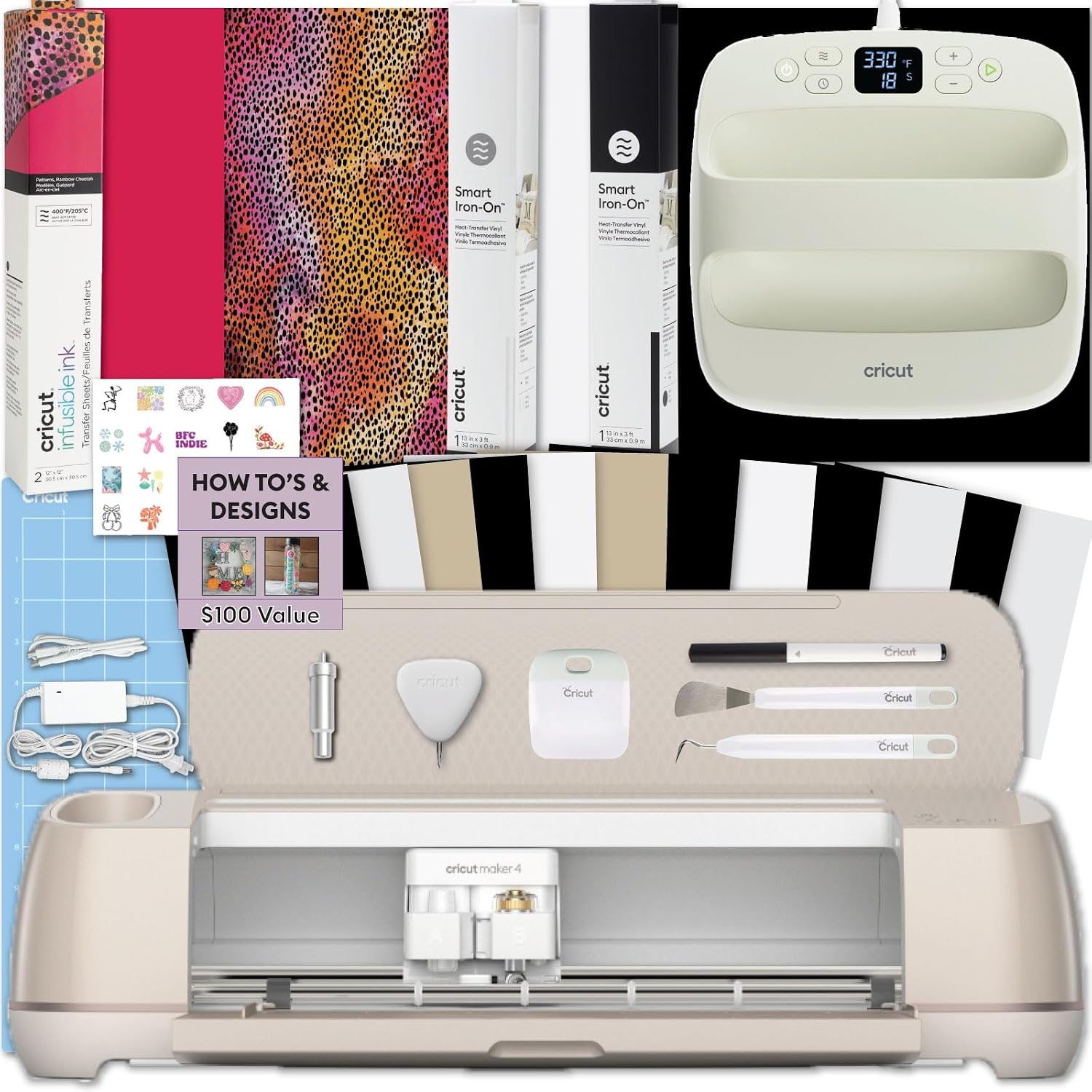 Visit on Amazon → Visit on Amazon →Cricut Maker 4 + EasyPress SE Heat Press Bundle |
Shirts, HTV, Infusible Ink | Machine and press in one purchase | Only if you will actually press apparel |
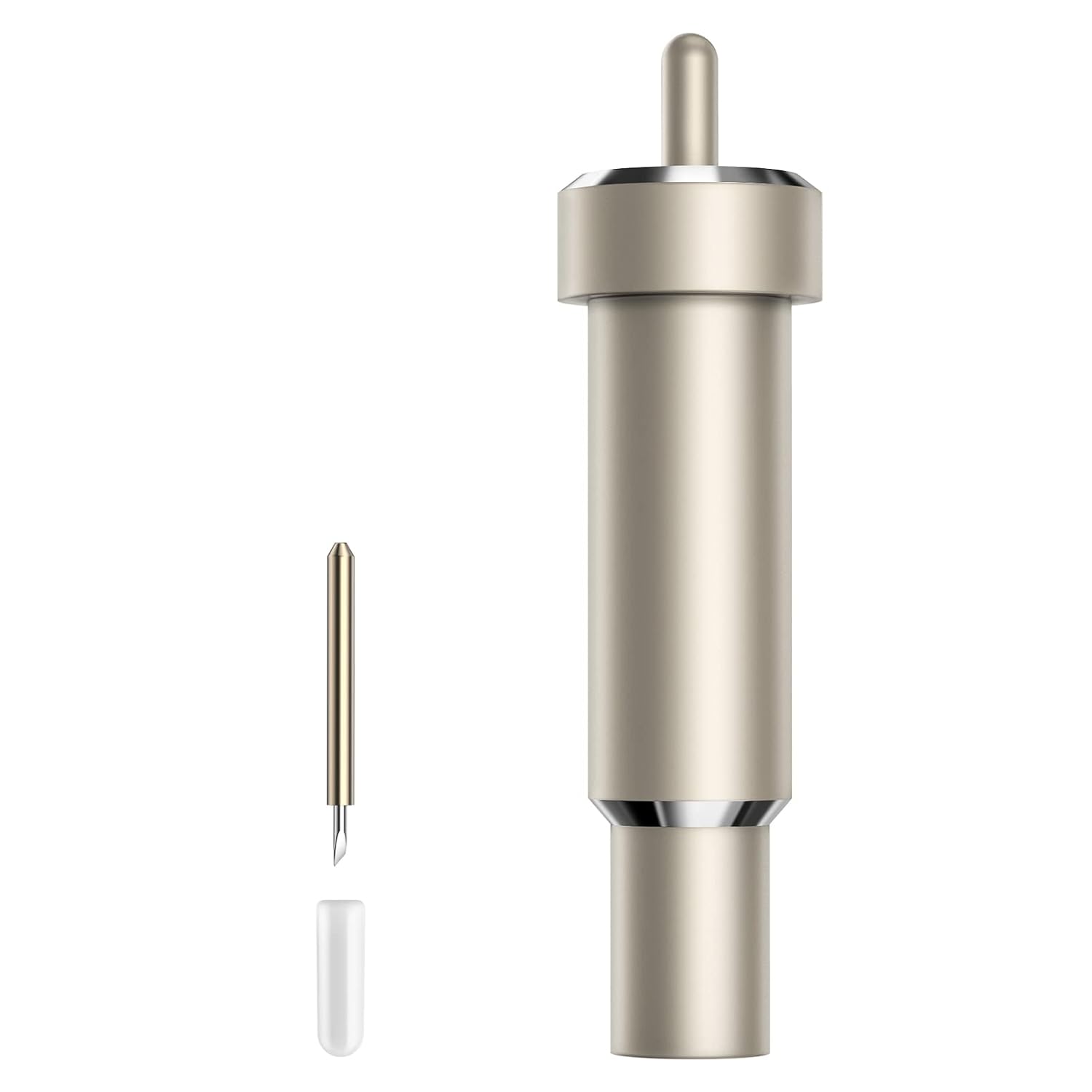 Visit on Amazon → Visit on Amazon →Aosry Fine Point Blade Plus Housing |
Vinyl, cardstock, faux leather, vellum | Restores clean cuts without changing settings | Buy two, keep one sealed |
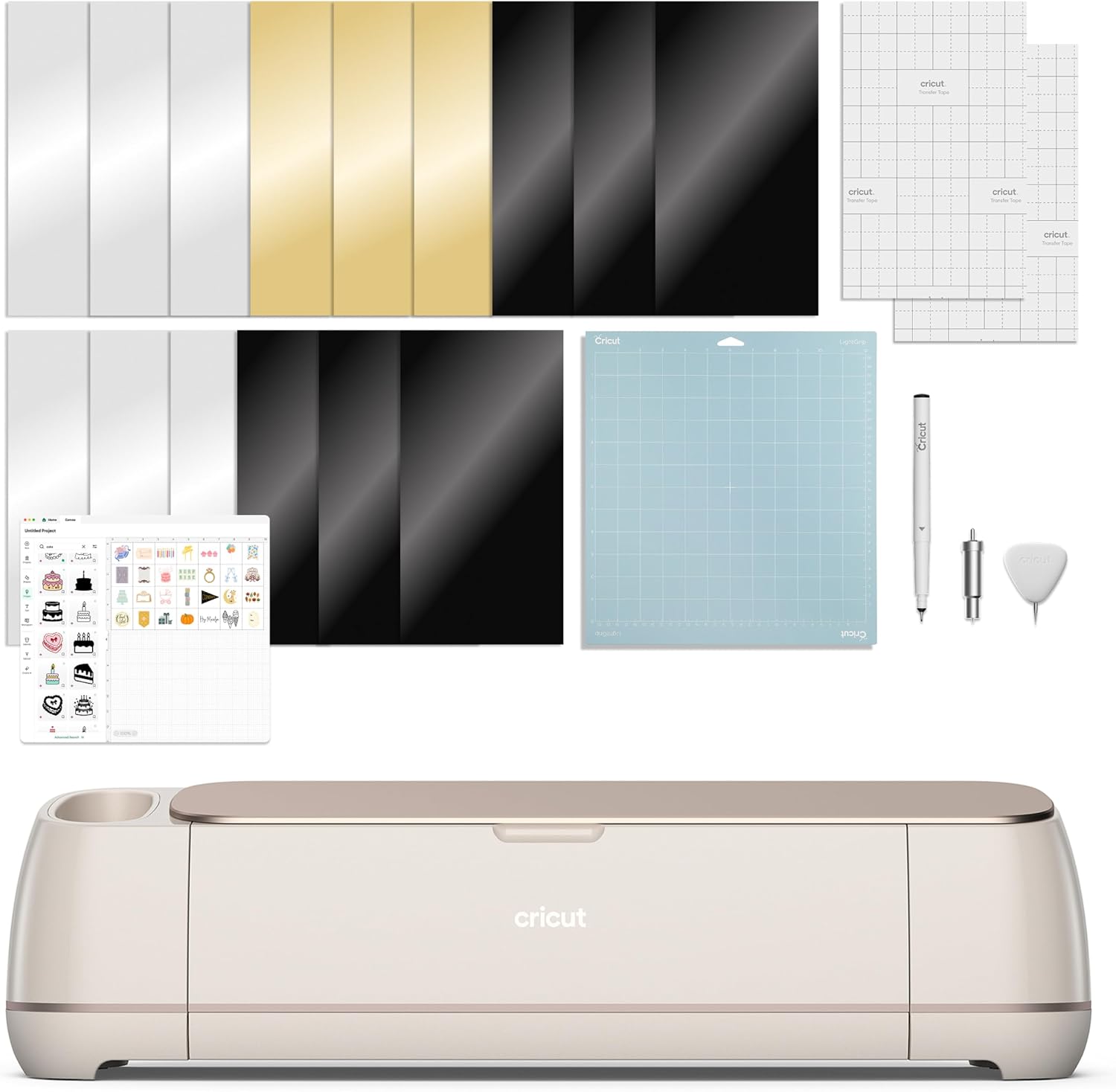 Visit on Amazon → Visit on Amazon →Extension Tray for Cricut Maker4/Maker3/Maker |
Long cuts, full size mats | Stops the mat sagging off the front edge | Maker family only |
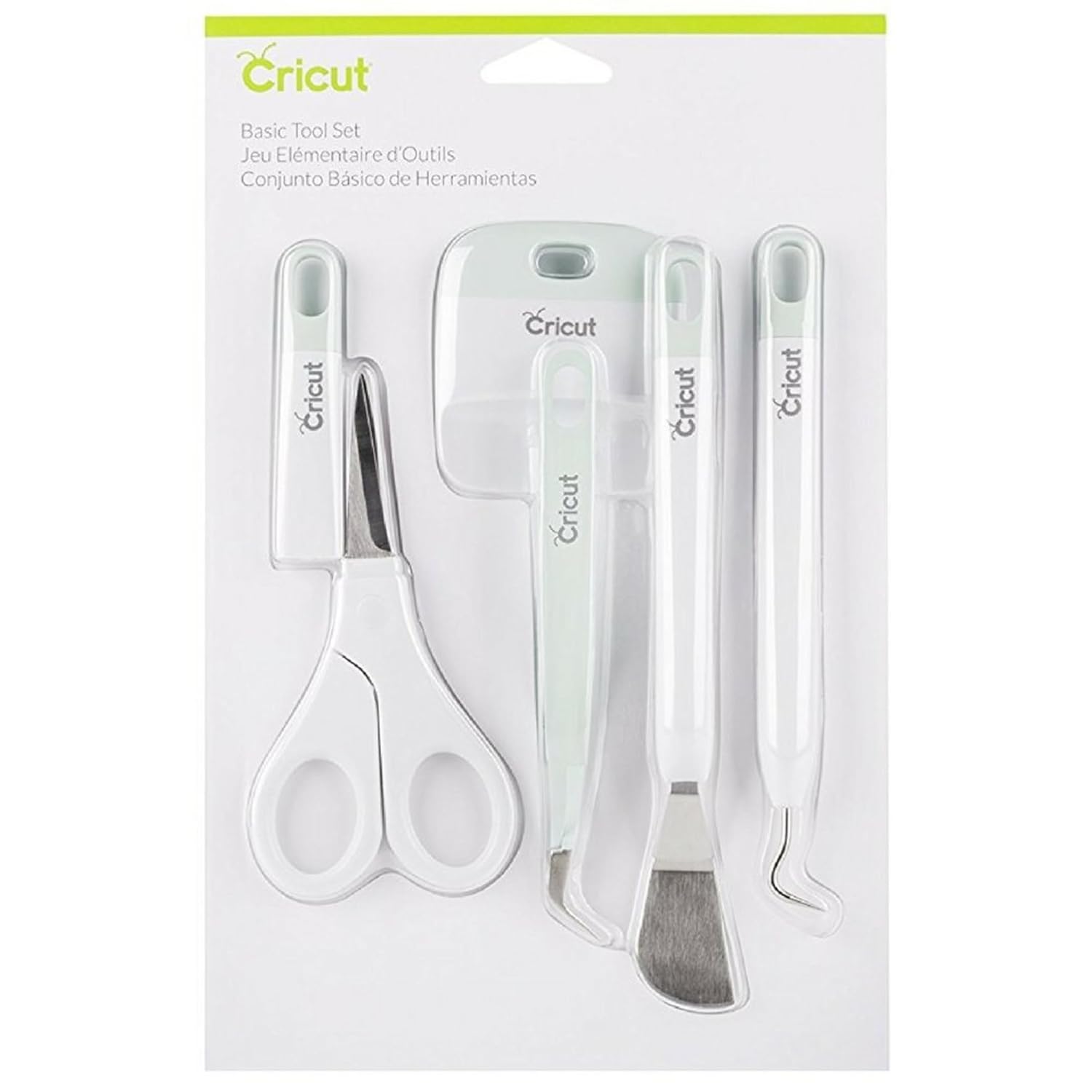 Visit on Amazon → Visit on Amazon →Sooez Weeding Tools for Vinyl, 6PCS Basic Tools Set |
Weeding, poking, scraping | Keeps your hands and your mats cleaner | Buy before your first HTV project |
How I evaluate Cricut accessories
I run the same checks on everything I bring into the shop, and none of them are clever. I ask whether it changes the cut, whether it changes how long a consumable lasts, and whether it locks me into buying Cricut-brand refills.
The blade check is the one I do most. Load a fresh blade, cut a sheet of adhesive vinyl with a design that has small counters, and weed it. Then cut the same file with a blade that has been through real work. If the only difference between the two is how hard you have to pull the vinyl off the backing, the blade is done. That is the test that tells you whether you are fighting your machine or your blade.
The mat check is about stickiness, because mats are a money pit and a consumable. If a tool or a habit keeps your fingers off the mat surface, it pays for itself. Scrapers do that. Extension trays do that by keeping the mat from dragging. Nothing keeps a mat alive forever, and I buy third-party mats without noticing a difference, but I will take any accessory that stretches the ones I have.
The lock-in check is the one that saves the most money. I do not buy tools that only work with Cricut-brand materials. The Aosry blade, the tray, and the Sooez set all work with whatever vinyl you put on the mat, and that is the point. Accessory pricing at this company is aggressive, and the way you push back is by buying the pieces that are universal.
Should you buy the Cricut Maker 4 bundle?
If you are going to press shirts anyway, yes. The Maker is the one machine in the lineup I will defend without caveats, and pairing it with the EasyPress SE means you are not faking heat and pressure with an iron. The included Infusible Ink, vinyl, and tools get you cutting the same day. Just understand that the bundled supplies are a sample pack and the software subscription is a separate decision you should make with your eyes open.
If you cut decals, stickers, or paper, no. You do not need a press, and the bundle is paying for one. Buy the machine that fits your materials and spend the difference on blades and mats.
Should you buy the Aosry Fine Point Blade Plus Housing?
Yes. It is the cheapest way to rule out the most common cause of bad cuts, and the housing means you are not performing surgery on your machine every time a blade gives up. It fits everything from the Air through the Maker 4 and the Venture, so it is the spare that stays useful across upgrades. Keep one loaded and one in the drawer.
Should you buy the extension tray?
Yes, if you own a Maker. Long cuts are where sagging mats cost you real material, and this is a cheap, permanent fix for a problem that shows up on every full-size project. Skip it if you own an Explore, because it will not fit.
Should you buy the Sooez weeding tools?
Yes, and buy them with the machine rather than after your first frustrating project. Six basic tools cover weeding, poking, and scraping, and the scraper alone is worth it for the mats it saves. It is a starter set and a professional will outgrow it, but it is the right first purchase for anyone cutting vinyl at a kitchen table.