Related: Best Cricut Machine for Beginners: Where the Money Actually Goes
I have cut through more than 200 rolls of vinyl in six years of running an Etsy sticker shop, and I have taught enough weekend craft classes to know what actually stops a beginner. It is almost never the hardware. It is the subscription, the mats, and the blades. So when someone asks whether the Cricut Maker 4 starter kit is the right first purchase, I ask how many cuts a year they plan to make before I answer.
This guide is my honest answer for the person standing in the aisle with a cart and a budget. I own three cutting machines, an old Explore, a Maker 3, and a borrowed competitor unit I keep around for comparison, and I keep a notebook of blade types, pressure settings, and which materials lie about their thickness. I have watched plenty of new crafters spend serious money on accessories they never unwrap. Here is what I would buy first, what I would add later, and what I would leave on the shelf.
Best Overall: Cricut Maker 4 Starter Kit for Beginners
This is the bundle I point beginners toward, and the reason is not the machine itself. It is that the box arrives with vinyl, iron-on, tools, and materials already in it. Most first-time buyers do not realize that a bare cutter is a paperweight until you also own a mat, a blade, and something to cut. The starter kit skips that scavenger hunt, which means your first project happens on day one instead of day twelve after three separate orders show up.
The Maker platform is the one I trust with the heavy tools. If you have ever wondered why the accessory aisle is so crowded, it is because the Maker line accepts the swappable tool housings that do the scoring, engraving, and cutting work that an entry-level machine simply cannot do. That flexibility is the real reason to pay for a Maker instead of a cheaper cutter, not the marketing copy on the box.
The caveat, and I will say it every time I write about this brand, is Design Space. The software is slow, it is cloud-dependent, and it nudges you toward the paid tier constantly. I use it daily and I still roll my eyes at it. If an update breaks your project the night before a market, you will feel exactly the way I did. None of that makes the hardware bad. It just means you should decide up front that the machine is the purchase and the subscription is a separate decision you make with a clear head.
One more thing about the Maker line: blades dull faster than the packaging admits, and most "my machine is broken" posts I see in class are blade problems, not machine problems. Buy a spare blade with the machine. You will need it sooner than you think.
Best Standalone Alternative: Brother SDX125E ScanNCut Electronic Cutting Machine Scanner
I keep a competitor unit on my bench for comparison, and this class of machine is why. The ScanNCut is a standalone cutter with a built-in scanner, which means you can feed it a printed sheet, scan it, and cut around the artwork without ever opening a laptop. No cloud, no account, no subscription pop-up interrupting you mid-project.
For a certain kind of crafter, that is worth more than every tutorial on the internet. If you are the person who wants to make a thing on a Sunday afternoon and not think about software updates, this is your machine. I recommend it without hesitation to hobbyists who tell me they hate being online.
Here is the tradeoff, and it is the same one I give every student: the hardware caught up years ago, but the community did not. Cricut's tutorial ecosystem is the moat. When something goes wrong on a Cricut, there are ten thousand videos and forum threads about your exact problem. When something goes wrong on a competitor, you are often on your own with a manual. That matters more to beginners than any spec sheet, and it is the honest reason I still tell most first-timers to start with the brand they can find help for.
Also worth knowing: this is not a machine that swaps in the Maker's heavy tool housings. It cuts and it scans. If your plan involves engraving acrylic or scoring heavy cardstock with dedicated tools, that is a different conversation.
Best Upgrade for Rigid Materials: Cricut Engraving Tip + QuickSwap Housing
This is the accessory that turns a vinyl machine into something else. The engraving tip etches into acrylic, metal, and leather, and it ships with the QuickSwap housing, which is the tool system the Maker line uses. If you own a Maker, this slots into the workflow you already have. If you own an Explore, this is not your tool, so check compatibility before you order.
My rule for accessories is simple and it has saved my students a lot of money: do not buy a tool until a project demands it. The engraving tip is the perfect example. If you make acrylic keychains, engraved dog tags, or personalized tumblers, this pays for itself quickly. If you make stickers and shirts, it will sit in a drawer and judge you.
The reason I still recommend it in a beginner guide is that it is the clearest illustration of why the Maker tier exists at all. The extra money buys access to tools like this one. If nothing in this paragraph made you think of a project you already want to make, save your money and stay with the base machine.
Best Small Add-On: Cricut Scoring Stylus, Lilac
If you make cards, envelopes, boxes, or anything that folds, this is the cheapest upgrade in the hobby. It presses a clean crease line into cardstock so your folds land where they are supposed to instead of wherever your fingers decide. Anyone who has hand-folded a lopsided birthday card knows the difference immediately.
Two things to know before you order. First, check that it matches your machine model, because Cricut sells more than one tool system and this stylus is built for the Explore family and the Maker line. Second, understand what it is not. It scores, it does not cut, and it does not replace a blade. It is a five-minute improvement to every fold in your house, and that is all it needs to be.
How I judge a cutting machine
I do not run a lab. I run a shop, and I have taught classes long enough to know which failures actually cost people money. Four things decide whether a cutter earns its counter space.
Blade life comes first. A machine that cuts cleanly for a hundred projects and then starts tearing vinyl is not a bad machine, it is a dull blade. I track how many cuts I get before the edges fray, because that number is the true cost of ownership. Cheaper blades that die fast are not cheaper.
Mat stickiness comes second. The mat is a consumable and a money pit. I buy third-party mats and I have not noticed a difference worth paying for, and mine lose their grip after roughly eight to ten uses no matter who made them. Budget for mats like you budget for printer ink.
Cost per cut comes third. Add the machine, the blades, the mats, the material, and the subscription, then divide by the number of finished pieces. That number is what tells you whether a hobby is a hobby or a business. Most people never run this math and then wonder why their Etsy shop is not profitable.
Software comes last, and it is the tiebreaker. Design Space is slow, cloud-dependent, and subscription-driven. It is also where the entire tutorial universe lives. I complain about it constantly and I still open it every day, because a slightly annoying tool with a huge support community beats a clean tool with no help.
Analysis: what actually costs money after the box
The machine is a one-time purchase. Everything else is a subscription disguised as a supply.
Cricut Access is optional, and I want to be precise about that. You can cut your own designs, upload your own files, and use the machine without paying monthly. What the subscription buys you is a library of images and fonts plus some features, and it is priced to feel small. Multiply it by twelve and by five years and compare it to what you paid for the machine. That is the number Cricut is counting on you not to compute.
Mats and blades are the second leak. I buy third-party mats, I buy blades in multi-packs, and I treat both as consumables with a known lifespan rather than as surprises. If you only want to cut fifty stickers a year, buy the cheapest machine that does the job and never open the paid tier. You will be happier and richer.
Materials are the third. Brand-name vinyl, HTV, and iron-on are fine, but they are priced for convenience. Once you know your pressure settings, you can buy the same materials elsewhere for less. Your machine does not care whose logo is on the roll.
That is the whole calculation. The hardware is honest. The ecosystem around it is where your money disappears.
The machine and accessory reference table
This is the table I keep taped inside my supply cabinet. It is organized by what the item is actually for, not by price, because price changes and purpose does not.
| Item | What it is for | Machine family | Notes |
|---|---|---|---|
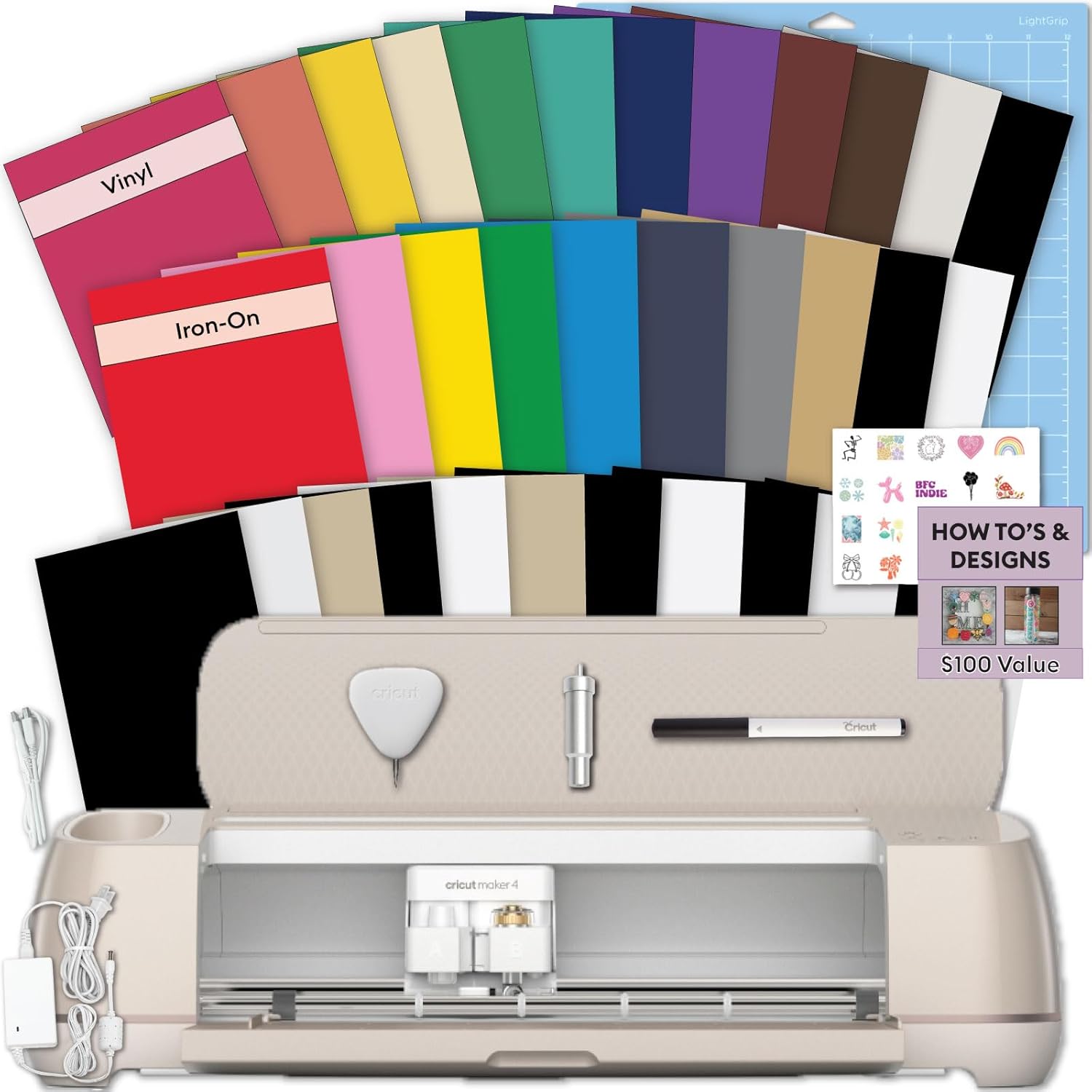 Visit on Amazon → Visit on Amazon →Cricut Maker 4 Starter Kit |
First machine plus starter vinyl, HTV, tools and materials | Cricut Maker line | Best first buy for a beginner who wants one box |
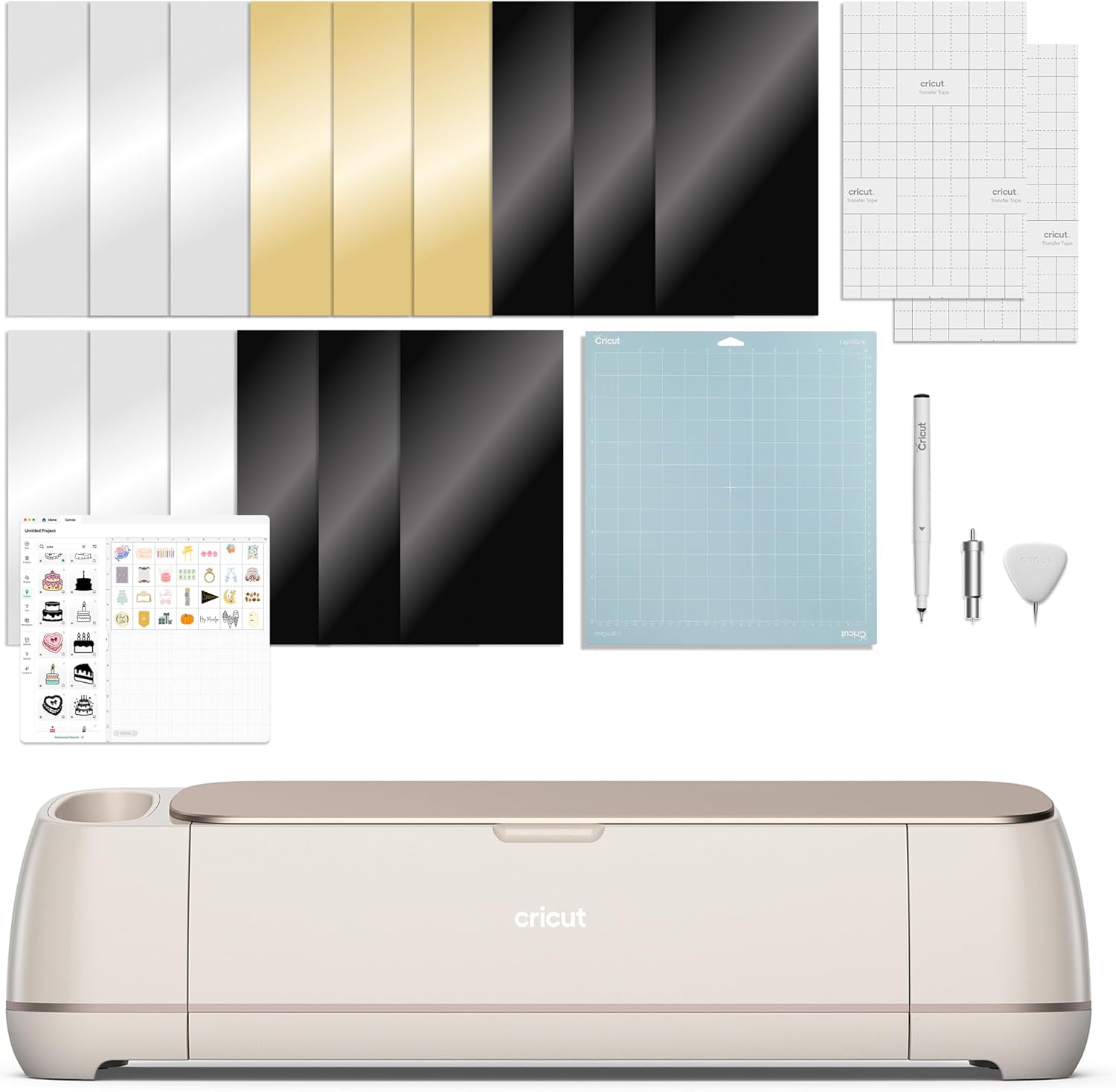 Visit on Amazon → Visit on Amazon →Brother SDX125E ScanNCut |
Standalone cutting and scanning without a computer | Brother | Best for crafters who hate cloud software |
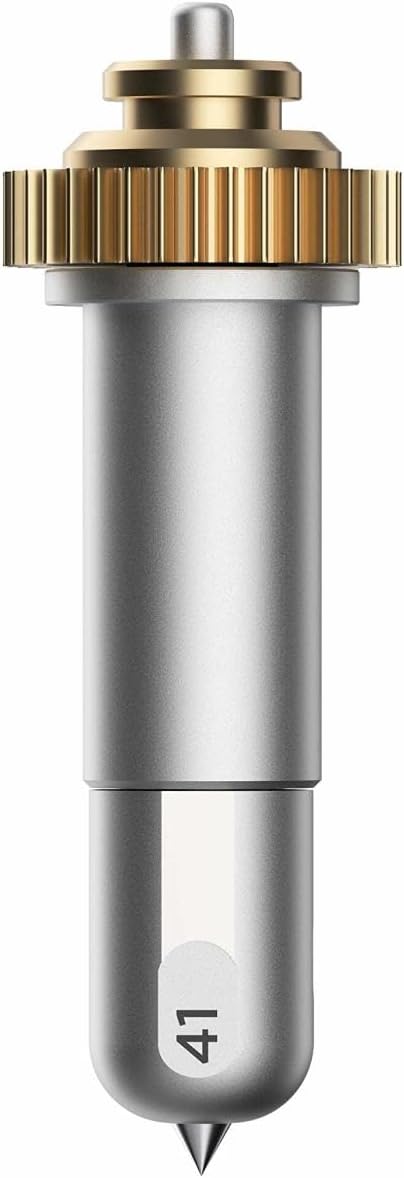 Visit on Amazon → Visit on Amazon →Cricut Engraving Tip + QuickSwap Housing |
Engraving acrylic, metal, and leather | Cricut Maker line | Buy it when a specific project demands it |
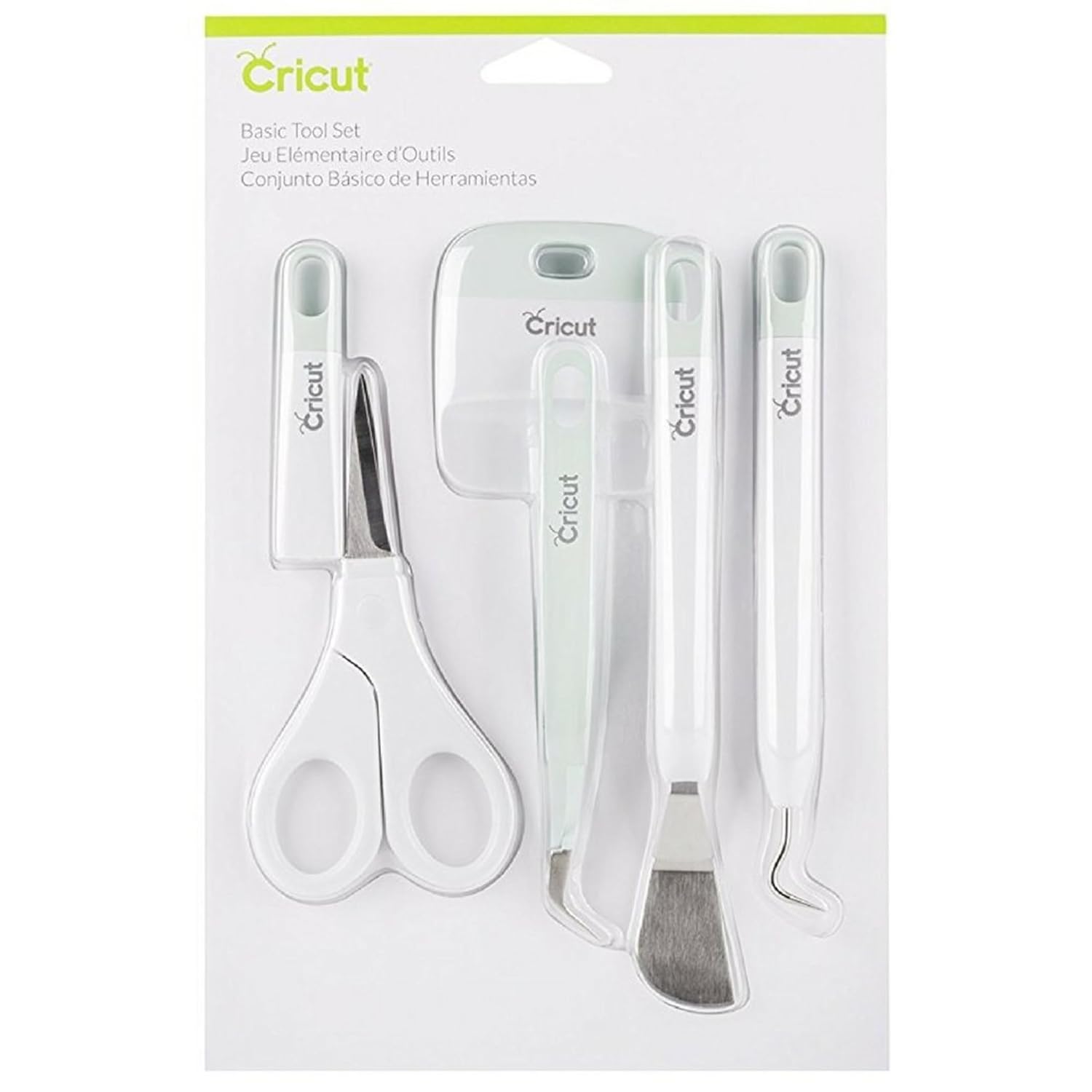 Visit on Amazon → Visit on Amazon →Cricut Scoring Stylus |
Fold lines for cards, envelopes, and boxes | Explore family and Maker line | Cheap, and worth it if you fold cardstock |
| Design Space subscription (Cricut Access) | Image and font library plus some features | All Cricut machines | Optional. Do the five-year math first |
| Cutting mats, third-party | Holding material in place while it cuts | All machines | Consumable. Expect to replace them often |
| Replacement blades | Cutting vinyl, paper, and HTV | All machines | The real cause of most "machine problems" |
| Vinyl and HTV, third-party | Shirts, decals, stickers | All machines | Buy on price once your settings are dialed in |
The pattern in that table is the same pattern in every craft room I have ever taught in. One machine, one or two tools you actually use, and a steady trickle of consumables that quietly costs more than the hardware did.
Should you buy the Cricut Maker 4 Starter Kit?
Yes, for most beginners who want one machine that grows with them. The kit removes the worst part of starting, which is the week of waiting for a mat and a blade to arrive after the machine does. You get vinyl, iron-on, tools, and materials in the same box, and you get access to the Maker tool system later if you ever need it.
Go in with your eyes open about the software. Design Space is slow and the subscription is the real product. Decide now that you will cut your own designs and skip the paid tier until a project forces your hand. Do that and this bundle is the best first purchase in the hobby.
Should you buy the Brother SDX125E ScanNCut?
Yes, if you want to work offline and scan printed images directly into the machine. It is the machine I recommend to hobbyists who tell me they are tired of accounts, updates, and pop-ups. It cuts what you feed it and it asks for nothing else.
Skip it if you are brand new and you know you will need help. The Cricut tutorial ecosystem is genuinely unmatched, and a beginner with a problem and no community is a beginner who quits. Buy the machine you can find answers for.
Should you buy the engraving tip and the scoring stylus?
Buy the scoring stylus early if you fold cardstock, because it is inexpensive and it improves every card and box you make. Buy the engraving tip only when you have a project that needs it, and only if you own a Maker-line machine that accepts the QuickSwap housing. Both are good tools. Neither one belongs in a first order unless you already know why you want it.
That is the whole guide. One machine, a couple of honest accessories, and a clear head about the subscription. Everything else is marketing.