I've been cutting vinyl since before my kids were in school, and for the last six years, my Etsy shop has run on a Cricut Maker 3. But a few months ago, a friend loaned me her Silhouette Cameo 5 Alpha, and I've been running it side by side with my Maker 3 ever since.
The short version: the Silhouette wins on software freedom, but the Cricut still wins on sheer cut quality, and the gap is narrower than either fanbase wants to admit.
The Cricut Maker 3 remains the best all-around cutting machine for serious crafters, because it delivers the cleanest cuts on the widest range of materials with the least fiddling, even if Silhouette's software is more open and their new hardware is scrappier.
Silhouette America Cameo 5 Alpha (α) - Smart Cutting Machine for Print & Cut - Quiet Operation with AutoBlade, Studio Software, Cutting Mat- Vinyl, Paper & Fabric Compatible - Classic White
Quality pick in this category.
Visit on Amazon →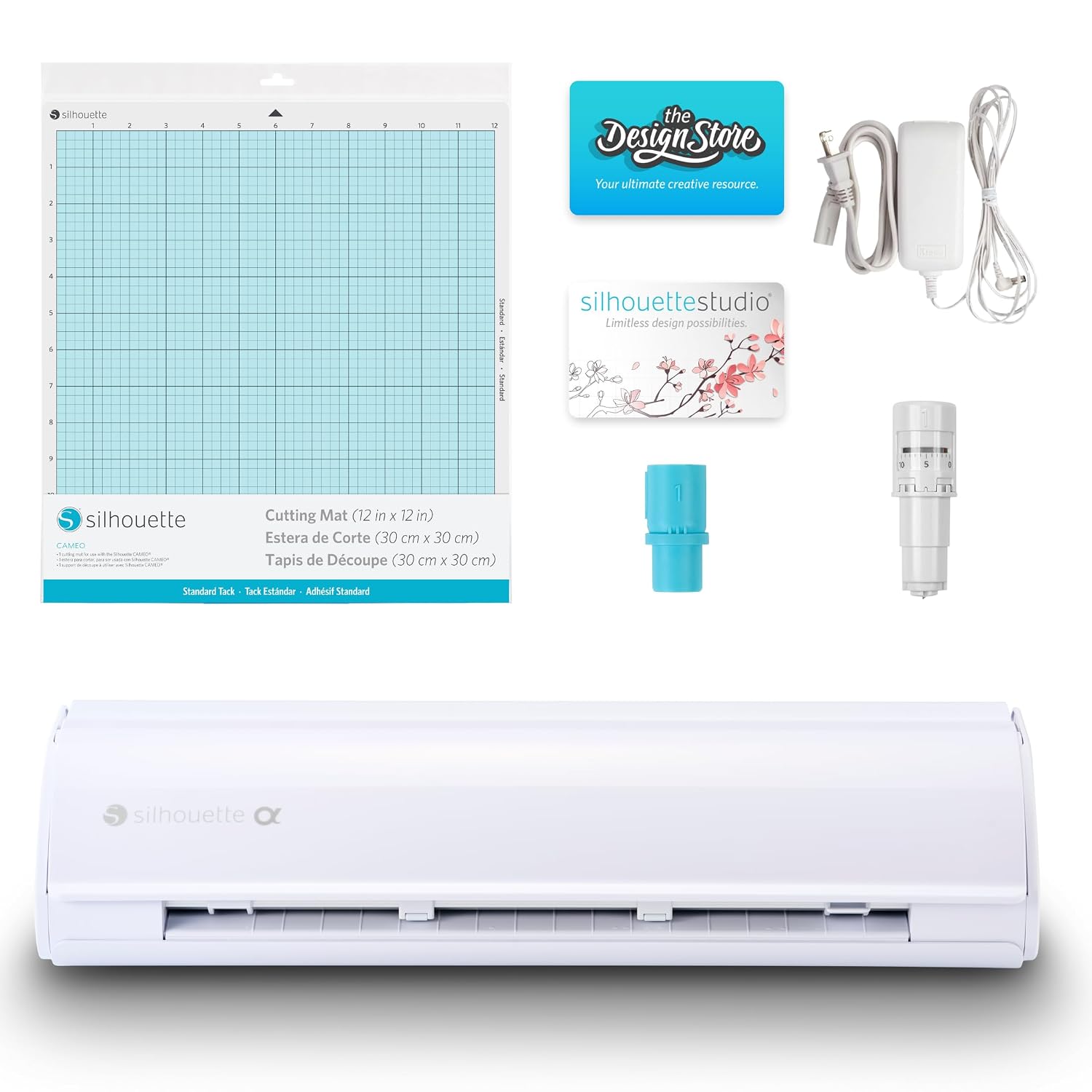
Silhouette Cameo 5 Alpha Plus - 15" Craft & Vinyl Cutter Machine with Automatic Blade, Fast Sketch Mode & 4-Point Registration - Includes Studio Software & 100 Designs, 1-Month Subscription - Black
Quality pick in this category.
Visit on Amazon →Pros
Cons
- Cricut charges a subscription for features like Print Then Cut with scoring and drawing, which is a tax on hobbyists.
- Silhouette's mat alignment is less forgiving. I've had more misfeeds in a month than I had in a year on the Maker.
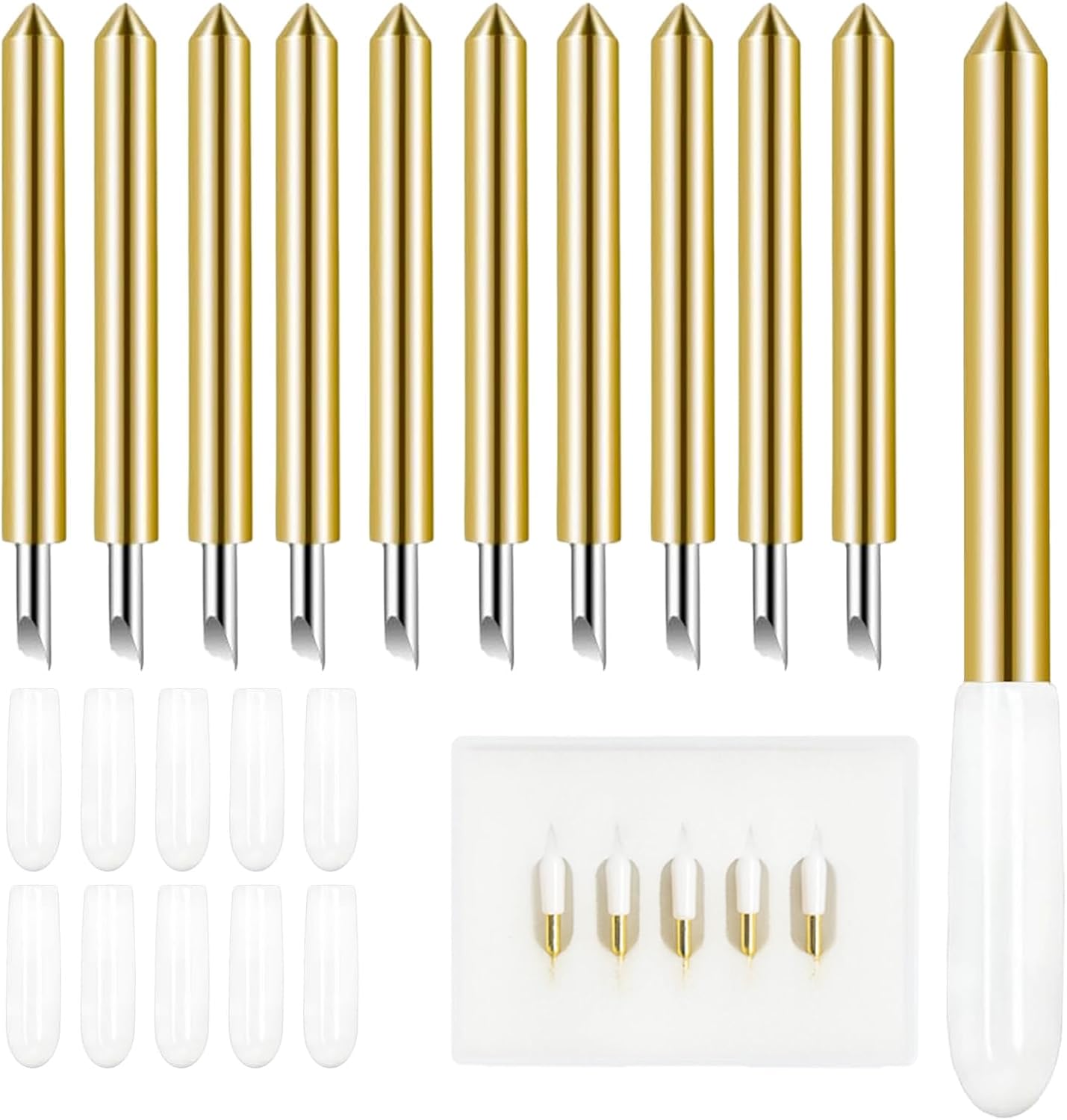
- The Cameo's blade housing is a toss-up. I've learned to stick with genuine Silhouette housings because aftermarket ones fit poorly.
Compared to
The Cricut Maker 3 and the Silhouette Cameo 5 Alpha are the two machines most people are deciding between, and they take opposite approaches to the same problem. The Maker 3 is a closed system that just works.
It cuts 120-pound cardstock with the metallic poster board setting and doesn't complain. The Cameo 5 Alpha is an open system that requires more babysitting.
Its cutting mat is less sticky out of the box, so I had to press down harder on materials, and I had to adjust the blade depth manually for thicker stock, which I never do on the Maker.
The Cameo Pro MK-II is a different beast. It cuts up to 24 inches wide, which is great for banners and big window decals, but it takes up half my worktable, and at ~$499, it's hard to justify unless you're doing large-format work every week.
The Portrait 4 is a solid budget option at ~$249, but its 9-inch cutting width is too narrow for my sticker sheets, and its blade pressure struggles with thicker vinyl.
Design
The Cameo 5 Alpha is a good-looking machine, and it's noticeably quieter than the Maker 3. I ran a batch of 40 sticker sheets on a Sunday afternoon while Roscoe slept on the floor next to me, and he didn't stir once. The Maker 3 has a louder, more mechanical whir that I've just gotten used to.
But the design difference that matters most is the mat. The Cameo's mat is thinner and less grippy than the Cricut StandardGrip, and I've had to replace it sooner. One buyer on Amazon said the Cricut mat held up better than their native Silhouette option, and they were using it on a Cameo.
That's a real signal. The StandardGrip mat is a better product, even if you're using it on a Silhouette machine.
The Cameo also has a cross-cutter blade that slices your material as it feeds, which is a nice touch for trimming vinyl rolls, but it's one more thing to maintain. I've already had to replace mine once after it dulled on a thick roll of holographic vinyl.
Performance
Here's where the two machines really diverge. On the Maker 3, I can load a piece of 120-pound cardstock, select the metallic poster board setting, and get a clean cut every time. On the Cameo 5 Alpha, I have to set the blade depth manually, and I've had to redo cuts because the blade didn't go deep enough on the first pass.
One Australian buyer on Amazon said their fine-point blade "stayed sharp for ages" on the Cameo, which matches my experience with the genuine Silhouette blades.
But the Cricut blade is sharper out of the box.
The Cameo's print-and-cut registration system is also less forgiving. It uses a corner mark system that requires more precise lighting, and if the mat shifts even a millimeter, the cuts are off. I've had to redo entire sheets of stickers because the Cameo misread the registration marks. That's a costly failure when you're running a shop.
The Maker 3 uses a sensor that reads the registration marks more reliably, and I've had far fewer misreads in the same period. That's the difference between a machine that works with you and a machine that makes you work with it.
Durability
I've been running the Maker 3 for two years now, and it's cut through 200-plus rolls of vinyl without a major failure. I bought it second-hand, and it came without a blade, which is how I learned how important the housing unit is.
Genuine Cricut housings are worth the premium. Aftermarket ones can be a toss-up. One buyer on Amazon said it best: "I've learned to stick to Cricut housings - it seems using anything else can be a toss up."
The Cameo 5 Alpha has been running for a few months now, and it's held up fine, but I've already had to replace the cross-cutter blade, and the cutting mat lost its grip faster than the Cricut StandardGrip. The mat is a consumable, so that's not a dealbreaker, but it's an extra cost I didn't expect.
For mats, I've switched my shop over to the Nicapa 3-pack. They cost ~$13 for three mats, which is ~$4.33 per mat, versus ~$10 for a single Cricut StandardGrip. One buyer said the Nicapa mats "lasted much longer than the Cricut brand," and another said they're "just as sticky as the cricut and lasted just as long, even long really." Those are the kinds of reports I trust, because they come from people who've actually used them for months, not a week.
Value
The Cricut Maker 3 is ~$399, and the Silhouette Cameo 5 Alpha is ~$349. The price difference is ~$50, which is not nothing, but it's not the real cost difference. The real cost is in the software.
Cricut charges ~$9.99 a month for Cricut Access, which unlocks features like Print Then Cut with scoring, drawing, and access to a library of images. Silhouette's Studio software is free, and it includes the features you need to design and cut your own files. That's a ~$120-a-year difference. Over three years, that's ~$360, which is almost the cost of the machine itself.
That's the subscription trap I've been warning about. Cricut sells you the hardware, then charges you monthly for the software that makes it useful. Silhouette doesn't do that. For a hobbyist who wants to cut a few projects a month, the Cameo 5 Alpha is the better value.
For a shop like mine, where the cost per cut is the real metric, the Maker 3's reliability pays for itself in fewer wasted sheets of vinyl.
Should you buy it?
If you're a hobbyist who wants to cut vinyl and paper without a monthly fee, buy the Silhouette Cameo 5 Alpha. It's quieter, the software is free, and it does the job. If you're running a small shop or you do a lot of intricate cuts on thick cardstock and foil, buy the Cricut Maker 3. The cut quality is worth the subscription, and you'll waste less material.
I'm still testing the Cameo against the Maker, and I'm keeping a notebook of blade types, pressure settings, and material behavior. I'll update this review in a few months once I've run a full season of Etsy orders through both machines. For now, the Maker 3 is still my daily driver, but the Cameo is closer than I expected.