I have cut through more than 200 rolls of vinyl on three machines, filled a notebook with blade pressure settings no manufacturer would publish, and taught weekend classes to people who show up with a brand new cutter and no idea why their first cut shredded. My shop runs out of Nashville, my Etsy storefront is six years old, and the question I get most often is some version of Cricut Explore 5 vs Cameo 5. So here is how I actually answer it, with four specific products on the table and the math that decides between them.
The four items in this comparison are not four versions of one thing. Two are the same Cricut machine sold at two bundle levels. One is a competing cutter from Silhouette. One is a blade and housing that costs less than lunch and fixes the problem most people blame on the machine. Putting them side by side is the only honest way to see where the money goes.
Related: How to Tell When a Cricut Blade Is Done
The short answer: most people should buy the Cricut Explore 5 Essential Bundle, buy the Ultimate Bundle only if the extras match a list you already wrote, buy the Silhouette Cameo 5 Alpha if you cut for money and want to stop renting software, and buy the Cricut Premium Fine-Point Blade + Housing before buying any machine at all.
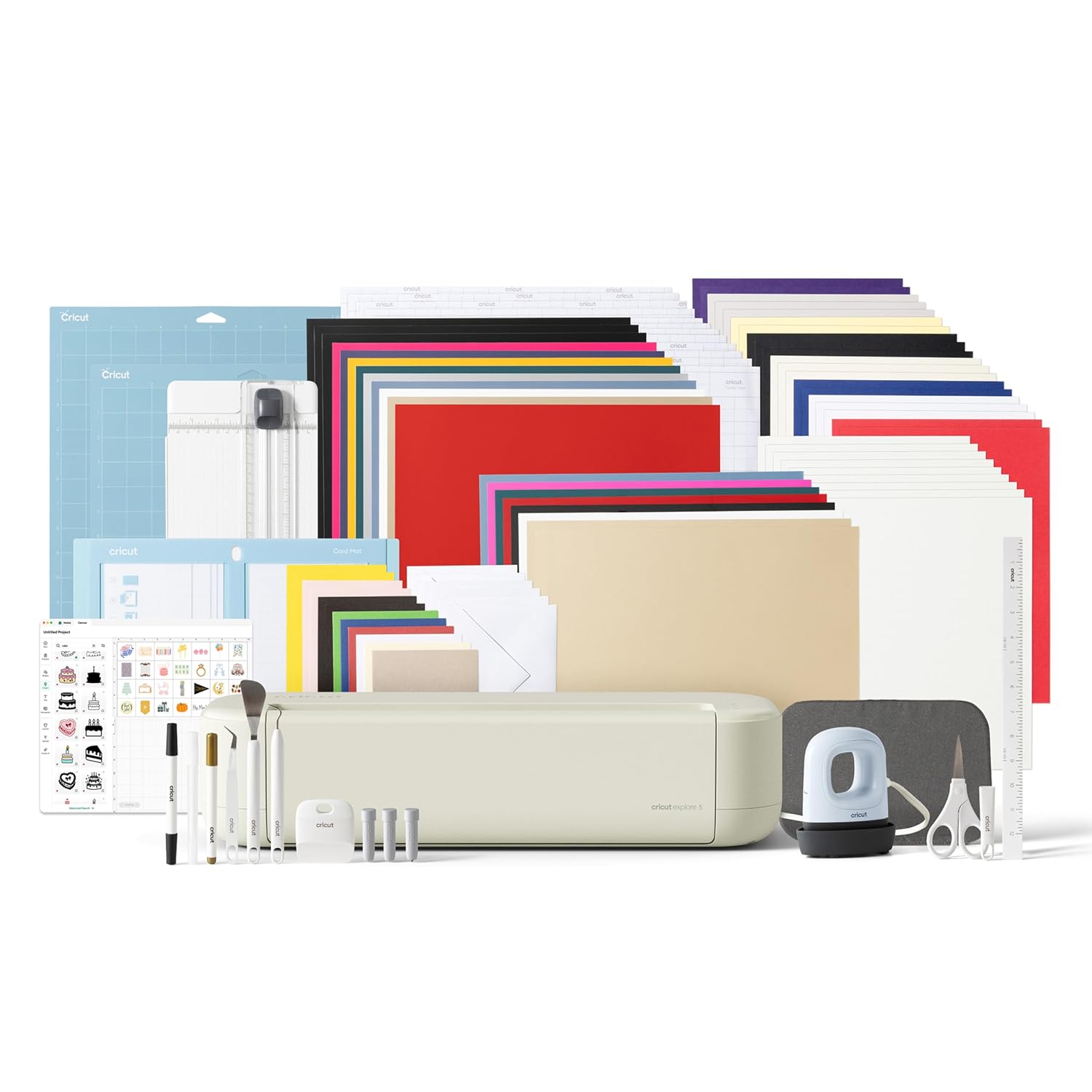
Cricut Explore 5 Ultimate Bundle + Digital Content, Taupe
The most complete way into the current Explore platform, and the bundle that needs the fewest follow-up purchases
You pay for accessories and digital content whether or not they match your workflow
Silhouette America Cameo 5 Alpha (α), Smart Cutting Machine for Print & Cut, Quiet Operation with AutoBlade, Studio Software, Cutting Mat
Hardware-first design, quiet running, AutoBlade, and print and cut in one package
Different ecosystem, thinner tutorial library, and none of your Cricut class handouts will match
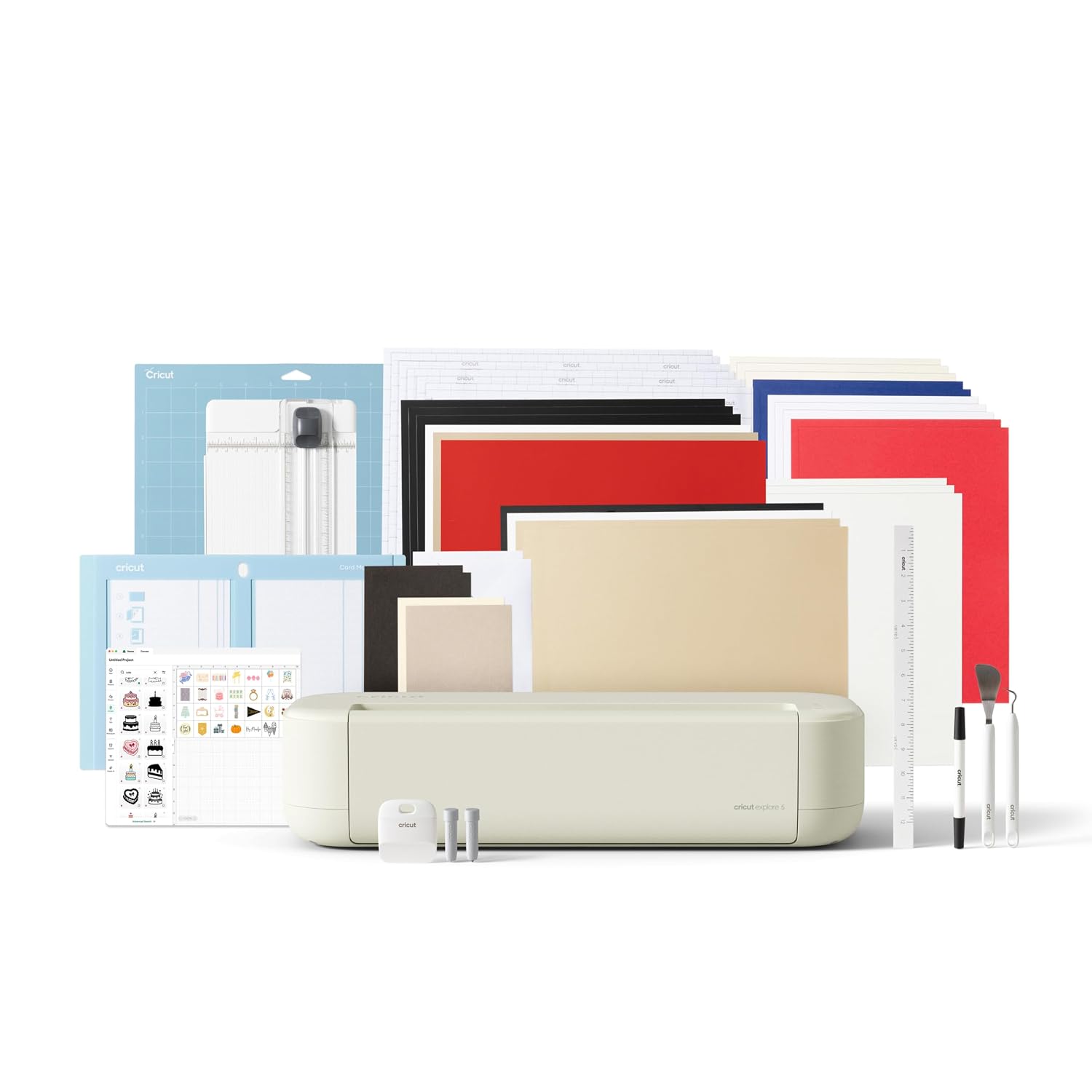
Cricut Explore 5 Essential Bundle + Digital Content, Taupe
Cheapest route into the current Explore machine with some accessories and content included
You will be buying the missing pieces within a month, and paying retail for them
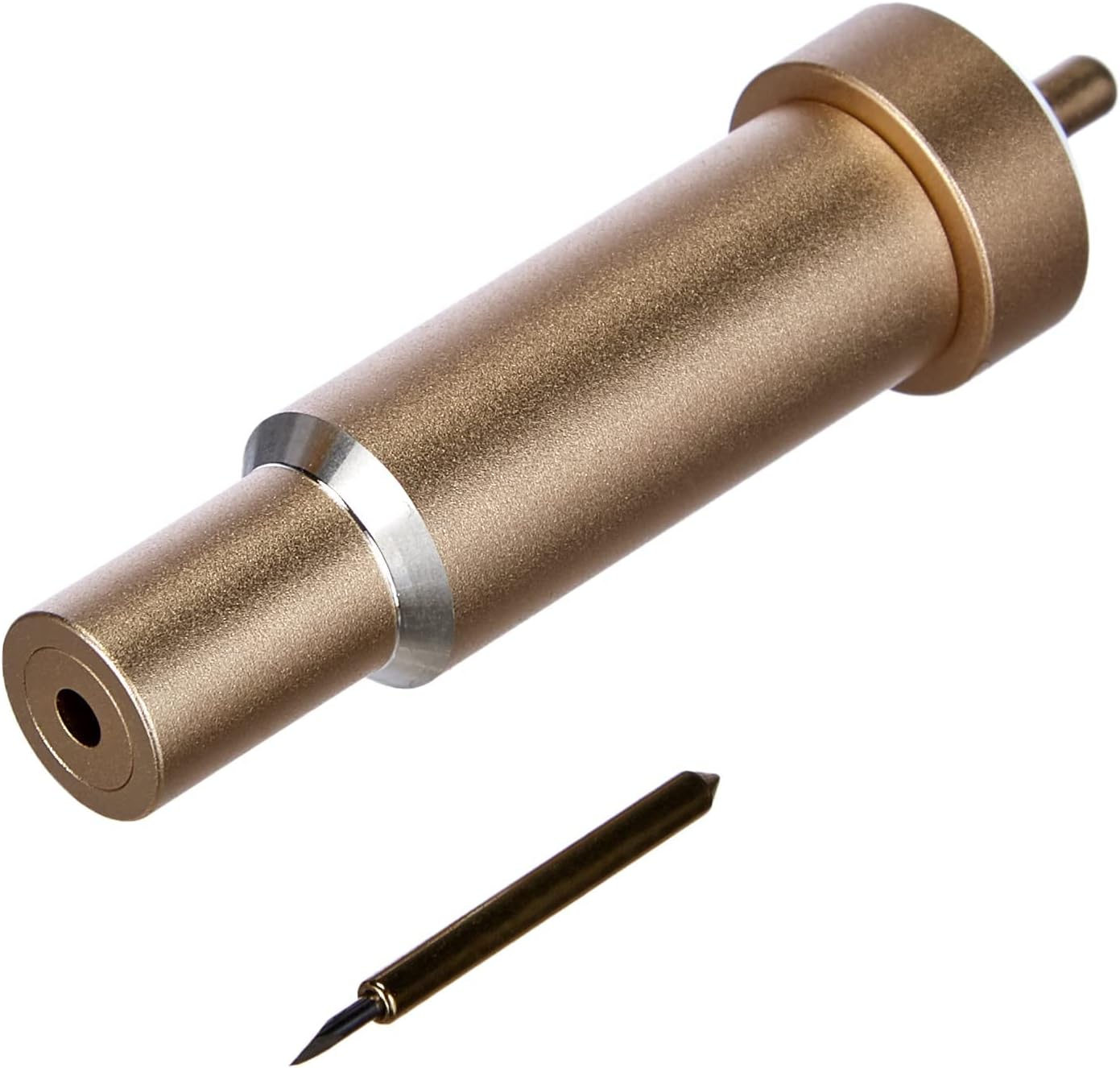
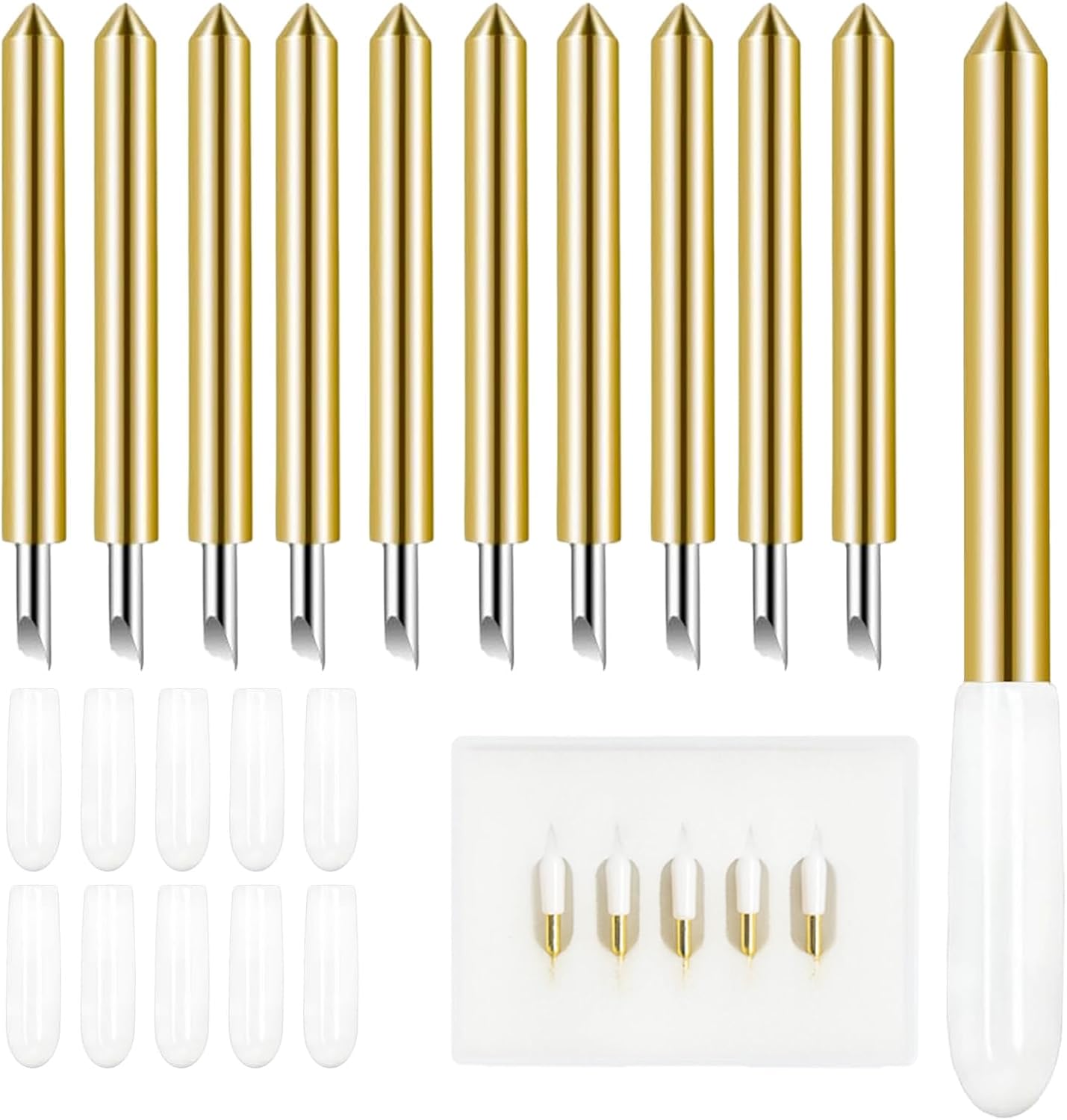
Cricut Premium Fine-Point Blade + Housing, Gold
The cheapest fix in this entire comparison, and the one that solves the most "my machine is broken" complaints
It is a consumable, not a machine, and it will not help if you genuinely need a bigger platform
Prices and availability were captured from Amazon Creators API and may change.
What these four products actually are
Two of them are the same machine sold two ways. The Cricut Explore 5 Essential Bundle + Digital Content, Taupe and the Cricut Explore 5 Ultimate Bundle + Digital Content, Taupe are both the current Explore platform in the same Taupe finish. The names tell you the structure: same machine, different amounts of bundled accessories, different amounts of digital content.
The third item is a different brand's cutter. The Silhouette America Cameo 5 Alpha (α) is a smart cutting machine built around print and cut, with quiet operation, an AutoBlade, Studio software, and a cutting mat, and it works with vinyl, paper, and fabric. It is not a Cricut, and it does not pretend to be.
The fourth item is not a machine at all. The Cricut Premium Fine-Point Blade + Housing, Gold is the part that actually touches your material.
That mix is deliberate. Most buying guides compare three machines and skip the consumable that decides whether any of those machines performs well.
The two Explore 5 bundles, and where the difference goes
Cricut sells a machine once and a subscription forever. The machine is the bait, and the bundle ladder is how they sort buyers before you have cut your first sheet. Both Explore 5 bundles are that ladder in miniature.
I can't tell you from a product page whether the Ultimate bundle's specific extras match your workflow, and I won't pretend otherwise. What I can tell you is how to decide in about ten minutes.
Write down the accessories you would buy anyway in your first month: an extra mat or two, a spare blade, the material you actually cut, whatever tool you keep borrowing from a friend. Then look at what separates the two bundles. If your list overlaps heavily with the Ultimate extras, the Ultimate is the cheaper path, because bundled accessories cost less than the same accessories bought one at a time. If your list is short, or if half of it is mats and blades you plan to buy third-party anyway, the Essential is the smarter buy and you pocket the difference.
Here is the part people get wrong. The extras in a bundle are not free, and digital content is not the same as supplies. A library of design files is worth exactly what you use of it. I have watched students pay for the bigger bundle and then cut the same three shapes for a year. If you are not going to open the digital content, you bought a subscription with a machine attached.
The one thing I will say in favor of the bigger bundle: it removes decision fatigue. If you are buying a gift, or you are the kind of person who wants to unbox once and start cutting, the Ultimate bundle means fewer trips back to the store. That convenience has real value, just not unlimited value.
The Silhouette Cameo 5 Alpha, and when the other brand wins
The Cameo 5 Alpha is the hardware counterargument, and it is a good one. AutoBlade means you are not manually setting blade depth and hoping. Quiet operation means you can run it in a room with other people. Print and cut is built into the pitch rather than treated as a premium trick. Studio software is the other half of the decision, and you should price out what each ecosystem charges you over three years before you buy anything.
Where the Cameo loses is not on the bench. It is on the internet. Cricut's tutorial ecosystem is the moat, and it is a wide one. Every technique you will ever need has nine videos, a Facebook group, and a class within driving distance. When you switch brands, you trade a crowded room for a quieter one, and that is a real cost for a beginner.
So my rule is boring: if you learn from YouTube and weekend classes, stay with Cricut. If you already know what you are doing, if you resent paying monthly for design software, and if you want the machine to handle blade depth for you, the Cameo 5 Alpha is the one worth the switch.
I keep a borrowed competitor unit in the shop for exactly this reason. Hardware has caught up across brands. The community has not.
The blade and housing: the cheapest fix here
Blades dull faster than the packaging admits, and most "machine problems" are blade problems. Vinyl starts tearing instead of cutting. Curves come out fuzzy. You find yourself running a second pass on material that cut cleanly last month. That is not a software problem and it is not a reason to buy a new cutter.
The Cricut Premium Fine-Point Blade + Housing, Gold is the fine-point blade in a housing, which means you swap the whole assembly instead of prying a tiny blade out of a plastic collar. That matters more than it sounds. Housing swaps take seconds and you do not risk a misaligned blade from a rushed reassembly.
Two honest notes. First, this is a consumable. You will buy it again, and if you cut for money you will buy it more often than you expect. Second, it will not fix a machine that is genuinely failing, a mat that has lost its stick, or a design that needs a different blade entirely. Diagnose before you spend.
But if you are staring at two machines in this comparison and wondering which to buy, buy the blade first and see whether the machine you already own suddenly works again. That is the highest return on the smallest amount of money in this article.
The subscription math nobody puts on the box
Design Space is slow, cloud-dependent, and the subscription is the real product. I say that as someone who uses it daily. The machine is a one-time purchase and the software is a relationship, so the true cost of any Cricut is the machine plus whatever tier you end up on.
Run the three-year number before you buy. Take the machine, add three years of the tier you realistically want, add mats and blades at the rate you actually cut, and compare that total to the same exercise with the Cameo 5 Alpha and Studio. I am not going to hand you a dollar figure, because the answer changes with how much you cut and which tier you pick, and because I refuse to quote prices I cannot verify on the day you read this.
What I will tell you is the shape of the result. If you cut fifty stickers a year, the subscription is the biggest number in the equation and you should never open the paid tier. If you cut for clients every week, the subscription is a rounding error next to your material costs and it stops being worth arguing about.
Cost per cut, roughly
Cost per cut is the only metric that has ever changed my purchasing decisions. Divide what you spend by the number of things you actually finish. Most hobbyists finish far fewer projects than they plan, which makes every machine look expensive and every bundle look worse.
Do the exercise honestly. Count the finished projects from last year, not the pins you saved. Then divide your three-year total by that number. The blade and housing wins that calculation every single time, because it multiplies the output of a machine you already own instead of replacing it.
Which one I would buy, by situation
- Total beginner, one machine, cutting vinyl and paper: the Cricut Explore 5 Essential Bundle.
- Beginner who wants to unbox once and not shop again: the Cricut Explore 5 Ultimate Bundle.
- Seller or repeat crafter who wants AutoBlade and print and cut without a subscription habit: the Silhouette America Cameo 5 Alpha.
- Anyone whose current cuts are tearing, fuzzing, or needing two passes: the Cricut Premium Fine-Point Blade + Housing, before anything else on this list.
Trade-offs I would flag
Bundles hide value. The accessories are real, but the digital content is the softest part of the package, and it is usually the part that makes the bigger bundle look better on a product page.
Ecosystem lock-in is the other trade-off. Cricut wins on tutorials and community, Silhouette wins on letting the machine do more of the thinking. Neither of those is a hardware fact. They are both costs you pay over years, not at checkout.
And the blade economy is real. A premium label on a blade does not make it different steel. What makes it last is cutting the right material at the right pressure, and replacing it when it stops working instead of blaming the machine.
FAQ
Is the Ultimate bundle worth it over the Essential? Only if the extras match a list you would have bought anyway. Otherwise buy the Essential and spend the difference on materials you actually use.
Should a beginner skip Cricut and buy the Cameo 5 Alpha? No. Buy the Cameo when you already know how to cut and you are tired of software subscriptions, not before.
My cuts are tearing. Do I need a new machine? Probably not. Replace the blade and housing, check your mat, and retest before spending on hardware.
The final word
Two of these four products are the same machine at two commitment levels. One is a genuinely competitive cutter from a brand with thinner tutorials. And one is a blade that costs less than a night out and fixes the complaint that sends most people shopping for a new machine. Start with the cheapest item, be honest about your subscription, and buy the bundle that matches the crafter you already are rather than the one the product page is selling.