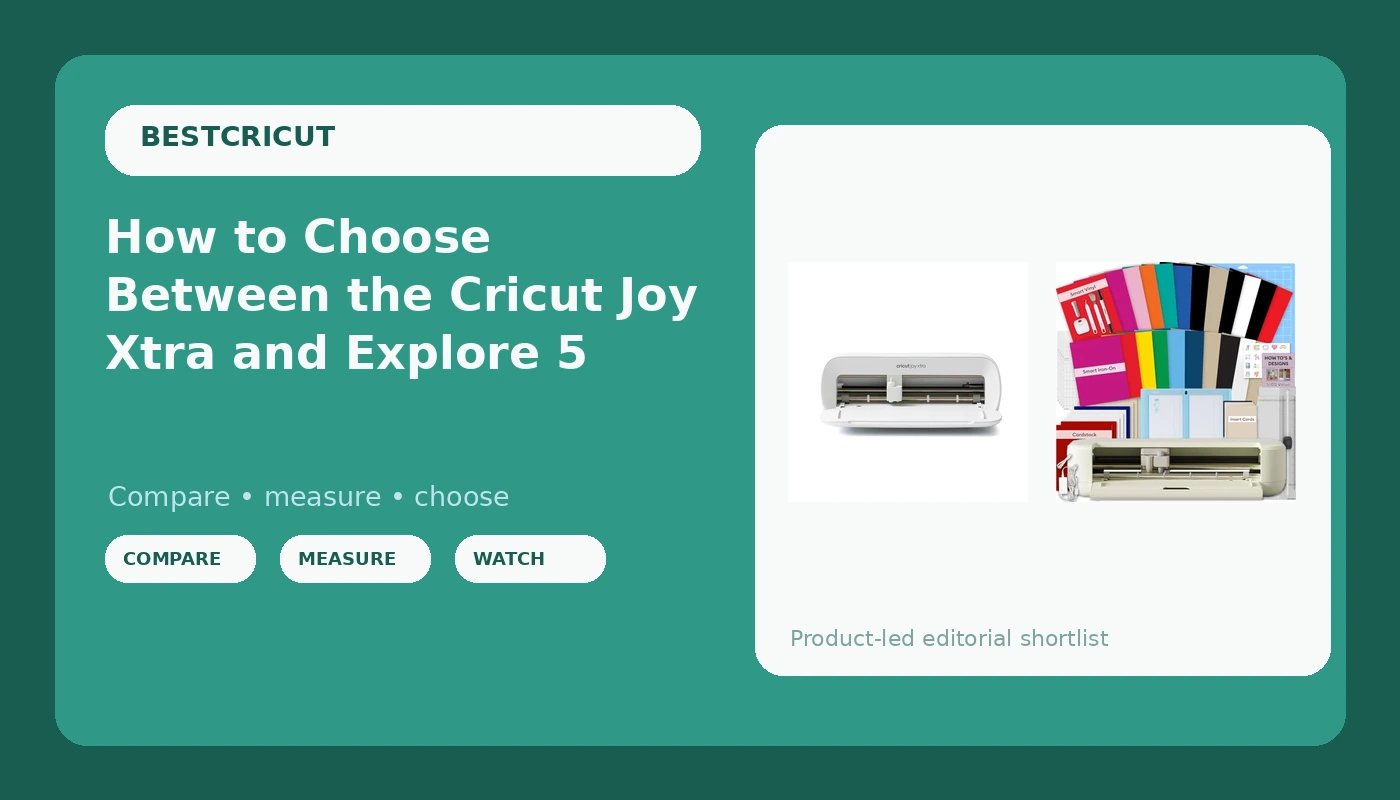
Most people shopping for their first cutting machine ask which one is best. That is the wrong question, and it is why so many people end up with a machine that either sits in a closet or gets outgrown in three months. The Cricut Joy Xtra vs Explore 5 question is really three questions in a trench coat: how much you cut, how wide you need to cut it, and how much of your hobby you want to hand over to a subscription.
Answer those in order and the decision takes about ten minutes. Skip them and you will spend the next year buying accessories trying to fix a choice you made in a checkout line.
I ran an Etsy sticker and vinyl shop for six years while raising two kids, then turned it into a full time business teaching weekend craft classes in Nashville. I own three Cricut machines, an old Explore, a Maker 3, and a borrowed competitor unit I keep around for comparison. I have cut through more than 200 rolls of vinyl and dozens of mats, and I keep a notebook of blade types, pressure settings, and which materials lie about their thickness. That notebook is the reason I can tell you which machine to buy without selling you the entire accessory aisle.
Short answer before the long one. If your projects fit on letter sized material and you mostly cut decals, stickers, and cardstock, the Cricut Joy Xtra is the machine that will actually get used. If you want to cut shirts, banners, and full 12 inch layouts, the Cricut Explore 5 Essential Bundle is the one that will not frustrate you by year two.
Why you should trust me
I do not review hardware from a desk. I cut with it. My classes run eight to twelve people at a time, most of them total beginners, and I have watched hundreds of first cuts happen in real time. I know which machines new crafters fight with and which ones they quietly stop using by month three. I also know the accessory trap from the inside, because I fell into it in 2019 and spent real money on tools I used twice.
I am not going to tell you the machine is the expensive part. It is not. Blades, mats, and the subscription are where the money goes over three years, and both machines in this guide are capable of more than the average hobbyist asks of them.
The questions that decide this, in order
Answer these four in order and you will not need another comparison article.
How wide is your widest project? This comes first because it eliminates machines fast. The Joy Xtra works in a compact, narrower format, which is exactly right for stickers, decals, cards, and labels. The Explore line has always been the 12 inch machine, and that width is what lets you cut a full shirt design, a poster sized layout, or a 12 by 12 scrapbook page in one pass. If you already know you want to make shirts for a team, stop reading and go wide.
How many cuts per month? A hobbyist cutting ten decals a month and a seller cutting two hundred are not the same customer. The Joy Xtra is light duty in the best sense: small enough to live on a desk, fast enough for small batches. The Explore 5 is built for volume and for materials that fight back, like heavier cardstock and thicker vinyl.
What materials? Vinyl, HTV, cardstock, and sticker paper cover about 95% of what beginners actually make, and both machines handle all four. The difference shows up when you push into thicker or longer materials, where the wider machine's extra force and larger mat options matter.
Do you want to pay a subscription forever? This is the question nobody asks before checkout and everybody asks three months later. Both machines cut your own files without a subscription. The paid tier buys access to an image library and some convenience features. If you design your own files or buy them elsewhere, you can skip it. If you want to browse and click and cut, budget for it, because the subscription is the real product Cricut sells.
The two machines worth your money
There are more machines in the lineup than there are reasons to buy them. For a first machine, these two cover the honest ends of the range: the compact one that fits a real life, and the wide one that grows with a real business.
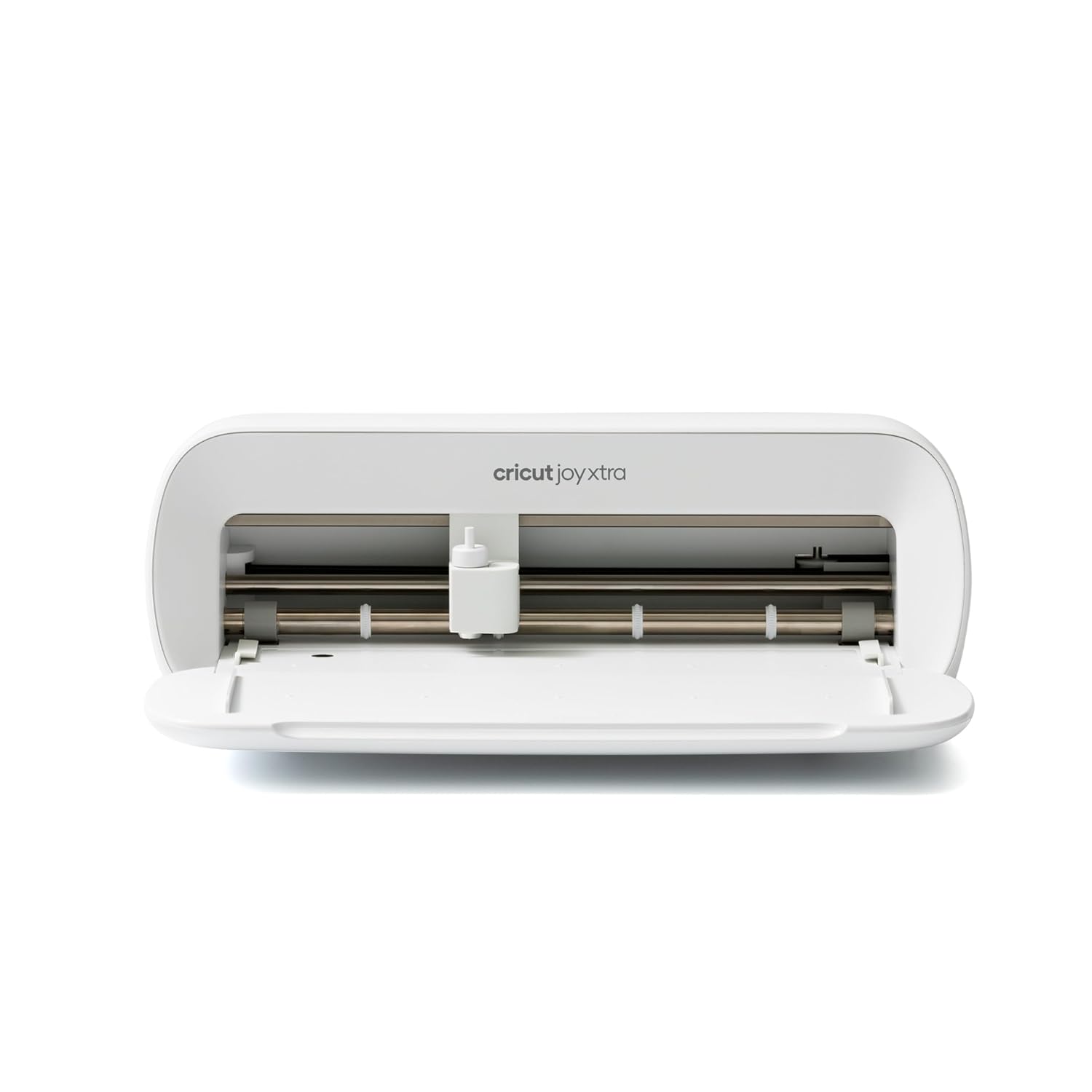
The compact pick: Cricut Joy Xtra - Smart Cutting Machine | Digital Content Bundle
 Visit on Amazon →
The Joy Xtra is the machine I recommend to every student who tells me they want to make stickers, labels, and small decals. It is small enough to leave on a desk and pick up like a printer, which sounds like a minor thing until you notice that machines you have to unpack and repack are machines you stop using. The digital content bundle matters more than people expect, because it gives you something to cut on day one instead of a blank canvas and a subscription prompt.
Flaws but not dealbreakers: The narrow format is the limit. You are not cutting a full front shirt design in one pass, and long banners are out entirely. If your project list includes apparel at any scale, this is the wrong first machine.
This is for the hobbyist who wants to make something this weekend, not the person planning a product line.
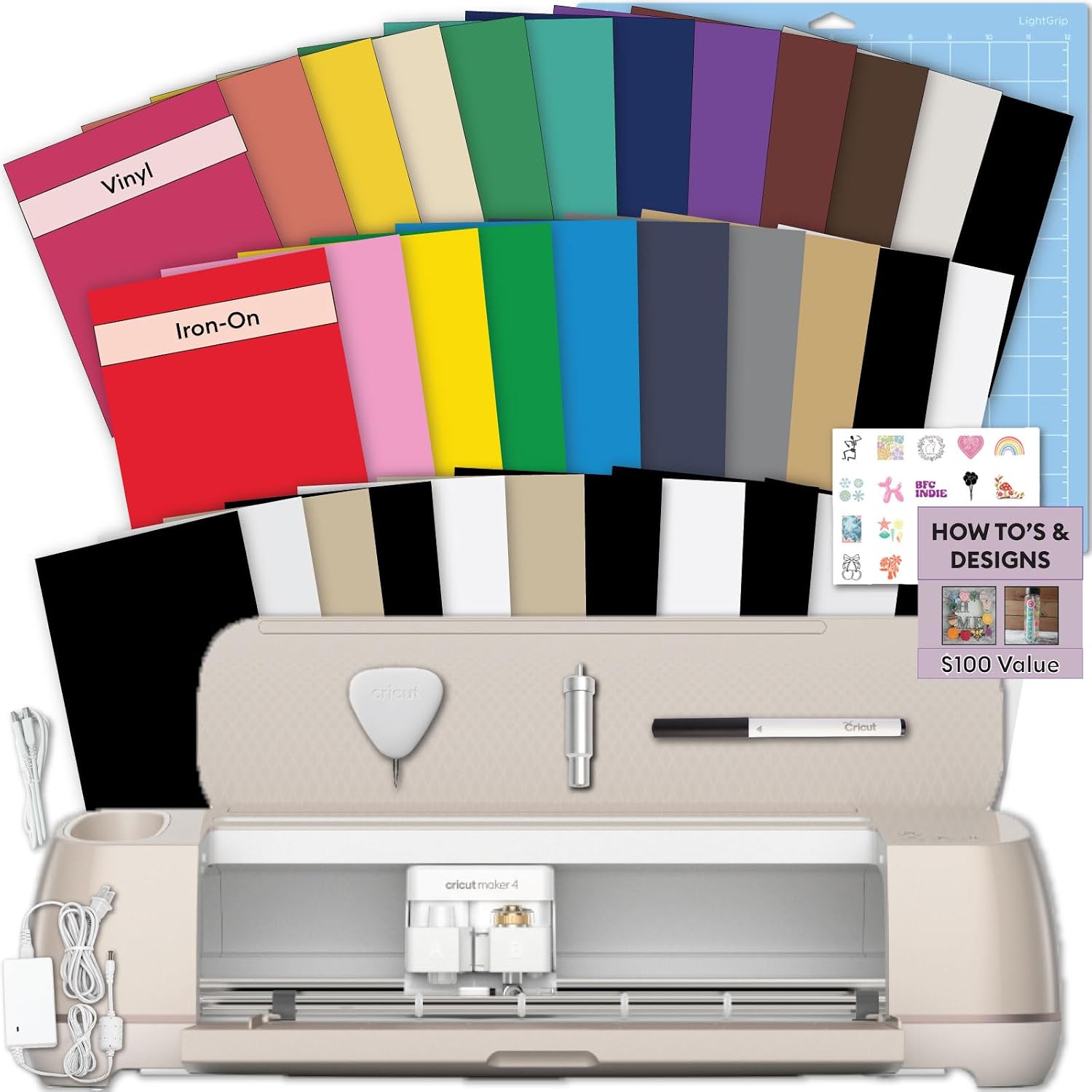
The full width pick: Cricut Explore 5 Essential Bundle + Rainbow Sampler
 Visit on Amazon →
The Explore 5 is the one I point people toward when they say the words shirts, craft fair, or my kid's team. Twelve inches of width is the difference between a hobby and a small business, and the bundle gets you the tools and sampler material to actually start cutting instead of shopping for a weeding hook a week later. It costs more than the Joy Xtra and it is worth it the first time you cut a design that would not have fit on the smaller machine.
Flaws but not dealbreakers: It takes up real desk space, and the bundle includes materials you may not touch for months. If you are a stickers only crafter, you are paying for width you will never use.
This is for anyone who knows they want apparel, larger vinyl, and thicker materials, or anyone who has already outgrown a small machine once.
How to set up your first machine without wasting a roll
The setup steps are the same on both machines, and the order matters more than any single setting.
Step one: register the machine and close the upsell. Both machines walk you through setup in Design Space, and both will offer a subscription trial. Take the trial if you want to test the image library, but set a reminder in your phone for two days before it renews. The trial is not the problem. The forgotten renewal is.
Step two: pick one material and one project. Do not start with a complex multi layer design. Start with a single color vinyl decal or a name cut out of cardstock. You are learning the machine, not the software.
Step three: load the mat correctly. Mat loading is the most common beginner error. Press the material down flat, edges first, and make sure nothing is curling at the corners. Curling corners are what drag and ruin cuts. If you are using Smart Materials that cut without a mat, feed them straight and let the machine take them.
Step four: set pressure by material, not by hope. Start with the default for your material, then do a test cut on a scrap. If the blade is scoring the backing paper, drop the pressure. If it is tearing instead of cutting, raise it. Write down what worked. That notebook is worth more than any preset list.
Step five: test every new roll. Materials lie about their thickness. A roll that cut clean last month may run thin this month. A ten second test cut saves a ruined project and a wasted sheet.
Step six: weed while it is fresh. Weeding is easier in the first few minutes. Let a cut vinyl sheet sit overnight and the small pieces get stubborn.
Step seven: clean the blade housing. Most "my machine is broken" problems are blade problems. Pull the housing, check for vinyl stuck to the blade, and replace the blade when cuts start leaving fuzzy edges. Blades dull faster than the packaging admits.
Step eight: track cost per cut. Write down what you spent on material and how many finished items came out of it. Sellers who do this math stop underpricing their work within a month.
What to skip, and what to buy later
Skip the accessory bundles that come with a dozen tools you will use once. You need a weeding hook, a scraper, tweezers, and a decent pair of scissors. That is the whole kit.
Skip brand name materials once you know what you like. Cricut brand materials are fine, but they are priced for convenience, and mats are a consumable. Buy third party mats in multipacks, keep two or three in rotation, and wash them with warm water and dish soap when the stickiness fades instead of throwing them out after eight cuts.
Do buy a spare blade housing early. Swapping a fresh blade takes seconds, and having one on hand means a dull blade never ends your evening.
The math that actually matters
The machine is the smallest line item in this hobby over three years. Materials and blades are the recurring cost, and the subscription is the quiet one. A hobbyist cutting fifty stickers a year should buy the cheaper compact machine and never open the paid tier. A seller cutting weekly needs the width, and the bundle pays for itself the first time a single order covers it.
If you are still on the fence, buy for the project you can see yourself making next month, not the one you might make next year. The machine you use is worth more than the machine you admire.
Check current Amazon price on both, put them side by side in your cart, and pick the one that matches the size of what you actually cut. Then set it up, run a test cut, and get the first project finished this weekend.