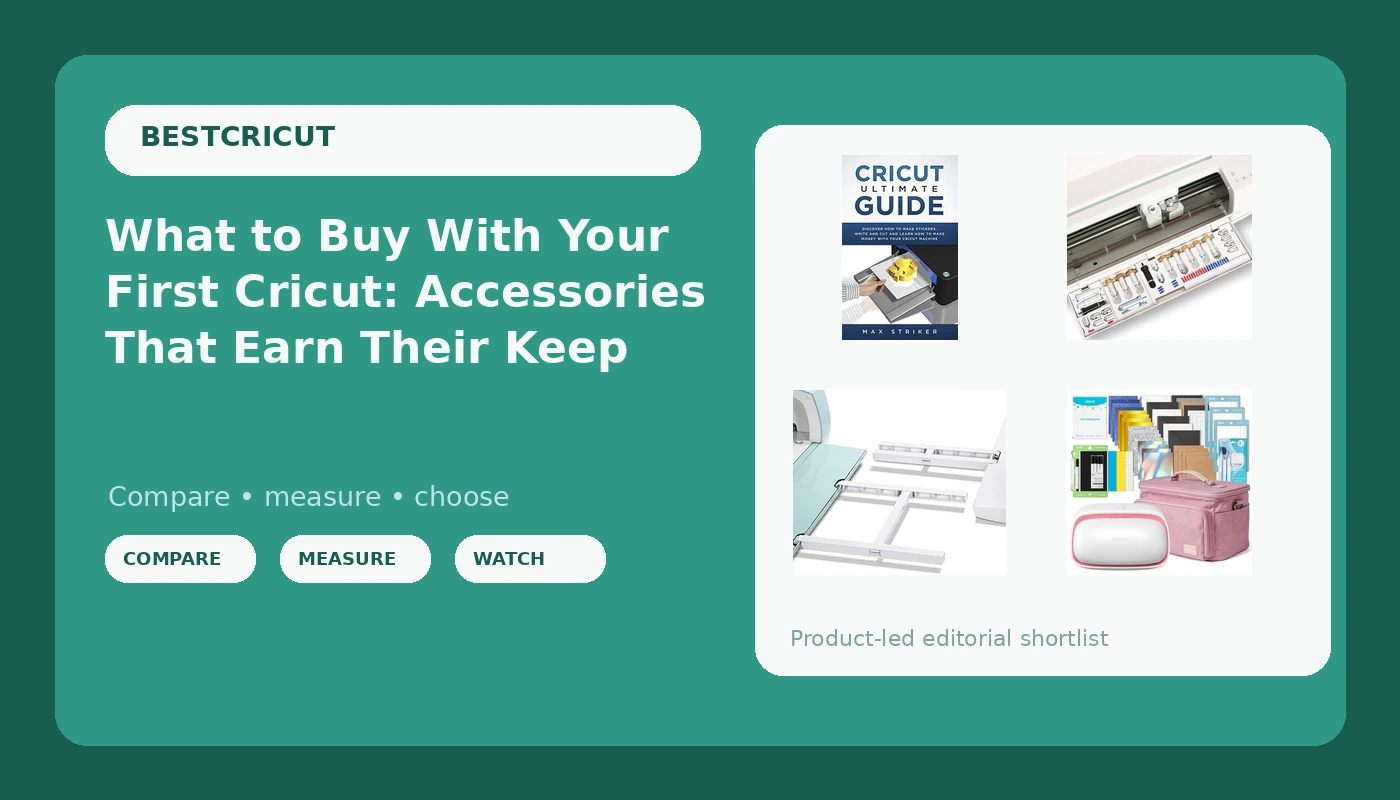
Most people buy a cutting machine and then find out the machine was never the whole purchase. Mats, blades, weeding tools, storage, and something to support a 12x12 mat all show up later, one order at a time, usually right after a project has gone sideways. If you are sorting through Cricut accessories for beginners, the useful question is not which gadget looks clever in a video. It is which item removes a specific friction point you have already hit. This explainer covers four options that solve four different problems: a standalone cutter bundle, a reference guide, a tool organizer, and a mat extension tray, plus how to decide which one your bench actually needs.
Related: Cricut Maker 3 vs Explore 3: Which Machine Fits Your Craft Room →
Quick answer
Buy the machine first, then buy only the accessory that fixes a problem you have already run into. A bundle gets a cutter, materials, and a case into one order. A reference guide shortens the learning curve. A tool organizer keeps blade housings and small tools findable instead of rolling around a drawer. A mat extension tray supports a 12x12 mat so a long cut does not sag off the edge of the table. None of the four is mandatory in week one, and none of them will rescue a dull blade.
4 useful options
| Model | Best fit | What stands out |
|---|---|---|
| Likcut Vinyl Cutter Machine Cardstock Creator Bundle with Carrying Case | Starting to cut without committing to one brand's ecosystem | Cutter, cardstock bundle, and carrying case sold together |
| Cricut Ultimate Guide: Discover how to make stickers and write and cut paper, and learn how to make money with the Cricut machine | Learning stickers, paper projects, and selling before buying more gear | Covers sticker making, writing and cutting paper, and earning with a Cricut |
| LOPASA Tool Organizer Compatible with Cricut Maker 4,3 (Blade Mod) | Keeping blade housings and small tools at the machine | Listing states compatibility with the Maker 4 and Maker 3 |
| AOOIIN Extension Tray for Cricut and Explore, 12x12 Cutting Mat Holder | Full-sheet and long cuts on a short table | Holds a 12x12 mat as it feeds through the machine |
The machine bundle: Likcut Vinyl Cutter Machine Cardstock Creator Bundle with Carrying Case
The trade-off is the ecosystem, not the hardware. This is not a Cricut machine, so Design Space, Cricut's material presets, and the Cricut tutorial library do not carry over to it. If you already own a Cricut and a shelf of Cricut mats, buying a second brand means buying a second set of habits. If you have not bought a machine yet, or if your main objection to the hobby is a recurring software subscription attached to a machine you already paid for, a standalone bundle is the version of this purchase that does not come with that string attached. Buy it as a first machine, not as a companion to one.
The reference guide: Cricut Ultimate Guide
A book will not replace a test cut, and it cannot know how your specific vinyl or cardstock behaves on your specific machine. What it can do is give you an order of operations so you are not guessing at the sequence while a mat is loaded and the blade is already moving. The selling section is the part most hobby guides skip, and it is the part that matters if you plan to list anything on Etsy. Read it before you buy a fourth roll of vinyl, not after.
The tool organizer: LOPASA Tool Organizer Compatible with Cricut Maker 4,3 (Blade Mod)
Compatibility is the whole story here, and it is stated by the listing rather than by your machine. If you own a Maker 3 or a Maker 4, the claim lines up with what you have. If you own an Explore, an original Maker, or a competitor machine, do not assume the fit carries over, because blade housings and tool cradles differ between generations. The reason storage matters more than it sounds: most mid-project damage happens during a blade swap, when a housing gets set down on a cluttered surface and the tip meets the table. A fixed slot costs less than the blade it protects.
The mat support: AOOIIN Extension Tray for Cricut and Explore, 12x12 Cutting Mat Holder
The trade-off is footprint. An extension tray takes up table space whether or not a mat is loaded on it, so it earns its place only if you cut full sheets or long designs with any regularity. If your typical project is a three-inch decal cut from the middle of a mat, the tray is a shelf hog. It also does not fix a warped mat or a weak grip; it only stops the mat from diving off the edge of a short table while the machine pulls it through. That is a real problem for a lot of people, but it is a specific one.
Prices and availability may change. Product images, names, and retailer links are matched to verified listings. No current price, rating, stock status, or measured result is stated here without current evidence.
The accessory budget is where the real cost lives
The machine is a one-time purchase with a fixed number. The consumables are the part that keeps charging you, and that is where most beginners get surprised. Mats are the clearest example: they are sold as durable tools but they behave like a consumable, because the adhesive layer is what does the work and it degrades with every lift of every project. When a mat stops holding a sheet flat, cuts drift, and the natural assumption is that the machine has lost accuracy. Usually the mat has simply stopped gripping.
Blades follow the same pattern. A blade does not fail dramatically; it starts leaving fuzzy edges, skipping corners, and needing a second pass on shapes it used to cut cleanly the first time. Because the machine sounds identical and moves identically, the blade is the last thing most people suspect. A dull blade also drags on the material, which is how you get a mat that seems to have lost stickiness when the real problem is that the blade is pushing the material around instead of slicing it.
Cost per cut is the number worth tracking if you sell anything, and it is not the machine price divided by some large number. It is the vinyl, the transfer tape, the mat life consumed, and the blade life consumed, all divided by the number of sellable units. Once you run that math on a small sticker order, the accessory aisle stops looking like a wish list and starts looking like a set of line items you either justify or skip. An organizer that costs less than one replacement blade housing is easy to justify. A tray you use twice a year is not.
There is also the software side, which is a recurring cost rather than a hardware one. Design Space's paid tier is separate from the machine, and it renews whether or not you cut anything that month. If your cutting volume is modest, the free tier plus a decent reference guide will carry you further than a subscription you forget to cancel. Factor that into the budget before you decide how much room is left for accessories.
What belongs on the bench on day one
A first cutting station needs less than the internet suggests. The working sequence is always the same: choose a design, cut it, weed away the waste, then apply or assemble. Every tool you add should map to one of those four steps, and anything that does not map to a step you actually perform is decoration.
Start with the machine, one mat in the size you will use most, one blade, and a weeding tool. Add a second blade type only when a material demands it, not because the packaging says a full set is the complete solution. Storage comes next, because a blade housing that lives loose in a drawer will eventually meet a hard surface. Support surfaces come last, once you know whether you cut full sheets or small shapes.
Paper and cardstock projects change the list slightly. Writing and cutting paper involves different pressure behavior than vinyl, and scoring or folding lines behave differently again, which is why a structured guide is more useful than a single settings chart. The materials that lie about their thickness are the ones that cause the most ruined sheets, and the fix is always the same: cut a test corner before committing the whole sheet.
- Label blades by the material they were last used on, and retire a blade the moment it needs a second pass on a shape it used to cut in one.
- Store mats flat and covered, and clean them before they get fuzzy rather than after.
- Keep a test-cut corner in your routine for every new material, including a material you have used before in a different color.
- Track cost per cut on anything you sell, because mat and blade life are part of the unit cost, not overhead.
- Do not buy an organizer until you own enough tools to organize; buy the tool that fixes the failure you hit most often.
Which option should you choose?
Choose the Likcut Vinyl Cutter Machine Cardstock Creator Bundle with Carrying Case when you are buying your first cutting setup and you would rather have the machine, materials, and a case arrive together than piece it together over three orders. Choose the Cricut Ultimate Guide when you already own a machine and the thing standing between you and finished projects is not gear but sequence and settings. Choose the LOPASA Tool Organizer when you own a Cricut Maker 4 or Maker 3 and your blade housings currently live in a drawer with everything else. Choose the AOOIIN Extension Tray when you cut full 12x12 sheets and your table is too short to catch the mat on the way through.
The caveat is the same for all four: the compatibility and contents claims here come from the product listings, not from a machine in front of you. Confirm the fit against the exact model you own before ordering, and treat any accessory as a fix for a specific, already-identified problem rather than a general upgrade.
The bottom line
The machine tier matters less than the routine around it. A clean blade, a mat that still grips, a place to set a housing down, and a surface that supports a full sheet will do more for your output than a higher-tier machine run with dull blades and a slipping mat. Start with the cutter, learn the sequence, then add the one accessory that removes the failure you keep hitting. Everything else can wait until a project tells you it is needed.