Buying the cutting machine is the easy part. The hard part is everything that surrounds it: blades that dull faster than the packaging suggests, mats that quit gripping, the weeding tools you reach for on every project, and the pile of vinyl rolls that slowly takes over the dining table. A Cricut Maker 4 starter kit answers a lot of that in a single box, which is exactly why it deserves a closer look before you commit.
This guide covers six products that tend to land in the same shopping cart: two versions of the Maker 4, a fine point blade set with its own housing, a five-piece precision tool kit, a rolling storage cart built for vinyl rolls, and a replacement power cord. The point is not to push the biggest bundle. It is to sort out what a beginner genuinely needs on day one, what can wait until a project demands it, and where the accessory markup stops being worth it.
Related: How Long Do Cricut Blades Actually Last?
Quick answer
The Cricut Maker 4 Starter Kit for Beginners - Smart Cutting Machine with Vinyl & Iron-On (HTV), Tools & Materials for Stickers, Shirts & DIY Crafts is the strongest fit for a first machine because it pairs the Maker 4 with vinyl, iron-on, tools, and materials, so you can cut something real without placing a second order. Choose the Cricut Maker 4 - Smart Cutting Machine (Seashell) | Digital Content Bundle instead when you already own a tool kit and supplies and would rather have the machine plus digital content than another stack of physical materials.
Cricut machines, blades, and craft room storage worth comparing
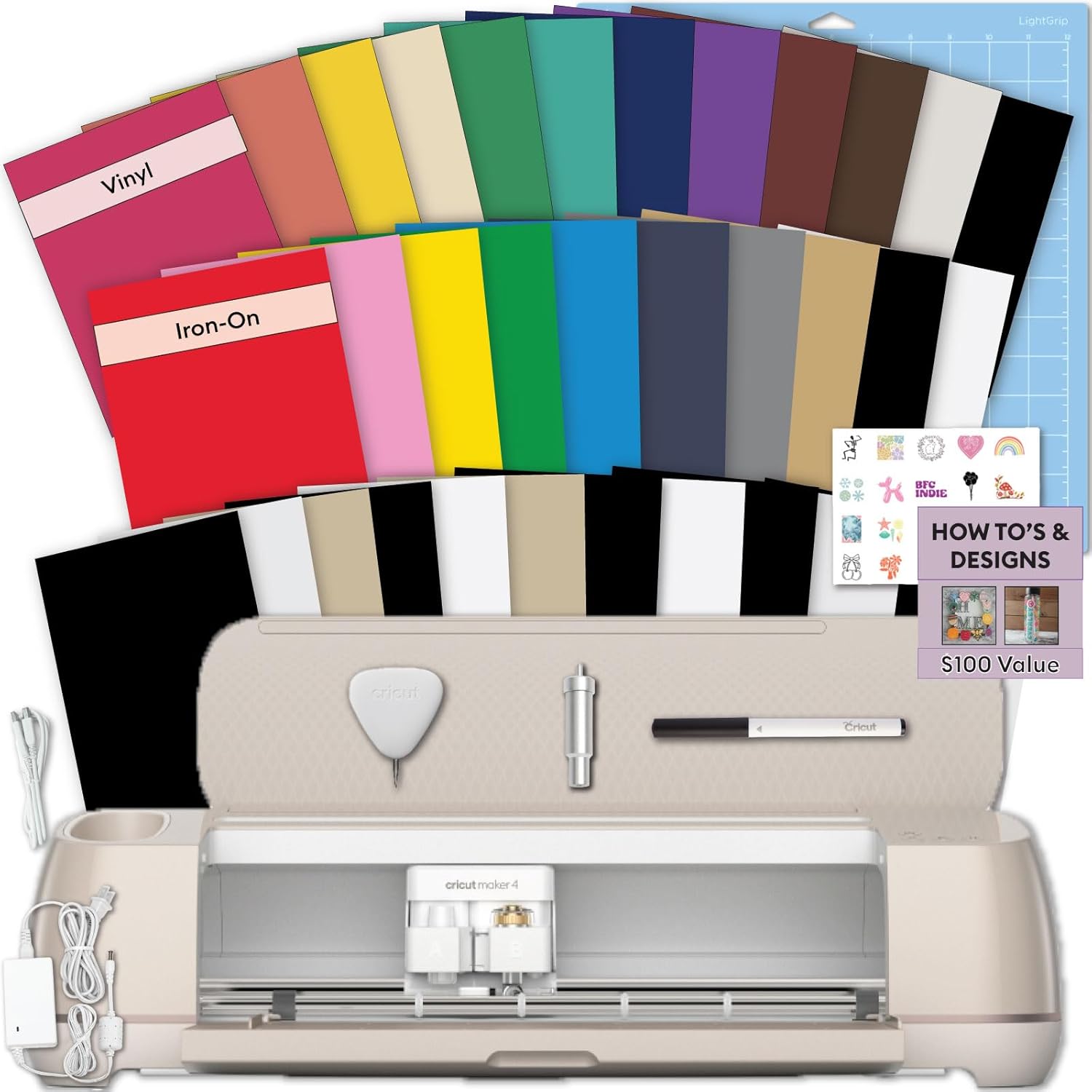
Cricut Maker 4 Starter Kit for Beginners - Smart Cutting Machine with Vinyl & Iron-On (HTV), Tools & Materials for Stickers, Shirts & DIY Crafts
A Maker 4 bundled with vinyl, iron-on (HTV), tools, and materials aimed at stickers, shirts, and DIY crafts. The shortest path to a first cut if you do not already own a tool kit or supplies.
Visit on Amazon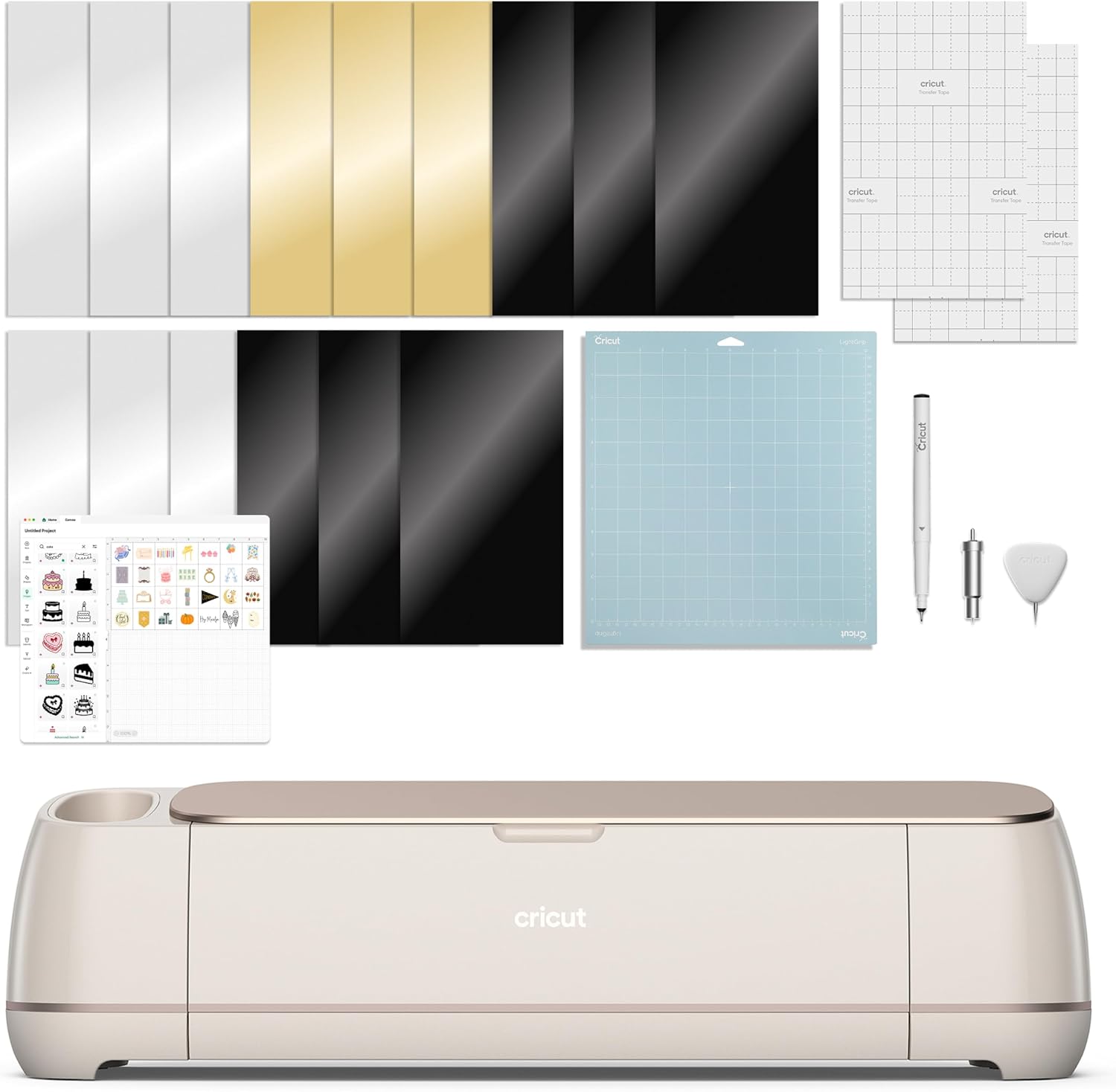
Cricut Maker 4 - Smart Cutting Machine (Seashell) | Digital Content Bundle
The Maker 4 in Seashell with a digital content bundle rather than a box of materials. A better match for someone who already owns tools, vinyl, and iron-on and mainly wants the machine.
Visit on Amazon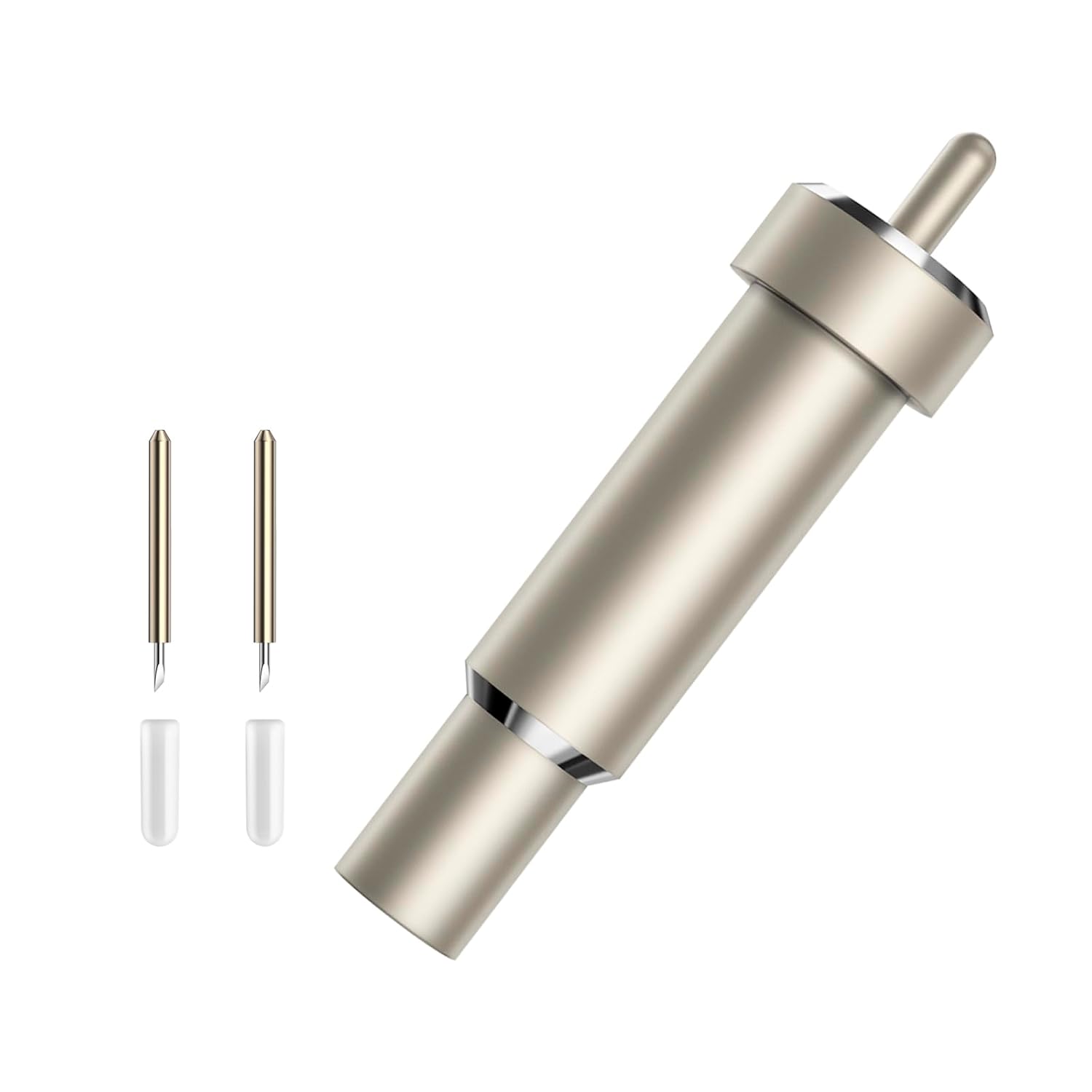
Premium Fine Point Blade for Cricut Maker 3/Maker/Venture/Cricut Explore 3/Air 2/Air/One, 2 pcs Premium Fine Point Blades and 1pc Housing for Cutting Paper/Vinyl/HTV/Cardstock/Vellum/Kraft Board etc
Two fine point blades plus one housing, listed for Maker 3, Maker, Venture, Explore 3, Air 2, Air, and One. The listing covers paper, vinyl, HTV, cardstock, vellum, and kraft board.
Visit on Amazon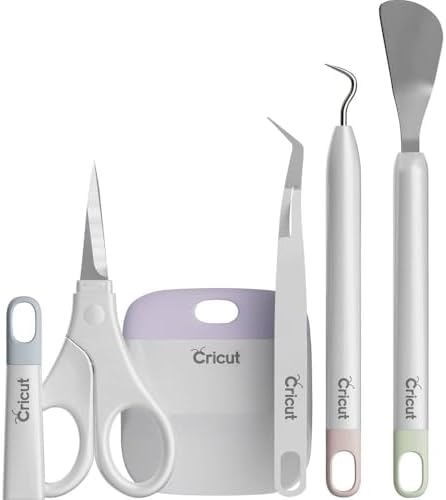
Cricut Basic Tool Set - 5-Piece Precision Tool Kit, Mint
A five-piece precision tool kit in mint. Covers the weeding, scraping, and handling basics that most beginners end up buying one at a time.
Visit on Amazon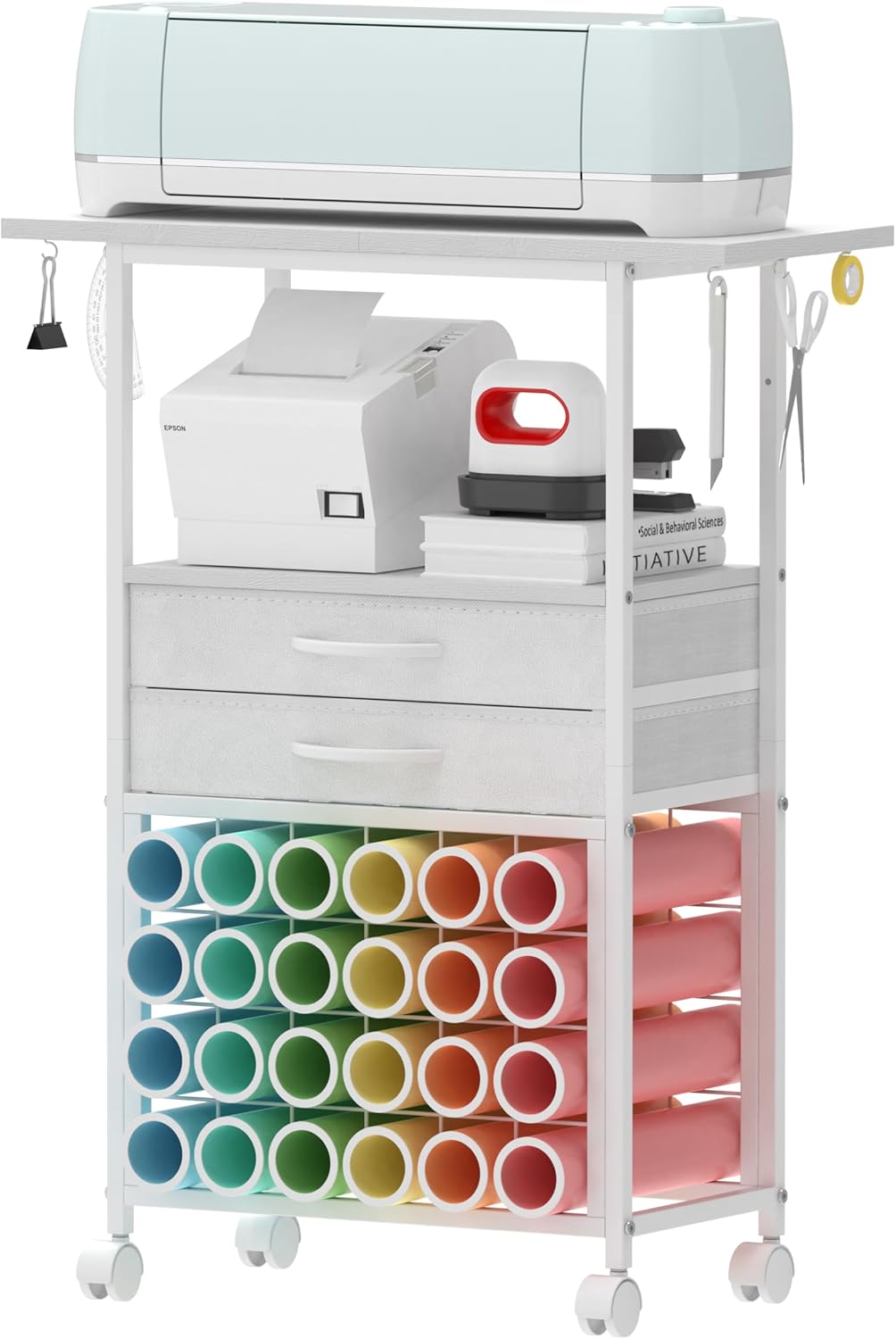
VENNQD Organizer and Storage Stand Compatible with Cricut Machines,Rolling Storage Cart/Shelf with 24 Vinyl Roll Holders,2 Fabric Drawer,Accessories Holder,Tool Hook for Craft Room Home (white)
A rolling storage cart and shelf with 24 vinyl roll holders, two fabric drawers, an accessories holder, and a tool hook, aimed at craft room organization. The roll capacity is the number that matters here.
Visit on Amazon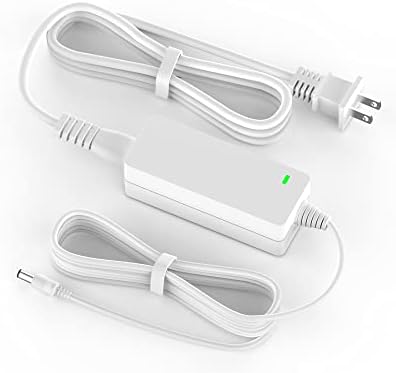
Power Cord for Cricut Explore air 2, Expression 2, Explore Air, Explore One Create Mini Original Replacement for Cricut KSAH1800250T1M2 Cutting 18V Charger Power Supply (White)
An 18V replacement power supply listed for Explore Air 2, Expression 2, Explore Air, Explore One, Create Mini, and the original machine. A spare worth keeping on hand rather than hunting for mid-project.
Visit on AmazonPrices and availability may change. Check the retailer for current details.
How these products were compared
This guide compares machine tier and what actually ships in the box, blade and housing compatibility, tool kit contents, storage footprint and vinyl roll capacity, and replacement part fit. Product names, images, and retailer links are matched by ASIN so that every card points to the product shown.
Nothing here is presented as a lab test. The differences come from what each listing includes, which machines each accessory is listed as compatible with, and how the pieces fit together in a normal cutting workflow. No current price is printed anywhere in this article, because prices move; use the link on each card to confirm the current price, availability, and return terms before you buy.
How to choose the right Cricut setup
Start with the machine question and leave the accessories for later. The two Maker 4 listings here differ mainly in what arrives alongside the machine. One pairs the cutter with vinyl, iron-on, tools, and materials, which means your first project does not depend on a second delivery. The other pairs the machine with digital content instead of physical supplies. If you already own a rotary trimmer, a weeding hook, and a shelf of vinyl, the digital bundle is the more logical buy. If your craft supplies currently consist of a pair of scissors and optimism, the starter kit removes an entire round of decisions.
Then look hard at compatibility lists, because this is where accessory purchases go wrong. The fine point blade set is listed for Maker 3, Maker, Venture, Explore 3, Air 2, Air, and One, and it covers paper, vinyl, HTV, cardstock, vellum, and kraft board. The replacement power cord is listed for Explore Air 2, Expression 2, Explore Air, Explore One, Create Mini, and the original machine. Read those lists against your own machine before you click. A blade housing or a charger that fits your neighbor's cutter may not fit yours, and the listing text is the only reliable signal.
Finally, think about where the machine and its materials will physically live. A rolling cart with 24 vinyl roll holders solves a real problem, but only if you have the floor space and a doorway wide enough to roll it through. Measure first.
Cricut Maker 4 Starter Kit for Beginners - Smart Cutting Machine with Vinyl & Iron-On (HTV), Tools & Materials for Stickers, Shirts & DIY Crafts
This is the pick for most people buying their first machine, and the reasoning is simple: it collapses three purchases into one. The bundle includes the Maker 4 plus vinyl, iron-on (HTV), tools, and materials positioned for stickers, shirts, and DIY crafts. That means the first week is spent learning Design Space and pressure settings rather than waiting on a second order of transfer tape.
The trade-off is that a bundle gives you the supplies someone else chose. If your plan is HTV apparel, you will end up buying more iron-on in colors you actually want. If your plan is papercraft, the vinyl in the box may sit unused for a while. That is not a reason to skip it; it is a reason to be honest about what you will cut first. The tools and the machine are the durable part of the bundle, and those carry over to every project that follows.
One more thing worth saying plainly: the machine purchase is not the end of the spending. Cricut's software subscription is a separate, recurring cost, and it is worth deciding up front whether you need the paid tier for your projects. Plenty of hobbyists cut happily for years on the free features.
Alternatives to consider
The Cricut Maker 4 - Smart Cutting Machine (Seashell) | Digital Content Bundle is better suited to a crafter who already owns tools and materials and wants the machine plus digital content, while the Premium Fine Point Blade for Cricut Maker 3/Maker/Venture/Cricut Explore 3/Air 2/Air/One, 2 pcs Premium Fine Point Blades and 1pc Housing for Cutting Paper/Vinyl/HTV/Cardstock/Vellum/Kraft Board etc is the stronger fit when you need a spare blade and housing on the shelf rather than a second machine.
The Cricut Basic Tool Set - 5-Piece Precision Tool Kit, Mint, the VENNQD Organizer and Storage Stand Compatible with Cricut Machines,Rolling Storage Cart/Shelf with 24 Vinyl Roll Holders,2 Fabric Drawer,Accessories Holder,Tool Hook for Craft Room Home (white), and the Power Cord for Cricut Explore air 2, Expression 2, Explore Air, Explore One Create Mini Original Replacement for Cricut KSAH1800250T1M2 Cutting 18V Charger Power Supply (White) cover the three things that break a crafting session: no weeding tool within reach, no place to put the vinyl, and no power. The tool kit handles the small tasks, the cart handles the storage, and the cord is insurance for older Explore and Expression machines.
Day-to-day use and maintenance
Most "my machine stopped cutting cleanly" complaints trace back to the blade, not the machine. Fine point blades dull gradually, so the failure looks like a settings problem long before it looks like a hardware problem. Keeping a spare blade and housing on hand, like the two-blade set listed here, means you can swap and keep working instead of stopping to order. Change the blade when the cuts start leaving fuzzy edges or dragging through vinyl rather than cleanly releasing.
Mats are the other consumable that quietly drains a budget. Stickiness fades with use, and the fix is usually a wash and a re-press rather than a new mat. When a mat genuinely stops holding, third-party replacements do the job for far less than the branded version, which is why the accessory pricing deserves the skepticism.
Storage matters more than beginners expect. Vinyl rolls stored upright in a bin tend to unspool and kink; a cart with dedicated roll holders keeps them straight and visible, which means you actually use the colors you bought. If you go that route, check the cart's footprint against your space before assembly, and keep it away from direct sun and heat, since vinyl and iron-on both dislike being cooked.
For anyone running older hardware, a spare power supply is cheap insurance. Chargers fail at the plug, and a dead cord turns a working machine into a paperweight until a replacement arrives. Match the compatibility list on the listing to your exact model before ordering.
Buying checklist
- Measure the cart footprint, the doorway it has to roll through, and the wall space behind your work table.
- Choose the machine bundle based on what you already own, not on the size of the box.
- Confirm the exact model includes the tools and materials you will actually use in your first month.
- Check the blade housing and power supply compatibility lists against your specific machine.
- Read the cleaning and maintenance instructions for blades, mats, and vinyl storage.
- Verify the current retailer price, availability, and return terms through the link on each card.
Final recommendation
Choose the Cricut Maker 4 Starter Kit for Beginners - Smart Cutting Machine with Vinyl & Iron-On (HTV), Tools & Materials for Stickers, Shirts & DIY Crafts when you are starting from nothing and want the machine, tools, and first materials in one order. Choose the Cricut Maker 4 - Smart Cutting Machine (Seashell) | Digital Content Bundle when you already have supplies and tools and would rather put the difference toward materials you pick yourself. Add the blade set, the tool kit, or the storage cart only when a specific project or a specific mess demands it, and buy the replacement cord only if your machine appears on its compatibility list.