Related: How to Price Stickers So You Actually Make Money
I have cut through more than 200 rolls of vinyl since I opened my Etsy sticker shop, and the question I get in every weekend craft class is the same one: which machine do I buy first? Choosing a Cricut machine for beginners is not really a hardware question. Every machine in the current lineup cuts vinyl, cardstock, and sticker paper. The real question is how much bundle you are paying for, how many consumables you are signing up to rebuy, and whether the subscription math works for you or against you.
The machine is the bait. Design Space is the hook. I say that as someone who opens Design Space most days of the week and resents the pop-ups every time. So before you compare bundles, decide what you actually cut. If the answer is stickers, small decals, and the occasional card, you can spend less than you think. If the answer is a sticker business with a printer, waterproof paper, and a shipping table, the math changes.
Here is how the four bundles I recommend to students actually shake out, and where each one stops making sense.
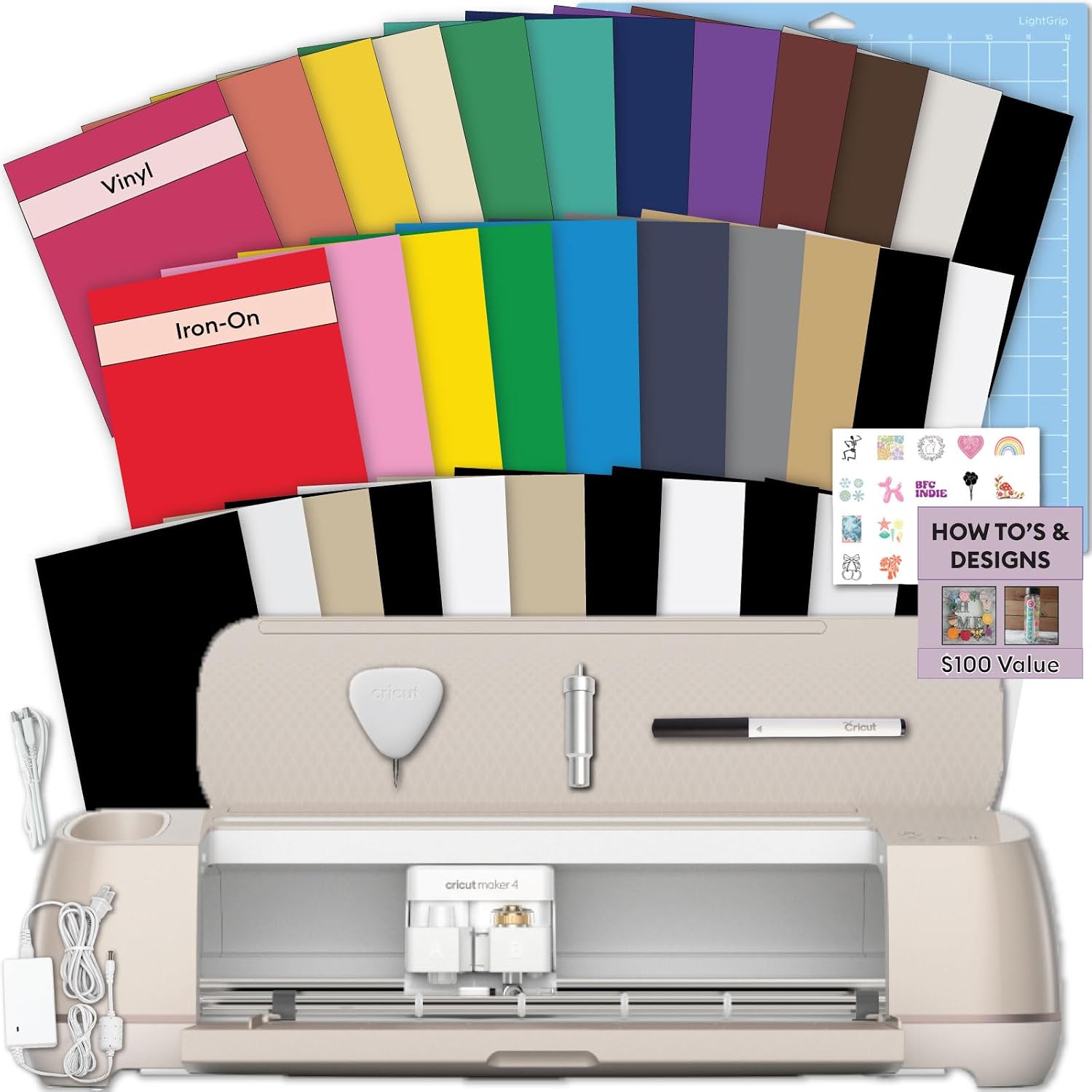
Best Overall: Cricut Explore 5 Essential Bundle + Rainbow Sampler
If you want one machine and you want to stop thinking about it, this is the bundle. The Explore line is enough for 90% of crafters. Vinyl, HTV, cardstock, sticker sheets, layered paper projects: it does the work. The Essential Bundle plus the rainbow sampler means you can cut something the day the box arrives instead of waiting on a second order of materials, and the sampler tells you which colors you actually reach for before you commit to full rolls.
Two things I tell every student buying this one. First, the tools and mats in any starter bundle are the beginning of a consumable budget, not the end of it. Mats lose their stickiness after a handful of cuts, and the blade is the part that wears out first. When a cut stops coming out clean, the machine is almost never the problem. Change the blade, wash the mat, and try again. Blades dull faster than the packaging admits.
Second, budget for Design Space. The software is slow, it lives in the cloud, and the subscription is the real product. You can stay on the free tier forever if you import your own designs, and for a hobbyist cutting a few dozen projects a year that is the right call. Do not let a pop-up mid-project talk you into a plan you do not need.
This is the machine I recommend to the person who wants to make gifts, label the pantry, and cut a shirt for a birthday. It is not the machine I would buy for a sticker business.
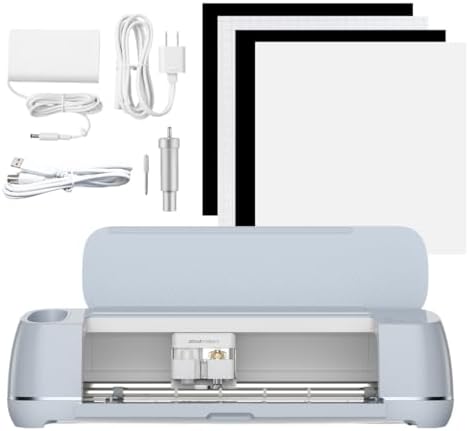
Best for a Sticker Side Hustle: Cricut Maker 4 Ultimate Beginner Sticker Making Bundle
The Maker is genuinely good. I will say that plainly, because I spend most of my time telling people not to buy the top of the ladder. The extra tool capacity is for people who know exactly what they need it for, and if that is you, this is the bundle aimed at your work: a print then cut machine with waterproof sticker paper and vinyl in the box, sold as a small business starter.
Here is the honest version of the sticker business math. The machine is the cheap part. Sticker paper, laminate, and printer ink are the recurring cost, and they never stop. Before you buy, work out your cost per cut: one sheet of sticker paper plus laminate plus the ink it drinks, divided by how many stickers you actually sell from that sheet. If that number is not comfortably below your selling price, a nicer machine will not save you.
What the Maker 4 gives you over the Explore is headroom. If you branch into fabric, thicker materials, or tool work you cannot do with a blade, you already own the machine for it. If you never will, you are paying for capability that sits in a drawer.
One more thing worth knowing: the resale market for used Makers stays strong. That cuts both ways. It means a Maker holds value if you upgrade later, and it means a used one is a real option if you know what you are looking at.
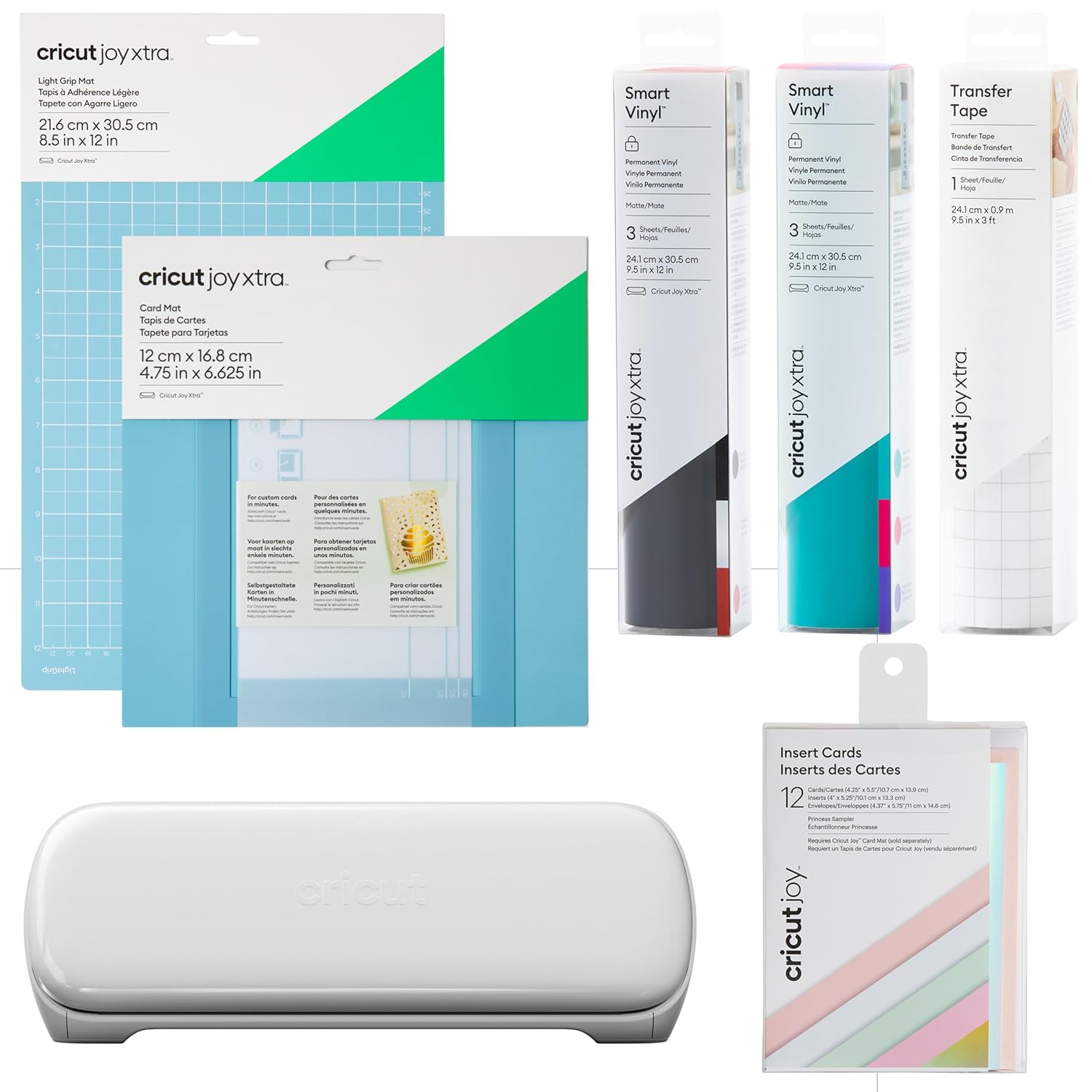
Best Budget Starter: Cricut Joy Xtra Smart Cutting Machine Ultimate Starter Bundle
The Joy Xtra is the small format machine in the lineup, and the small format is the point. It sits on a shelf, it comes out for an evening, and it goes back. If your projects are labels, cards, small decals, and modest sticker sheets, this is the machine that matches the work, and the starter bundle covers the first round of materials so you are not guessing at what to order.
The tradeoff is size. A smaller cutting area means more repositioning on anything large, and more repositioning means more chances to misalign a cut. If you plan to cut full shirt designs in HTV, this is the wrong end of the lineup and you will feel it by week two.
The other thing to know is that a small machine comes with its own set of mats and consumables. If you later add a full size machine, you are not reusing everything you bought here. That is not a reason to avoid it. It is a reason to buy it on purpose rather than as a stepping stone.
My rule for this tier: if you only want to cut 50 stickers a year, buy the cheapest machine that does the job and never open Design Space's paid tier. You will be happier than the person who spent triple and still cuts 50 stickers a year.
Best for Sticker Paper: Cricut Joy Xtra Ultimate Sticker Making Bundle
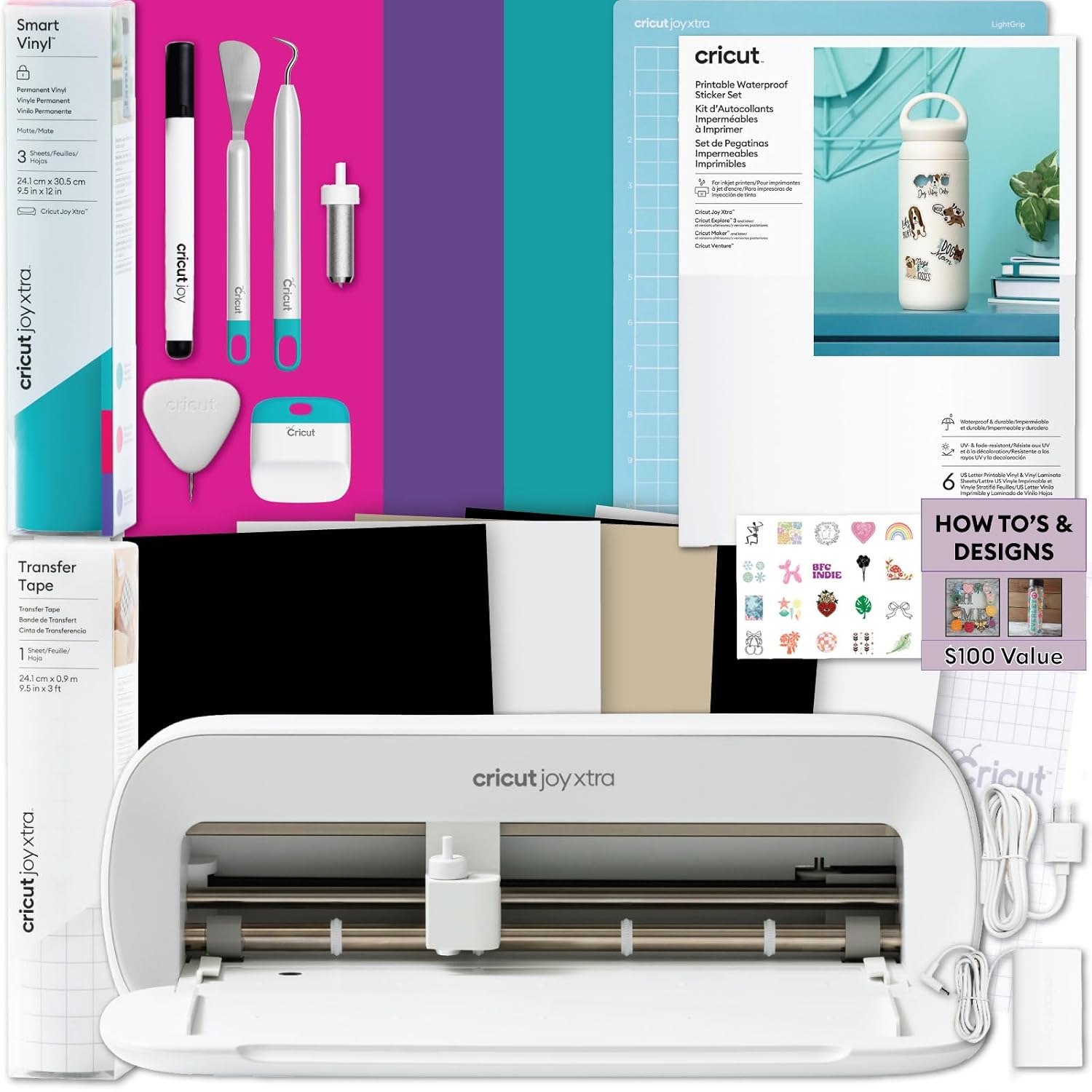
This is the other Joy Xtra bundle, and it is the one I would hand to a beginner whose entire plan is sticker sheets. Printable sticker paper, a smart vinyl sampler, transfer tape, tools, and project design guides are all in the box. That is a different bundle from the general starter above, and the difference is not cosmetic. One is built around stickers. The other is built around "try everything."
The design guides are the underrated part. The hardest moment with a new machine is the evening you sit down, the machine is set up, and you cannot think of a single thing to make. Guides solve that. Transfer tape matters too once you start layering vinyl, because the cheap stuff tears and the good stuff does not, and you learn that lesson exactly once.
Where this bundle is thin: sticker paper runs out, and the amount in any starter kit is a sample, not a supply. Price out a pack of printable sticker paper and a pack of laminate before you decide the bundle is the whole purchase. It is the first purchase.
If stickers are the point, take this one over the starter bundle. If you are not sure yet what you will make, take the starter bundle and buy sticker paper separately once you know.
How I judge a Cricut bundle
I own an old Explore, a Maker 3, and I have borrowed a competitor unit to compare. That means I judge these bundles on the parts that actually wear out, not the spec sheet.
Blade life comes first. A blade is a consumable with a short honest life, and most "machine problems" I get asked about in class are blade problems. Second is mat stickiness, because the mat is a money pit. I buy third party mats and I have not noticed a difference worth paying for.
Third is the subscription. Design Space is slow, cloud dependent, and the subscription is the real product. A bundle that includes a subscription trial is not a discount. It is a countdown clock.
Fourth is cost per cut. Add up the materials in the box, estimate how many finished projects they produce, and divide. That number tells you more about whether a bundle is a good deal than the size of the discount does.
What the bundles actually add
The four machines here are closer in capability than the price ladder suggests. What separates the bundles is what is in the box and how much of your future spending it front loads.
Cricut-brand materials are fine but priced for convenience. HTV, vinyl, and mats are all better bought elsewhere once you know what you like. So when you compare these bundles, look at the machine and the tools, treat the material samples as a bonus rather than a reason, and ignore the accessory upsell page entirely.
Prices move around constantly, so check the listing rather than trusting a number you read last month.
Cricut bundle comparison table
| Machine | Best for | What the bundle adds | Price |
|---|---|---|---|
 Visit on Amazon → Visit on Amazon →Explore 5 Essential Bundle + Rainbow Sampler |
Most crafters, one machine, no regrets | Essential tools plus a rainbow material sampler | $299.99 |
 Visit on Amazon → Visit on Amazon →Maker 4 Ultimate Beginner Sticker Making Bundle |
Sticker sellers and print then cut work | Waterproof sticker paper and vinyl for custom stickers | $499.99 |
 Visit on Amazon → Visit on Amazon →Joy Xtra Ultimate Starter Bundle |
Small projects, small shelf, small budget | Starter materials and tools for the compact machine | $279.00 |
 Visit on Amazon → Visit on Amazon →Joy Xtra Ultimate Sticker Making Bundle |
Sticker sheets on a small machine | Printable sticker paper, smart vinyl sampler, transfer tape, tools, design guides | $249.99 |
Should you buy the Cricut Explore 5 Essential Bundle?
Yes, for most people. The Explore line is enough for 90% of crafters, and the bundle gets you cutting the day it arrives instead of waiting on a second order. Use the free tier of Design Space if you import your own designs and you cut a modest number of projects, and put the money you save toward blades and mats, which you will need.
The compromises are real but small. It is not the machine for a sticker business with a printer and a shipping table, and it will not run the specialty tools that the Maker line runs. If you know you need those, buy the Maker. If you do not know, you do not need them yet.
Should you buy the Cricut Maker 4 Ultimate Beginner Sticker Making Bundle?
Buy it if stickers are the business, not the hobby. The bundle is built around print then cut, waterproof sticker paper, and vinyl, which is exactly the stack a small sticker operation runs on. The machine is the cheap part. Sticker paper, laminate, and ink are the recurring cost, so do the cost per cut math before you buy and make sure your selling price has room in it.
If you are a hobbyist who wants one nice machine, this is more than you need, and the extra capability will sit unused.
Which Cricut Joy Xtra bundle should you buy?
The sticker making bundle if sticker sheets are your main project, because it ships with printable sticker paper, transfer tape, tools, and project design guides, and those guides get you past the empty-evening problem. The starter bundle is the better pick if you are still deciding what you want to make.
Both are small format machines. Budget for their own mats, expect more repositioning on large projects, and if you only cut 50 stickers a year, keep the subscription closed and spend the difference on materials.