Buying your first cutting machine is less about crowning a winner and more about matching a machine, a bundle, and a short list of consumables to the projects you actually finish. The best Cricut machine for beginners is usually not the most expensive box on the shelf. The difference between a cutter that earns its counter space and one that ends up in a closet rarely comes down to the hardware itself. It comes down to whether the bundle included materials you wanted, whether the blades you bought fit the machine you own, and whether you understood what the software expects from you.
This guide looks at six products that tend to show up in the same shopping session: three machine bundles from the current lineup, one earlier Explore model, a ten-pack of replacement blades, and a roll of third-party heat transfer vinyl. The aim is to help you spend once, cut for a season, and only then decide what else you need.
Related: Cricut Blades, Mats, and Vinyl: What to Restock First
Quick answer
The Cricut Explore 5 Essential Bundle + Multicolor Sampler is the strongest fit for most first-time crafters because it pairs a current Explore machine with a multicolor material sampler, so your first projects can span several colors without a second order. Choose the Cricut Maker 4 - Smart Cutting Machine (Seashell) | Digital Content Bundle instead when you already know you want the top machine in the lineup along with the digital content that ships with it.
Cricut machines and cutting supplies worth comparing
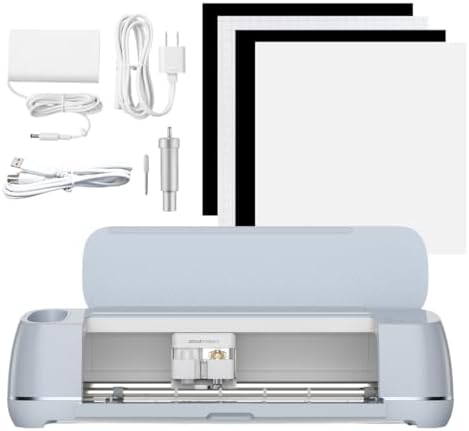
Cricut Explore 5 Essential Bundle + Multicolor Sampler
A current Explore machine sold as a bundle with a multicolor material sampler, which spreads your first projects across several colors instead of committing you to one roll. The bundle format is aimed at new owners who want to start cutting the week the box arrives.
Visit on Amazon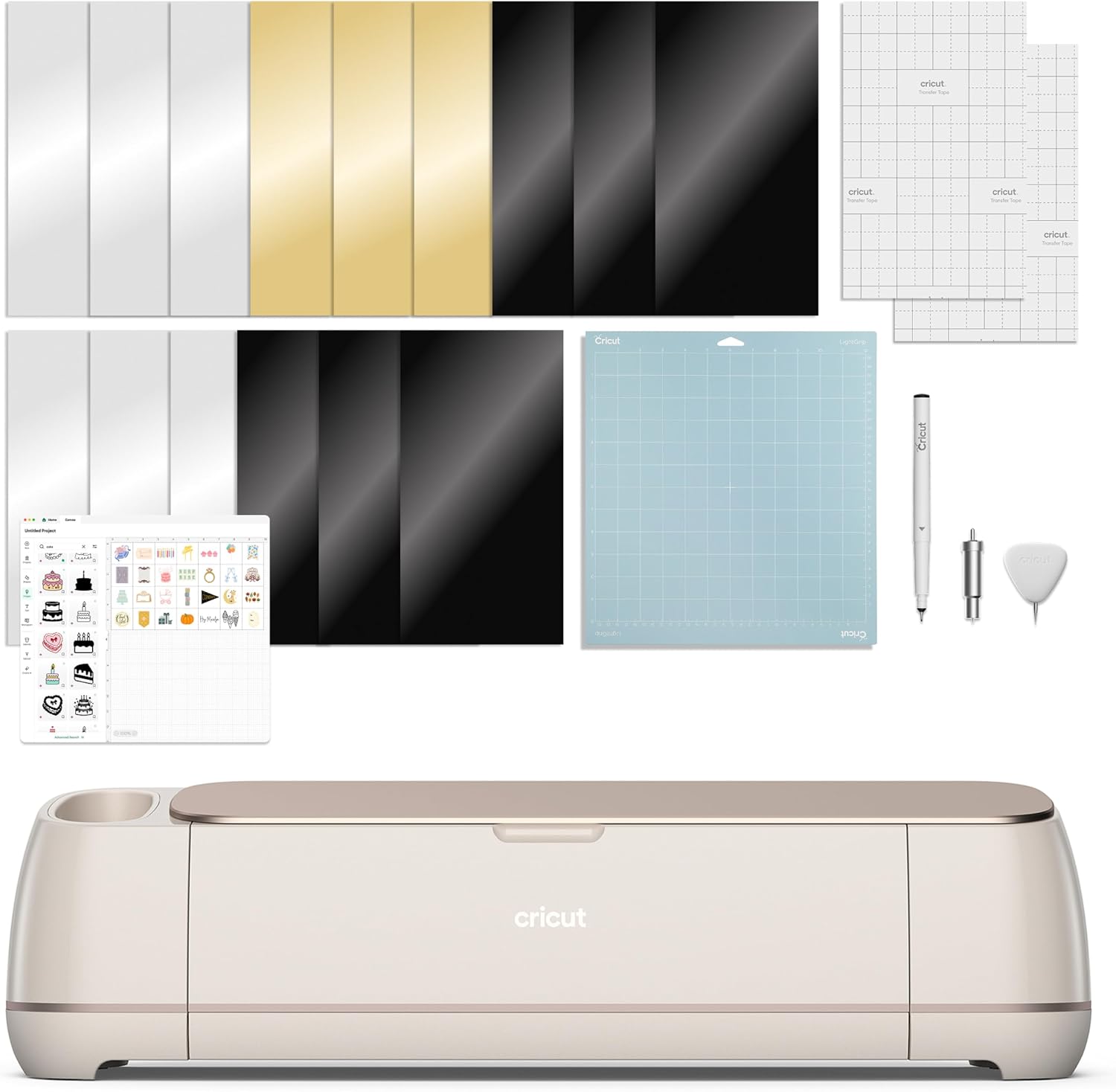
Cricut Maker 4 - Smart Cutting Machine (Seashell) | Digital Content Bundle
The Maker line in the Seashell finish, sold with a digital content bundle rather than a material kit. It is the pick for crafters who already know they want the top of the range and the included design content instead of working up to it later.
Visit on Amazon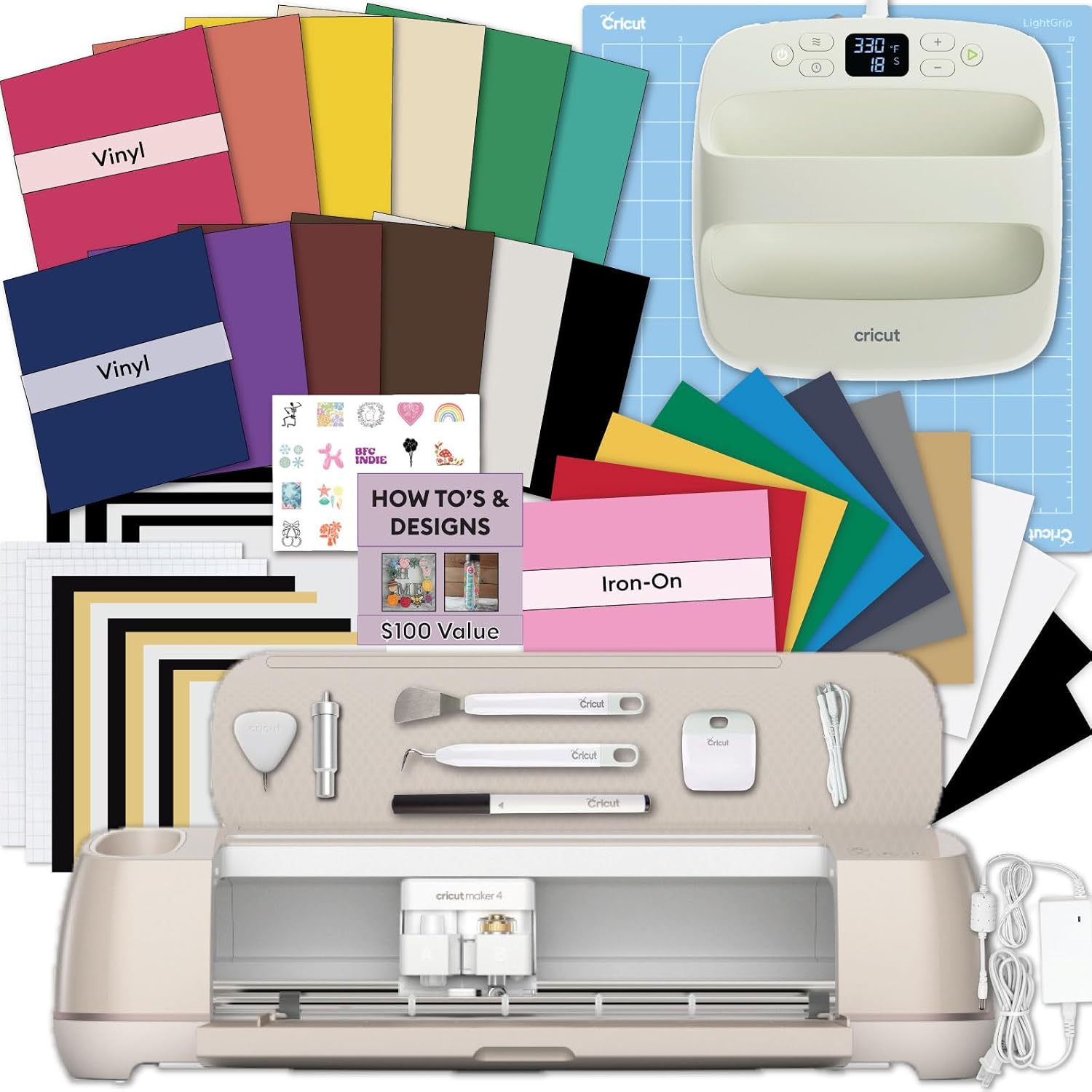
Cricut Explore 5 Machine Bundle with EasyPress 9x9, Smart Vinyl & Smart Iron-On Sheets and 100+ Project Design eBook - DIY Cutting Machine for Vinyl, HTV, T-Shirts & Home Decor
Check current price
Pairs an Explore machine with a 9x9 EasyPress, Smart Vinyl and Smart Iron-On sheets, and a 100+ project design eBook. This is the bundle to look at when apparel and heat transfer projects are the plan from day one.
Visit on Amazon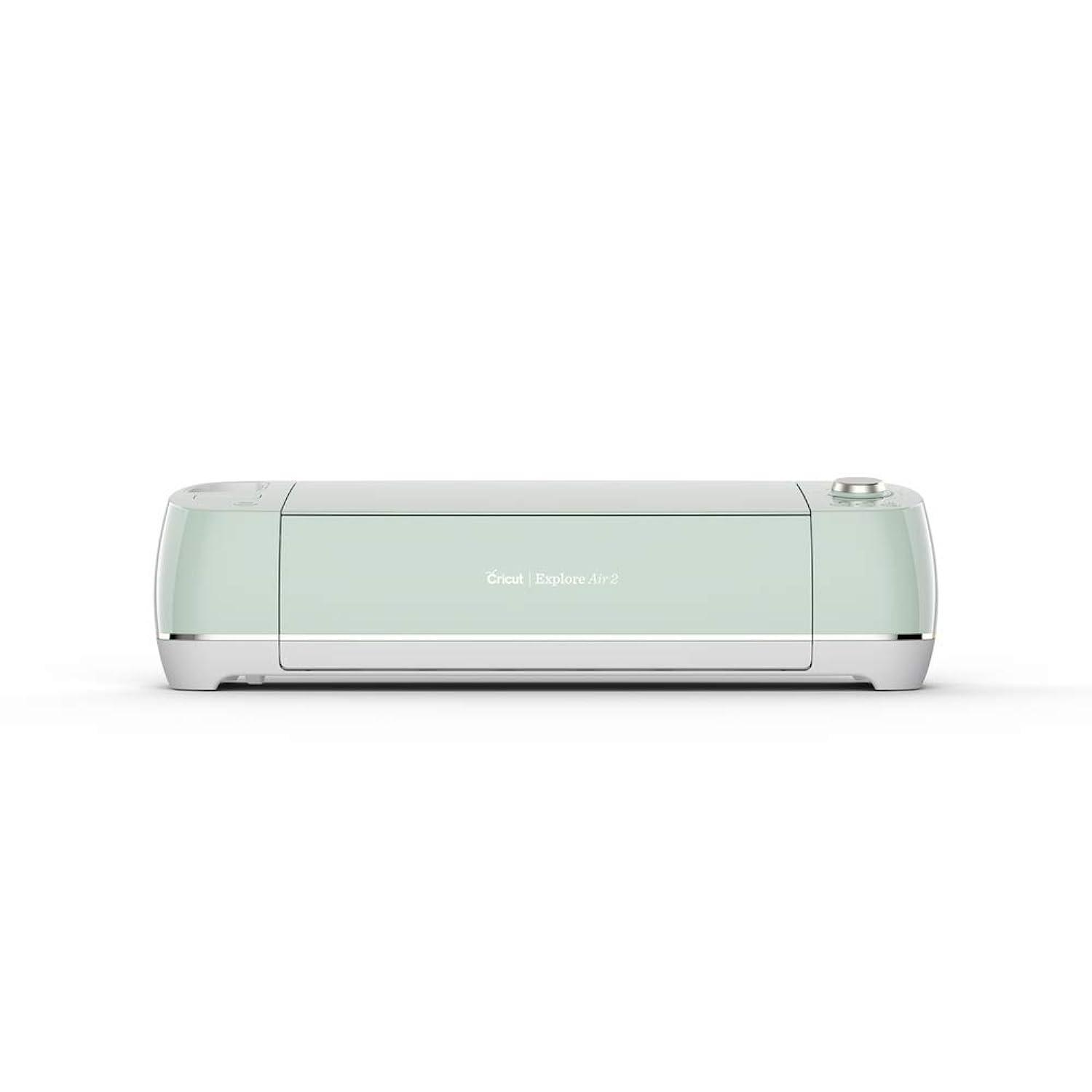
Cricut Explore Air 2 Craft Cutting Machine - Mint
Check current price
An earlier Explore model in the Mint colorway, sold as the machine on its own rather than as a bundle. It suits a hobbyist who wants a straightforward cutter and would rather choose materials personally than receive a starter kit.
Visit on Amazon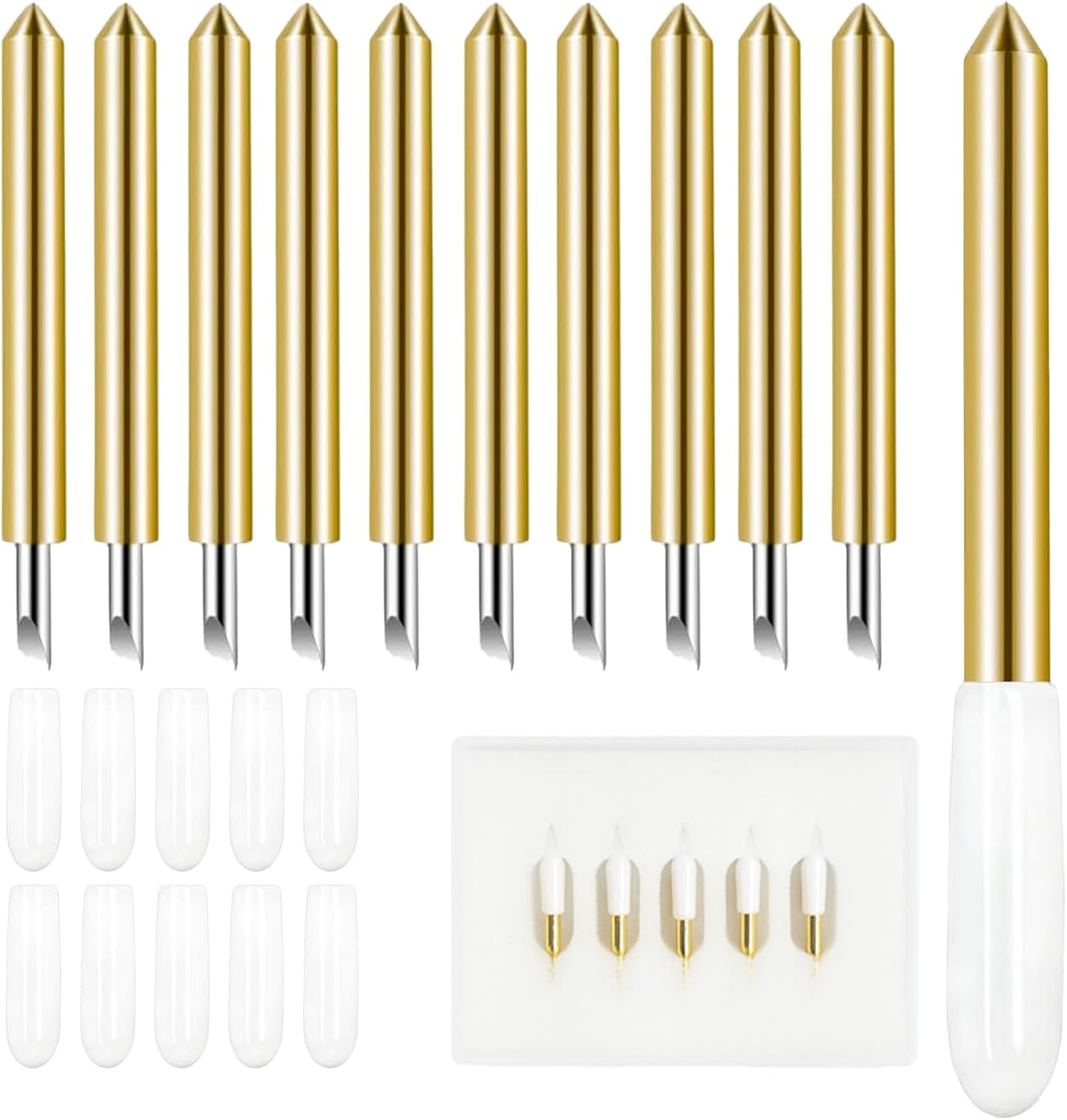
10 Pcs 45°Cutter Blades Compatible with Cricut Joy/Xtra, Paper Cutter Blade
A ten-pack of 45 degree cutter blades listed as compatible with Cricut Joy and Joy Xtra and described as paper cutter blades. Blades are the part of a cutting setup that wears out fastest, so a spare pack is worth having before a project stalls.
Visit on Amazon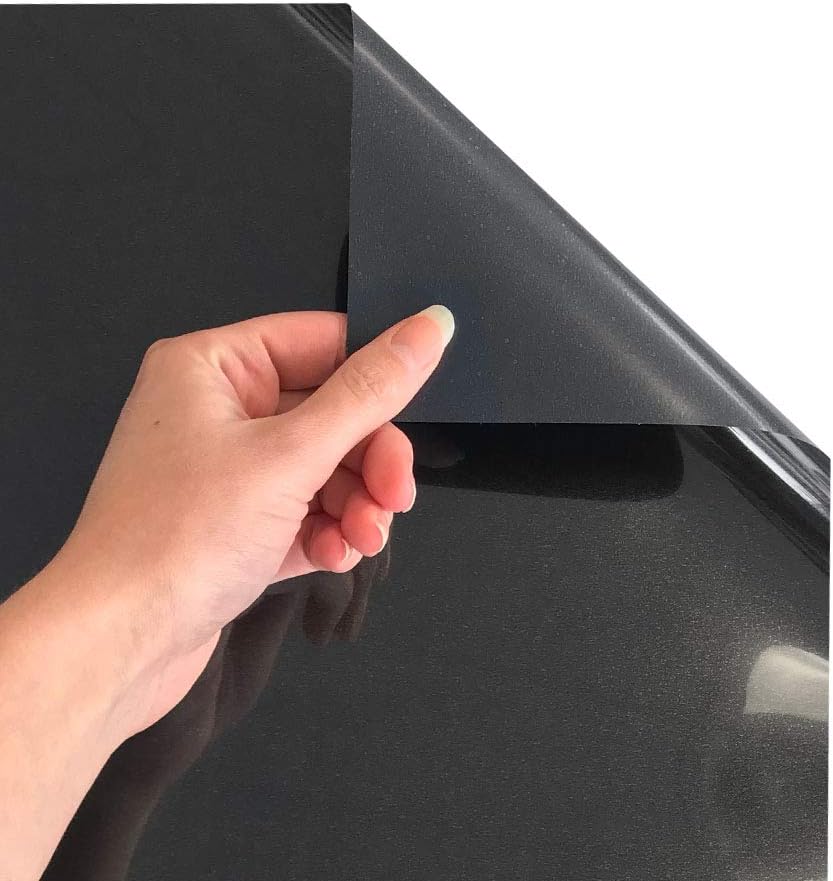
Siser EasyWeed Heat Transfer Vinyl 11.8" x 5ft Roll (Black) - - Compatible, Cricut, Silhouette and Other Craft/Professional Cutters - CPSIA Certified
An 11.8 inch by 5 foot roll of black heat transfer vinyl, listed as compatible with Cricut, Silhouette, and other craft or professional cutters, and CPSIA certified. Third-party HTV is where most sellers and hobbyists trim their material costs.
Visit on AmazonPrices and availability may change. Check the retailer for current details.
How these products were compared
This guide compares the generation of each machine and the accessories included with it, the material and cutter compatibility stated on each listing, what each bundle adds beyond the machine itself, the replacement cost of consumables such as blades and vinyl, and how each option fits a first-year hobby budget.
The comparisons here are drawn from the product names, bundle contents, and stated compatibility in the product records. Nothing in this article comes from hands-on testing, and no cut counts, blade lives, or measurements are reported as if they had been measured. Current prices are deliberately not printed because they move; use the retailer link on any card to confirm price and availability.
How to choose the right Cricut machine
Start with the material you cut most often, not with the machine you admire most. Vinyl, heat transfer vinyl, paper, and cardstock are the everyday materials for most hobbyists, and the Explore class is built around exactly that list. The Maker line sits above it and is sold with a digital content bundle here, which matters if you already know which specialty tools you plan to use and what you want them to cut. If you cannot name the projects that need the higher tier, that tier is not for you yet.
Then decide whether you want a bundle or a bare machine. A bundle with a material sampler, a heat press, or smart materials saves you a second shopping trip, and the sampler format is genuinely useful for a beginner because it lets you test several colors and see which ones you reach for. The trade-off is that you pay for accessories you might not have chosen. A machine-only purchase costs less up front and hands you full control over materials, which is the better route if you already have a supplier you like or if you plan to work mostly in one material. If you want a closer look at what runs out first, the restocking guide linked above covers blades, mats, and vinyl in more detail.
Finally, budget for consumables, because they are not optional. A cutting machine is a tool with a running cost attached: blades dull, mats lose their grip, and vinyl gets used up. The blades in this group are listed for the Joy and Joy Xtra machines, so check compatibility against whichever cutter you buy rather than assuming a blade fits everything. Heat transfer vinyl is the same story in reverse, since the Siser roll is listed as compatible with Cricut, Silhouette, and other craft and professional cutters, which means you are not locked into one brand of material to keep cutting.
Cricut Explore 5 Essential Bundle + Multicolor Sampler
This is the pick that makes sense for the widest range of first-time buyers. It is a current Explore machine bundled with a multicolor material sampler, which means the box contains both the cutter and enough material to start a handful of small projects across several colors. For someone who has never loaded a mat, that combination shortens the gap between unboxing and a finished piece, and it removes the guesswork about which single roll to order first.
The trade-off is that a sampler is a sampler. It is designed to introduce you to materials, not to carry you through a season of selling, and it will run out faster than a full roll would. This bundle also does not include a heat press, so if your main interest is shirts and tote bags, the EasyPress bundle further down the list is the more direct route to finished apparel. If you mainly cut paper and vinyl and want to try a range of colors before committing, this is the one to start with.
Alternatives to consider
The Cricut Maker 4 - Smart Cutting Machine (Seashell) | Digital Content Bundle is better suited to a crafter who already knows they want the top machine in the lineup and the design content that comes with it, while the Cricut Explore Air 2 Craft Cutting Machine - Mint is a stronger fit when you want an earlier Explore model on its own and prefer to buy materials yourself rather than receive a starter kit.
The Cricut Explore 5 Machine Bundle with EasyPress 9x9, Smart Vinyl & Smart Iron-On Sheets and 100+ Project Design eBook, the 10 Pcs 45°Cutter Blades Compatible with Cricut Joy/Xtra, Paper Cutter Blade, and the Siser EasyWeed Heat Transfer Vinyl 11.8" x 5ft Roll (Black) cover the rest of the picture: the first is the apparel-focused bundle, the second is a spare blade pack for the Joy family of machines, and the third is a black heat transfer vinyl roll that works across multiple cutter brands.
Day-to-day use and maintenance
Most problems people blame on the machine turn out to be problems with the blade or the mat. If cuts come out ragged or stop going through cleanly, change the blade before you change any setting, because blades wear out well before the packaging suggests and the symptoms look identical to a pressure problem. Keep a spare pack on hand so a dull blade costs you two minutes instead of two days. Mats behave the same way: once a mat stops holding material flat, no pressure setting will fix it, and the material will shift mid-cut instead.
Storage and care are simple but easy to skip. Keep blades capped and dry, keep vinyl rolls upright and out of direct sun so they do not take a set, and wipe the machine's rollers and housing rather than blowing dust into the carriage. When you finish a session, close the software cleanly instead of leaving a project open for days, because cloud-based design tools have a habit of changing under you and a project that opened yesterday may not behave the same way tomorrow. Heat transfer work adds one more step: follow the material maker's temperature and time guidance for the EasyPress or any other press, and test on a scrap piece of the same fabric before you press a finished garment.
Buying checklist
- Measure your work surface and storage space, since a cutting machine needs clearance in front and behind for the mat to pass through.
- Choose the machine class based on the materials you cut in a normal month rather than the one exotic project you have in mind.
- Confirm that the exact bundle or machine includes the accessories you are counting on, such as a heat press or a material sampler.
- Check blade compatibility against your specific machine before ordering, because not every blade fits every model.
- Verify the current retailer price, availability, and return terms through the link on the product card.
Final recommendation
Choose the Cricut Explore 5 Essential Bundle + Multicolor Sampler when you are starting out, want to cut paper and vinyl, and would rather try a range of colors before settling on favorites. Choose the Cricut Explore 5 Machine Bundle with EasyPress 9x9, Smart Vinyl & Smart Iron-On Sheets and 100+ Project Design eBook when shirts, totes, and other heat transfer projects are the reason you are buying a cutter in the first place, and choose the Cricut Maker 4 - Smart Cutting Machine (Seashell) | Digital Content Bundle if you already know you want the top machine and the digital content with it.
If none of those distinctions change anything about the projects on your list, the honest answer is to buy the least expensive machine that covers your materials and put the difference into blades and vinyl. The machine is a one-time purchase. The materials are the part you will keep buying.