Related: Cricut Blade Replacement: When to Swap and When to Adjust Pressure
If you are stuck comparing the Cricut Joy 2 vs Explore 5, the honest answer is that they are not competing for the same person. One is a machine for cutting small, often, on a kitchen table. The other is a machine for cutting wide, less often, and covering vinyl, HTV, and paper without a second purchase. I have run a sticker and vinyl shop for six years, taught weekend craft classes out of Nashville, and owned enough machines to know that the picture on the box matters far less than the blade you feed it.
So this guide does two jobs. First, it walks through the two bundles worth looking at, the Cricut Joy 2 and the Cricut Explore 5. Second, it covers the two blade refills that keep either machine actually cutting, because the blade is the part that wears out and the part nobody budgets for. Most of what people call a machine problem is a blade problem.
I will not pretend the accessory pricing is reasonable. It is not. But there is a version of buying into this hobby that does not require opening every upsell, and that version starts with picking the right machine once.
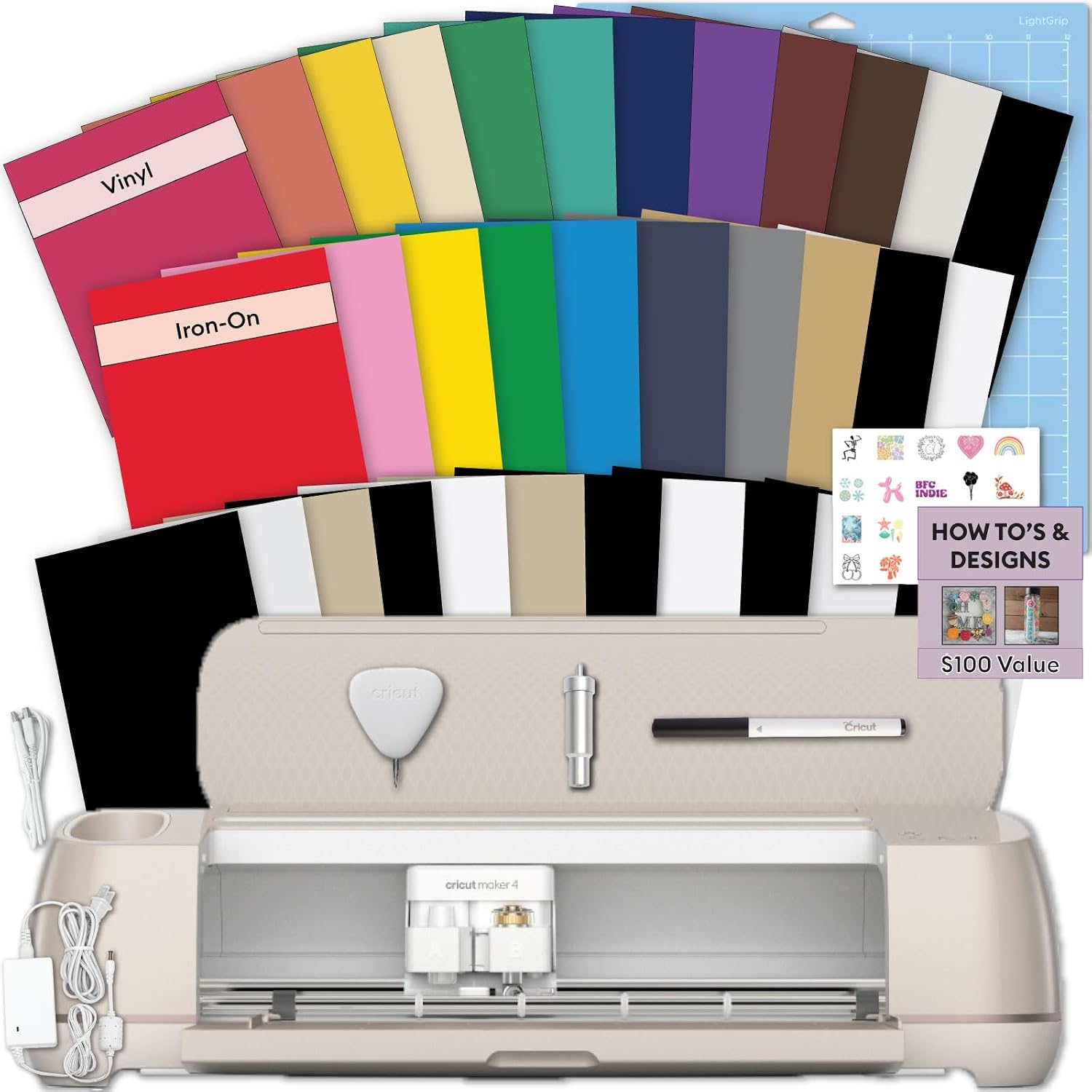
Best Overall: Cricut Explore® 5 + Deluxe Bundle + Digital Content, Taupe
The Explore is the machine I point most beginners to, and the Explore 5 is the current version of that advice. It is the middle of the lineup, and the middle is where the value sits. You get a full-width cutter that handles vinyl, HTV, cardstock, and paper, which means you are not buying a second machine the first time someone asks you for a shirt or a banner.
The Deluxe Bundle part is the reason to look at this listing rather than a bare machine. Bundles are where the brand hides its only real discount. Bought separately, the accessories in a kit cost more than the kit does, and the digital content allowance matters if you do not already own a folder full of cut files. If you have been cutting for years and have your own library, that digital piece is worth less to you, but the physical accessories still are not free.
Here is the trap I want you to see clearly. A bundle is priced to make the total look small, and it usually contains two or three things you will never touch. That is fine. Do the math on the parts you will use, and if the total still beats buying those parts alone, the bundle wins. For most people cutting a mix of vinyl and HTV, it does.
What I like about the Explore line generally is that it is the boring, correct answer. The tools are limited compared to the top of the range, but the blade family is the common one. That matters later, when you are buying refills and finding that the cheap ten packs are everywhere.
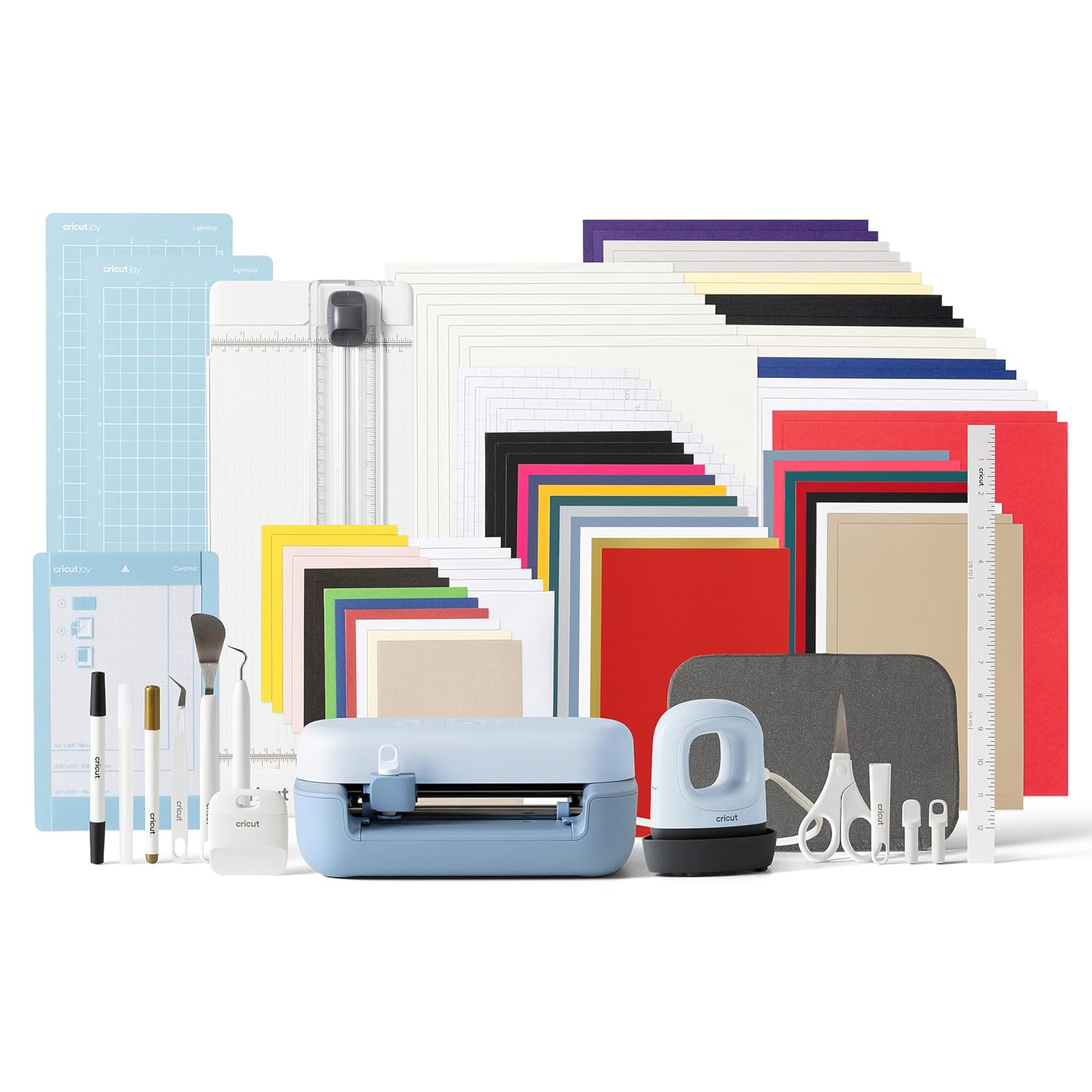
Best for Small Spaces: Cricut Joy™ 2 + Ultimate Bundle, Blue
The Joy 2 is for a different crafter entirely. It is the small machine, the one that lives on a shelf and comes out for labels, decals, cards, and quick personalized gifts. If your craft space is a kitchen table you have to clear for dinner, this is the machine that does not make you resent your own hobby.
The Ultimate Bundle version is the right call for a beginner specifically because the Joy takes its own blade and mat family. That is the catch nobody mentions in the reviews. Joy consumables are narrower and they are not interchangeable with the Explore and Maker tools, so a first-time buyer who orders a bare machine often ends up ordering the wrong refill pack a month later. A bundle that includes the basics solves that before it becomes a return.
Where the Joy loses is volume and width. If you are cutting large vinyl for a wall, or you are making shirts in any real quantity, the narrow cutting width will frustrate you fast. I have watched students try to tile a design across a small machine to save money, and they always come back to the wide one. Buy small only if small matches what you actually make.
That said, for a hobbyist cutting fifty stickers a year, the Joy 2 plus a refill pack is the cheapest honest path into this. You do not need the top of the range to make a nice label.
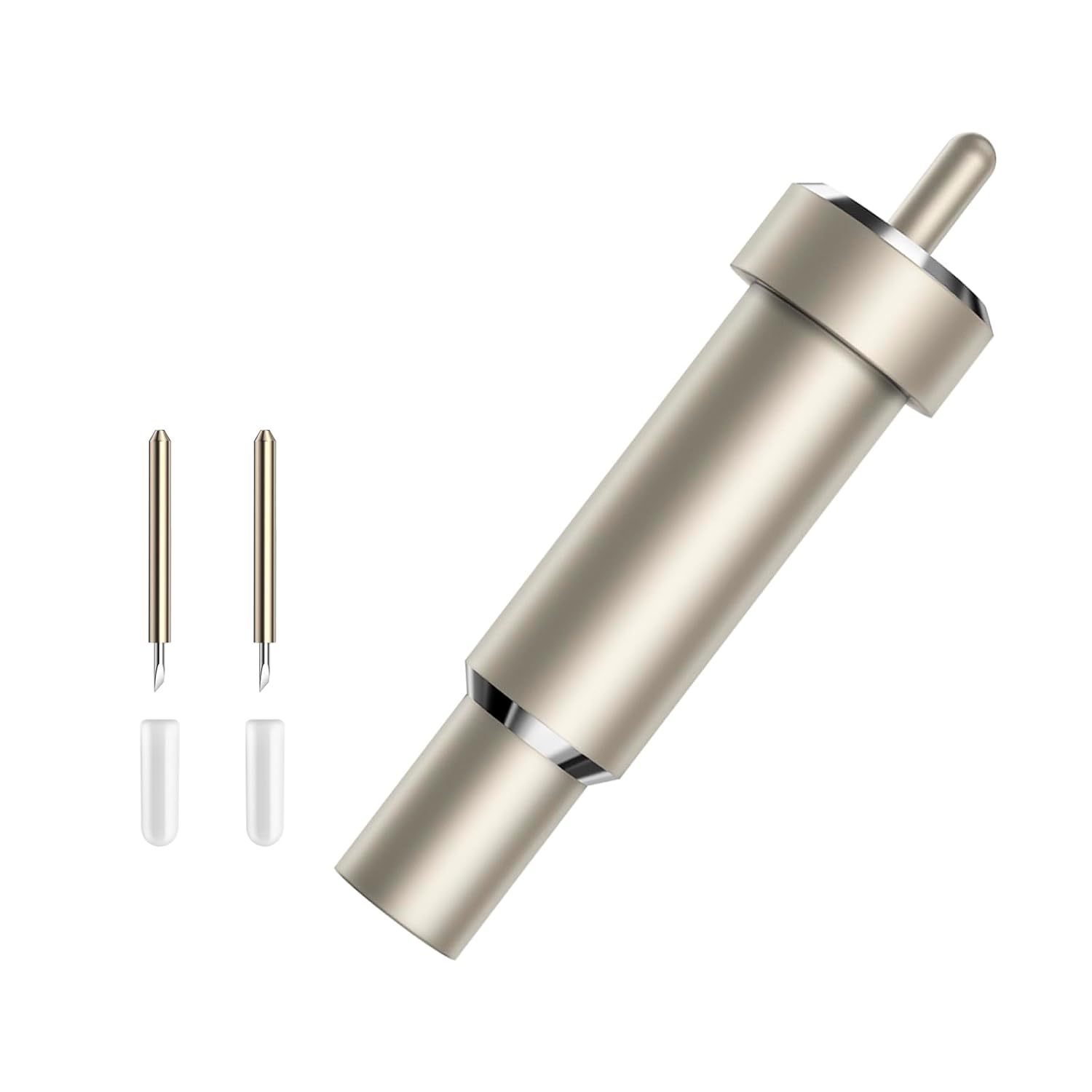
Best Value Blade Refill: 10-Pack Fine Point Blades for Cricut Maker & Explore
The fine point blade is the workhorse of the whole hobby. It cuts vinyl, paper, cardstock, and most of the HTV you will ever touch. It is also the blade that dulls while you are blaming your pressure settings.
A ten pack exists because blades are consumables, not features. The packaging on a single blade never admits how quickly it goes. In my own shop, a fine point blade that starts clean and tears vinyl instead of slicing it is the single most common cause of a ruined cut, and swapping it fixes more complaints than any settings change I have ever recommended.
Read the compatibility line carefully, because this is where people waste money. This pack fits the Maker and Explore families. It does not fit the Joy. If you own a Joy, buying this is a donation to your junk drawer.
Buying blades in a multipack is also the cheapest form of patience. You stop hoarding a dying blade because you are afraid of running out, and you swap when the cut tells you to. That habit alone will improve your output more than any upgrade.
Best Blade Pick for the Joy: 10 Pcs 45°Cutter Blades Compatible with Cricut Joy/Xtra, Paper Cutter Blade
This is the Joy and Xtra owner's refill, and it is the one people discover too late. The blade angle does the work here: a sharper, steeper angle is built for paper and lighter sheet goods, which is exactly the material a small machine gets fed most of the time. Cards, labels, papercraft, and delicate detail cuts live in this zone.
If you are cutting paper, this is the blade that gets you clean corners instead of torn ones. If you are cutting vinyl, you want the standard fine point instead. Matching blade to material is the whole game, and it is the part of the hobby that separates a person who enjoys their machine from a person who fights it.
Same warning as above, in reverse: this is a Joy and Xtra family refill. It is not the Explore blade. Ten of them for the price of a couple of branded singles is the correct ratio for a consumable.
What I check before I buy anything
Blade life first. Every machine in this lineup is a holder for a blade, and the blade is what determines whether your cut is clean. A cheap blade that dies in a week costs more than a multipack that lasts a year.
Mat stickiness second. Mats are consumables and they are a money pit. I buy third-party mats and I have not noticed a meaningful difference. A mat that loses its grip after a handful of cuts is not a machine fault, it is a supply cost, and you should budget it like thread or glue.
Subscription math third, and this is the one I get loud about. Design Space is the real product. The machine is sold once, the software wants a monthly relationship, and the pop-ups mid-project are a design choice, not an accident. If you are a hobbyist cutting fifty stickers a year, you can stay on the free tier and never think about it again. If you sell, the subscription is a line item, so treat it like rent and price your work accordingly.
Compatibility fourth. The single most expensive mistake in this hobby is buying the wrong refill family. Joy blades are not Explore blades. Explore blades are not Joy blades. Read the line that says what it fits, and trust it over the photo.
The machine and blade reference table
This is the table I keep for students. Every row is one of the four items above, matched to the job it actually does. Nothing here is a current price, so check the listing before you commit.
| Product | Fits | Role | Notes |
|---|---|---|---|
 Visit on Amazon → Visit on Amazon →Cricut Explore® 5 + Deluxe Bundle + Digital Content, Taupe |
Explore family tools | Full-width cutting machine | Bundle covers accessories and digital designs |
 Visit on Amazon → Visit on Amazon →Cricut Joy™ 2 + Ultimate Bundle, Blue |
Joy family tools | Compact cutting machine | Best for small spaces and small batches |
 Visit on Amazon → Visit on Amazon →10-Pack Fine Point Blades for Cricut Maker & Explore |
Maker and Explore | Vinyl, HTV, paper, cardstock | Does not fit the Joy |
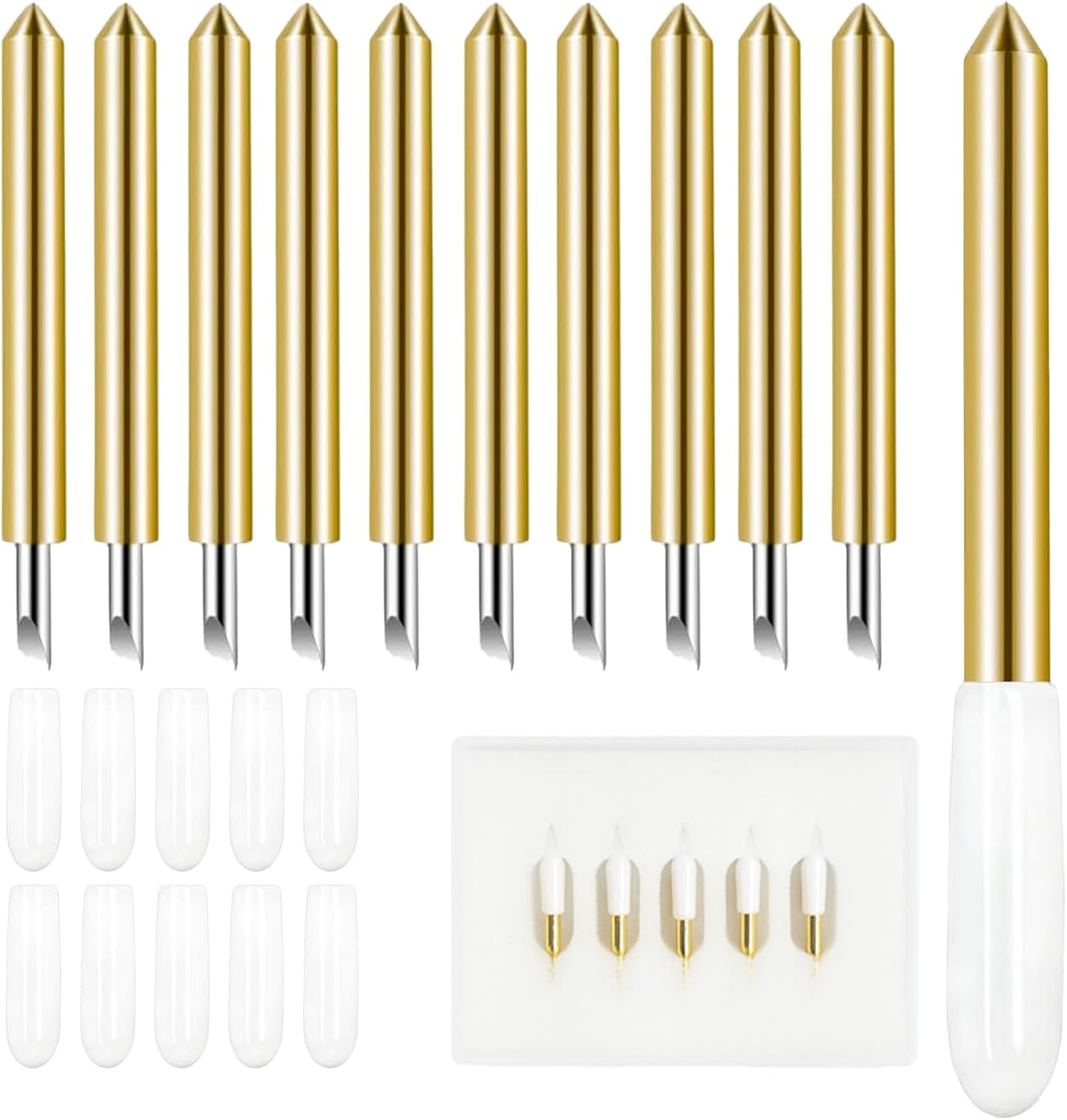 Visit on Amazon → Visit on Amazon →10 Pcs 45°Cutter Blades Compatible with Cricut Joy/Xtra, Paper Cutter Blade |
Joy and Xtra | Paper and light sheet goods | Clean corners on cards and labels |
The pattern in that table is the whole guide. Two machines, two blade families, and no overlap between them. Pick the machine by the width of what you cut, then buy the refill that matches it. If you get those two decisions right, you will spend far less than the person who bought the machine first and asked questions later.
Analysis: cost per cut, not cost per machine
The machine is the smallest number in this hobby over a five-year window. Blades, mats, vinyl, and the subscription are the recurring cost, and they dwarf the hardware. That is why I push multipacks and third-party mats and a hard look at the paid software tier.
A person who buys the cheap machine and never opens the subscription tier beats a person with the expensive machine and a monthly bill, every single time, for hobby volume. The reverse is true if you sell. Sellers should buy the wide machine and treat every consumable as a cost of goods, because their volume justifies it and their time is worth more than the savings.
The Joy 2 with its Ultimate Bundle is the right answer for the first group. The Explore 5 with its Deluxe Bundle is the right answer for the second. Neither is a mistake. Buying the wrong one for your volume is.
Should you buy the Cricut Explore 5 bundle?
Yes, for anyone who cuts more than stickers. It is the full-width machine, it takes the blade family that every cheap refill pack is built for, and the Deluxe Bundle plus digital content means you are not shopping for accessories the week it arrives. If you sell anything, even casually, this is the one I would put on the table.
Should you buy the Cricut Joy 2 bundle?
Yes, if your workspace is small and your projects are small. The Ultimate Bundle removes the wrong-refill problem that catches first-time Joy owners, and for labels, cards, and decals it is more machine than most hobbyists will ever outgrow. If you want to cut shirts at volume, skip it and buy the Explore instead.
Should you buy the blade multipacks?
Yes, and buy them before you need them. Both refills exist because the single blades are priced for people who have not done the math yet. Just match the pack to the machine: fine point blades for the Maker and Explore, the 45 degree cutter blades for the Joy and Xtra. Wrong family, wasted money.
Blades dull. Most of what you will blame on your machine is a blade. Fix that first, and the rest of this hobby gets a lot cheaper.