I have cut through more than 200 rolls of vinyl in six years of running an Etsy sticker shop, and the biggest lesson has nothing to do with machines. The machine gets bought once. The blades, mats, housings and trays get bought forever. That is why ranking Cricut Maker accessory upgrades is really an exercise in cost per cut: how many projects a part survives, and whether it saves more time than it costs in dollars.
Related: Blade Life, Pressure Settings, and Why Your Cuts Tear
The short answer: a third-party fine point blade is the first thing I would buy, because a dull blade sits behind most "my machine broke" complaints. The scoring wheel is the one Cricut-brand accessory I think earns its price if you fold cardstock. The vinyl pack is a volume decision, and the extension tray is quiet quality of life.
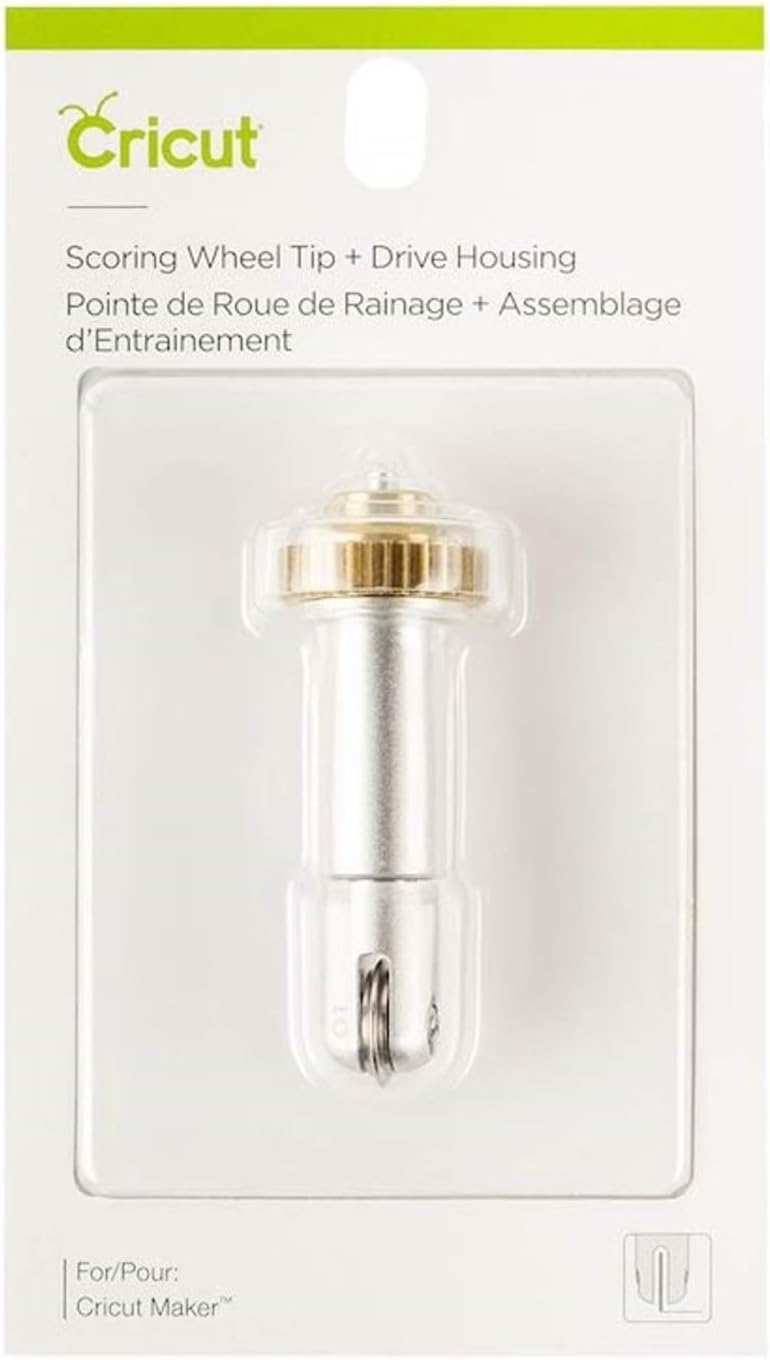
Cricut Scoring Wheel Tip + QuickSwap Drive Housing for Cricut Maker
Crisp fold lines on cardstock, boxes and tags without a bone folder, and the QuickSwap housing means you are not unscrewing anything mid-project
Only fits Maker-class machines, and it is priced like a branded accessory rather than a tool
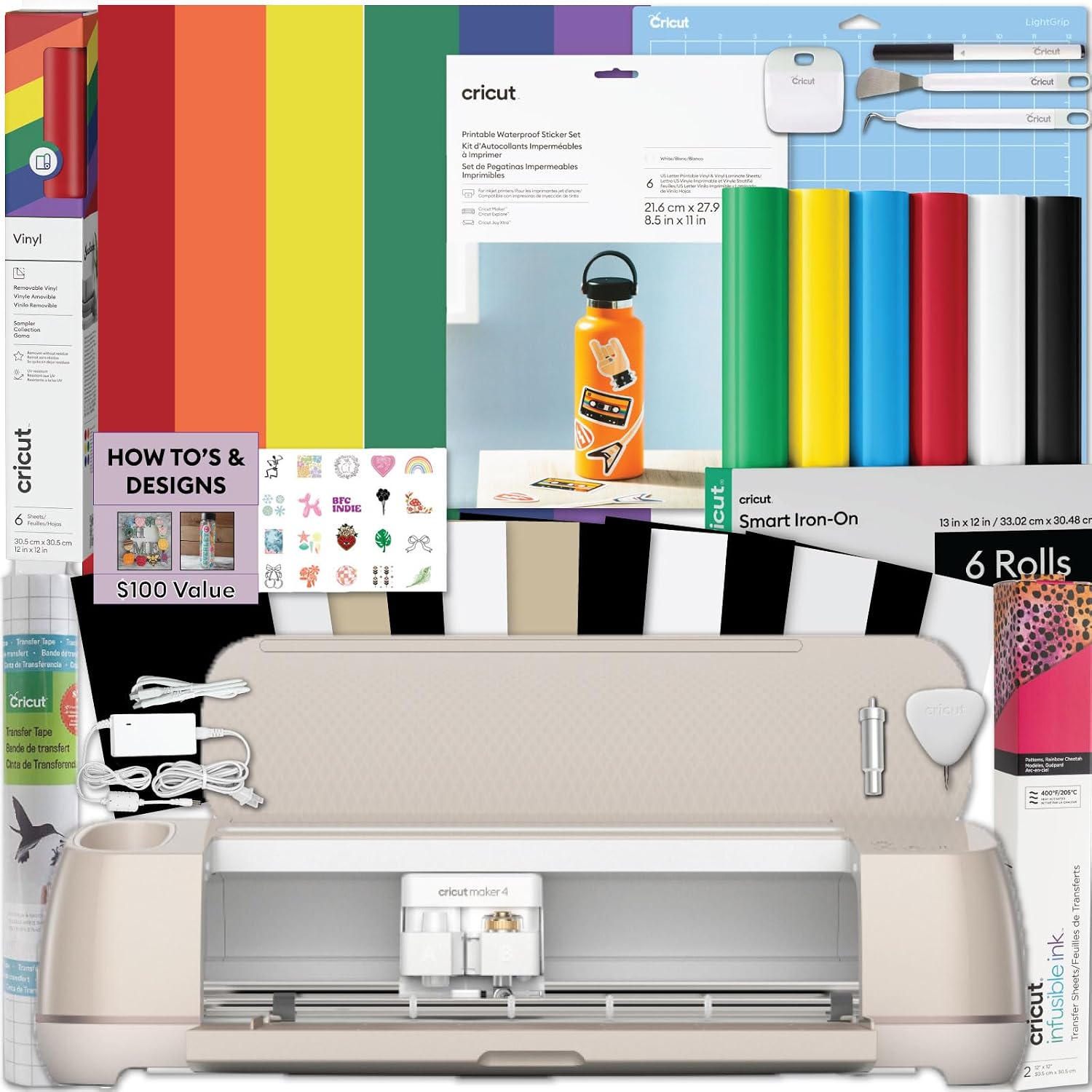
Lya Vinyl 65 Pack Permanent Vinyl, Self Adhesive Vinyl Sheets for Cutting Machine, Permanent Outdoor Sheets for Party Decoration, Sticker, DIY Mug, Car Decal
65 sheets stops you rationing material, and permanent adhesive holds on mugs, tumblers and car decals
It is permanent vinyl, not HTV, and the color mix is whatever the pack decides
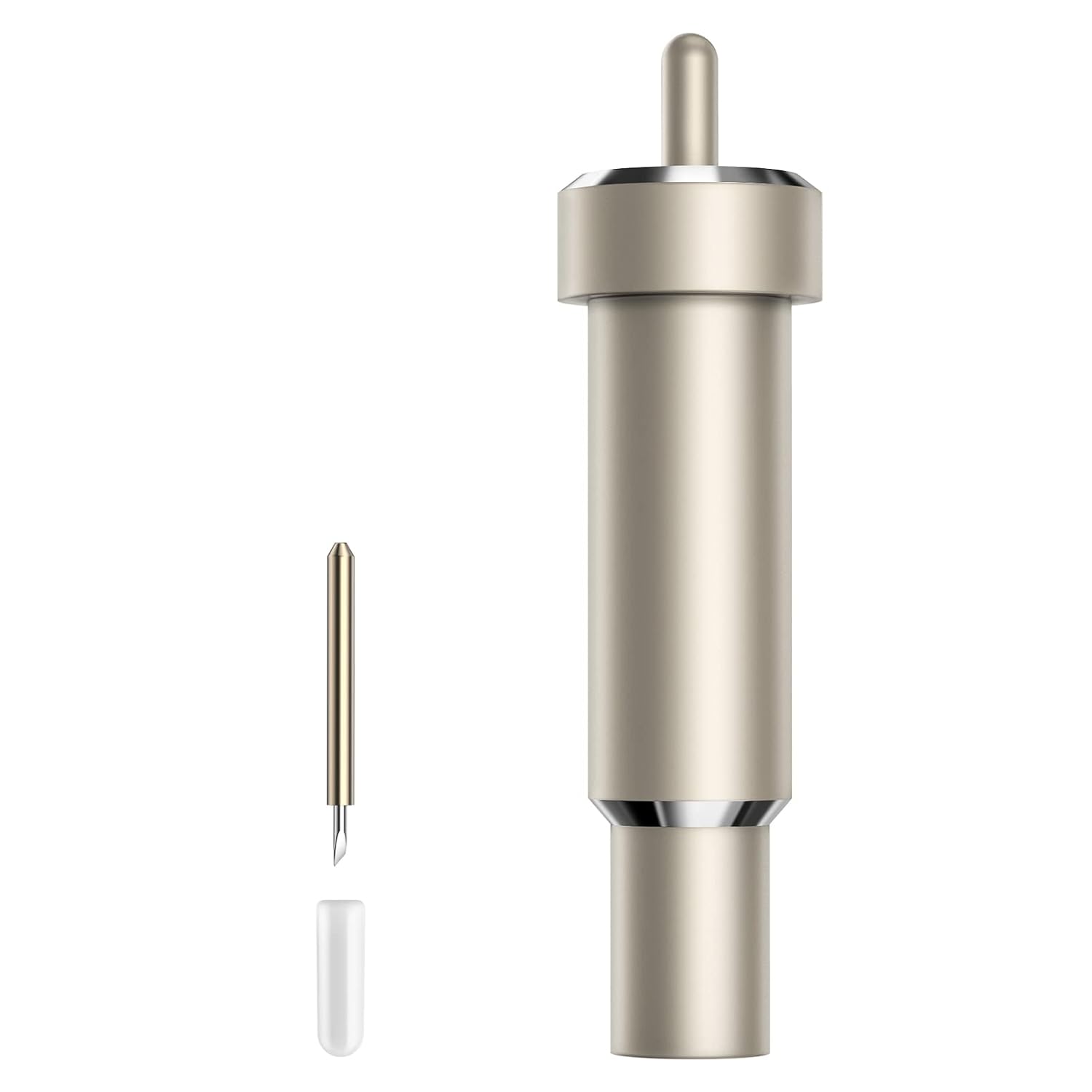
Premium Fine Point Blade Compatible with Maker 4/3/Maker/Explore 4/3/Venture/Explore Air 2/Air/One, Aosry Fine Point Blade Plus Housing for Cutting Glitter Vinyl/Cardstock, Faux Leather, Vellum Etc
Blade and housing together fix the two most common causes of ragged cuts, and the fit covers nearly the whole modern lineup
Not Cricut-brand, so it will not match your other accessories, and it is a fine point blade only
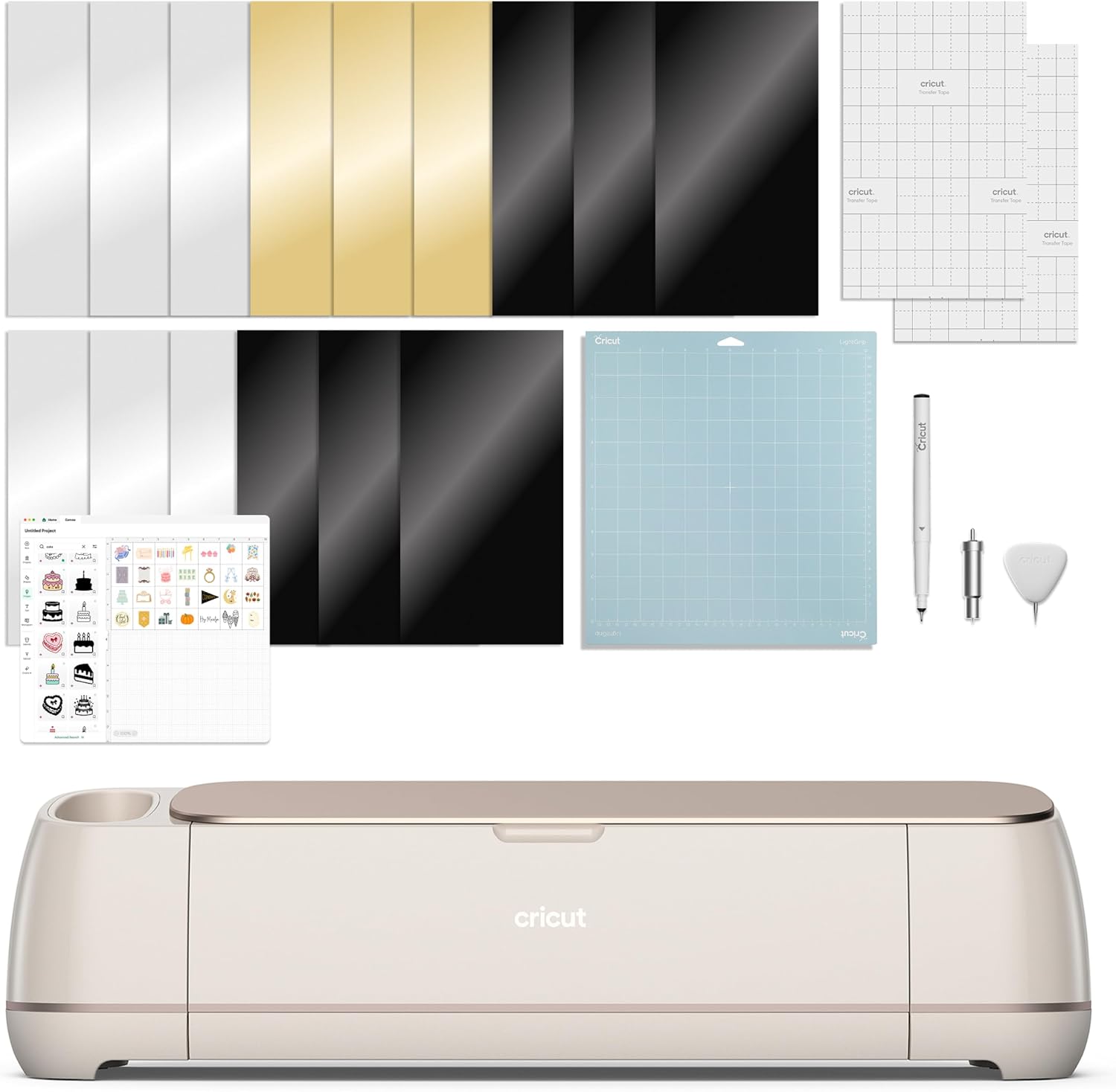
Extension Tray for Cricut Maker4/Maker3/Maker, White
Keeps long vinyl and cardstock from diving off the back of the machine, which saves a ruined cut
Single-purpose, and it only fits Maker-class machines
Prices and availability were captured from Amazon Creators API and may change.
What cost per cut actually means
Cost per cut is the number that decides whether an accessory is a tool or a toy. A blade that costs about the price of a sandwich and cuts 300 sticker sheets has a cost per cut measured in pennies. A blade bundled free with a machine that dulls after 40 sheets of glitter cardstock looks cheap and is not. I keep a notebook of blade types and pressure settings because the pattern is so obvious after a while: most people who tell me their Cricut is "not cutting right anymore" are describing a dull blade, a sticky mat, or both. The machine rarely fails. Consumables fail.
So the four items here are ranked by what they fix. Two fix cut quality, one fixes material volume, one fixes material handling. None of them are required. All of them are cheaper than the mistake they prevent, which is usually a ruined sheet of expensive material or an hour of re-cutting because the corners lifted.
One thing they do not do is change what Design Space will let you do. The subscription math is a separate conversation and it stays separate. Accessories make the cuts you already make better. They do not unlock anything.
Blades and housings: where most machine problems live
If I could only recommend one purchase on this page, it would be the Aosry Premium Fine Point Blade plus housing. Not because it is magic, but because it addresses the least glamorous and most common failure in cutting: a blade that has gone dull while the machine still says everything is fine.
Here is the thing nobody tells beginners. The blade and the housing are two different wear items. The blade dulls, obviously. The housing, the plastic collar that holds the blade and rides in the carriage, also wears, and a housing with a wobble will cut a slightly wobbly line no matter how new the blade inside it is. Buying them as a set is the sensible move, because if you are already annoyed enough to replace one, the other is usually not far behind.
This particular blade is listed as compatible with Maker 4, Maker 3, Maker, Explore 4, Explore 3, Venture, Explore Air 2, Air and One. That covers basically every machine a hobbyist or small seller is likely to own, which matters if you have an older Explore sitting next to a newer Maker on the same desk. It is advertised for glitter vinyl, cardstock, faux leather and vellum, and those are exactly the materials that punish a dull edge first. Glitter vinyl in particular is abrasive, and it eats blades faster than any smooth vinyl ever will.
The honest downside is the branding. It is not a Cricut blade, and if you keep a tidy drawer of matching accessories, that will bother you. It also will not come with a material preset in Design Space. You will set your own pressure like the rest of us, which is a habit worth building anyway.
The scoring wheel: the one branded accessory I do not argue about
The Cricut Scoring Wheel Tip with QuickSwap Drive Housing is the item on this list I get the least pushback about, and there is a reason. It does something a blade genuinely cannot do well: fold a clean line.
A fine point blade scores by cutting a shallow line, and on cardstock that line is inconsistent. Sometimes it cuts through, sometimes it barely marks, and the fold cracks either way. The scoring wheel presses a rounded ridge into the material instead, which gives you a hinge that folds where you told it to fold. If you make boxes, tags, gift card holders, pop-up cards or anything that has to crease, this is the difference between a project that looks handmade and one that looks homemade.
The QuickSwap housing is the part people underestimate. You swap the whole housing rather than unscrewing a blade, so moving between cutting and scoring mid-project takes seconds instead of a hunt for the little wrench. In a class setting, where I have eight people sharing two machines, that matters more than any spec.
What you give up: it only fits Maker-class machines, so an Explore owner cannot use it at all. And yes, it is priced like a Cricut accessory. I have rolled my eyes at plenty of those. This is one where I stop rolling, because the alternative is a bone folder and a steady hand, and my hand is not that steady.
Vinyl in bulk: the volume play
The Lya Vinyl 65 Pack of permanent self-adhesive sheets is not a precision tool. It is a decision about how you want to work. A 65 sheet pack means you stop treating every offcut as precious, and that changes your behavior more than it changes your machine.
Permanent vinyl is the right choice for anything that has to survive a dishwasher, a weather cycle or a car door. The listing calls out party decoration, stickers, DIY mugs and car decals, and those are honest uses for it. It is not heat transfer vinyl, so it does not belong anywhere near a t-shirt, and anyone who has accidentally ironed permanent vinyl onto fabric learns that lesson exactly once.
Two habits make a pack like this last. First, cut a small test shape before committing a full sheet, because a new vinyl brand and a new blade need one calibration pass. Second, keep your mat clean, since a mat that has lost its tack is the number one reason thin vinyl shifts and tears during weeding. Weeding is where cheap vinyl exposes itself, and a pack this size gives you room to find out which sheets in the stack behave.
The extension tray: boring, and it stays on the machine
The Extension Tray for Maker 4, Maker 3 and Maker is the least exciting item here, and it is the one I forget I own until I cut without it. Long sheets of vinyl and cardstock have a habit of sagging off the back of the machine, and a sagging sheet is a sheet that catches, drags, or feeds at an angle. The tray supports the material on the way through so gravity stops being a variable.
It is white, it clips on, and it only fits Maker-class machines. If you cut mostly small shapes from mat-sized sheets, you will never miss it. If you cut long decals, banners or strips of HTV that hang off the back edge, you will notice the difference in the first ten minutes. There is no clever angle here. It is a shelf. Sometimes a shelf is the fix.
The trade-offs of buying outside the brand
Every third-party purchase on this page trades something. The blade and the vinyl are not Cricut products, which means no bundled material presets and no tidy brand ecosystem. Warranty coverage is also worth a thought: if a third-party blade or housing causes a problem, you are not going to get anywhere with Cricut support about it. That is a real cost, and I will not pretend otherwise.
What you usually gain is price and availability. Blades, mats and vinyl are consumables, and consumables are where the money actually leaves your account. I buy third-party for anything I will throw away, and branded for the parts that touch the machine's mechanism, which is why the scoring wheel and its drive housing are the branded pick here.
There is also a compatibility trap worth naming. Two blades can both say they fit a Maker and still feel different in the carriage, and a housing that clicks in slightly differently can change your cut depth. When a new part arrives, run a test cut on scrap before you put it near a paid order.
Which one should you buy first
For a hobbyist cutting a few dozen projects a year, buy the blade first. It is the cheapest fix for the most common complaint, and it will make your existing materials behave better immediately. Add the tray if you cut long sheets, and skip the scoring wheel unless folding is part of what you make.
For a seller, the order changes. Blades and vinyl are restocking items, not upgrades, so they belong in your regular supply budget. The scoring wheel earns its place if folded packaging is part of your product line, because hand-scoring every box does not scale. The tray earns its place if any of your standard designs run longer than a mat.
And if you are still deciding whether you need a machine with all these accessory slots in the first place, be honest about volume. Fifty stickers a year does not need a Maker. It needs the cheapest cutter you can find and a blade you replace when it dulls.
What I am watching next
My standing prediction has not changed much: the hardware will keep improving in small steps while the software gate gets pushed harder, and third-party consumables will keep getting better until someone tries to lock them out. The resale market for used Makers will stay strong, which is the quiet value play for anyone who wants the tool without the new-tool price.
If any of that shifts this year, the scoring wheel and the blade will still be on my desk. They solve problems that do not go away with a firmware update.